 By Juraj · Last updated August 15, 2026
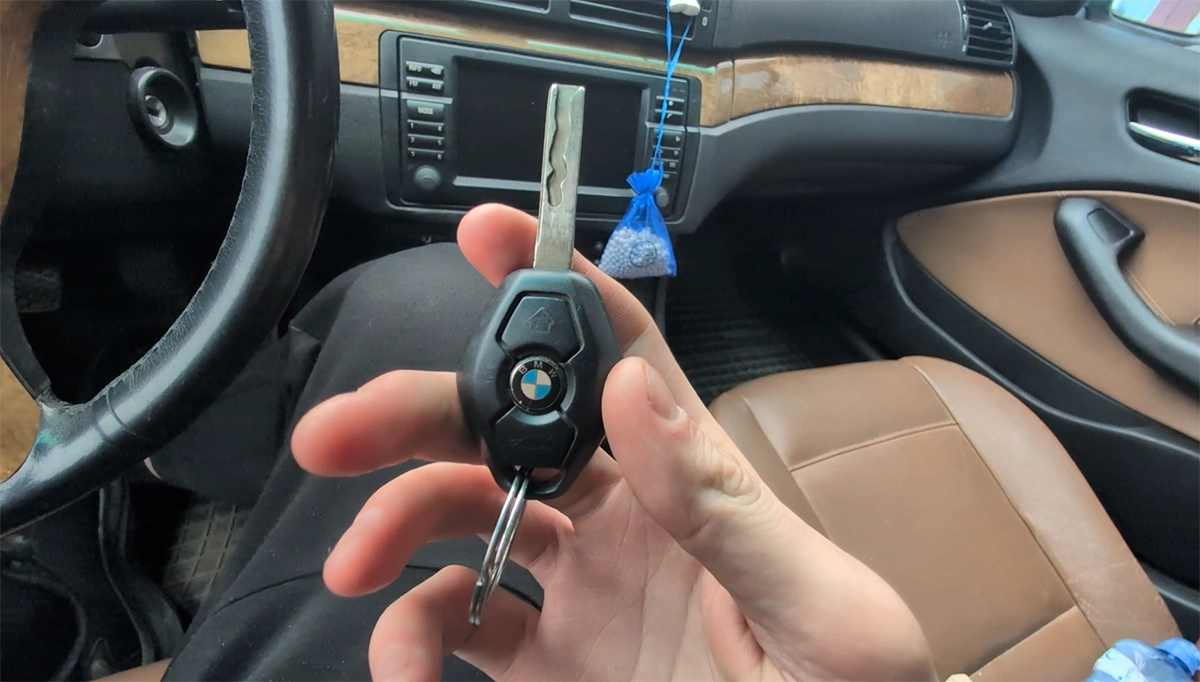
This guide shows how to program (synchronize) a remote key for BMW E46 using the manual EWS remote learning procedure - without diagnostic tools.
I earn from qualifying purchases and sometimes get tools for free (full disclosure). It never affects my scoring.
What you need
No tools needed, just new compatible blank key. In video below, I have used these exact keys - I will link same stores I bought them from.
Classic new key: Check on Aliexpress
Upgraded new key: Check on Aliexpress
Video: How to program remote on BMW E46 key
This video shows how to synchronize both original BMW diamond key and aftermarket upgrade key (AliExpress type) on BMW E46.
Supported vehicles
| Vehicle |
|---|
| 3-series-e46 |
Technical overview
| Vehicle | BMW E46 |
|---|---|
| Year | 2005 |
| System | EWS / ZKE (Central locking module) |
| Procedure type | Remote programming (key sync) |
| Difficulty | Easy |
| Time required | ~1–2 minutes |
| Prerequisites | All doors closed, working central locking, good key battery |
Step-by-step procedure
Close all doors, trunk and hood
Insert key into ignition
Turn the key to position 1
Turn key to position 1 (KL R) briefly (max 5 seconds)
Turn key OFF and remove it
Important: Now you have ~30 seconds to complete the next steps
Press and hold UNLOCK button
Press LOCK 3 times while holding UNLOCK
While holding UNLOCK, press LOCK button 3 times
Release UNLOCK
➡️ If successful:
- Doors will lock and unlock automatically (confirmation)
Programming multiple keys
- Repeat steps 5–7 for each additional key
- Do NOT insert key into ignition again between keys
- Maximum: ~4 keys
Finish
- Insert key into ignition and turn to ACC (optional finalization)
Additional information & compatibility notes
- This procedure ONLY programs remote locking/unlocking
- It does NOT program immobilizer (EWS chip)
- Engine start requires correctly programmed transponder (EEPROM / EWS pairing)
Common issues:
| Problem | Cause |
|---|---|
| No response | Dead key battery |
| No lock/unlock confirmation | Wrong timing |
| Only one key works | Others were not re-synced in same session |
| Remote works but car won’t start | Missing EWS chip programming |
Alternative tools
Legal & safety notice
More procedures like this
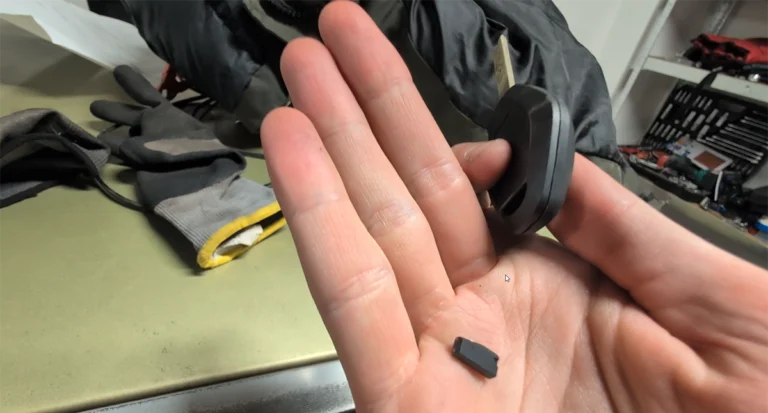
How to Add a Key / Perform AKL on BMW E46
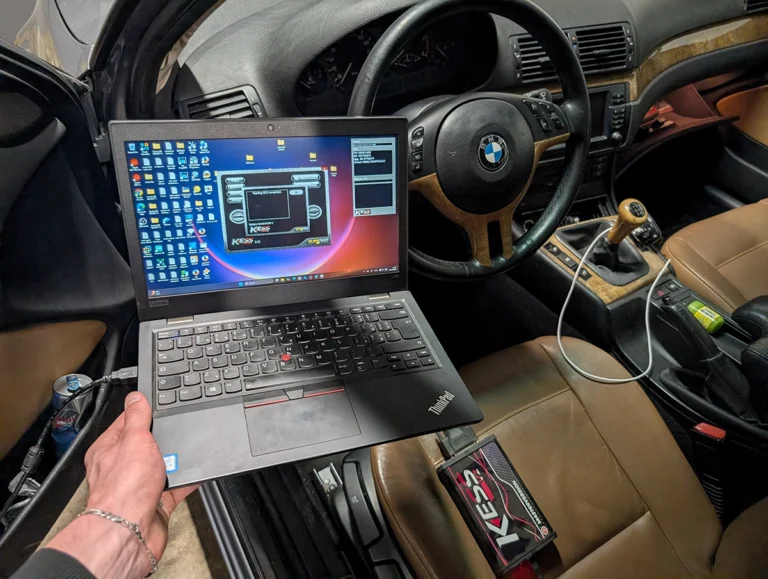
BMW E46 318d (2005, 85kW) DTC Delete: Removing P0401 EGR and Lambda Code 4298 From the ECU Firmware
How to update software BMW MK4 navigation + add custom splash image
BMW 3-series E46 (2005) – Oil Service Reset (With & Without OBD2 Scanner)
How to check diesel fuel injectors on BMW E46 using OBD2 scanner
How to Read the Immo Code (Car Pass) from an Opel / Vauxhall Immo 2
Most popular OBD2 guides







I'm Juraj Lukacko and I work as an auto electrician. On this site I share what I learn from real work on real cars, to help you pick the right tools for diagnostics, programming and tuning and get the job done.
More about me →