 By Juraj · Last updated August 15, 2026
This guide shows how to permanently disable the seatbelt warning chime on a Mercedes-Benz C-Class W204 (2007–2014) using OBDeleven. The procedure deactivates both the front and rear seatbelt warning logic via the SRS / instrument cluster modules, so the car stops nagging when belts are unbuckled. No fault codes, no warning lights, fully reversible.
I earn from qualifying purchases and sometimes get tools for free (full disclosure). It never affects my scoring.
Used tool in this guide
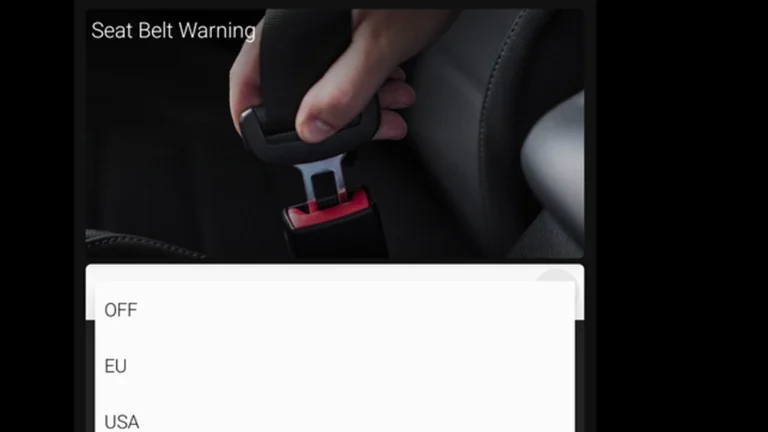
Video: How to disable seatbelt chime on Mercedes C-Class W204
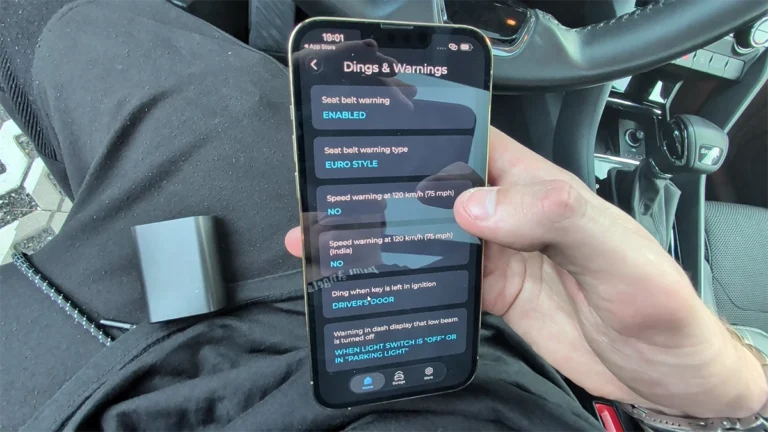
This video shows the full procedure on a 2008 Mercedes C-Class W204 — from connecting OBDeleven over Bluetooth, locating the correct One-Click Apps in the newly added Mercedes coverage, to applying both the rear seatbelt warning and seatbelt warning type apps to fully silence the chime.
Supported vehicles
| Vehicle |
|---|
| c-w204 |
Technical overview
| Vehicle | Mercedes-Benz C-Class W204 |
|---|---|
| Year | 2008 |
| System | Instrument cluster / SRS (seatbelt warning logic) |
| Procedure type | Comfort / behavior tweak |
| Difficulty | Easy |
| Time required | ~5 minutes |
| Prerequisites | OBDeleven device, OBDeleven app on phone, active Pro subscription (One-Click Apps require Pro credits), ignition ON, Bluetooth paired |
Step-by-step procedure
Connect the OBDeleven dongle
Plug the OBDeleven dongle into the OBD2 port (under the dashboard, driver's side on W204).
Turn the ignition ON
Turn the ignition ON (engine off is fine).
Connect the app
Open the OBDeleven app on your phone and connect to the dongle over Bluetooth.
Select the vehicle
Select Mercedes-Benz as the vehicle brand, then pick C-Class W204.
Open One-Click Apps
Navigate to the One-Click Apps section. Important: when Mercedes coverage was first added, the apps list can take a few seconds to populate — at first glance it may look empty. Wait a few seconds before assuming nothing is supported.
Run the Rear seatbelt warning app
Find and run the Rear seatbelt warning app. Set it to OFF and apply.
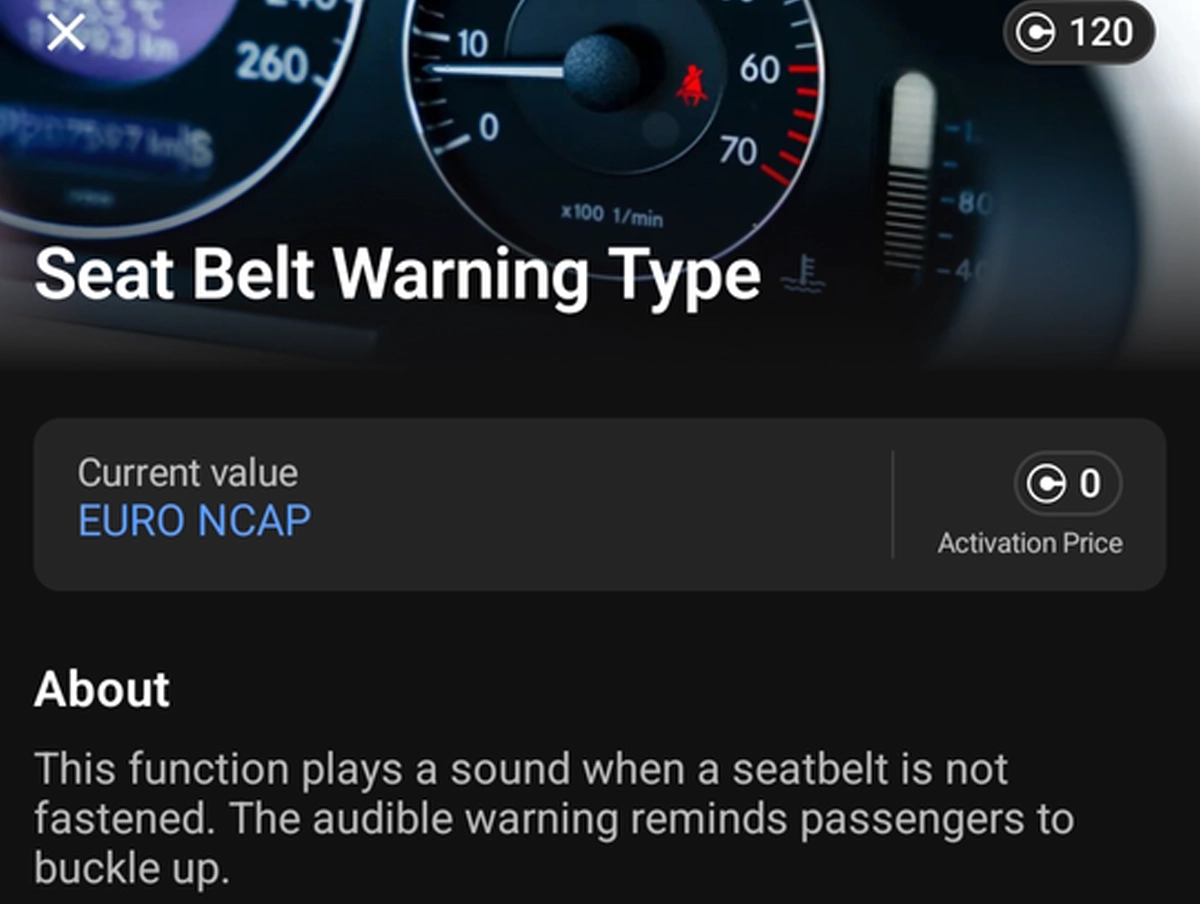
Run the Seatbelt warning type app
Find and run the Seatbelt warning type app. Set it to OFF and apply.
Cycle the ignition and test
Cycle the ignition off and on. Test by sitting in the driver seat without fastening the belt and starting the engine — no chime should sound.
You need both apps for full silence: one app alone leaves part of the warning logic active. Front-only deactivation typically still triggers when a passenger is detected; the rear-seatbelt app finishes the job on cars without rear seat occupancy sensors triggering.
Additional Information & Compatibility Notes Before using or purchasing any diagnostic tool for this procedure, always verify compatibility with your exact vehicle model, year and system configuration. Supported functions may vary depending on software version, hardware revision and regional limitations.
OBDeleven Mercedes coverage was added relatively recently and is expanding — older app versions may not show these One-Click Apps, so make sure the OBDeleven app is updated to the latest version. The W204 facelift (post-2011) uses a slightly different cluster firmware; both apps still apply but the menu labels can differ slightly.
This procedure is fully reversible — re-running the same apps and setting them back to ON restores factory behavior.
Alternative tools
Legal & safety notice
More procedures like this
How to deactivate the seatbelt warning chime on Skoda Octavia 4 (NX)
How to disable seatbelt warning in VW/Audi/Skoda/Seat
Renault Laguna II Phase 2: Turn Off the Seatbelt Warning Chime in the Instrument Cluster
How to Turn Off Seatbelt Warning Chime on BMW X5 E70 with OBDeleven
VW Passat B7 Disable Seatbelt Warning: Do It in Long Coding, Not Adaptation
Škoda Kodiaq 2023: How to Disable the Seatbelt Warning Chime
Most popular OBD2 guides







I'm Juraj Lukacko and I work as an auto electrician. On this site I share what I learn from real work on real cars, to help you pick the right tools for diagnostics, programming and tuning and get the job done.
More about me →