 By Juraj · Last updated August 15, 2026
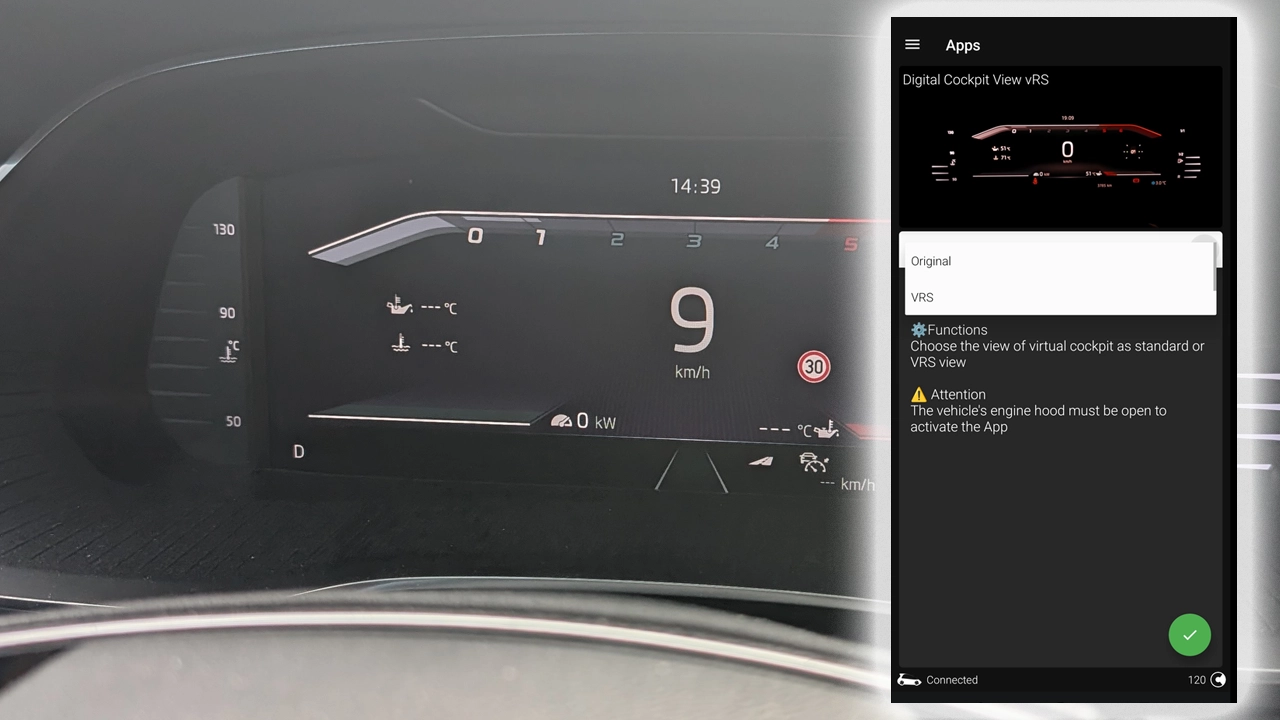
This guide shows how to unlock the VRS-style sport display layouts in the digital cockpit (Active Info Display) on a Skoda Octavia 4 (NX, 2020+) — including non-RS trims. From the factory, regular Octavias are limited to a couple of dial layouts; vRS models get extra "sport" views with central rev counter, off-road screen and additional layouts.
I earn from qualifying purchases and sometimes get tools for free (full disclosure). It never affects my scoring.
Used tool in this guide
Video: How to enable VRS sport view on Skoda Octavia 4 NX (works on non-RS too)
The video walks through doing this with OBDeleven's one-click app. The 6 manual steps below are what's happening underneath if you'd rather do it channel-by-channel in OBDeleven Pro or VCDS.
Supported vehicles
| Vehicle |
|---|
| octavia-mk4 |
Technical overview
| Vehicle | Skoda Octavia 4 |
|---|---|
| Year | 2020 |
| System | 17 – Instruments (digital cockpit / Virtual Cockpit) |
| Procedure type | Adaptation (single channel, multiple variants) |
| Difficulty | Easy |
| Time required | ~5 minutes |
| Prerequisites | OBDeleven Pro/Ultimate or VCDS, SFD unlock, ignition ON, hardware already fitted |
Step-by-step procedure
Connect OBDeleven or VCDS
Engine off, ignition off. Plug your OBDeleven dongle (or VCDS cable) into the OBD2 port under the dashboard on the driver's side.
Switch the ignition on
Switch the ignition on and open OBDeleven or VCDS.
Select control module 17 – Instruments
Open Adaptation – 10
Select View Activation
From the top dropdown, select the channel View Activation.
Activate the variants you want
In the Value field, switch each variant from not active to active. The interesting ones if you're after the vRS look:
- Variant 8 — central rev counter dial (the classic "vRS sport view")
- Variant 9 — additional cockpit layout with bigger map area
- Variant 10 — off-road view with terrain info
- Variants 1–16 — turn them all on and you get every available layout
Validate the adaptation. After it writes, you don't need to cycle the ignition — press the View button on the right steering wheel spoke and you should now see the new layouts in the rotation.
If you only want a couple of layouts in the rotation (so you don't have to scroll past 16 of them every time), just activate the variants you actually want.
Additional information & compatibility notes
A few things specific to this procedure:
- Works on non-RS Octavias — this is the main use case. The VRS sport display layouts are present in the cluster firmware on every NX with the digital cockpit; they're just hidden in the menu. Coding only flips a UI flag, no firmware flash, no risk to the cluster.
- Doesn't work on analog gauge clusters. If your Octavia has the basic two-dial analog instrument cluster instead of the full digital screen, there's nothing to unlock — the layouts simply don't exist in that hardware.
- SFD unlock may be required on newer model years. Earlier NX cars (2020–2021) typically let you write to module 17 without unlocking SFD. From around mid-2022 onwards SFD was rolled out across more modules — if you get a "Security Access Required" or write-fails error, do an SFD unlock first and try again.
- Reversible. If you don't like a layout, set the corresponding variant back to
not activeand it disappears from the rotation. No fault codes generated.
Alternative tools

Legal & safety notice
More procedures like this
How to display gearbox, oil and coolant temperatures in the Virtual Cockpit on Skoda Octavia 4 (NX)
How to deactivate the seatbelt warning chime on Skoda Octavia 4 (NX)
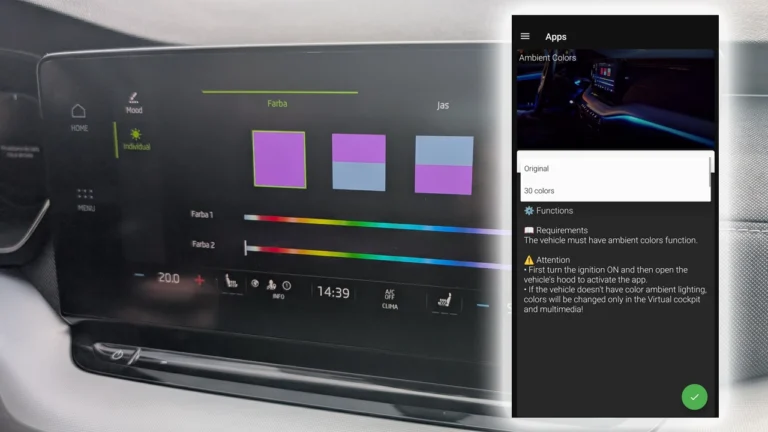
How to activate 30-color ambient lighting on Skoda Octavia 4 (NX)
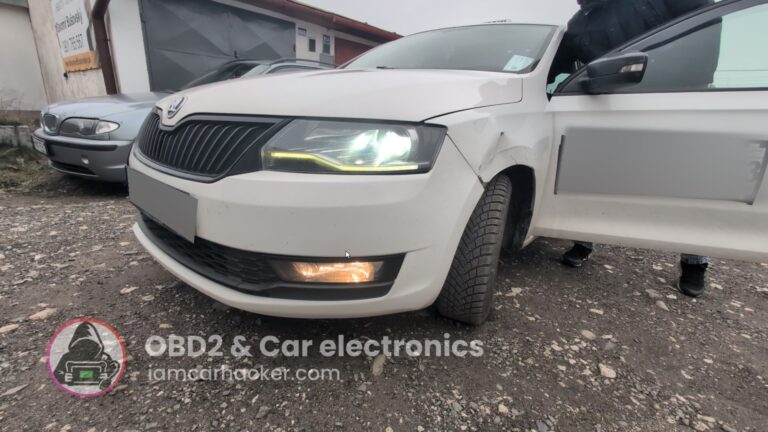
Activate Cornering Lights (Fog Lights) – Skoda Rapid 2019
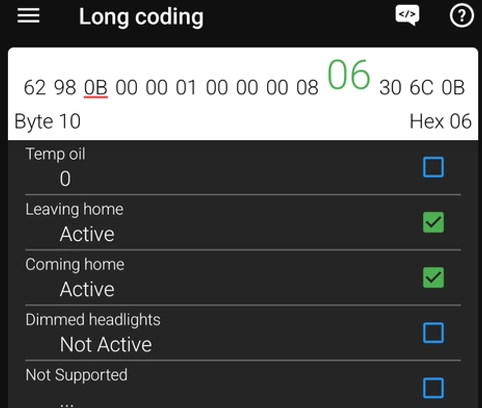
How to Enable Coming Home & Leaving Home Lights (VAG Coding Guide)
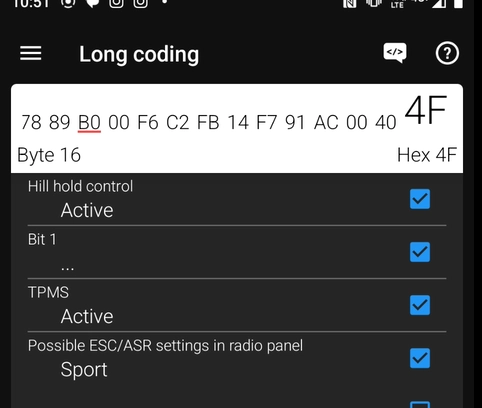
Activate Hill Start Assist – Skoda Rapid 2015
Most popular OBD2 guides






I'm Juraj Lukacko and I work as an auto electrician. On this site I share what I learn from real work on real cars, to help you pick the right tools for diagnostics, programming and tuning and get the job done.
More about me →
My oil change is 15K need to change to be 10K my car Skoda Octavia a8 2021 and I have obdeleven 3 pro
Isn’t there one-click app for this?