 By Juraj · Last updated August 15, 2026
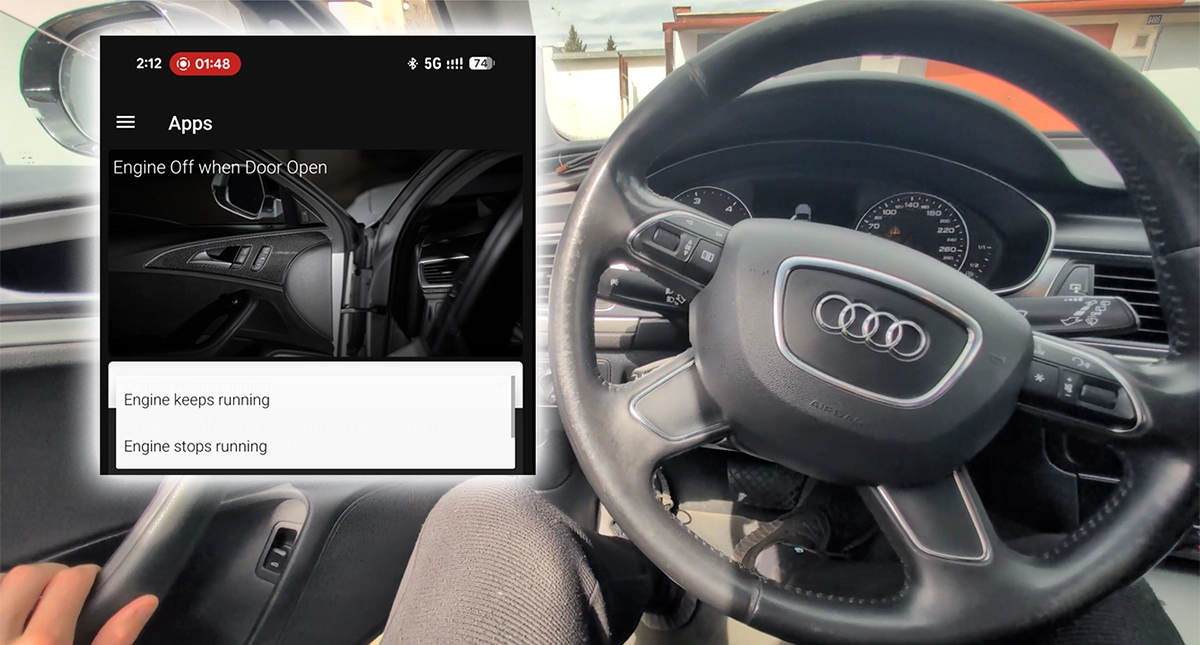
This guide shows how to change the engine auto-off behavior when the driver's door is opened on the Audi A6 C7 2013. By default, the engine stops when you open the door with the engine running — this procedure lets you keep it running, or restore the original behavior.
I earn from qualifying purchases and sometimes get tools for free (full disclosure). It never affects my scoring.
Used tool in this guide
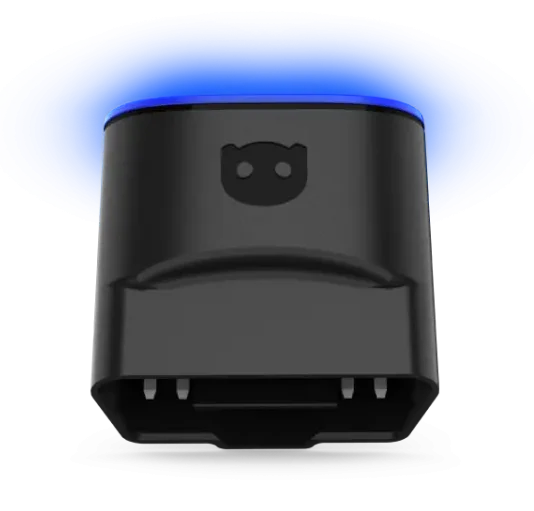
The procedure itself works with any VAG-compatible scanner that supports either one-click apps or long coding (VCDS, VCP, VAS-PC, and similar). Two methods are covered below.
Video: How to change engine off when door open on Audi A6 2013
This video shows how to
Supported vehicles
| Vehicle |
|---|
| a6-c7 |
Technical overview
| Vehicle | Audi A6 (C7 / 4G) |
|---|---|
| Year | 2013 |
| System | Central Convenience module (Address 46) |
| Procedure type | One-click app or long coding (hidden bit) |
| Difficulty | Easy |
| Time required | ~5 minutes |
| Prerequisites | Ignition ON, battery > 12.4 V, OBDeleven account, Bluetooth paired, Pro Credit (if required by the app version) |
Step-by-step procedure
Method 1: One-click app (OBDeleven or similar)
- Plug the adapter into the OBD2 port and switch ignition ON.
- Open the app and select the adapter from the Bluetooth device list.
- When prompted, confirm body type and year range (2011–2015).
- Wait for the app to finish loading the vehicle profile.
- Tap the hamburger menu (top-left) → Apps.
- Search for "Engine off when door open" and open it.
- Select Engine keeps running (to keep the engine on when the door opens) or Engine stops running (to restore default).
- Tap Save.
Method 2: Long coding (VCDS, VCP, VAS-PC, or equivalent)
- Connect the scanner to the OBD2 port with ignition OFF, then switch ignition ON and launch the software.
- Click Select → 46 - Central Conv.
- Click Coding - 07 → Long Coding Helper.
- Go to Byte 14.
- Locate Bit 3. This is a hidden bit — it does not appear as a labeled checkbox, so the binary value must be edited directly.
- Change Bit 3 from 0 to 1 (e.g.
00011111) to keep the engine running when the door opens, or back to 0 to restore the default. - Exit the Long Coding Helper and confirm the new coding to save.
- Close the module and test by opening the driver's door with the engine running.
Alternative tools

Legal & safety notice
More procedures like this
How to Enable Coming Home & Leaving Home Lights (VAG Coding Guide)
How to disable seatbelt warning in VW/Audi/Skoda/Seat
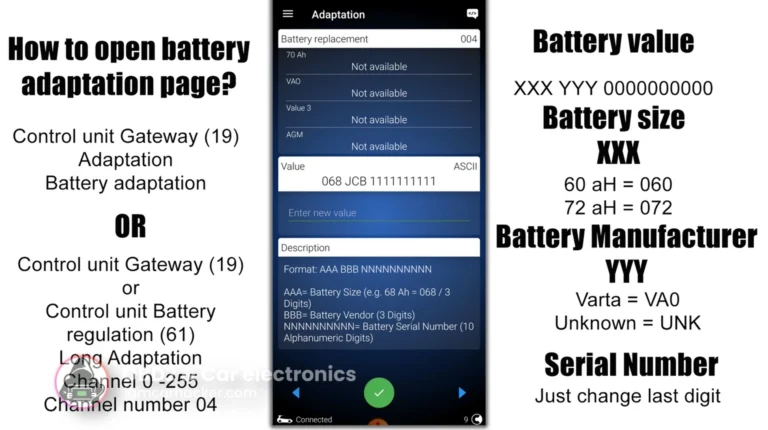
How to adapt a new battery in VW / Audi / Skoda / Seat (VAG battery coding guide)
How to activate US-style turn signals for VAG / Volkswagen / Skoda / Seat / Audi
How to disable seatbelt chime on Mercedes C-Class W204 2008
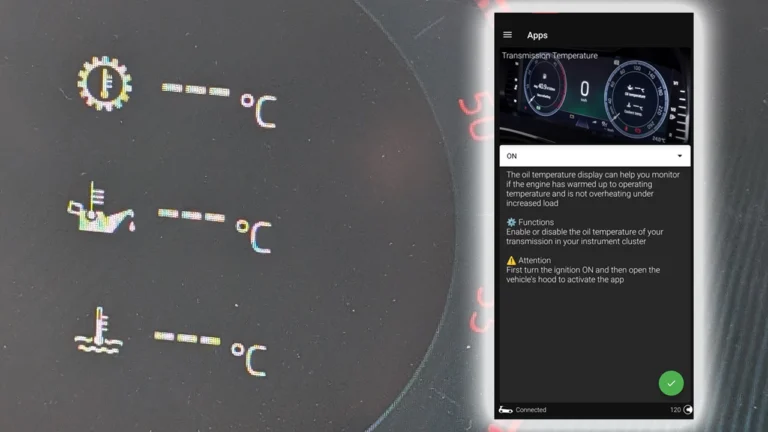
How to display gearbox, oil and coolant temperatures in the Virtual Cockpit on Skoda Octavia 4 (NX)
Most popular OBD2 guides






I'm Juraj Lukacko and I work as an auto electrician. On this site I share what I learn from real work on real cars, to help you pick the right tools for diagnostics, programming and tuning and get the job done.
More about me →