
Best OBD2 Scanners for ECU Coding: What I Reach For After 50+ Tools

Published: February 27, 2025 · Last updated: May 31, 2026
The 30-second answer
Coding is where cheap tools quietly lie to you. Here’s the short version. If you just want to flip hidden settings on a VAG or BMW from your phone, the Carista app is the cheapest way in. Want one tool that codes across most brands with free lifetime updates? Thinkscan 689BT. Need coding plus serious key work for a paid workshop? Autel IM608 PRO 2, but it’s overkill for home. Want offline full-system coding on a budget? Youcanic UCAN-II for a tablet feel, Thinkdiag2 if you’d rather stay on your phone.
Quick Picks for coding

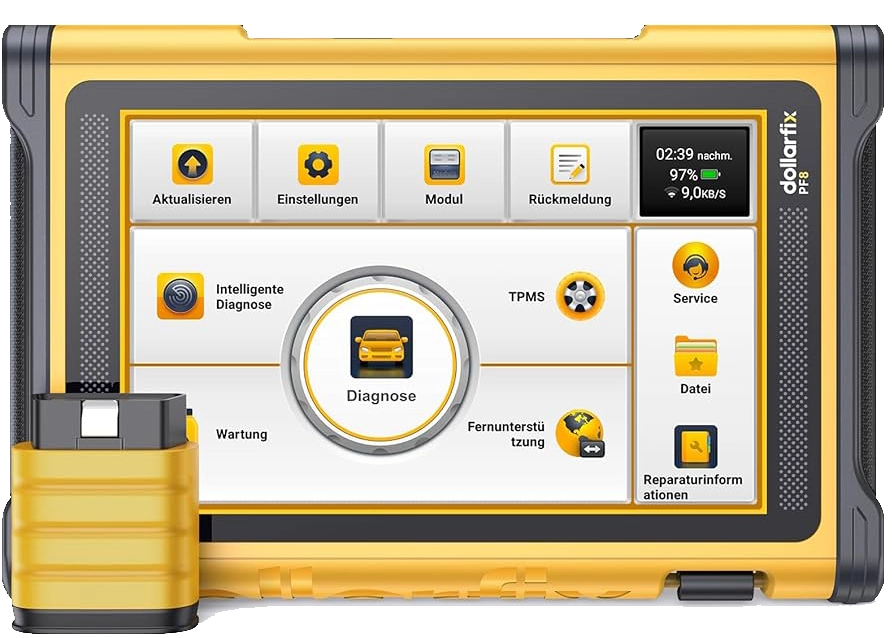
Thinkscan 689 BT 9.4 / 10
one of first tablet scan tools that came wih free lifetime updates and is also fast and easy to use for beginnrs and itermediate users.
- ✓Free lifetime updates
- ✓Strong OEM ECU coding for many brands
- ✓Full-system access
- ✓Solid build quality
- ✓Small enough to carry in car
- ✓Magnetic VCI holder on back of the tool (great to have so you don't have to look for VCI)
- ✕Worse for complicated service resets like key/odo programming

Autel IM608 PRO 2 9.1 / 10
professional key programming and diagnostics tool considered one of the best IMMO tools for workshops. Great choice as one-for-all scanenr in car shops.
- ✓Industry-leading key programming
- ✓Full-system diagnostics
- ✓ECU programming
- ✓Extremely wide vehicle coverage
- ✕Very expensive
- ✕Annual subscription required
- ✕Overkill for home DIY

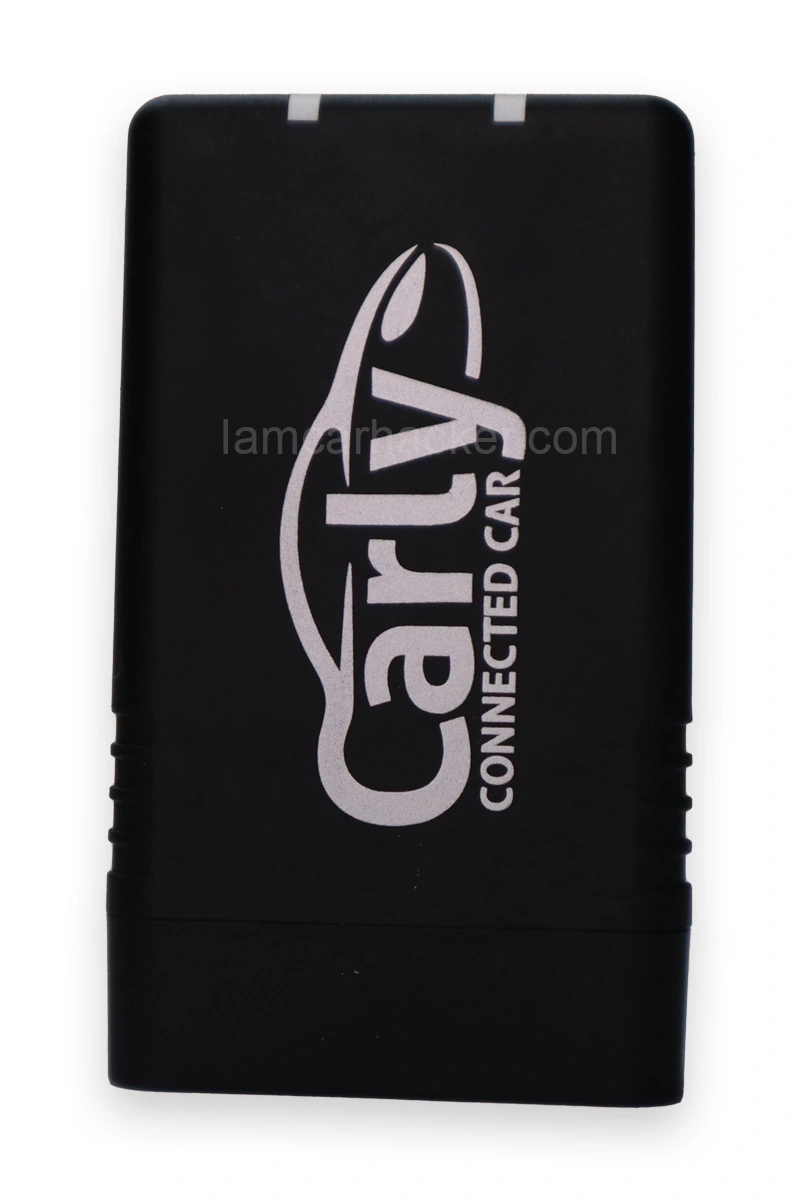
Carista APP 6.4 / 10
Easy to use coding app to unlock hidden settings in your car. PRO version also does some service resets and full-system code scan.
- ✓Easy for customizations
- ✓Works with most ELM327 adapters
- ✕Monthly/Yearly subscription

Thinkdiag2 8.5 / 10
most advanced bluetooth OBD2 scanner for smartphone users with full-system access and coding
- ✓Most advanced scanner to use with smartphone
- ✓1-year free updates/subscription
- ✓Can unlock hidden features in many brands
- ✓Never failed to connect (I am using it for 4 years already)
- ✓Comparable to $400-600 scan tool tablets
- ✕Yearly subscription
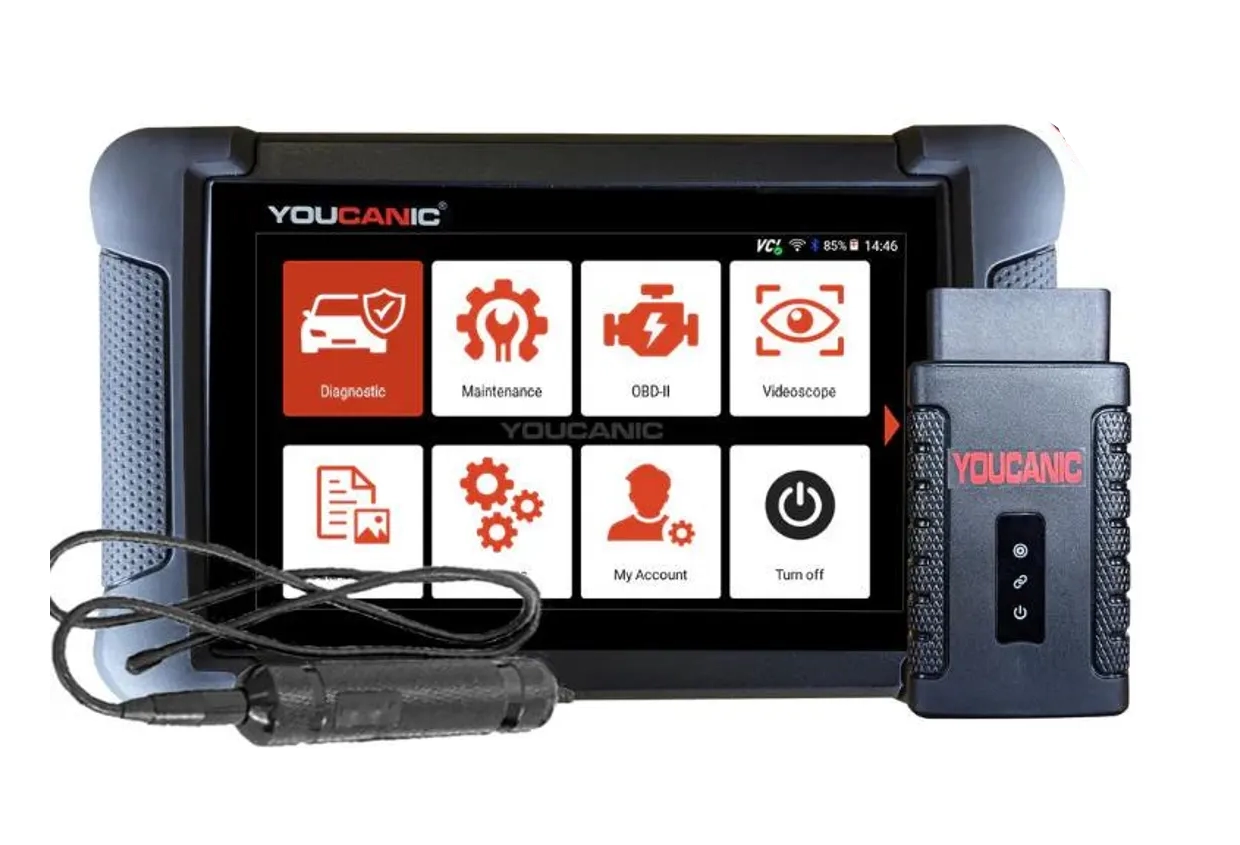
Youcanic UCAN-II full-system 8.4 / 10
full system scanner that works completely without internet connection (except update and setup). Works very good and does service/coding as well.
- ✓Full-system bidirectional
- ✓ECU coding
- ✓Wide vehicle coverage
- ✓Lifetime updates
- ✓Good to check and log live data
- ✓30 days no question asked return
- ✕Less known brand with smaller community
Thinkscan 689 BT
Autel IM608 PRO 2
Carista APP
Thinkdiag2
Youcanic UCAN-II full-system


What I actually reach for (and when)
Coding is the one job where a spec sheet tells you nothing. Two tools both list “VAG coding” and one drops you into a clean menu while the other makes you type raw byte values blind. So the question isn’t can it code, it’s how much does it hold your hand and how many brands does it cover before it taps out.
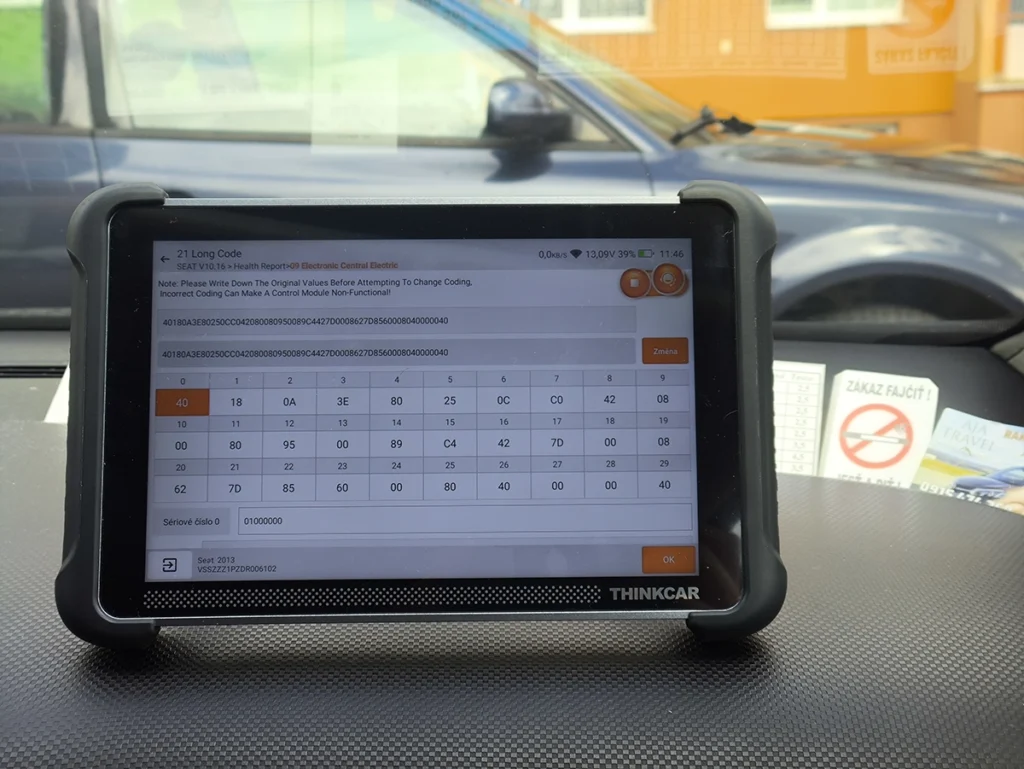
The Thinkscan 689BT is my pick for most people who want to actually understand what they’re changing. It codes across most brands, but the reason it stands out is the OEM-style interface. For VAG it gives you a long coding helper instead of a wall of hex, so you’re ticking “rear fog: on” rather than guessing which bit to flip.
→ Read full review of Thinkscan 689BT
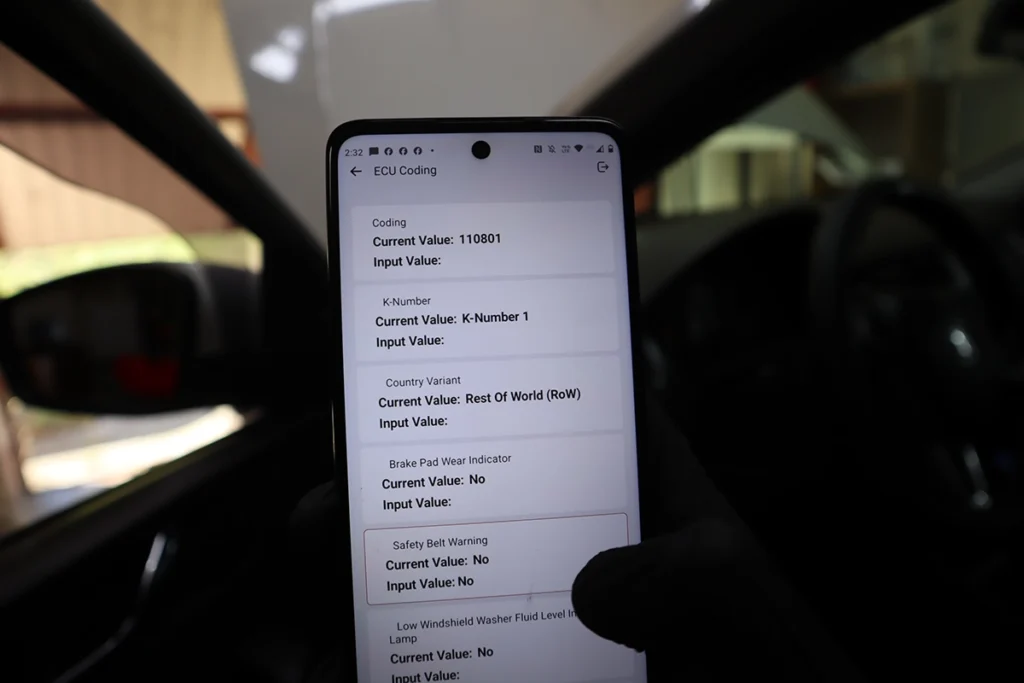
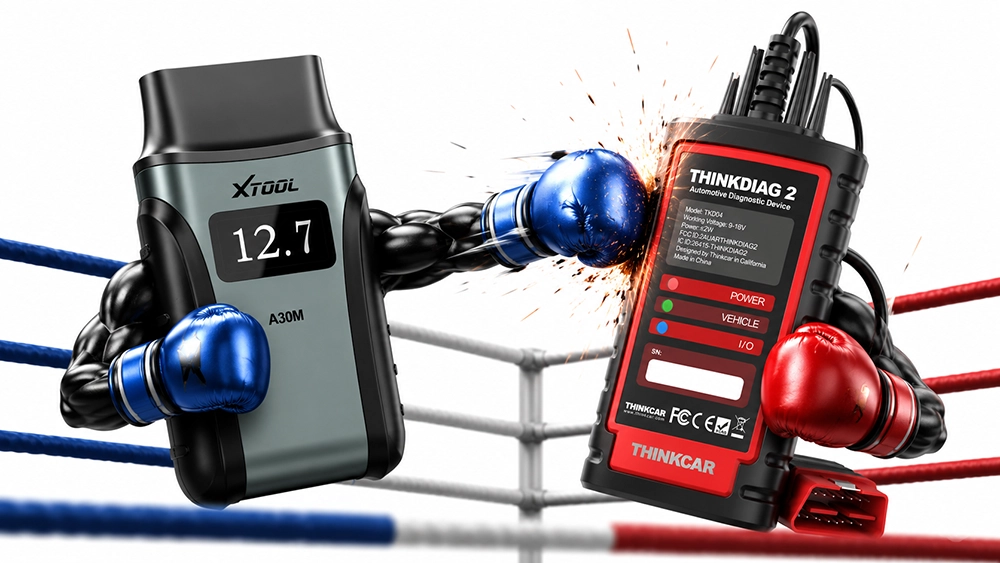
The Thinkdiag2 is the same coding engine in your pocket. Full-system scanner plus the same OEM coding, including the VAG long coding helper, all running off your phone. If you’d rather not carry a tablet, this is the 689BT’s logic in a Bluetooth dongle.
→ Read full review of Thinkdiag2
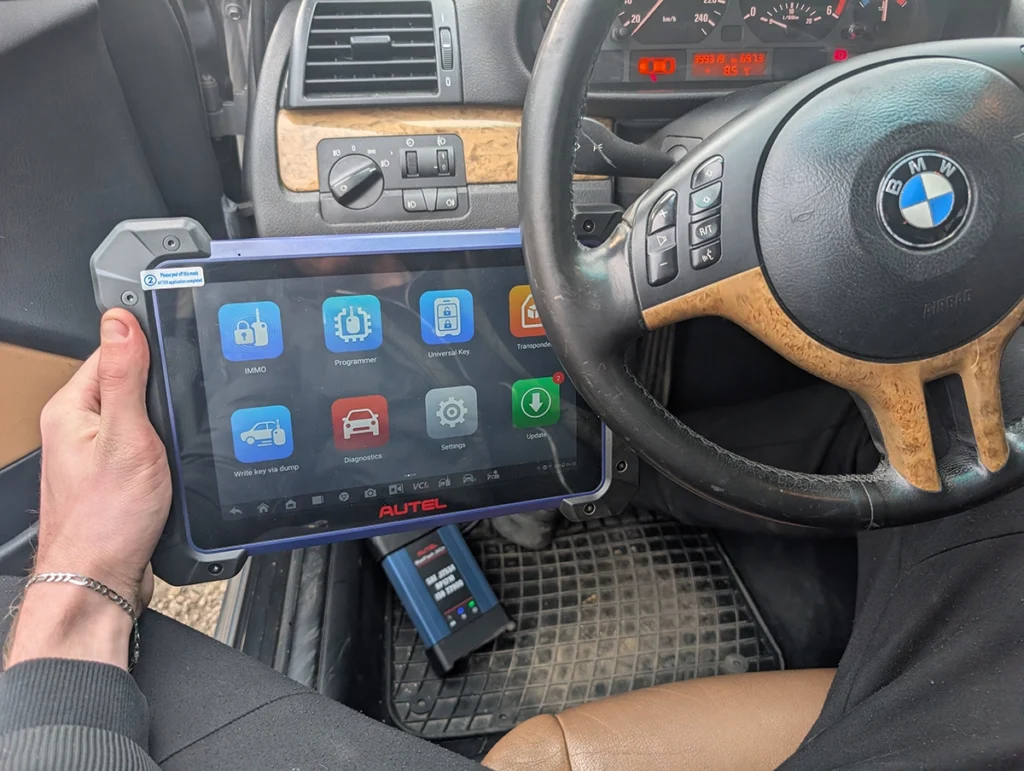
The Autel IM608 PRO 2 is the one I own and the one that goes deepest. It codes wide across brands, but what you’re really paying the subscription for is its online server access, which unlocks manufacturer protections the cheaper tools can’t touch. It’s expensive and it’s overkill for flipping a few comfort settings, but when a brand locks coding behind a security gate, this is the tool that gets through.
→ Read full review of Autel IM608 PRO 2
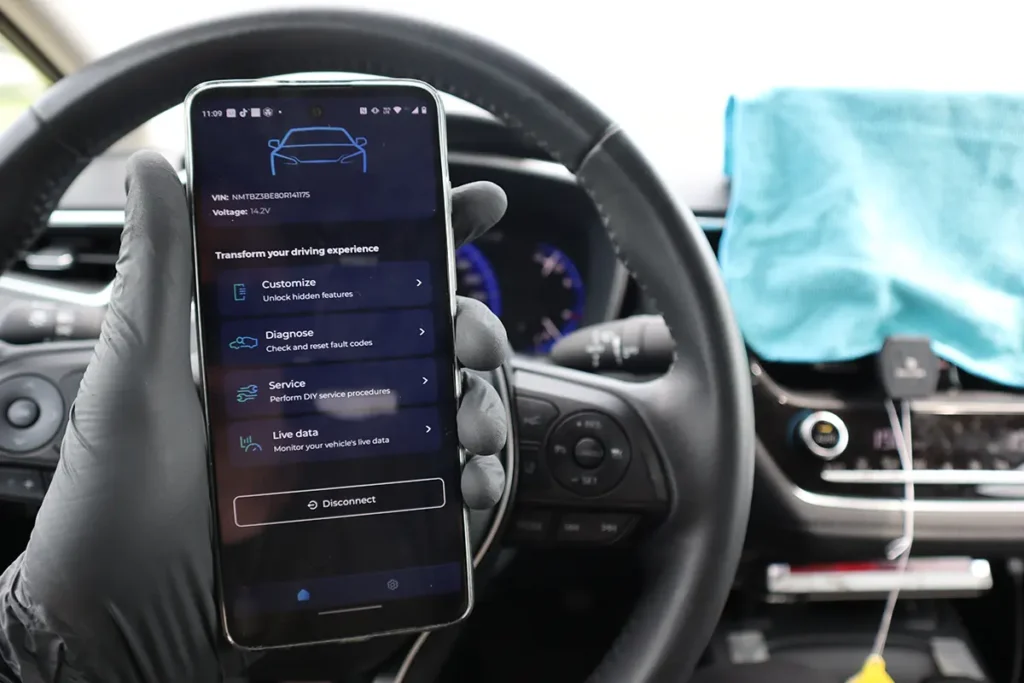
The Carista app is the beginner door. It works like a normal OBD2 phone app, you pick the feature you want and it does it, no hex, no menus to decode. The catch is the subscription is steep for what’s a fairly narrow list of supported coding tweaks.
→ Read full review of Carista
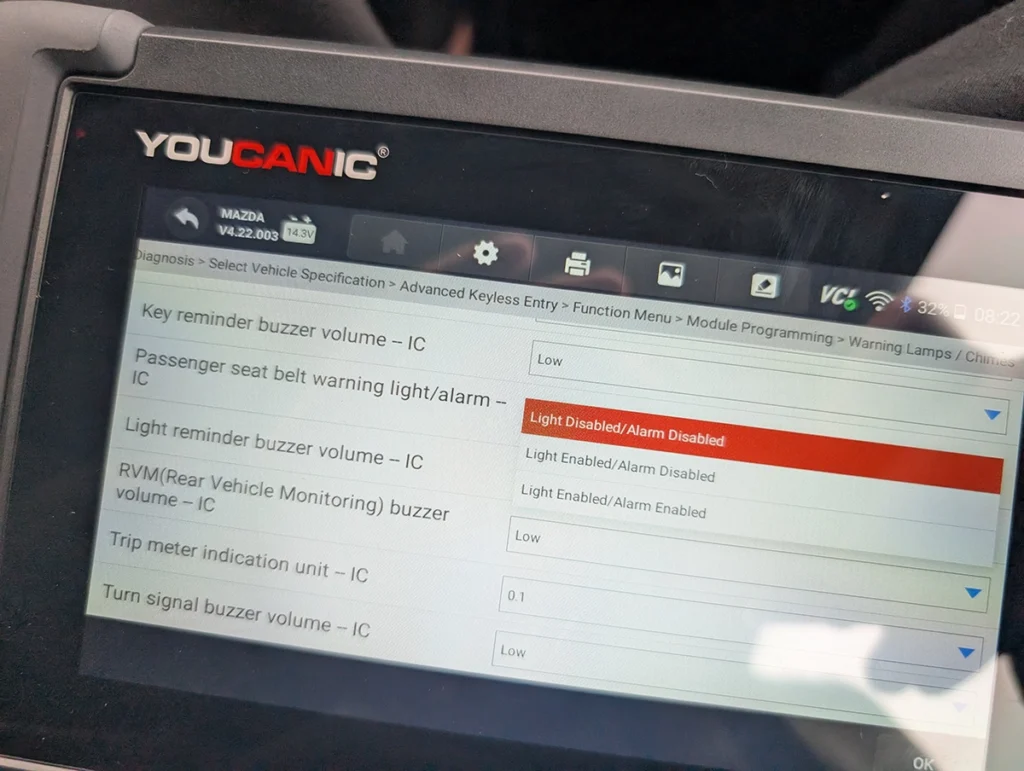
The Youcanic UCAN-II is the value full-system option. Codes features across brands, free lifetime updates, and it runs fully offline once it’s set up, which is rare at this price.
→ Read full review of Youcanic UCAN-II
The thing nobody tells you about coding: the tool doesn’t decide what’s possible, the carmaker already did. Coding means plugging into a hidden menu inside the car that you can only reach with an OBD2 scanner, and picking from options the manufacturer put there. Disable the seatbelt chime, change how the indicators blink, that kind of thing. You’re choosing from a list, not inventing features. So if a setting isn’t in your car’s menu, no scanner on earth adds it, no matter what the product page promises. A pricier tool gets you into more of those menus across more brands and past more security gates. It doesn’t conjure options that were never there.
When I’d skip every tool on this list: if you’ve got one single thing you want to change on one VAG or BMW and you’ll never touch coding again, don’t buy a tablet. Grab a $20 ELM327 clone and a one-month Carista trial. You’ll flip that one setting and cancel before it renews. These five are for people who’ll code more than once.
What's the difference between coding and ECU programming
ECU coding is simply connecting to "hiden menu" to choose between options for customization or adapting new modules to the car (e.g. new body module). ECU programming involves getting the binary file from module (example engine), editing it and writing back with desired changes for example chip tuning, immobilizer off or others...
What hidden features can I unlock?
Every car model has stored it's own (or none) coding options. You can only select what is stored in your car model, you cannot choose what can be coded or unlocked.
Can I do ECU coding with a cheap ELM327 adapter?
Yes but only if apps that supports it and usually it means paying subscription for that app.
Most popular OBD2 guides








Bought the Mucar 892bt as you recomended, however the website would not allow your discount code due to them having an offer on it themselves
Yes they often give out codes and you can only use one. If theirs is lower discount then 10% you can cancel their coupon and use mine.