
Best OBD2 Scanners Under $200 (Tested Budget Tools)


Last Updated on March 23, 2026 by Juraj
I tested dozens of diagnostic tools on real vehicles to find the best OBD2 scanners under $200 that still offer strong performance for DIY mechanics.
Some of these tools can even replace entry-level professional scan tools, making them a great investment for anyone who works on their own cars.
Affiliate Disclosure: iamcarhacker.com is an Amazon and other affiliate programs Associate. As an Amazon Associate, I earn from qualifying purchases. Full Affiliate disclosure.
Quick picks – best OBD2 scanners under $200
Mucar 682 — Best handheld diagnostic scanner
Little over the budget but one of cheapest handheld tablets with full-system diagnostics, service resets, and a simple plug-and-play interface.
• full system diagnostics
• many service functions
• no phone required
• beginner friendly

XTool A30M — Best Bluetooth scanner for DIY mechanics
Powerful Bluetooth scanner that works with a smartphone app and supports full diagnostics, service functions, and coding.
• full system diagnostics
• bi-directional tests
• smartphone based

Thinkdiag2 — Best advanced Bluetooth diagnostic tool
A very powerful Bluetooth scanner with professional-level diagnostics, coding, and active tests.
• bi-directional control
• ECU coding support
• wide vehicle coverage
• strong app ecosystem

More scanners worth considering
Mucar 682
The Mucar 682 is slightly above $200 budget but remains one of the most affordable full scan tools. It offers full-system diagnostics and data, bi-directional controls, and 20 service resets. Comes with free lifetime updates.
(10% OFF with “CARHACKER” on official website)
XTool A30M
The XTool A30M is one of the best-selling Bluetooth OBD2 scanners. It provides full-system scans, bi-directional tests, and more than 26 service resets, all directly on your smartphone. Includes free lifetime updates.
(10% OFF with “CARHACKER” on official website)

Thinkdiag2
The ThinkDiag 2 is the most advanced Bluetooth OBD2 scanner in this range. It has all the functions of other tools here plus ECU coding, allowing you to enable or disable hidden features in your car.
(10% OFF with “CARHACKER” on official website)

OBDLink MX+
The OBDLink MX+ is a premium ELM327 adapter. Functionality depends on the app you use, but it’s one of the fastest and most reliable adapters available. Built to last for years, it’s the best choice if you want a long-term ELM327 solution.

Thinkscan 662
The ThinkScan 662 is a 4-system scanner that covers the most important modules: engine, ABS, transmission, and airbag. It also includes 12 service resets, bi-directional testing, and free lifetime updates.
(10% OFF with “CARHACKER” on official website)
Scanner overview – more information to decide
Below is a short overview of each scanner from this list. I included the main strengths of every tool so you can quickly decide which one fits your diagnostic needs best.
You will also find examples of diagnostic procedures performed with these scanners based on real tests and guides published on this website.
Mucar 682 overview
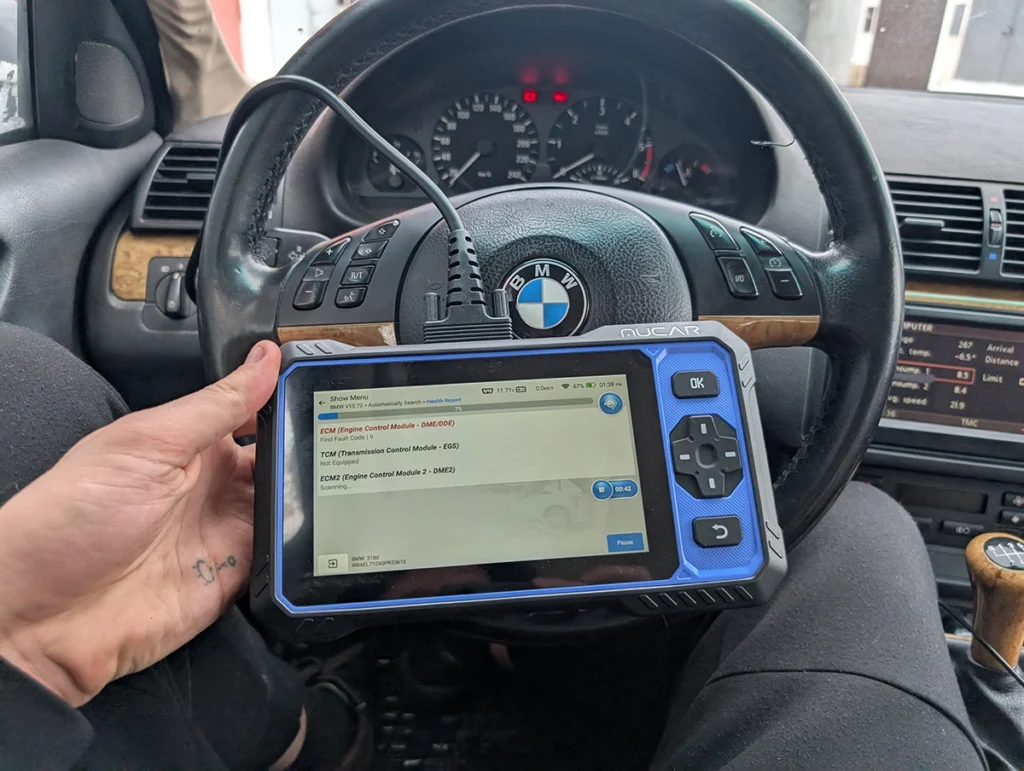
Mucar 682 is a reliable handheld diagnostic scanner that offers full-system diagnostics, live data monitoring, and several service functions. Because it is a standalone device, you don’t need to connect a smartphone or install any apps, which makes it ideal for beginners and quick diagnostics.
This scanner works well for reading fault codes from multiple modules and performing basic service procedures on many vehicles.
Procedures using this scanner
XTool A30M overview
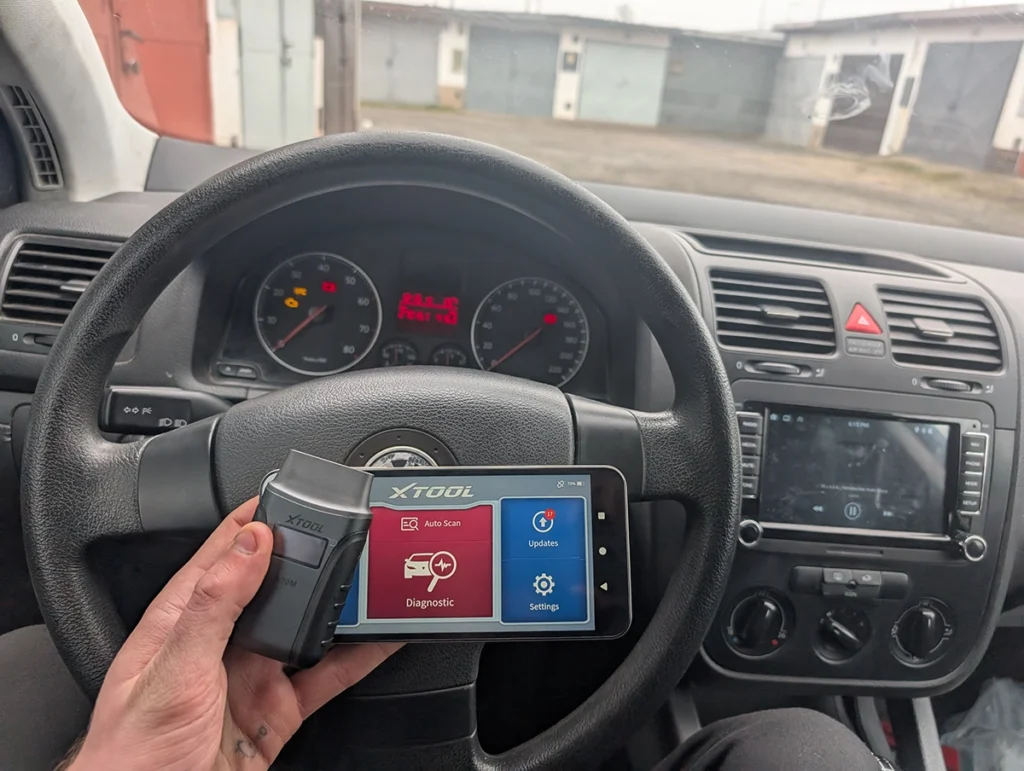
XTool A30M is one of the most versatile Bluetooth diagnostic scanners in this price range. It connects to a smartphone app and offers advanced diagnostic features including full-system diagnostics, service resets, coding, and bi-directional testing.
Because of its wide vehicle coverage and strong diagnostic capabilities, it is often used as an affordable alternative to tablet scan tools.
Procedures using this scanner
 How to do odometer correction for Skoda Octavia MK1 with OBD2 scanner
 Volkswagen Golf MK5 2006 Odometer correction with OBD2 scanner
Thinkdiag2 overview
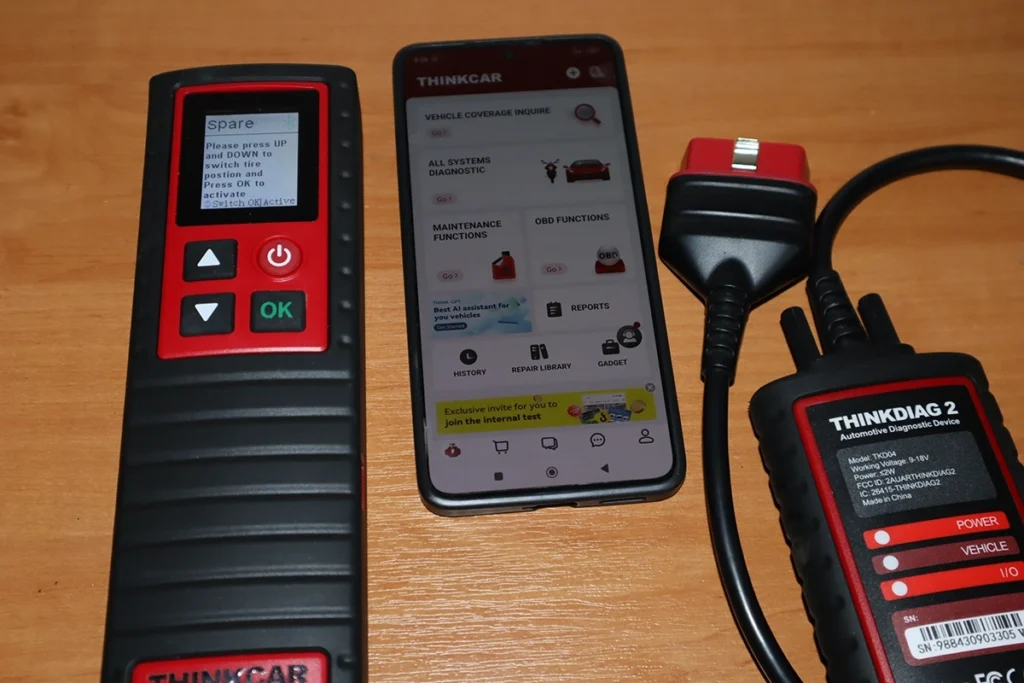
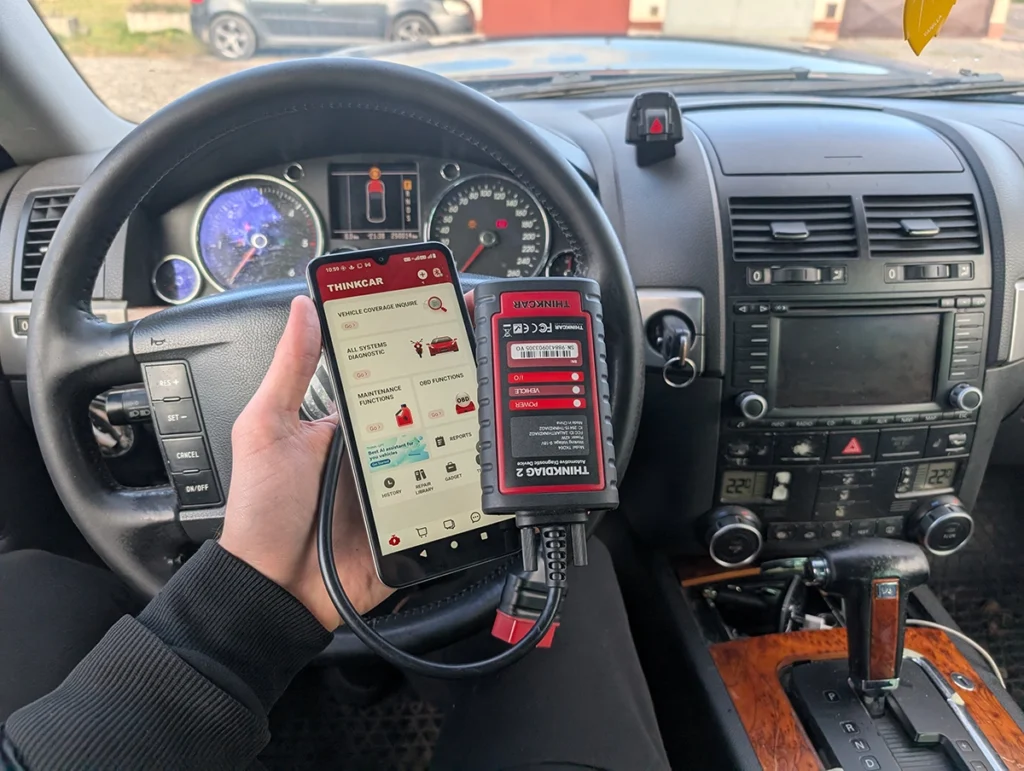
Thinkdiag2 is a powerful Bluetooth diagnostic tool designed for advanced diagnostics and professional-level functions. It supports full system diagnostics, active tests, ECU coding, and many service procedures.
This scanner is commonly used by enthusiasts and mechanics who want strong diagnostic capabilities without buying a large professional scan tablet.
Procedures using this scanner
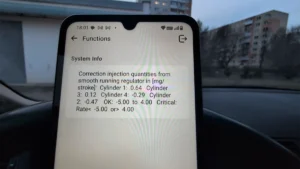
OBDLink MX+ overview
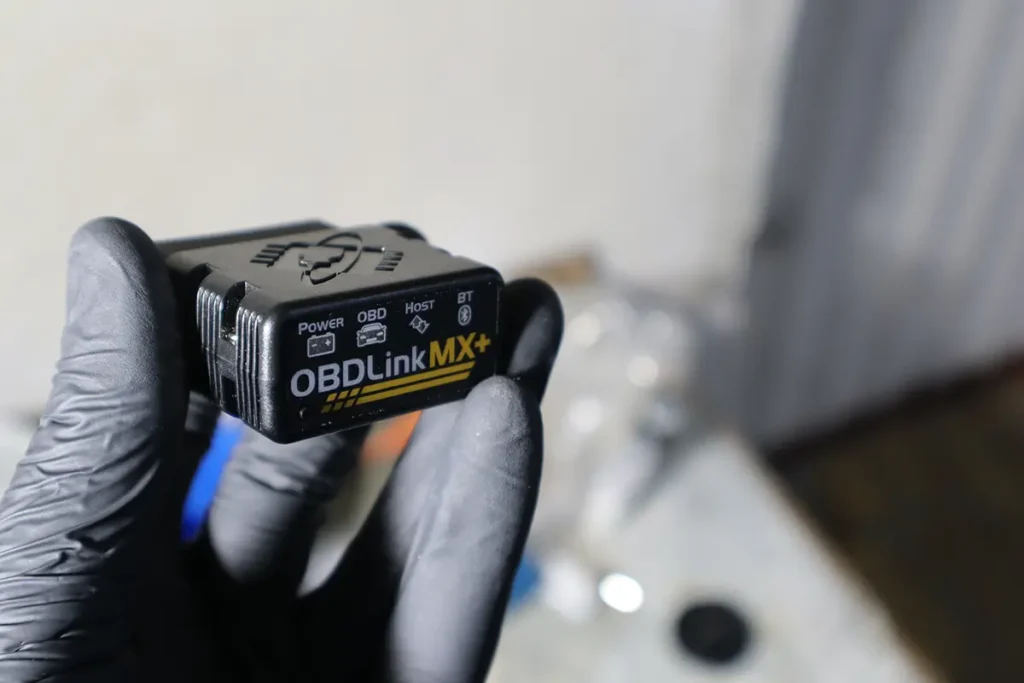
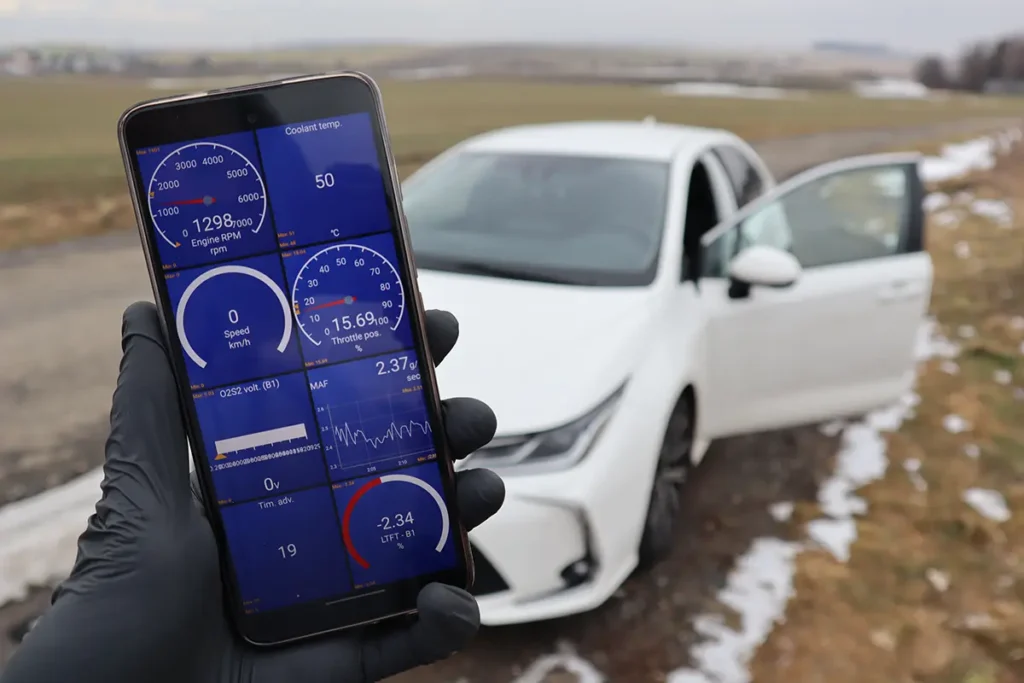
OBDLink MX+ is one of the fastest and most reliable OBD2 adapters available. Instead of a built-in diagnostic interface, it relies on smartphone apps such as Car Scanner, Torque, OBD Fusion, or Carista to perform diagnostics.
Because of its fast communication and stable Bluetooth connection, it is widely used for live data monitoring, basic diagnostics, and app-based vehicle customization.
Procedures using this scanner
Thinkscan 662 overview
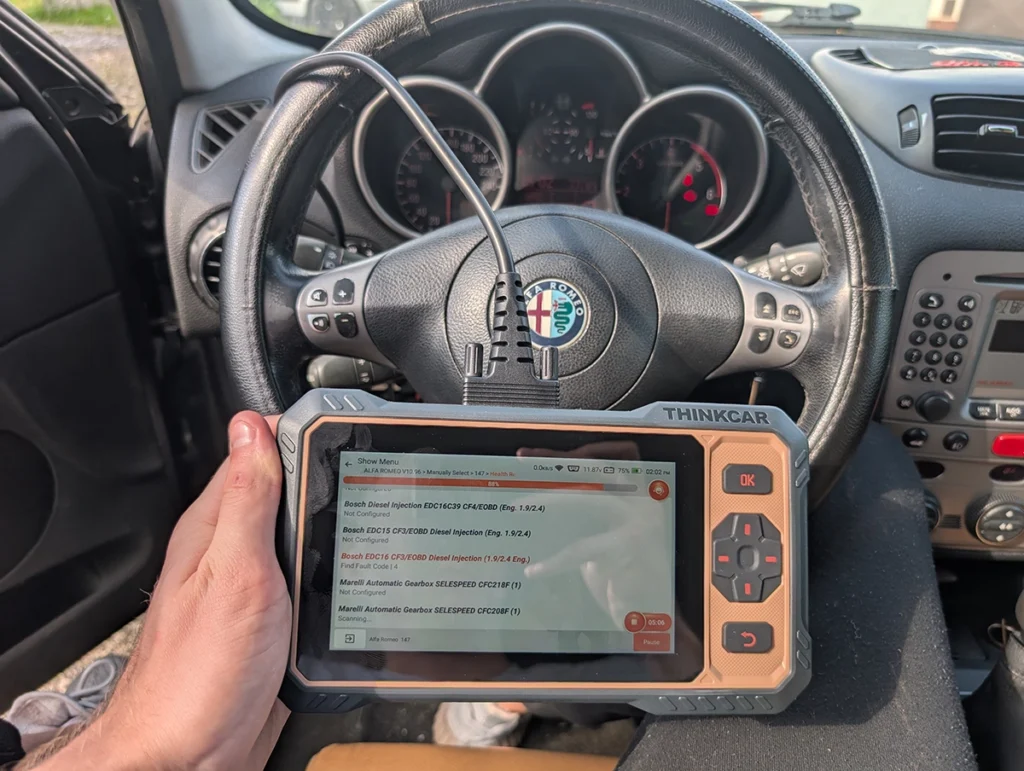
Thinkscan 662 is an affordable Android-based diagnostic tablet that offers full-system diagnostics and a range of service functions. It combines the convenience of a dedicated scan tool with features normally found in more expensive devices.
It’s a good option for users who prefer a standalone diagnostic tablet instead of smartphone-based scanners.
Procedures using this scanner
Hard to choose? I reviewed all these scanners
If you’re not sure which diagnostic tool to buy, here is a quick overview of all scanners mentioned in this guide. You can open the detailed review of each tool to see real testing results, supported functions, and vehicle compatibility.
| Scanner | Review |
|---|---|
| Mucar 682 | Open full review |
| XTool A30M | Open full review |
| Thinkdiag2 | Open full review |
| OBDLink MX+ | Open full review |
| Thinkscan 662 | Open full review |
Conclusion
OBD2 scanners under $200 already provide powerful diagnostic capabilities for DIY mechanics.
Tools like Thinkdiag2 and XTool A30M offer advanced features such as coding and bi-directional testing, while adapters like OBDLink MX+ work extremely well with diagnostic apps.
If you prefer a standalone scanner, Mucar 682 or Thinkscan 662 are excellent choices that provide reliable diagnostics without needing a smartphone.
Most popular OBD2 guides









Responses