
Best OBD2 Scanners for ECU Coding – Unlock Hidden Features

Last Updated on March 23, 2026 by Juraj
Many modern cars hide useful features inside ECU modules — things like disabling start/stop, enabling comfort functions, or adapting new parts after repair.
To unlock these features, you need a scanner that supports ECU coding or adaptations.
I test dozens of diagnostic tools every year, and in this guide I’ll show you the best OBD2 scanners for ECU coding that actually work in real diagnostics — from affordable Bluetooth adapters to full diagnostic tablets.
Quick Picks
Best overall – Mucar 892BT
The Mucar 892BT is the best all-in-one diagnostic scanner with ECU coding. It supports full system diagnostics, bi-directional tests, and OEM-level coding for many vehicles while also offering free lifetime updates, which is rare in this price range.

Best Bluetooth option – Thinkdiag2
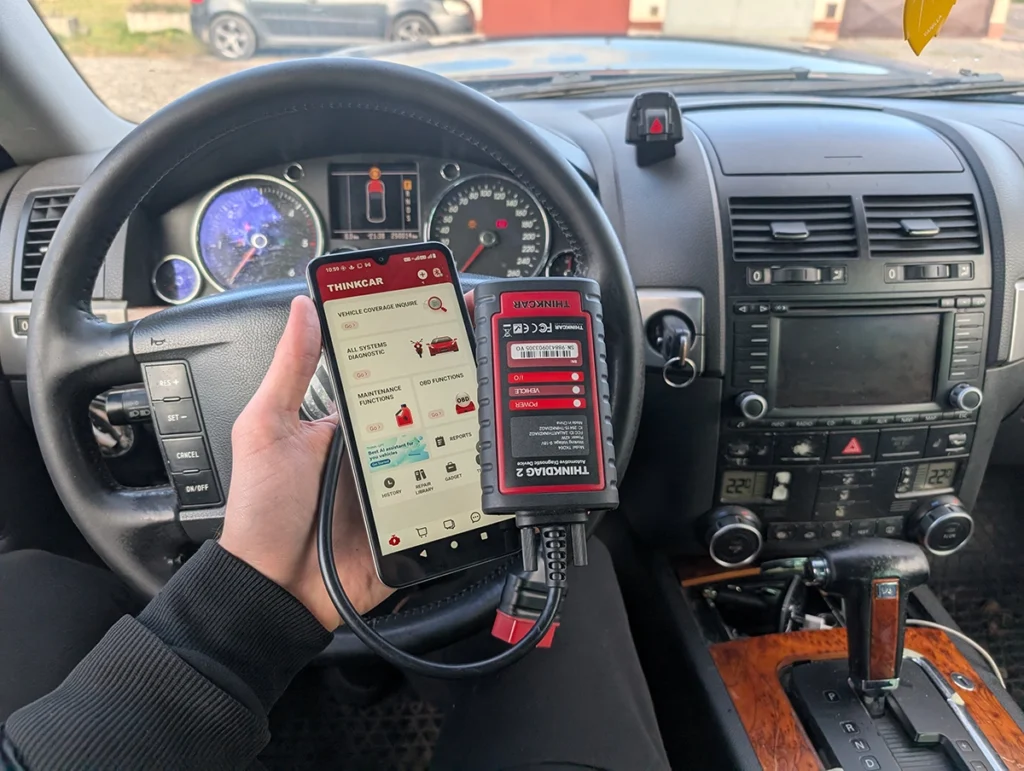
The Thinkdiag2 is my favorite wireless scanner for ECU coding. It connects to your smartphone and provides professional-level diagnostics, active tests, and coding functions while staying much cheaper than tablet scanners.

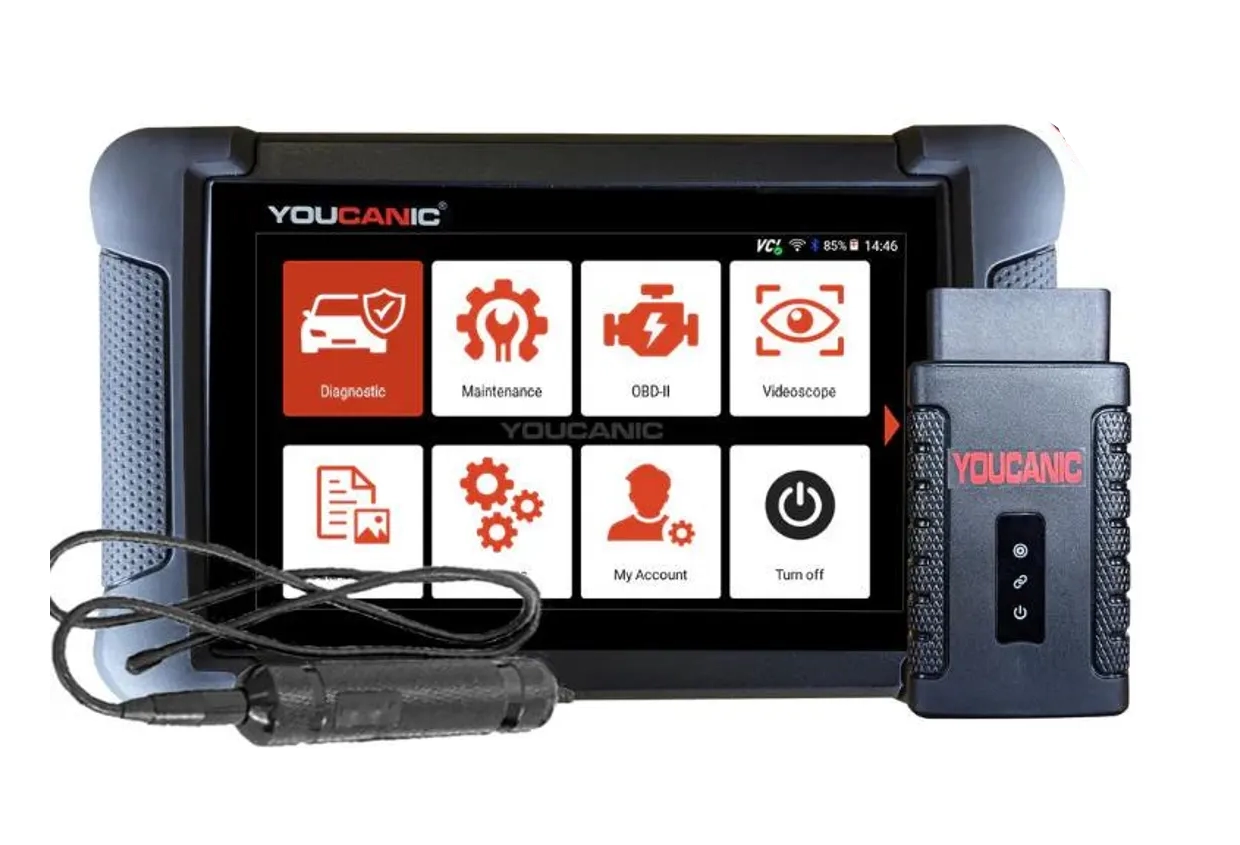
Best budget tablet – Youcanic Scanner
The Youcanic scanner is a solid budget diagnostic tablet that supports full system scans, service resets, and basic ECU coding functions. It’s a good choice if you want a dedicated scan tool without paying for high-end professional equipment.
OBD2 scanners support and functions depends on car model. Please visit the official website and ask them for specific feature support for your car model.
Affiliate Disclosure: iamcarhacker.com is an Amazon and other affiliate programs Associate. As an Amazon Associate, I earn from qualifying purchases. Full Affiliate disclosure.
Quick Recommendations
Mucar 892BT
The Mucar 892BT is one of the best all-around diagnostic scanners with ECU coding.
It supports full system diagnostics, active tests, and OEM-level coding on many vehicles. The biggest advantage is free lifetime updates, which is rare in this category.
(10% OFF with “CARHACKER” on official website)
Thinkdiag2
The Thinkdiag2 is a powerful Bluetooth OBD2 scanner that works with your smartphone. It supports full system scans, bi-directional testing, and ECU coding. It’s a great option if you want professional diagnostics without buying a tablet scanner.
(10% OFF with “CARHACKER” on official website)
Youcanic U-CAN II
The Youcanic scanner supports OEM-style coding and adaptations on many vehicles. Unlike most modern tools, it works completely offline and does not require a subscription. This makes it a reliable standalone scanner for DIY mechanics and small garages.

Mucar VO7
The Mucar VO7 is one of the cheapest tablet scanners that still supports ECU coding. It’s especially useful for VAG vehicles, where it can perform long coding and adaptations. Despite the low price, it also supports full system diagnostics and service resets.
(10% OFF with “CARHACKER” on official website)
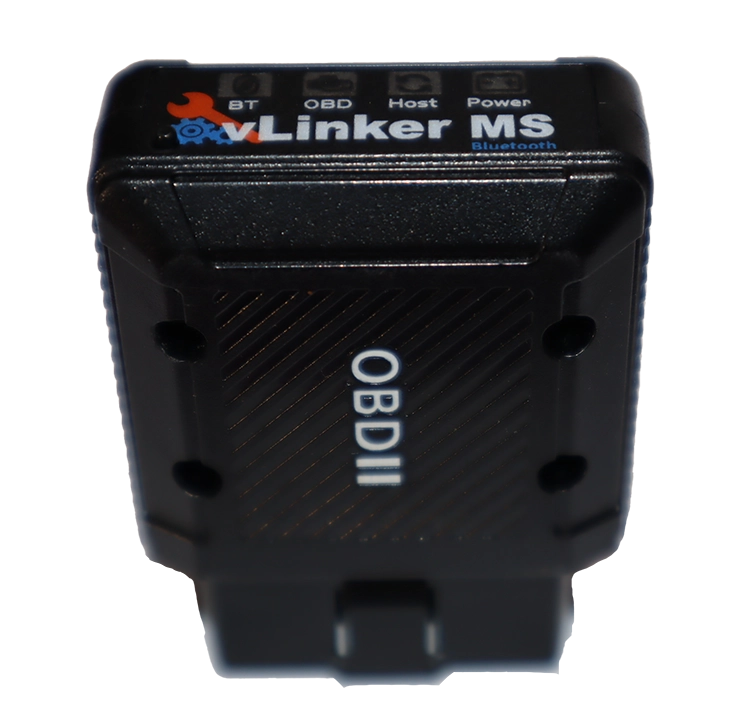
Vgate Vlinker MS
The Vgate vLinker MS is a fast and reliable ELM327 adapter. When paired with the Carista app, it allows basic ECU coding and hidden feature customization on many cars. The downside is that Carista requires a subscription.
(⚠️ Carista requires a paid subscription).
Can cheap OBD2 scanners do ECU coding?
Short answer: usually no.
Most cheap OBD2 scanners can only read and clear engine fault codes. They do not support ECU coding, adaptations, or vehicle configuration menus.
However, there are two common ways people still perform coding with cheaper tools.
1. Using ELM327 adapters with mobile apps
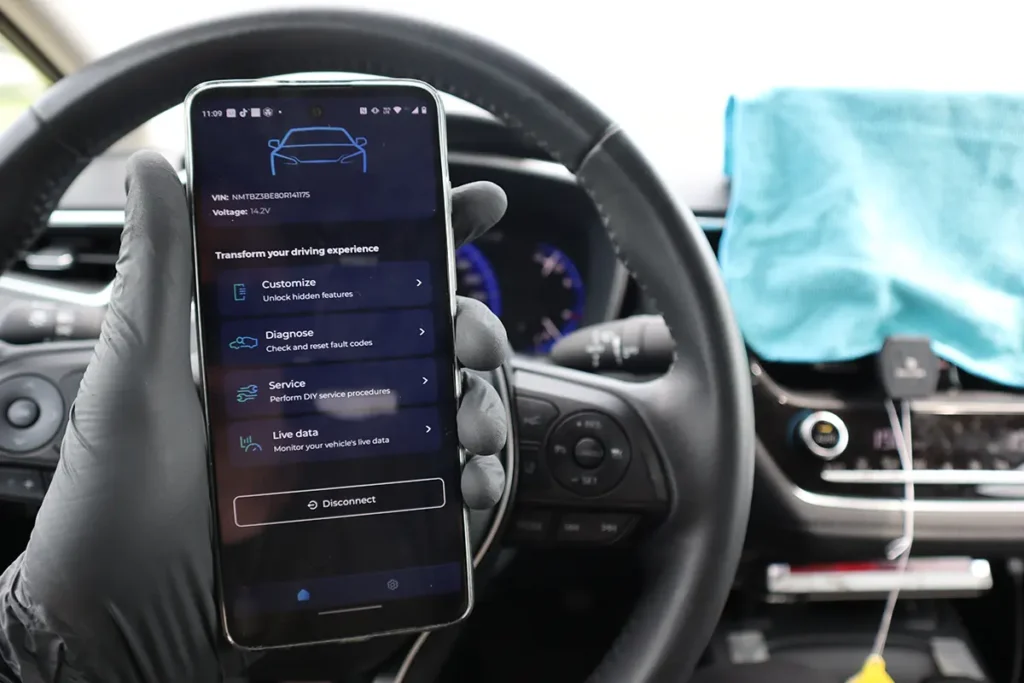
Some cheap ELM327 Bluetooth adapters can unlock hidden vehicle features when used with specialized apps such as:
- Carista
- BimmerCode
- OBDeleven
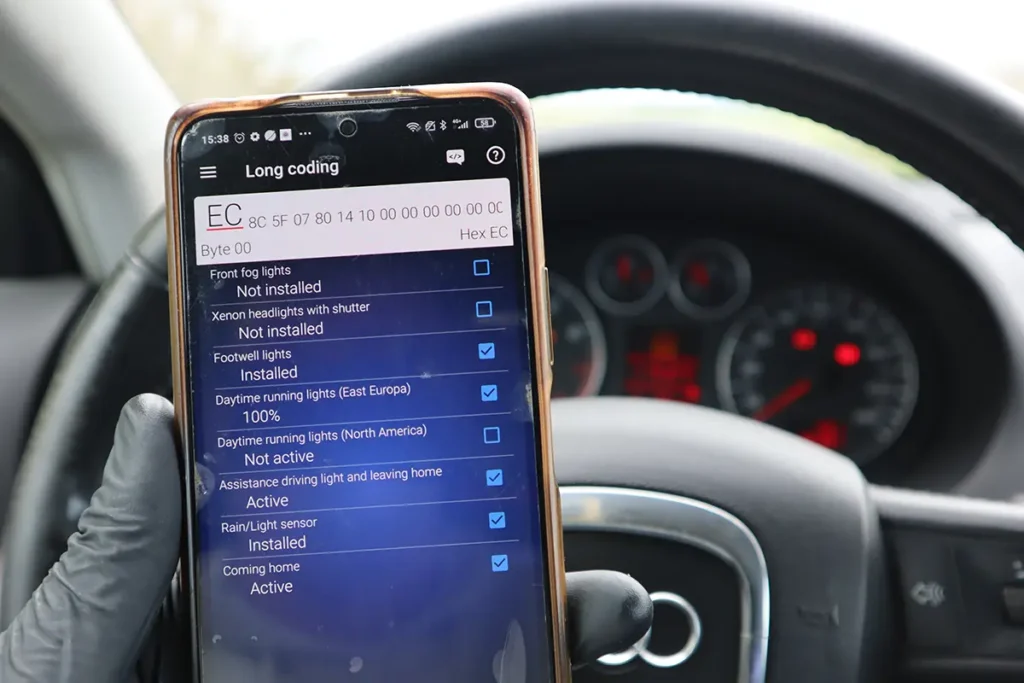
These apps access vehicle configuration menus and allow simple coding tasks such as:
- enabling comfort windows
- disabling seatbelt warnings
- changing lighting behavior
- activating hidden vehicle features
The adapter itself is cheap, but these apps usually require a paid subscription or license to unlock coding features.
If you want to avoid paying for a subscription, check this guide:
👉 How to use Carista without subscription
2. Using a tablet diagnostic scanner
Another option is using a dedicated tablet scanner that includes ECU coding functions built into the device.
Tools like Mucar 892BT, Thinkdiag2, or Youcanic scanner can access coding menus directly without relying on third-party apps. These tools usually support:
- full system diagnostics
- service resets
- ECU coding and adaptations
- bi-directional testing
This makes them a better long-term solution if you plan to work on multiple vehicles.
Understanding ECU coding (and its limits)
It’s important to understand that ECU coding capabilities depend more on the vehicle than the scanner itself.
Some cars allow extensive customization through diagnostic tools, while others restrict access to certain modules.
Examples:
VAG vehicles (VW / Audi / Skoda / Seat)
These typically allow extensive coding using long coding and adaptations.
BMW vehicles
Coding is possible but often requires specialized software or apps.
Japanese vehicles (Toyota, Honda, etc.)
Most allow only limited coding functions through universal scanners.
Because of these differences, the best way to understand what coding is possible is to look at real coding procedures for specific vehicles.
👉 See ECU coding examples and procedures
ECU coding procedures
If you want to see real examples of ECU coding, adaptations, and hidden feature activations, check the procedures below. These guides show what is actually possible on specific vehicles using different diagnostic scanners.
 Activate Cornering Lights (Fog Lights) – Skoda Rapid 2019
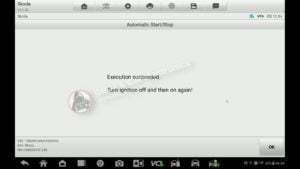 How to turn OFF Start/Stop – Skoda Rapid 2019
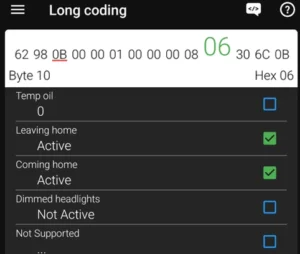 How to Enable Coming Home & Leaving Home Lights (VAG Coding Guide)
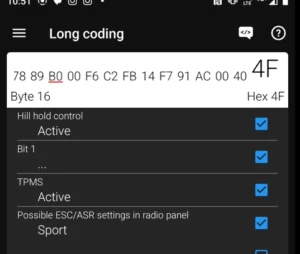 Activate Hill Start Assist – Skoda Rapid 2015
 Mazda CX-7 2008 Seat Belt Warning Disable with OBD2 scanner
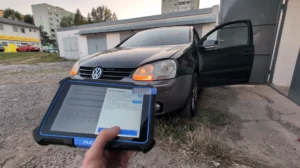 How to activate US-style turn signals for VAG / Volkswagen / Skoda / Seat / Audi
 How to code open/close windows from key fob for Toyota Corolla Hybrid 2022
 How to disable seatbelt warning in Toyota Corolla Hybrid 2022
Conclusion
If your goal is to unlock hidden vehicle features or perform ECU coding, choosing the right diagnostic scanner makes a big difference.
For most DIY mechanics, I usually recommend Bluetooth scanners like the Thinkdiag2, which provide professional-level diagnostics and coding while keeping the price relatively low.
If you prefer a dedicated standalone scanner, the Mucar 892BT is one of the best all-in-one options. It offers full system diagnostics, bi-directional tests, and ECU coding without requiring additional apps.
Both tools provide excellent value and are capable of handling most diagnostic and coding tasks for DIY mechanics and small garages.
Most popular OBD2 guides










Bought the Mucar 892bt as you recomended, however the website would not allow your discount code due to them having an offer on it themselves
Yes they often give out codes and you can only use one. If theirs is lower discount then 10% you can cancel their coupon and use mine.