

Published: November 24, 2024 · Last updated: October 26, 2026
The 30-second answer
Basic code readers die fast on Toyota and Lexus. The moment you want anything past engine faults, you hit a wall. So here's the short version. For Toyota and Lexus specifically, the Launch Creader brand version is the easy pick: relatively cheap, works out of the box, free lifetime updates. Want the deepest possible access and already own a laptop? Techstream is dealer-level and nothing beats it on pure coverage. Want one tool for every brand, not just Toyota? The Mucar 892BT is my daily. Just flipping a hidden setting from your phone? Carista. Tightest budget, one brand only? Kingbolen soloscan.
I earn from qualifying purchases and sometimes get tools for free (full disclosure). It never affects my scoring.
Quick picks – best Toyota/Lexus scanners
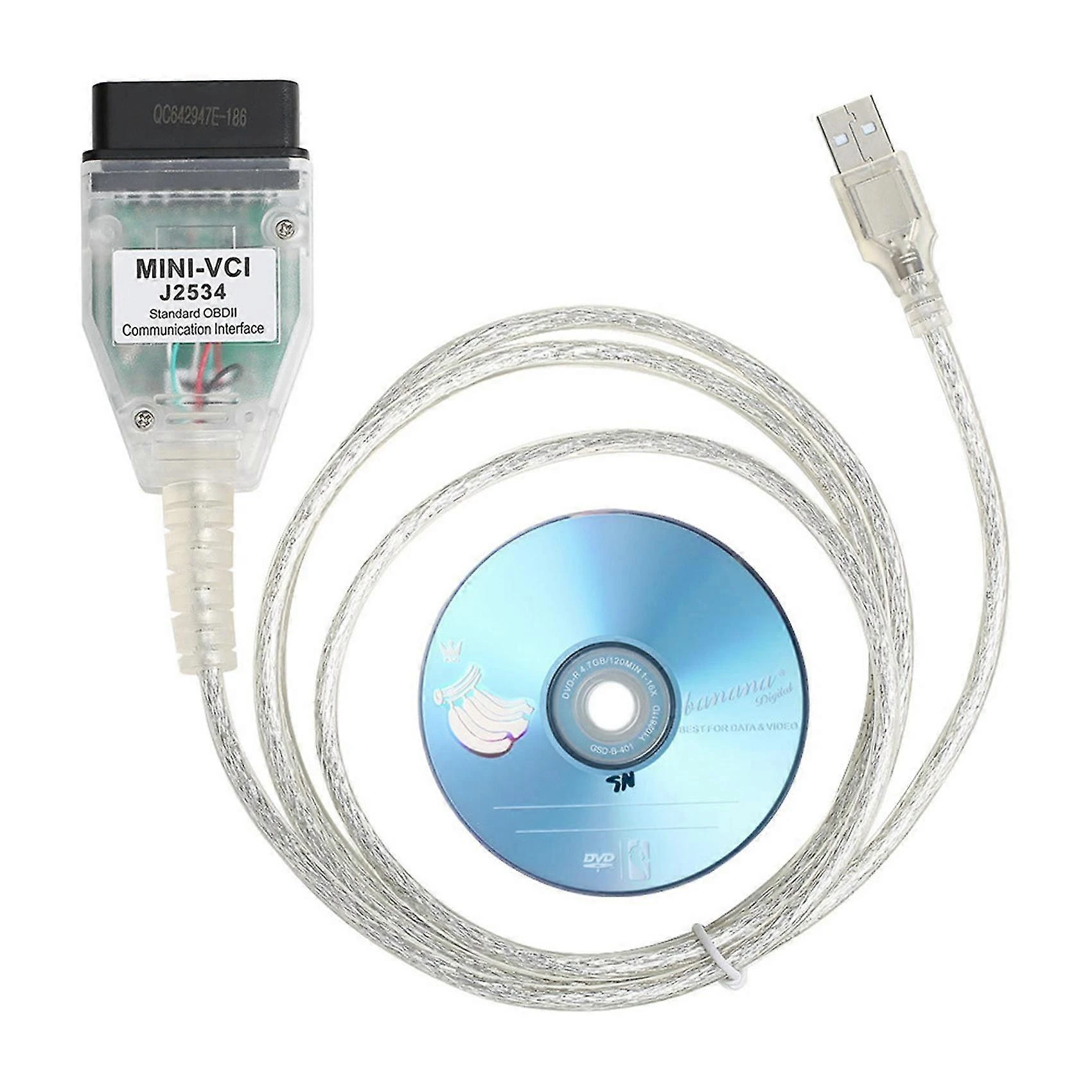
Techstream 8.2 / 10
dealer-level diagnostic software for Toyota and Lexus with deep coding and service function support
- ✓Dealer-level diagnostics for Toyota/Lexus
- ✓Very deep coding
- ✓Adaptations and service functions
- ✓The reference tool for serious Toyota work
- ✕PC-based
- ✕Not as user-friendly as phone/tablet tools
- ✕Clone kits can be unstable or tricky to install
- ✕Official subscription is not cheap

Mucar 892BT 9.4 / 10
My personal favourite go-to scanner for diagnosing, checking used cars. service resets or even coding new features. Unless I need special tool I am using this one.
- ✓Small for tablet scan tool so it's easy to carry around
- ✓Good interface for coding features
- ✓Overall great UX
- ✓Magnetic handle for dongle on the back is gold = no need to always search for dongle
- ✓Allows custom background image
- ✕No topology yet (might come later with update)
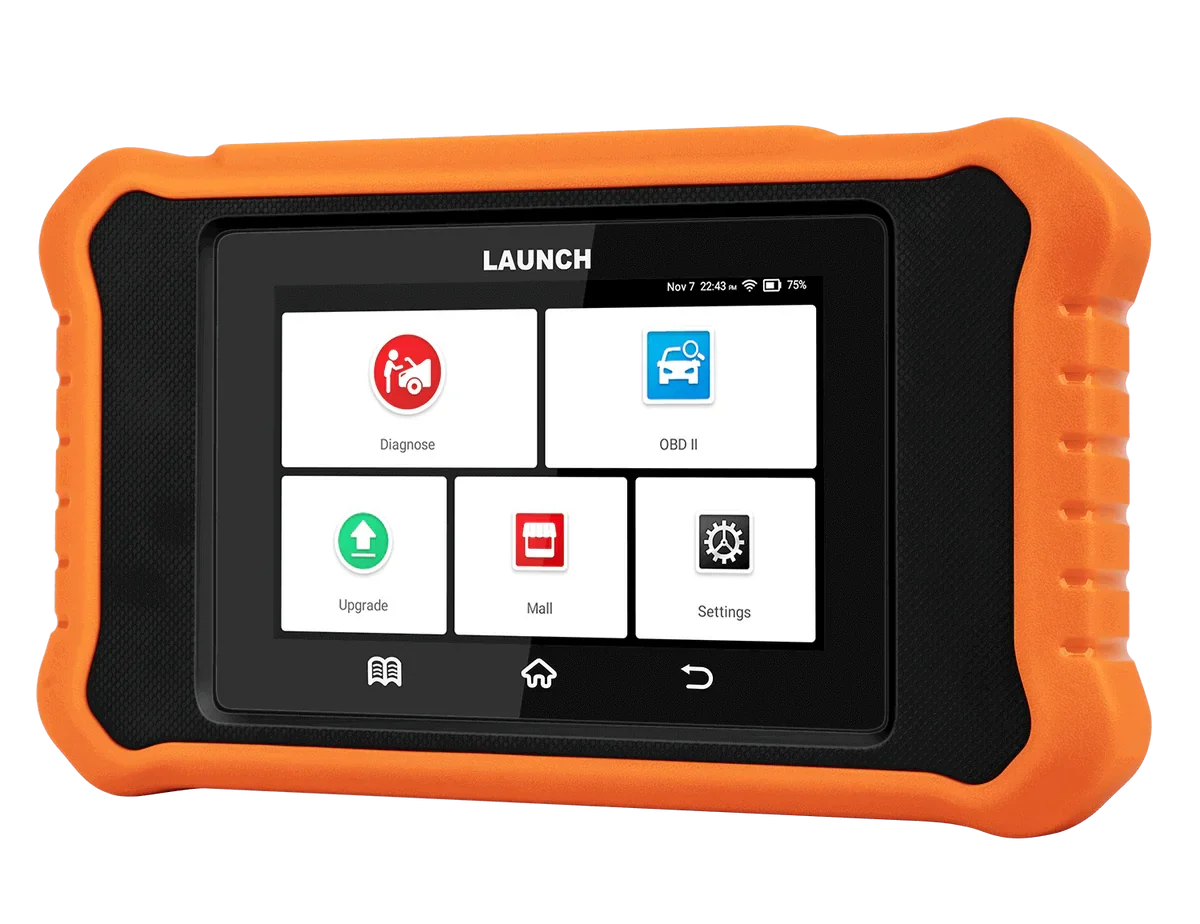
Launch Creader Toyota/Lexus 8.8 / 10
brand-specific launch scanner for Toyota and Lexus with deep model coverage and coding at a fraction of dealership tool cost
- ✓Deep Toyota/Lexus coverage
- ✓Bidirectional
- ✓Coding functions
- ✓Lifetime updates
- ✓Much cheaper than dealer tools
- ✕Toyota and Lexus only
- ✕Only global OBD for other brands
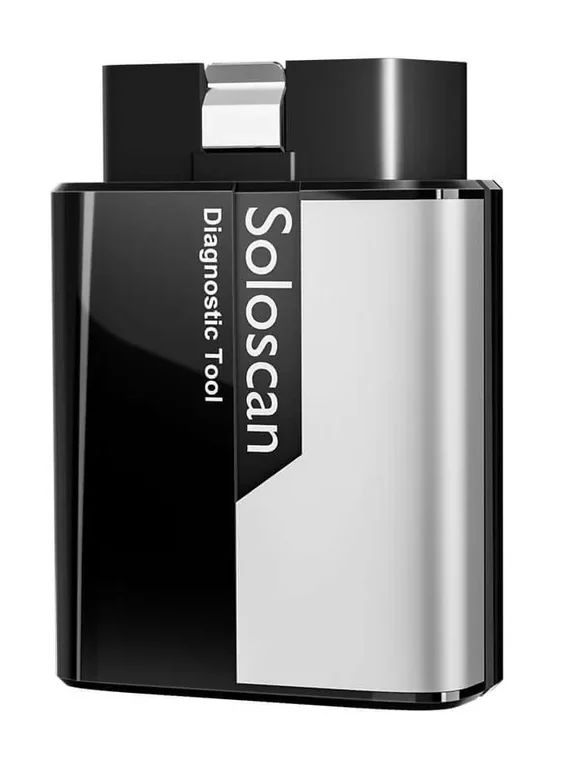
Kingbolen soloscan 7.4 / 10
budget kingbolen handheld scanner for basic diagnostics beyond simple code readers
- ✓Extremely good value for money if you work with one brand only
- ✕Not great to use on all cars (only global OBD for other brands)

Carista APP 6.4 / 10
Easy to use coding app to unlock hidden settings in your car. PRO version also does some service resets and full-system code scan.
- ✓Easy for customizations
- ✓Works with most ELM327 adapters
- ✕Monthly/Yearly subscription

Toyota/Lexus OBD2 procedures
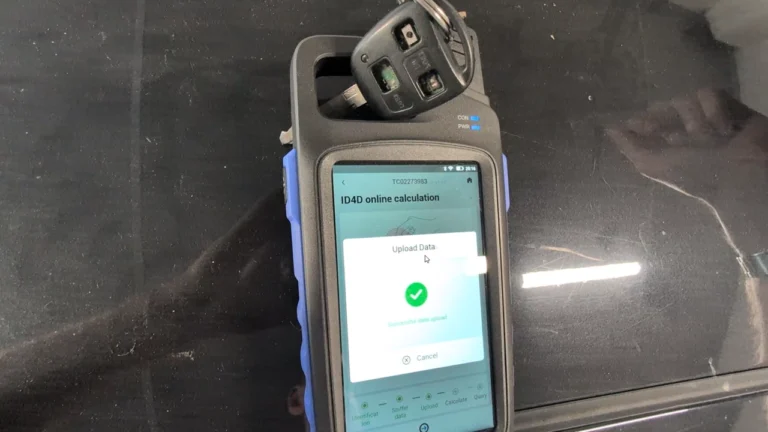
Toyota Avensis 2006 Add new key/Key Cloning: Car Starts, Remote Doesn’t (Full Job)
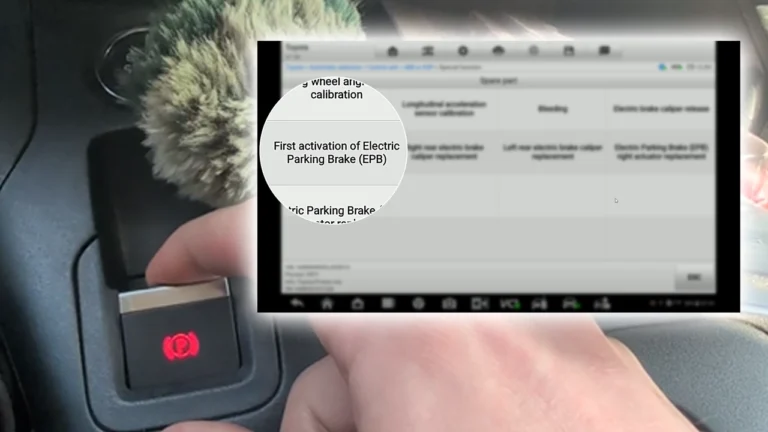
Toyota Proace City EPB Reset for Brake Pad Replacement (2020)
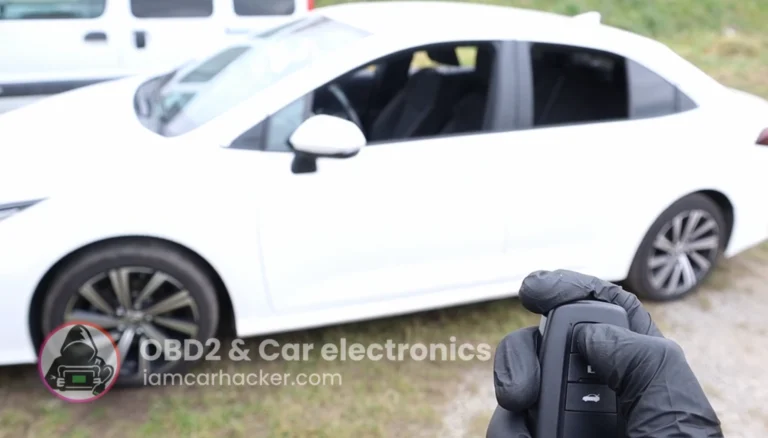
How to code open/close windows from key fob for Toyota Corolla Hybrid 2022
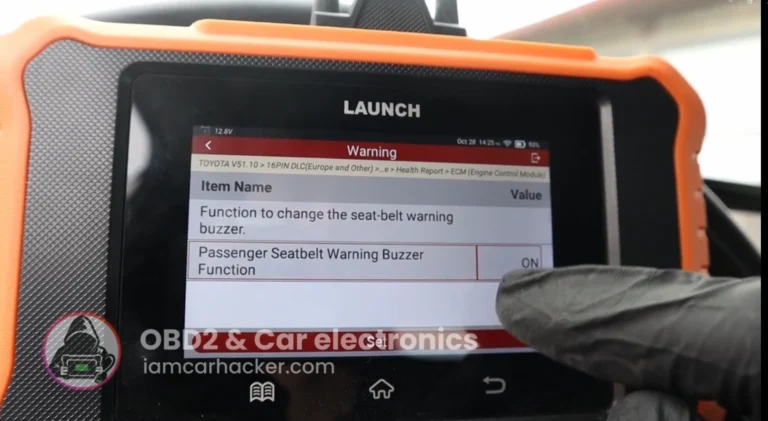
How to disable seatbelt warning in Toyota Corolla Hybrid 2022
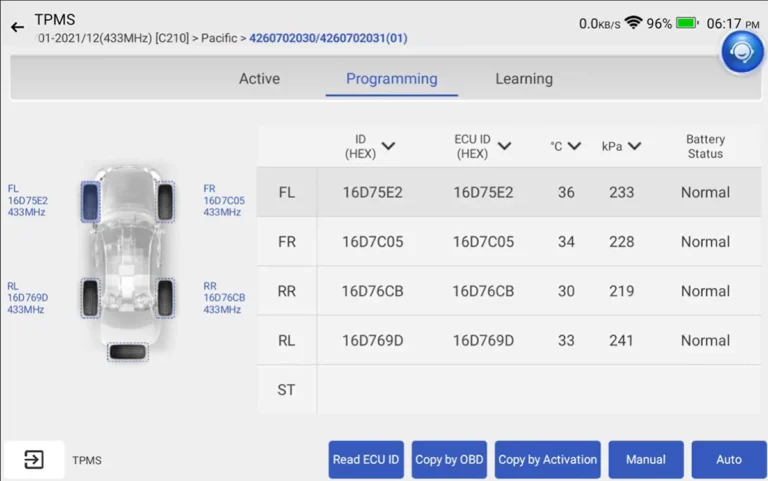
Toyota Corolla 2016 TPMS relearn
👍 More options I like
Good tools that did not make the table.



⚠️ Do not buy these
Tested, returned, or regretted.
What I actually reach for on a Toyota
Toyota and Lexus punish lazy tools. A $20 reader gives you engine codes and then pretends the other twenty modules don't exist. So the real question on these cars isn't "does it read faults," it's "how deep into the body, the ABS, the hybrid system and the hidden coding menus can it actually get."
Mucar 892BT 9.4 / 10

The Mucar 892BT is the one that lives on my bench and the one I reach for first on a Toyota. [TVOJ FIELD CASE — viď otázka dole]. The coding interface is clean enough that flipping comfort settings doesn't feel like defusing a bomb, and the magnetic dongle holder on the back means I'm not hunting for the VCI every time. It's not Toyota-only, which is exactly why it's my daily.
→ Read full review of Mucar 892BT
Techstream 8.2 / 10

Past my own kit, Techstream is the one I tested and kept respecting. It's dealer software on a clone cable, so it's PC-based and the clone kits can be fiddly to install, but nothing tablet-sized matches it for sheer depth on Toyota and Lexus. If you're serious about these two brands specifically, this is the reference everything else gets measured against.
Launch Creader Toyota/Lexus 8.8 / 10

The Launch Creader Toyota/Lexus version is the value play. Brand-specific, bidirectional, real coding, lifetime updates, for a fraction of what the dealer tools cost. The trade-off is right there in the name: it's deep on Toyota and Lexus and basically global OBD on anything else. One commenter with an awkward older Corolla asked what connects, and the Launch is what I'd had luck with on cars around that era.
Carista EVO 5.3 / 10
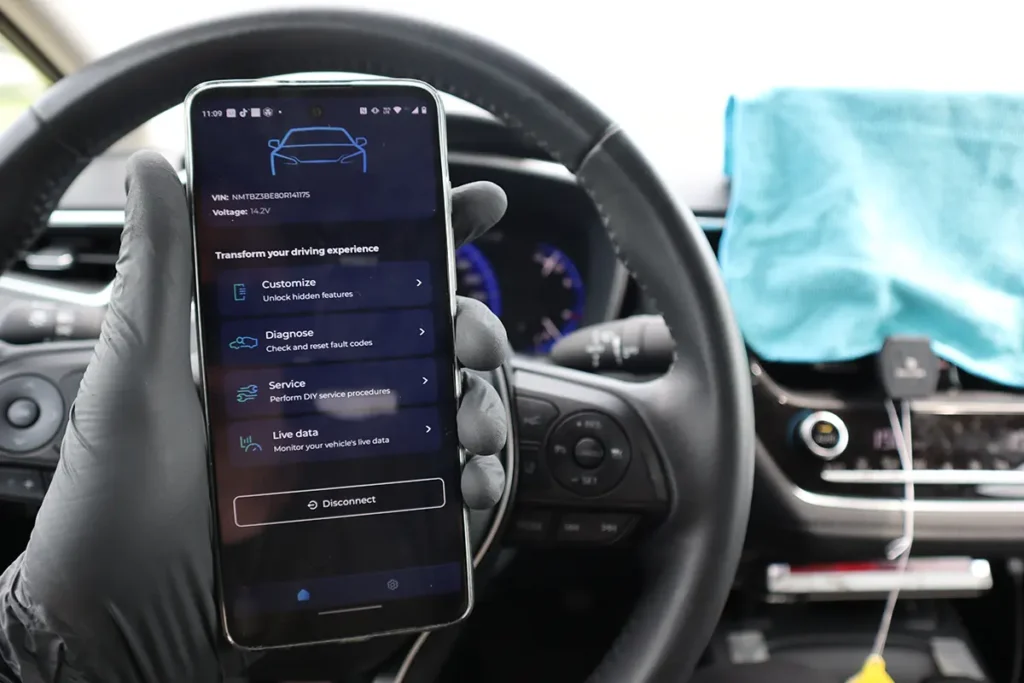
Carista is the phone-app door for people who don't want a scanner, they just want one setting changed. Pick the feature, tap it, done, no menus to decode. It runs on cheap ELM327 adapters too. The catch is the subscription feels steep for a fairly narrow Toyota coding list.
Kingbolen soloscan 7.4 / 10

The Kingbolen soloscan is the budget single-brand handheld. Straight talk here: I haven't run the Toyota version, I tested the VAG one on a VAG car and it worked great for what it is. So I'd trust it as a cheap one-brand reader, but treat my Toyota verdict as "tested the platform, not this exact build."
The thing to understand before you buy: coding only ever lets you pick from a hidden menu the carmaker already built into the car. Disable the seatbelt chime, open windows from the fob, that kind of thing. No scanner adds an option Toyota never put there. A better tool just reaches more of those menus and more modules. It doesn't invent features.
When I'd skip every tool here: if you've got a really old Toyota and nothing aftermarket will connect, don't assume the tool is broken. I've scanned plenty of older Toyotas with no trouble, but some, depending on the year and the region they were sold in, shipped before OBD was mandatory and only talk to dealer kit. If you've tried connecting and it just fails, that can be why. In that case a Techstream cable on a laptop is the move before you spend more on tablets that'll hit the same wall.




I'm Juraj Lukacko and I work as an auto electrician. On this site I share what I learn from real work on real cars, to help you pick the right tools for diagnostics, programming and tuning and get the job done.
More about me →
What OBDScanner would be best for Toyota HAICE Van and Toyota Coaster bus….year 2000 upward.
Petrol engine.j…uses engine 2TR,Petrol.Thank u..
Bunmi
For that any cheap ELM or Code reader should be fine. For 2000 car you don’t need much, just read engine codes and live data. Or techstream cable if you have laptop.
I have a 2005 corolla (1zz-fe) gasoline, and none of the 4 scanners i have connects with it. Apparently this car is really pick for obd scanners, do you know any that works?
Which scanners have you tried? I had Launch Creader connected on Corolla about your year (don’t remember exact year but around 2002-2008) and it worked fine.
Hi Juraj – I have the same problem with my 2003 1ZZ Corolla in Australia. Here, OBD was only compulsory after 2007 (from memory), so mine has an OBD-type of port, but can only be scanned by Toyota tools at a dealer. Otavio may have the same problem – Toyota scan only.
PS – the YouTube video on Carly that brought me here was very interesting.
Hello what you mean it cannot connect with other tool? Did you try connect and connection failed?
Hi Juraj – thanks a lot for all the work you do to help others. What would be the most complete tool for a Toyota RAV4 2017 Limited AWD – Petrol? My laptop and phone is Apple. I do not care about wired or BT – anything cheap but should do a detailed job so I can fix everything myself.
I can lookup code solutions online and how to fix them. But anything I can fix myself in my garage – that tool should be able to read, diagnose, reset and confirm that I have fixed the issue. Thank you again for your time and your help. I wish you well.
Hi, this is good budget pick for smartphone: https://iamcarhacker.com/xtool-a30-review/
Hi Juraj.
I drive a 2010 Toyota Allion (very similar to corolla family) in Srilanka. So if I want it to display on my Android headunit ,current fuel level and the mileage ,which one would you recommend I should buy and is there a particular app that I should use or would any pro version apps such as “Torque” or “Carscanner” work.
By the way your YouTube video was very useful for me.
Thanks
Not sure if that will work, you can try with torque and see.
Which obd scanner is best for scion xB 2005-2006?
You can research for specific feature support here (I never had same car so don’t know): https://iamcarhacker.com/obd2-compatibility-check/
I’m responsible for taking care of a 2016 Toyota Camry, a 2017 Acura RDX, and a 2022 VW Jetta SE. What would be my best choice for a good bidirectional scanner. I’m really looking at the Mucar 892BT. Would there be a better choice?
Any of these depends on your budget: https://iamcarhacker.com/best-bidirectional-obd2-scanners/
Hi, do you know if Techstream 18.00.008 works for 2024 Hybrid Corolla? to what extent? I would like to customize closing the doors when shifting to D and unlocking when P. I see a bunch of cables claiming full support until 2023, and forums are split regarding 2024.
Hi I had version 18 and I used it on my 2022 Corolla and 2025 Rav 4. Both cars can do diagnostics of all systems and unlock all features that are possible for that model.