
Published: October 1, 2024 · Last updated: June 4, 2026
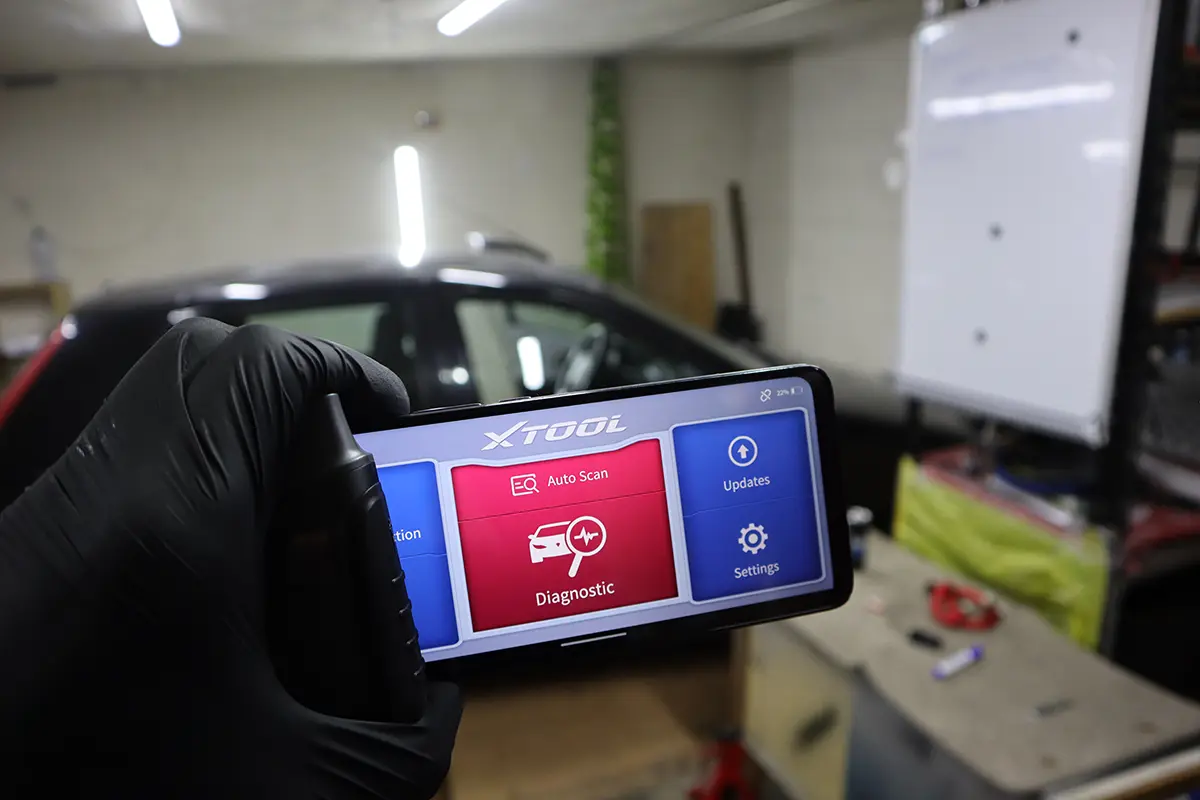
The XTool A30 (now sold in basic form as the A30D) was one of the first full-system bidirectional Bluetooth scanners with free lifetime updates and no subscription. I tested it on an older Skoda Fabia and a Toyota. The whole appeal is “buy once, use for years”: all modules, live data, active tests and service resets through your phone, with no yearly fee, which is why it’s one of my top DIY picks. It has no coding and needs a smartphone. Read on for what it does and where it stops.
I earn from qualifying purchases and sometimes get tools for free (full disclosure). It never affects my scoring.
XTool A30D overview

XTool A30D
The XTool A30D is full-system bluetooth scanner with bidirectional and service resets.

- Full-system access
- Bidirectional tests
- Lifetime free updates
- Works with smartphone
- No ecu coding
Service functions (16+)
Scores
Specs
| Tool type | Standalone device |
| User level | Intermediate |
| Vehicle focus | All makes |
| Free updates | Lifetime |
| Subscription | Not required |
Support & resources
| Hardware specs |
|
| Supported languages |              |
Addons & accessories
What it’s actually good at
No subscription plus lifetime updates is the core reason to own it, and it’s a genuine “buy once” tool. You get full-system access, bidirectional tests and service resets, and you never pay a yearly fee or license. For a DIY mechanic who wants pro-style functions without the ongoing cost, that’s exactly the right model, and it’s why I’ve called this my number-one recommendation for DIY use.
Data logging is the standout feature, and it’s beautifully simple. Start recording, go for a drive or run a test, stop, then go to Data > Playback and review the graphs calmly afterward (up to 8 live graphs at once). That’s perfect for diagnosing turbo behaviour, fuel trims, misfires, catalytic performance or temperature problems, the things you can’t always catch live while driving. The whole tool is this easy: I was never hunting through menus.
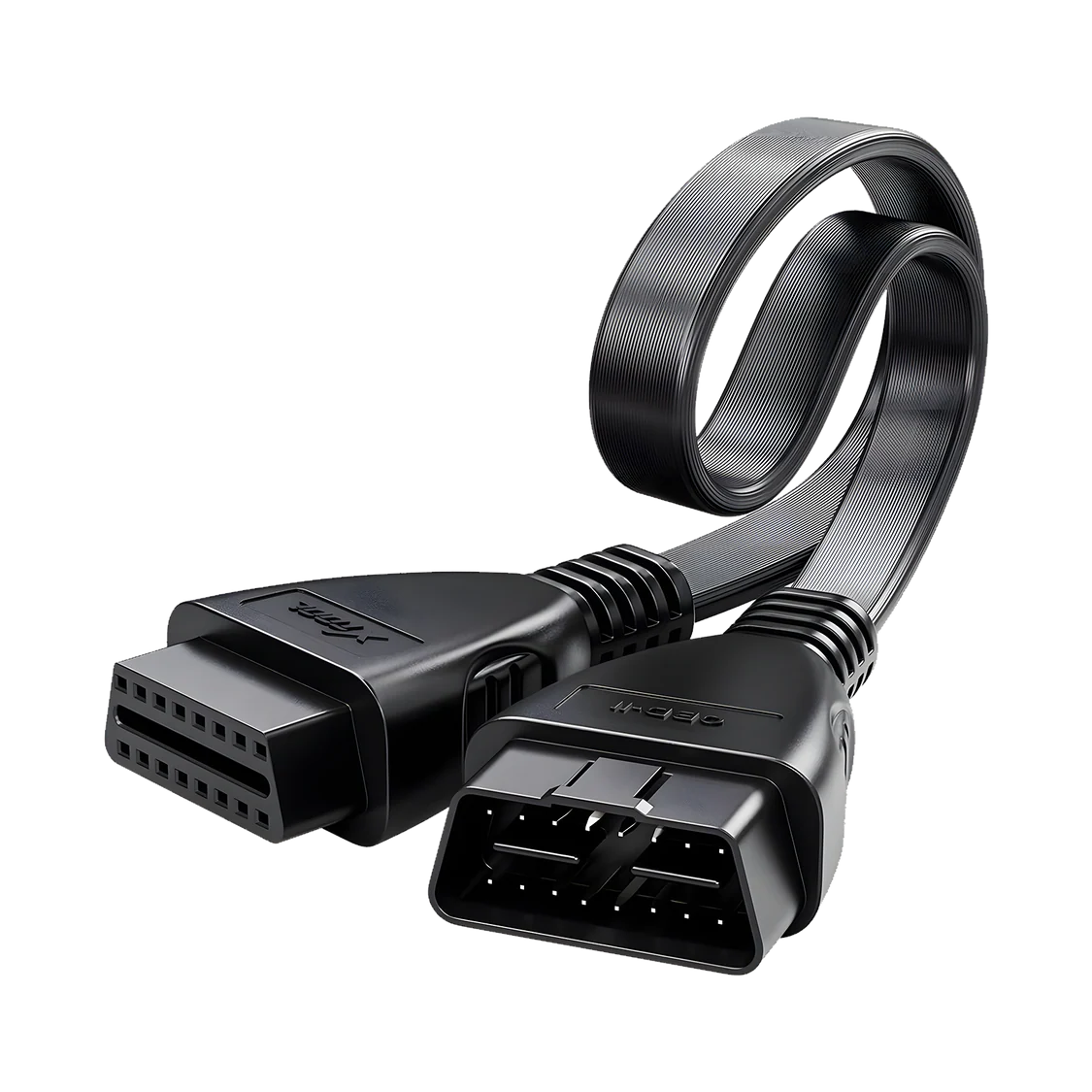
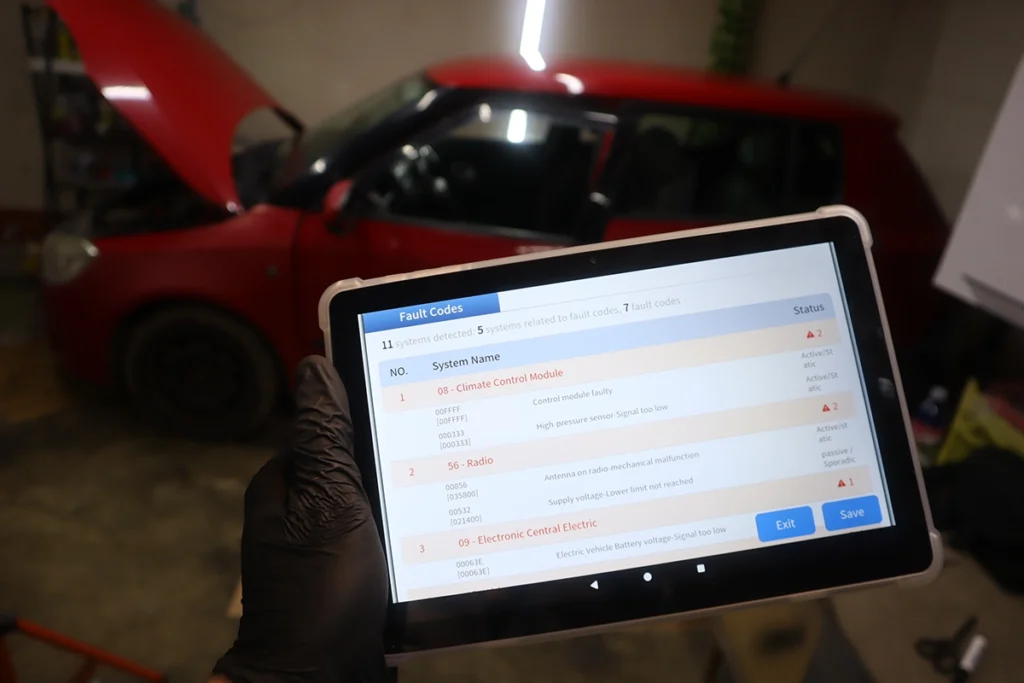
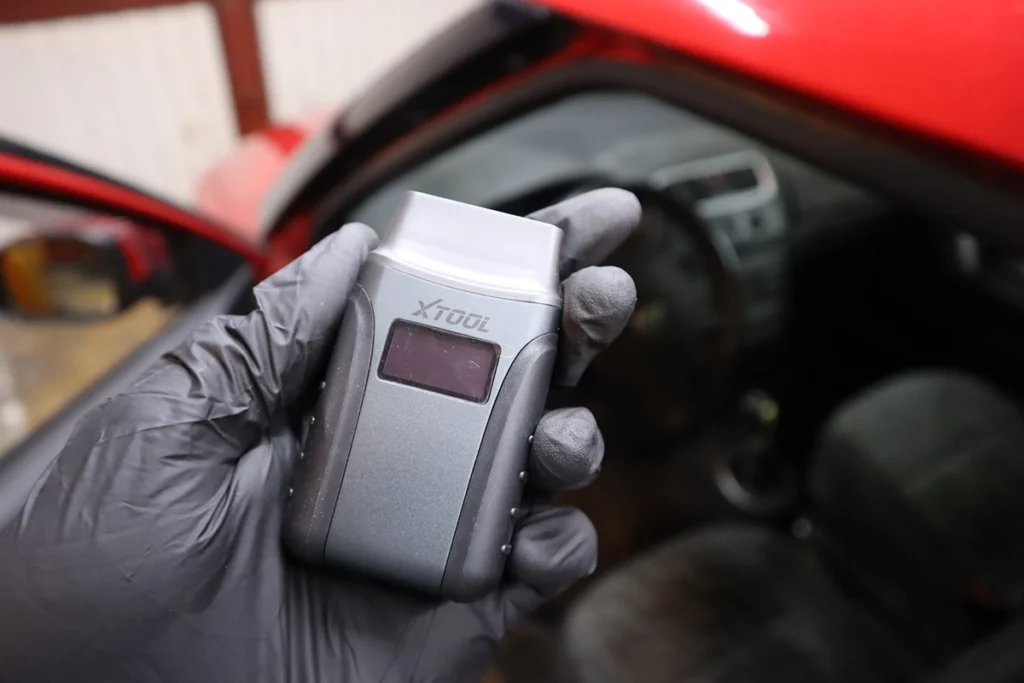
It’s a real full-system bidirectional scanner. On the Fabia it auto-detected the model, scanned the installed modules and produced a clean PDF report; on a newer Corolla it pulled 32 modules fast. Bidirectional tests run in every supported module (fuel pump relay, EVAP valve, fan, door locks, wipers, AC, gauge sweeps), and there’s a solid list of service resets. The adapter even has a built-in flashlight and shows battery voltage on screen.
Where it falls short
No ECU coding. It diagnoses, tests and resets, but it can’t unlock hidden features. If coding matters, this isn’t the tool, you’d look at a ThinkDiag2 or a coding tablet.
It needs a smartphone, with no standalone display. Your phone is the screen, which is fine for most people but worth knowing if you’d rather have an all-in-one device. Scan speed on older non-CAN cars also isn’t super fast, though that’s normal for those cars and quick on modern CAN vehicles.
As always, which service resets and tests actually run depends on the car supporting them, not just the tool.

Who should buy this
Yes, buy it if:
- You want a buy-once full-system bidirectional scanner with lifetime updates and zero subscription
- You value easy data logging and playback for diagnosing intermittent issues
- You’re happy using your phone as the screen and don’t need coding
No, look elsewhere if:
- You want ECU coding, the ThinkDiag2 keeps it
- You want a standalone device with its own display rather than a phone-based tool
- You want the smoothest, highest-rated version, the A30M edges it on ease and value
XTool A30D
 XTool A30M
XTool A30D
XTool A30M
XTool A30D
 Mucar BT200 Max
XTool A30D
Mucar BT200 Max
XTool A30D
 Mucar Driverscan
Still deciding rather than chasing an A30D deal? I line up the full-system Bluetooth scanners I’ve tested in my [best bidirectional OBD2 scanners] roundup. The short version: the A30D is a superb buy-once tool, but the roundup shows where the A30M or a coding tool fits you better.
Final word
The XTool A30 / A30D is one of the best “buy once, use for years” diagnostic tools for DIY mechanics: full-system access, real bidirectional tests, excellent data logging and a solid service-reset list, all through your phone with lifetime updates and no subscription. It does everything you need to diagnose and service a car, the only real gaps are ECU coding and the lack of a standalone screen. If you want pro-style functions without an ongoing fee, this is one of the easiest tools to recommend.
Most popular OBD2 guides







I'm Juraj Lukacko and I work as an auto electrician. On this site I share what I learn from real work on real cars, to help you pick the right tools for diagnostics, programming and tuning and get the job done.
More about me →