
Published: September 19, 2024 · Last updated: June 4, 2026
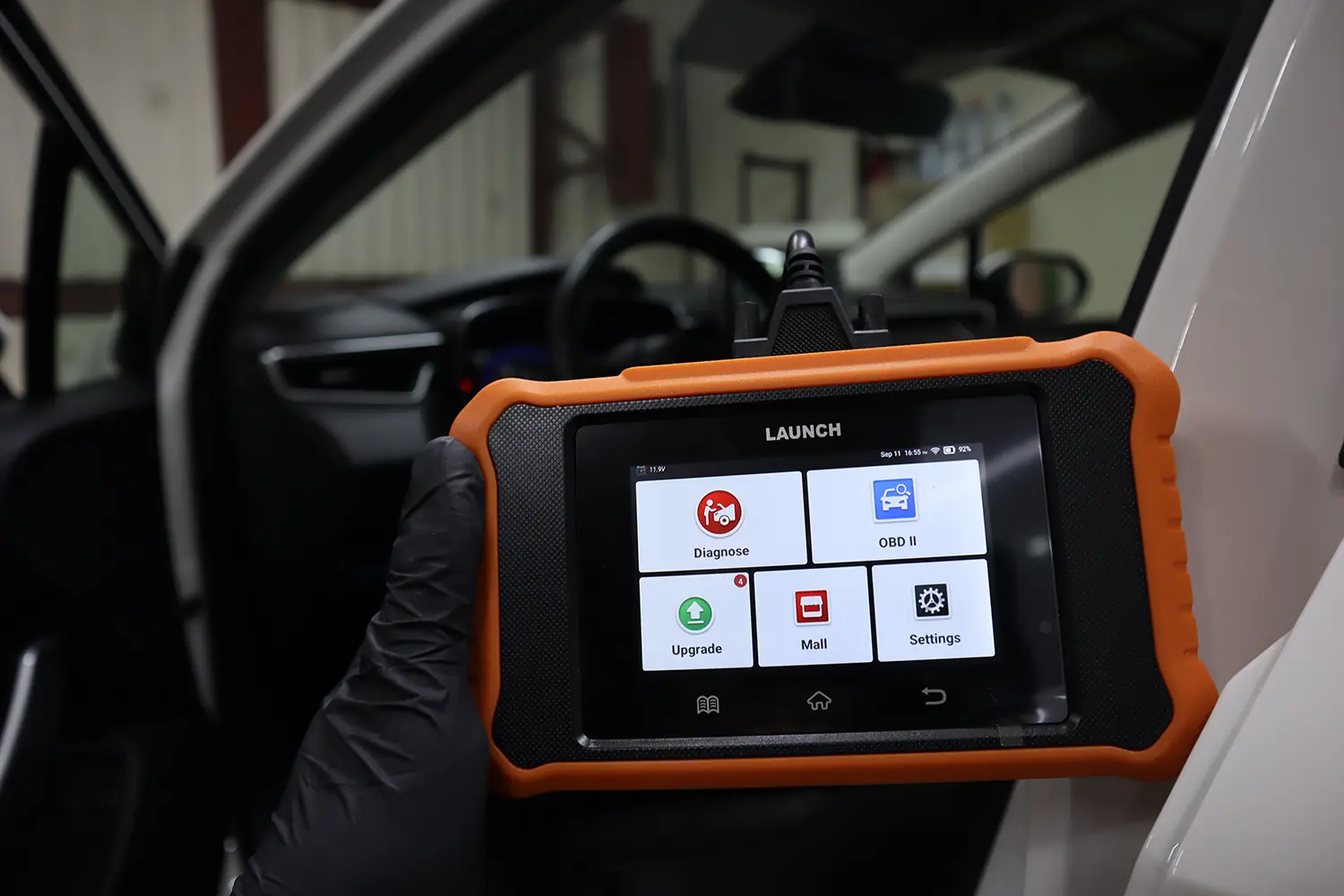
The Launch Creader Elite V2.0 is a brand-specific professional scanner for Toyota and Lexus: full-system access, bidirectional tests, full live data, service procedures and ECU coding, with no yearly subscription and lifetime updates. I tested it on my Corolla 2022. Because it’s built only for Toyota/Lexus, communication is exceptionally stable and fast, close to Techstream, especially on newer CAN cars where cheap multi-brand tools struggle. Note Launch makes these for many brands; this review is the Toyota/Lexus version. Read on for what it does and its one limit.
I earn from qualifying purchases and sometimes get tools for free (full disclosure). It never affects my scoring.
Launch Creader Toyota/Lexus
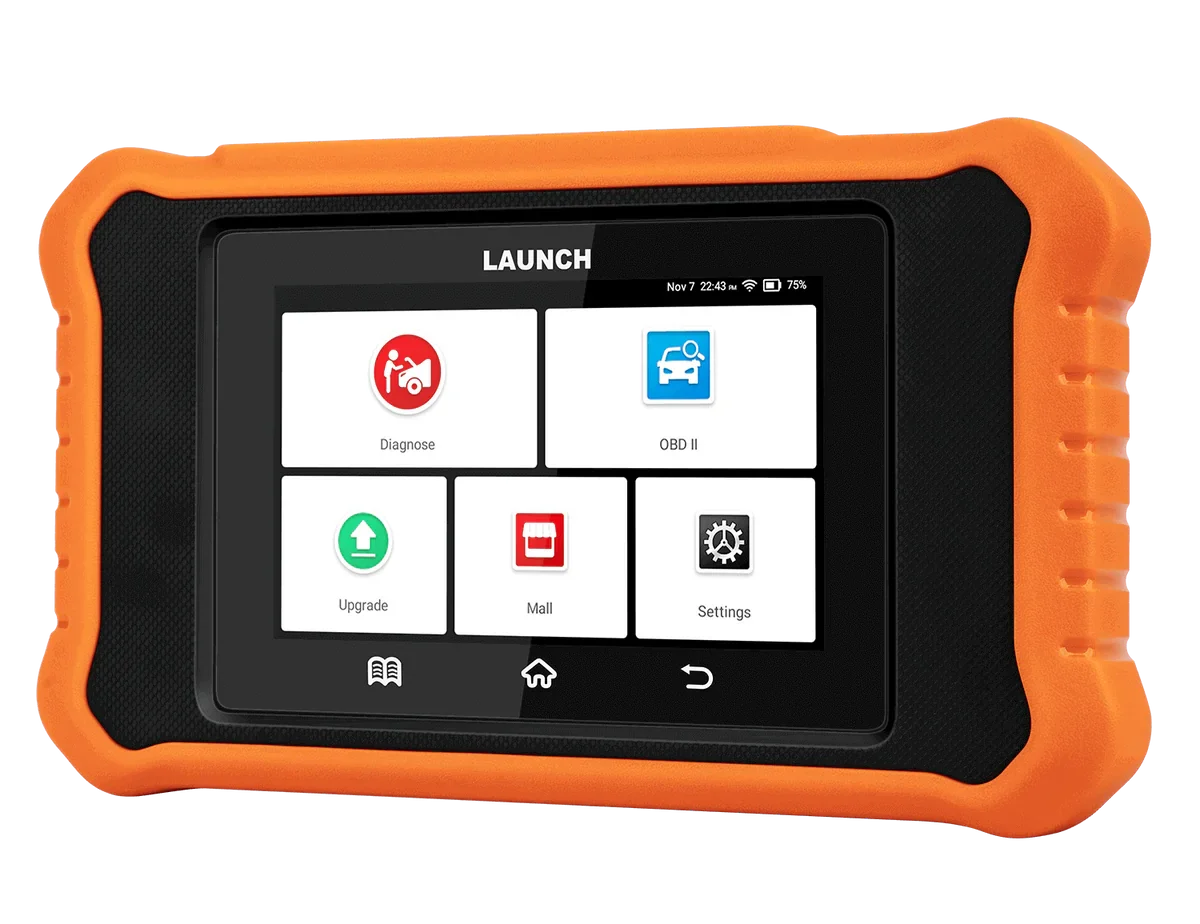
The Launch Creader Toyota/Lexus is brand-specific launch scanner for Toyota and Lexus with deep model coverage and coding at a fraction of dealership tool cost.

- Deep Toyota/Lexus coverage
- Bidirectional
- Coding functions
- Lifetime updates
- Much cheaper than dealer tools
- Toyota and Lexus only
- Only global OBD for other brands
Scores
Specs
| Tool type | Standalone device |
| User level | Advanced |
| Vehicle focus | toyota, lexus |
| Free updates | Lifetime |
| Subscription | Not required |
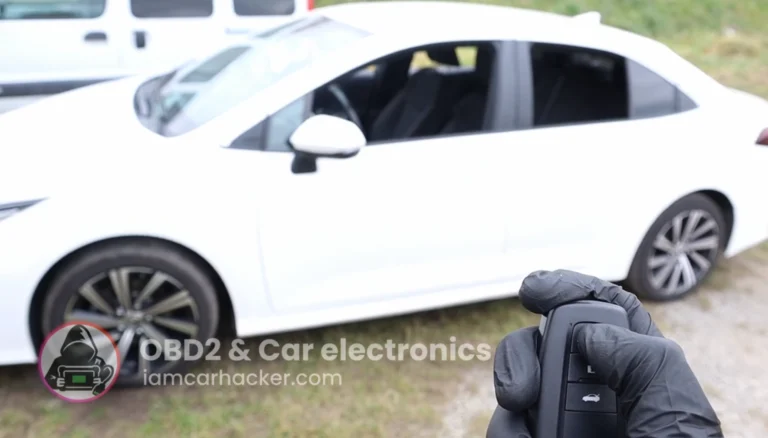
Real-world procedures tested with this tool
What it’s actually good at
Being brand-specific is its superpower, and you feel it immediately. Because it targets only Toyota/Lexus, it has the exact modules, exact PIDs and coding functions Toyota uses, very close to dealer-level Techstream. Plug in, ignition on, auto-detect reads the VIN, and the full scan starts instantly. It’s wired, so scanning is extremely fast: it ran every Toyota module in seconds and generated a PDF report straight away, ideal for used-car inspections. Every module opens with the full pro toolkit, not just the engine: read/clear codes, freeze frame, full live data, actuation tests, special functions and ECU customization.
The live data is deep and the bidirectional is one of its strongest features. The engine alone on my Corolla had over 200 PIDs, with custom lists and graphing, and I could record data while running tests, which is gold for diagnosing injectors or valves. Bidirectional worked instantly in every supported system: in the body module I tested door locks, headlights, wiper motor and window auto functions, all responding immediately. There’s also a big Toyota service-reset list (DPF, oil, EPB retraction, ABS bleed, battery registration, throttle adaptation and more).
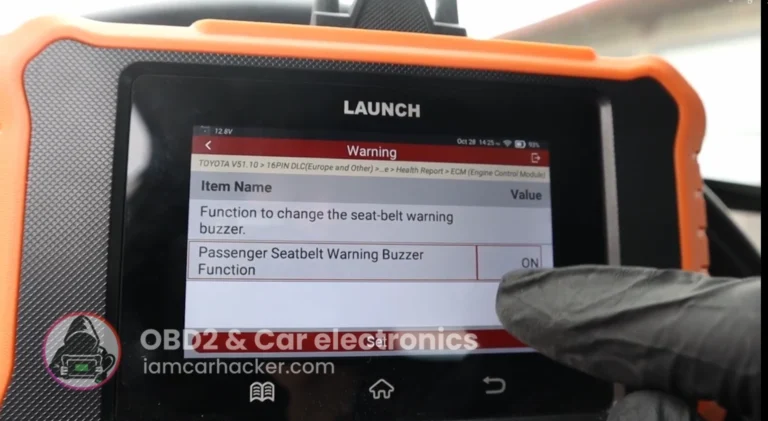
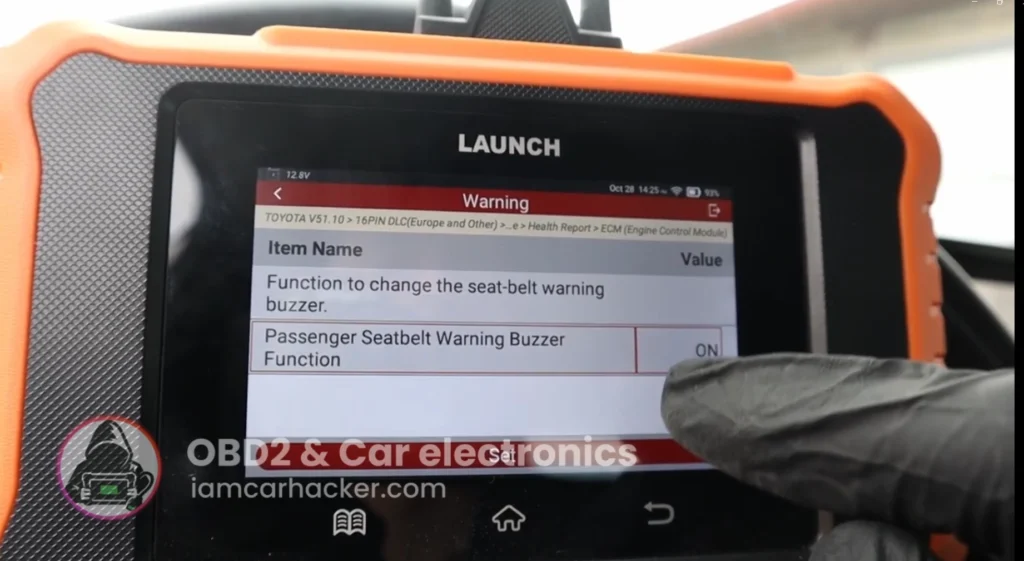
ECU coding is what surprises people, and it’s genuine OEM-level customization. On the Corolla it exposed Toyota’s hidden settings, similar to Techstream or Carista: things like window behaviour, lighting, smart-key and warning settings. It works as a real coding tool wherever the model supports it, newer Toyotas expose many options, older ones few or none.
Where it falls short
It’s Toyota and Lexus only, and that’s the whole trade. For any other brand you get global OBD only, engine codes and basic data, nothing more. That’s the deal with a brand-specific tool: deep coverage for one group, little for the rest. If you own a Toyota or Lexus it’s a strength; if your garage sees every make, it isn’t the tool. (Launch does sell sibling versions for VW, GM, BMW, Renault and others, so there may be one for your brand.)
One real usability gripe: no search bar in module live data. When a module has 80 to 150 PIDs, scrolling to find one parameter gets slow. Launch should add a search box. Minor, but you notice it on data-heavy modules. You’ll also need a phone with internet for sharing reports.
Who should buy this
Yes, buy it if:
- You own a Toyota or Lexus (especially 2010+) and want near-dealer diagnostics, coding and service work
- You want pro features with no subscription and free lifetime updates, for under dealer-tool money
- You value fast, rock-stable Toyota communication and deep live data
No, look elsewhere if:
- You work multiple brands, this only does global OBD outside Toyota/Lexus (look at a sibling version or a multi-brand tool)
- You need the absolute deepest dealer-level functions, full Techstream goes slightly further
- You want ECU programming, this codes but doesn’t flash-program
Launch Creader Toyota/Lexus
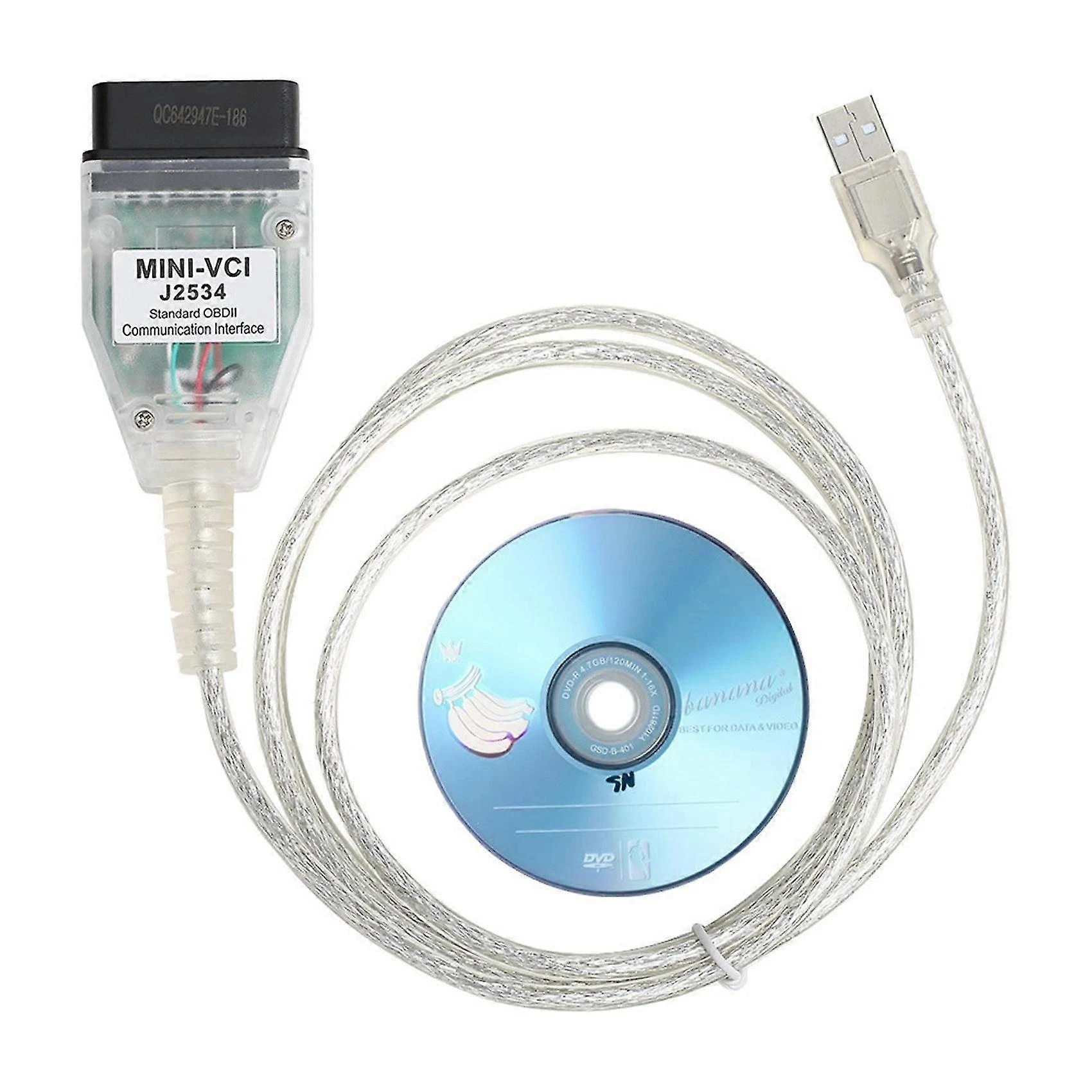 Techstream
Launch Creader Toyota/Lexus
Techstream
Launch Creader Toyota/Lexus
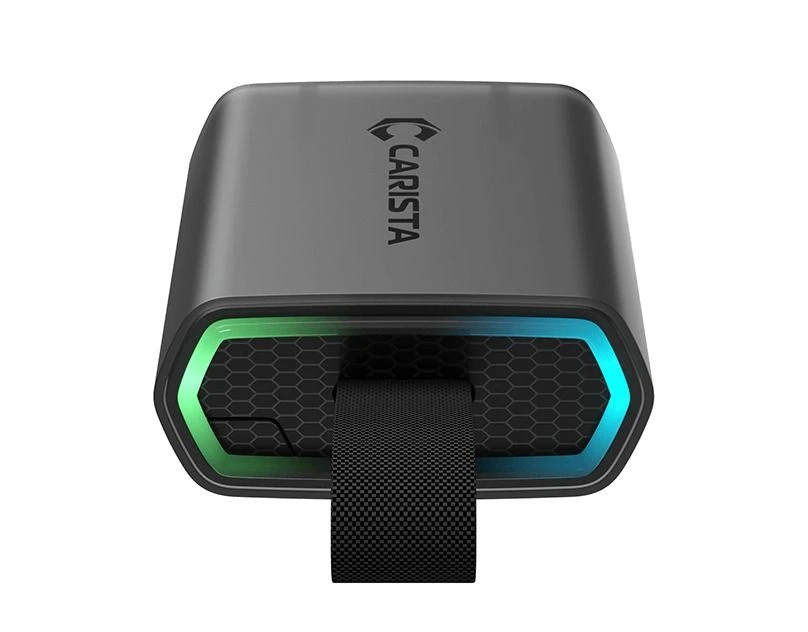 Carista EVO
Still deciding rather than chasing a deal? I line up the best Toyota and Lexus scanners I’ve tested in my [best Toyota/Lexus OBD2 scanners] roundup. The short version: this Launch is the standout value for a Toyota owner, but the roundup shows where Techstream or a multi-brand tool fits you better.
Final word
The Launch Creader Elite V2.0 Toyota/Lexus is one of the best-value professional tools a Toyota or Lexus owner can buy: full-system diagnostics, deep live data, bidirectional control, service resets, ECU customization and PDF reports, for under dealer-tool money, with free lifetime updates and no subscription. It’s the closest thing to Techstream, but easier, faster and subscription-free, the main catch is it’s Toyota/Lexus only. For a modern Toyota or Lexus owner, this is close to a must-have.
Most popular OBD2 guides







I'm Juraj Lukacko and I work as an auto electrician. On this site I share what I learn from real work on real cars, to help you pick the right tools for diagnostics, programming and tuning and get the job done.
More about me →