
Published: April 2, 2023 · Last updated: June 5, 2026
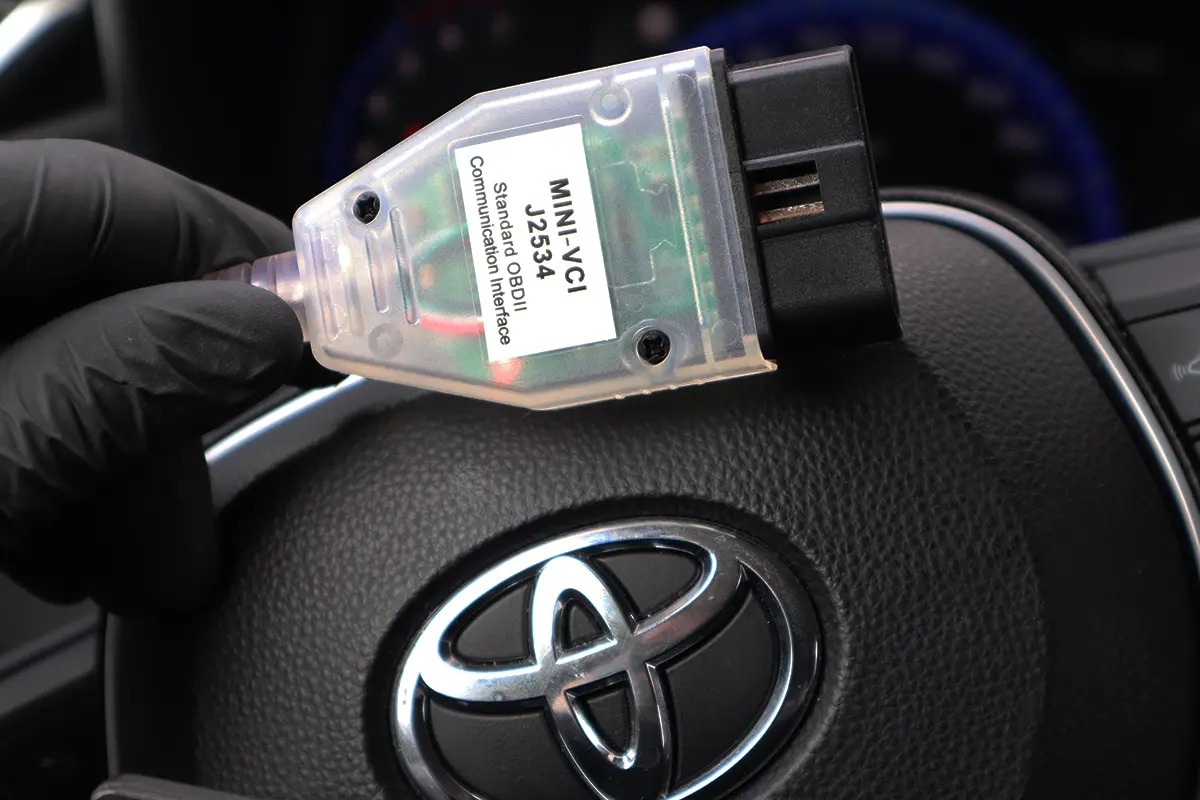
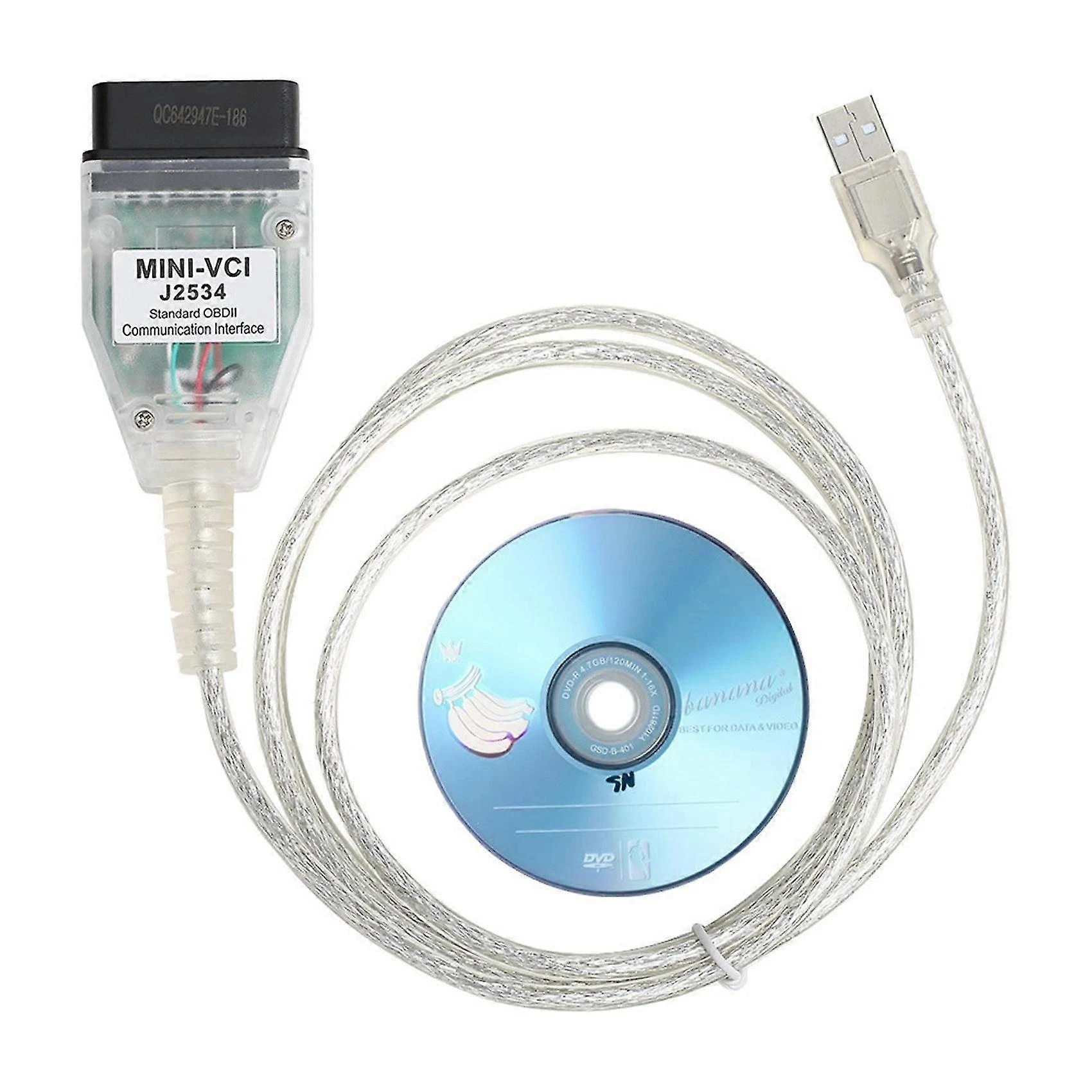
Techstream is the OEM diagnostic software Toyota and Lexus dealerships use, and you can run it yourself: buy a J2534 cable (around $25 to $50) plus an old laptop, and you have a dealership-level scan tool with no subscription. I tested it on a Toyota Corolla 2022. It does everything, full-system diagnostics, live data, bidirectional tests, service functions and ECU coding, the catch is the laptop setup and that you have to disable antivirus to install it. Read on.
I earn from qualifying purchases and sometimes get tools for free (full disclosure). It never affects my scoring.
Toyota Techstream – Best OBD2 for Toyota
Techstream
The Techstream is dealer-level diagnostic software for Toyota and Lexus with deep coding and service function support.

- Dealer-level diagnostics for Toyota/Lexus
- Very deep coding
- Adaptations and service functions
- The reference tool for serious Toyota work
- PC-based
- Not as user-friendly as phone/tablet tools
- Clone kits can be unstable or tricky to install
- Official subscription is not cheap
Scores
Specs
| Tool type | Standalone device |
| User level | Professional |
| Vehicle focus | toyota, lexus |
| Free updates | Not included |
| Subscription | Not required |
[VIDEO embed]
What it’s actually good at
It’s genuine OEM-level Toyota/Lexus capability for the price of a cheap adapter. This is the same software Toyota dealerships run, and it reads fault codes from every control unit (not just the engine like a $5 adapter), with rich freeze-frame data for each code, and clears them to reset the check engine light. It pulls full live data from every module (engine, ABS, transmission, hybrid) and graphs it, which is exactly what makes it powerful for diagnosis and for used-car checks across stored module data. For a Toyota or Lexus owner, that depth at ~$25 to $50 with no subscription is remarkable.
The coding and service functions are the real draw. It’s bidirectional, so you can active-test components (cooling fan, locks, washers, wipers) across every module straight from the laptop. It does service functions, oil-interval resets, electronic brake-caliper open/close for pad changes, new TPMS ID registration, and ECU coding to unlock hidden features (the kind of customization Toyota owners want on newer cars). On the Corolla 2022 it accessed customization settings the car didn’t enable from the factory. If you service your own Toyota, these functions alone justify it.

Where it falls short
It needs a laptop and a fiddly install, and you must disable antivirus. The software asks you to turn off antivirus to install, so I strongly recommend a separate, cheap refurbished laptop rather than your main machine. Setup isn’t plug-and-play: depending on the seller, the software can ask for a serial key (some sellers charge extra for it), and the install can leave two versions on the laptop, occasionally redirecting to the locked official one, needing a restart. It works, but be prepared for some fiddling.
ECU reprogramming is limited on the cheap version, and it’s Toyota/Lexus only. Full dealer-level ECU rewriting/flashing is restricted, it’s 100% there as diagnostic, coding and service software, but not for deep reprogramming. And obviously it only works on Toyota, Lexus and Scion.
Who should buy this
Yes, buy it if:
- You own a Toyota, Lexus or Scion and want dealer-level diagnostics, coding and service functions cheaply
- You service your own Toyota and need oil resets, EPB, TPMS IDs or hidden-feature coding
- You’re fine using a separate laptop and don’t mind some install fiddling
Look elsewhere if:
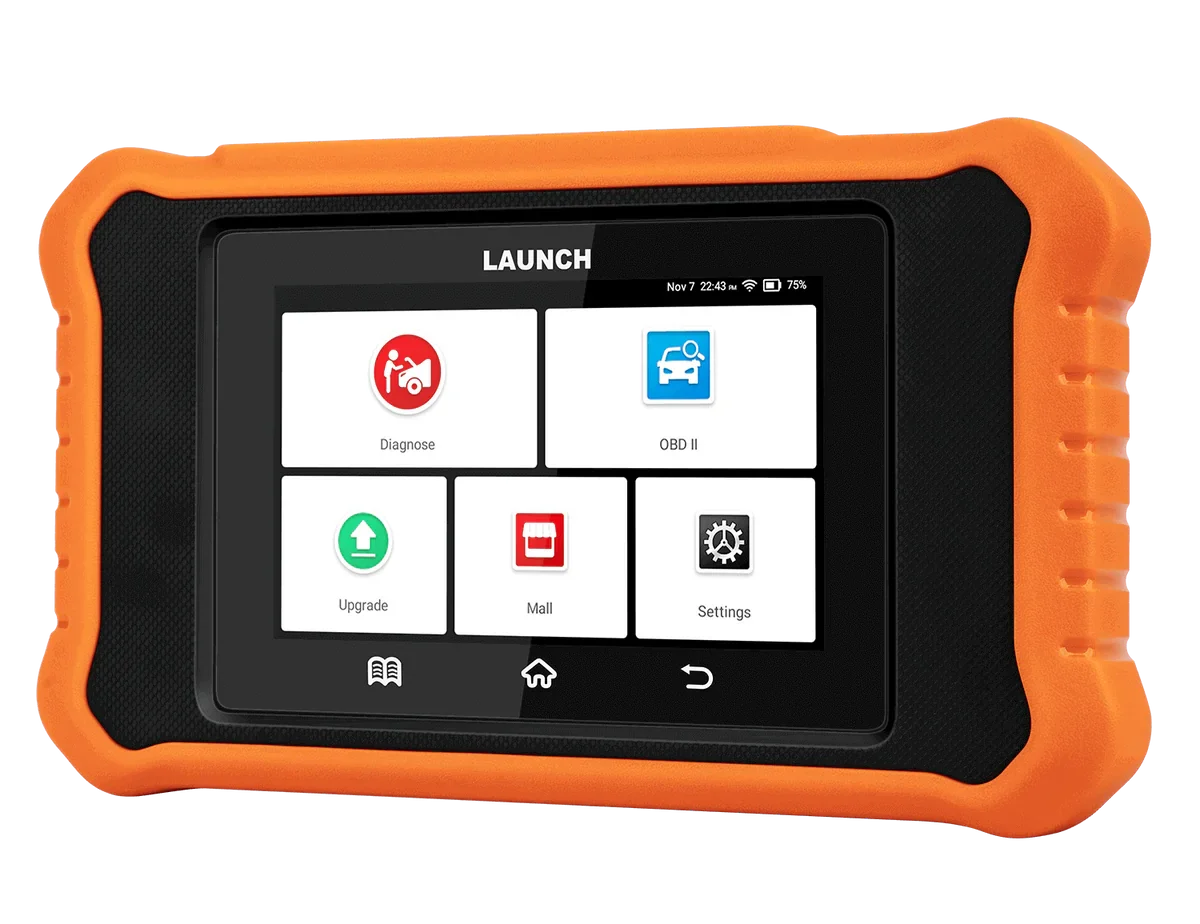
- You want plug-and-play simplicity with no antivirus/key hassle, the Launch Creader Toyota/Lexus is easier
- You work multiple brands, this is Toyota/Lexus only
- You need deep ECU reprogramming, the cheap version is limited there
Techstream
 Launch Creader Toyota/Lexus
Techstream
Launch Creader Toyota/Lexus
Techstream
 Soloscan for Toyota
Final word
Toyota Techstream is the OEM software Toyota dealers use, and for ~$25 to $50 plus an old laptop you get dealership-level diagnostics, full-system scanning, bidirectional tests, service functions and ECU coding on Toyota, Lexus and Scion, with no subscription. The catch is the setup: it needs a laptop, you must disable antivirus (use a separate machine), the install can be fiddly with keys and versions, and deep ECU reprogramming is limited. If you own and service a Toyota and don’t mind the setup, it’s superb value. If you want it simple, the Launch Creader Toyota/Lexus does similar work plug-and-play.
Most popular OBD2 guides







I'm Juraj Lukacko and I work as an auto electrician. On this site I share what I learn from real work on real cars, to help you pick the right tools for diagnostics, programming and tuning and get the job done.
More about me →
Can I use it on an imported from Japan Toyota Alphard 2012 now in the UK?
Hi it should work for all Toyotas, but you can message the seller on Amazon and ask, they will know for sure.
So far after inquiring with several sellers of the OBD2 cable, the Techstream software that comes
with it always asks for a key before it can be used.
The sellers will gladly give you the key after you pay them an additional $30 minimum.
Where can I get working Techstream software that doesn’t require a key?
Hi, I bought from this seller: https://www.amazon.com/gp/product/B084P3WCJC/ref=ppx_yo_dt_b_asin_title_o04_s01?ie=UTF8&psc=1
Thanks. Were you able to get your cable to work with the software provided?
Did the CD come with a key? Did you need to use it and if so, did it work?
Hello I don’t remember exactly as it was more than year ago but there was video on CD explaining installation I just followed instructions.
Maybe do yo know How to convert Toyota Sequoia Gen2 from miles to kilometers?
And convert whole temperature from Faringeit to Celsius?
P.S. I also have Mangoost Cable and TechStream…