 By Juraj · Last updated August 15, 2026
This guide shows how to program a new transponder key to a Corsa C immobiliser using Opcom.
I earn from qualifying purchases and sometimes get tools for free (full disclosure). It never affects my scoring.
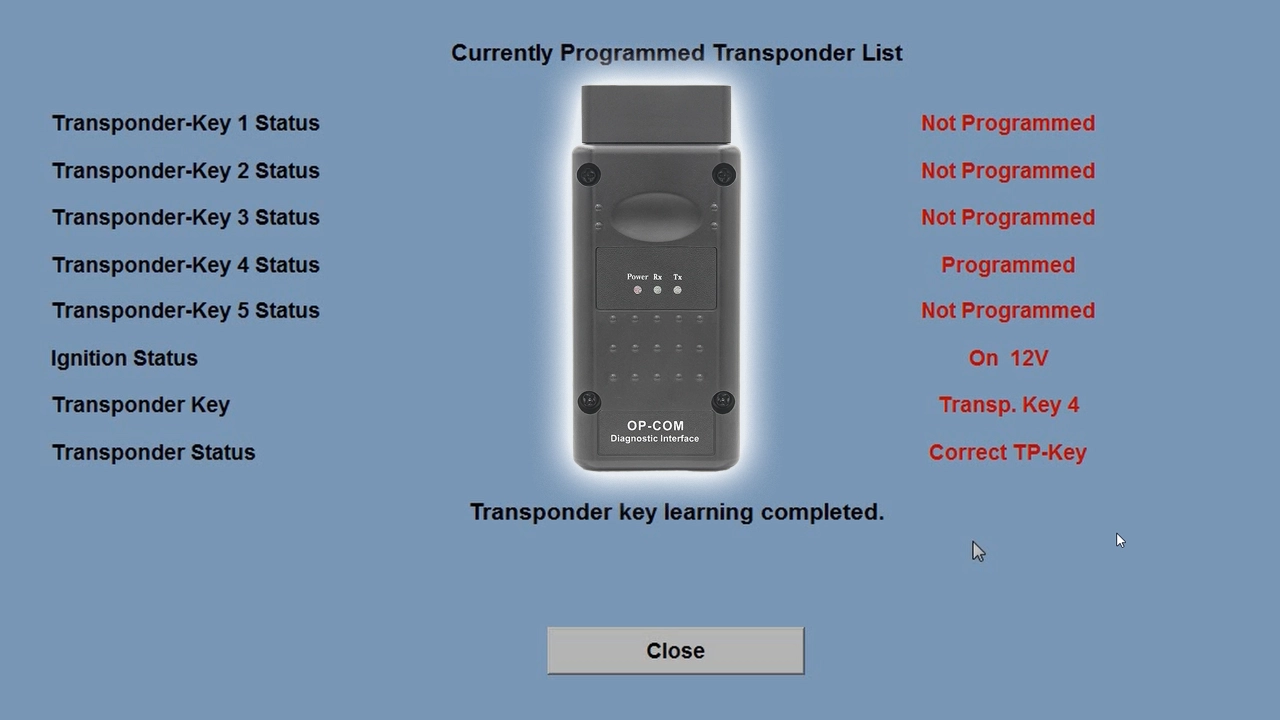
Used tool in this guide
Video: How to program a new key on a Corsa C with Opcom
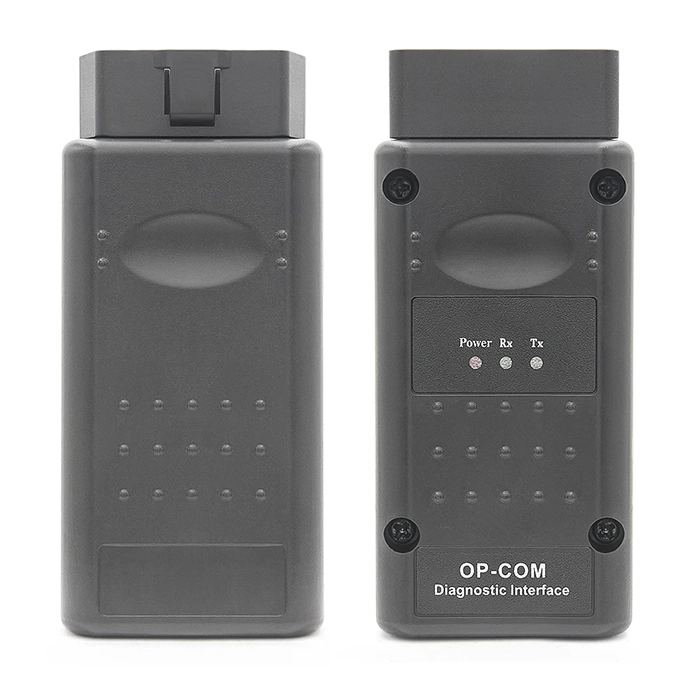
This video shows how to check transponder status in the measuring blocks and program a new key to the immobiliser.
Supported vehicles
| Vehicle |
|---|
| corsa-c |
Technical overview
| Vehicle | Opel Corsa C |
|---|---|
| Year | 2006 |
| System | Immobiliser-II |
| Procedure type | New transponder key programming |
| Difficulty | Easy |
| Time required | ~ 15 min |
| Prerequisites | Opcom / VAUX-COM interface, valid security code, blank transponder key |
Step-by-step procedure
Get the security code first
This is its own job, covered in a separate guide. [How to find the security code to Opel Immobiliser 2 system]
Check the current transponder status before programming anything
Opcom path: Special Functions > Immobiliser, then open Measuring Blocks.
The status field tells you what you're working with before you commit to a programming attempt:
Enter the security code to unlock the immobiliser functions
All the Special Functions and Programming buttons stay greyed out until a correct code is entered. A wrong code triggers a lockout timer instead, anywhere from 10 seconds to 21 hours 20 minutes, so don't guess here.
Program the new key
Opcom path: Programming > Program Transponder-Keys > New.
Use "New" for a fresh blank chip that's never been programmed to any car. Use "Old" only if the key was already programmed to this same immobiliser before and you're re-adding it.
Repeat for additional keys if needed
Only one key programs per cycle. If you need two or three keys total, cycle the ignition and repeat the Program Transponder-Keys step for each one.
Verify
Back to Measuring Blocks. The new key should now read "Correct TP-Key" instead of "Unknown key."
Alternative tools
 ToolAutel IM608 PRO 2AutelCheck on Amazon ›AliExpress ›Read review
 Legal & safety notice
More procedures like this
How to Read the Immo Code (Car Pass) from an Opel / Vauxhall Immo 2
Opel Corsa C 2006 Instrument Cluster Swap and Programming
Toyota Avensis 2006 Add new key/Key Cloning: Car Starts, Remote Doesn’t (Full Job)
How to Add a Key / Perform AKL on BMW E46
Honda FRV 2006 Key programming / Add new key
Add / All Keys Lost – Citroën C4 Picasso 2012
Most popular OBD2 guides







I'm Juraj Lukacko and I work as an auto electrician. On this site I share what I learn from real work on real cars, to help you pick the right tools for diagnostics, programming and tuning and get the job done.
More about me →