 By Juraj · Last updated August 15, 2026
This guide shows how to permanently deactivate the automatic Start/Stop system on the VW Touran 2016 via the scanner's service function menu.
I earn from qualifying purchases and sometimes get tools for free (full disclosure). It never affects my scoring.
Used tool in this guide

Video: How to deactivate Start/Stop on VW Touran 2016
This video shows how to turn off the automatic Start/Stop system using the scanner's service function.
Supported vehicles
| Vehicle |
|---|
| touran-5t |
Technical overview
| Vehicle | VW Touran (Type 5T) |
|---|---|
| Year | 2016 |
| System | Engine / Start-Stop control |
| Procedure type | Service function |
| Difficulty | Easy |
| Time required | ~5 minutes |
| Prerequisites | Battery > 12 V, engine OFF, ignition ON, scanner with VAG service functions |
Step-by-step procedure
Connect the scanner
Connect the scanner to the OBD2 port and switch ignition ON (engine OFF).
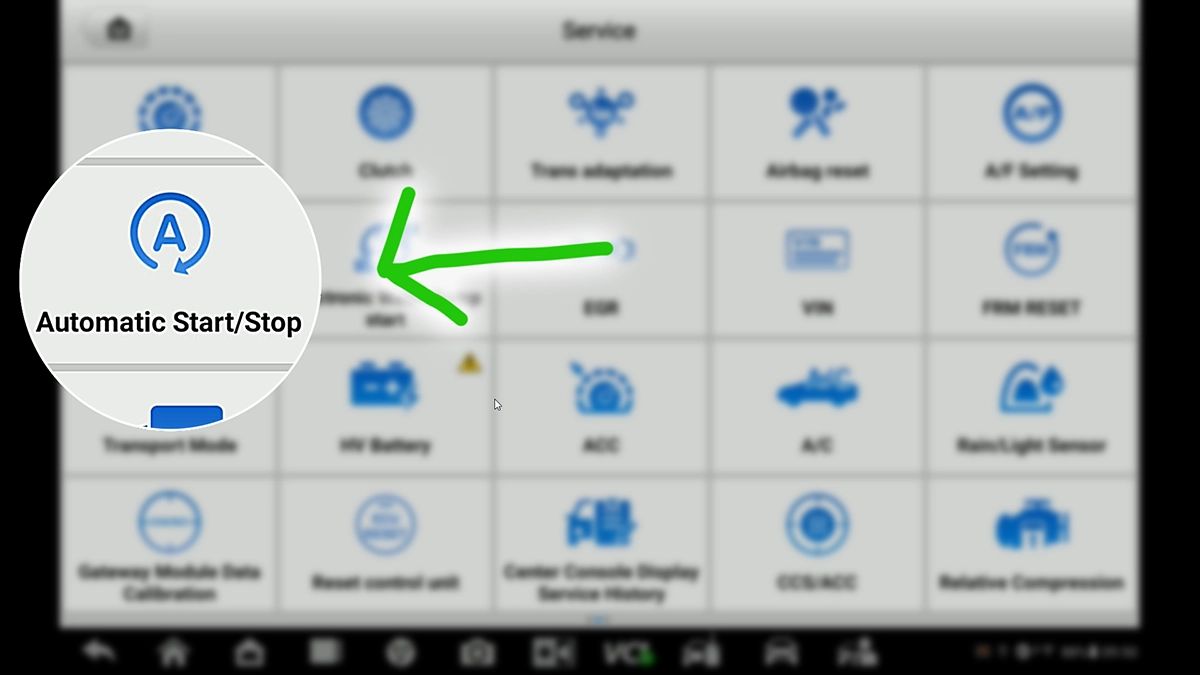
Go to Service Functions → Automatic Start/Stop
Select Touran 5T
Brand is detected automatically. Select Touran 5T.
Select Turn off Start/Stop
Wait for the procedure to finish
Wait for the scanner to complete the procedure.
Cycle the ignition
When prompted, turn ignition OFF, then back ON.
The procedure can be reversed at any time by running the same service function and selecting Turn on Start/Stop.
Alternative tools

Legal & safety notice
More procedures like this
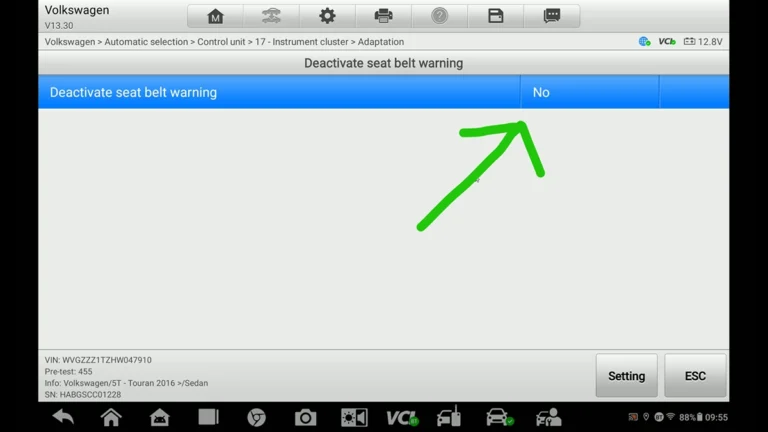
How to Deactivate Seatbelt Warning on VW Touran 2016 (Type 5T)
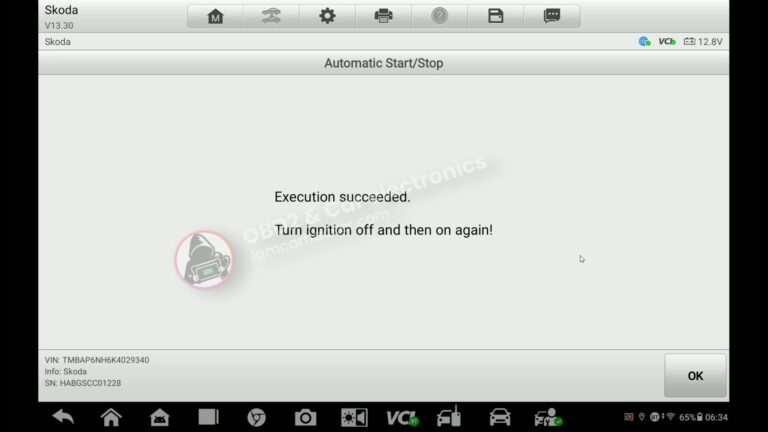
How to turn OFF Start/Stop – Skoda Rapid 2019
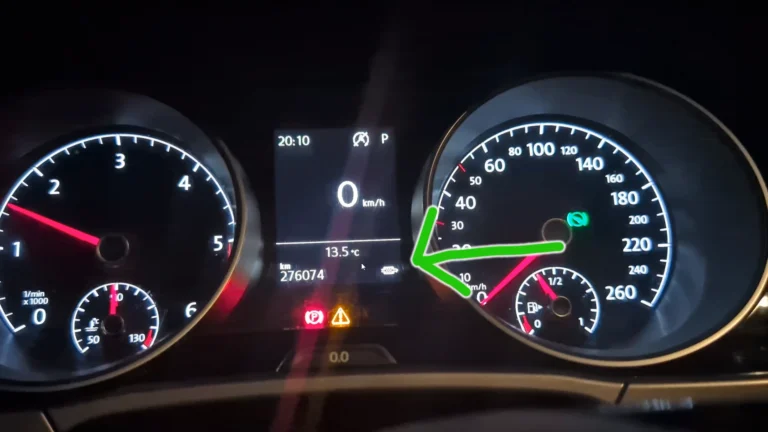
How to Force DPF Regeneration on VW Touran 2016 1.6/2.0 TDI EU6 (Type 5T)
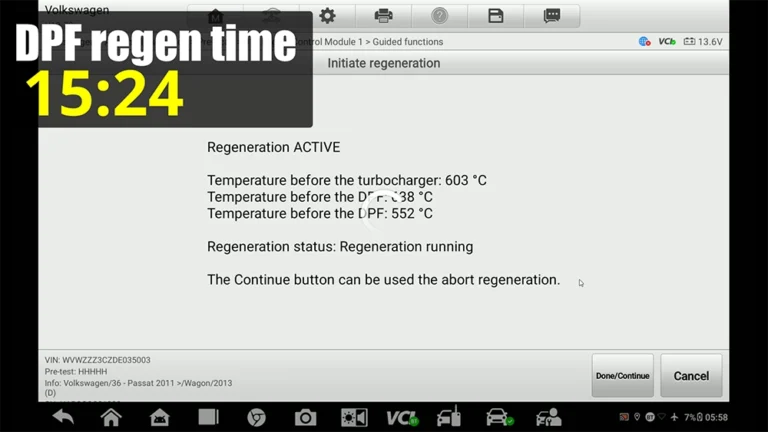
VW Passat B7 2013 2.0 TDI: Forced DPF Regeneration Through OBD2
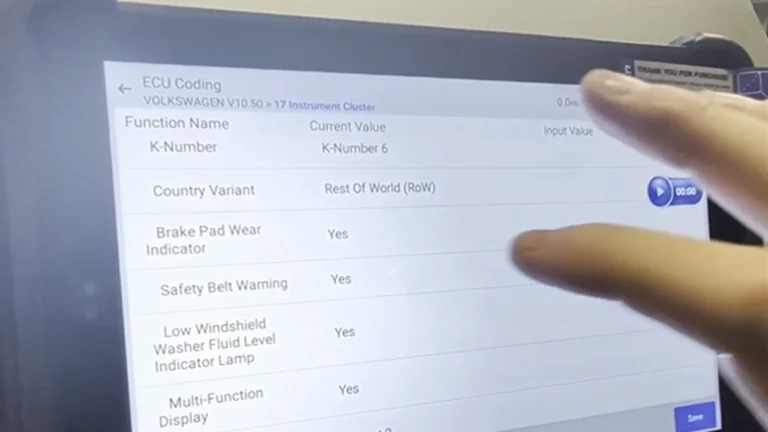
VW Passat B7 Disable Seatbelt Warning: Do It in Long Coding, Not Adaptation
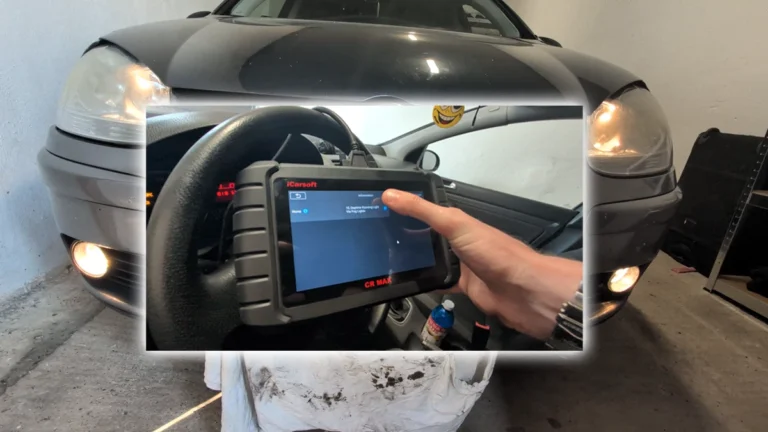
How to Enable Daytime Running Lights via Fog Lights on VW Golf MK5 2006
Most popular OBD2 guides






I'm Juraj Lukacko and I work as an auto electrician. On this site I share what I learn from real work on real cars, to help you pick the right tools for diagnostics, programming and tuning and get the job done.
More about me →