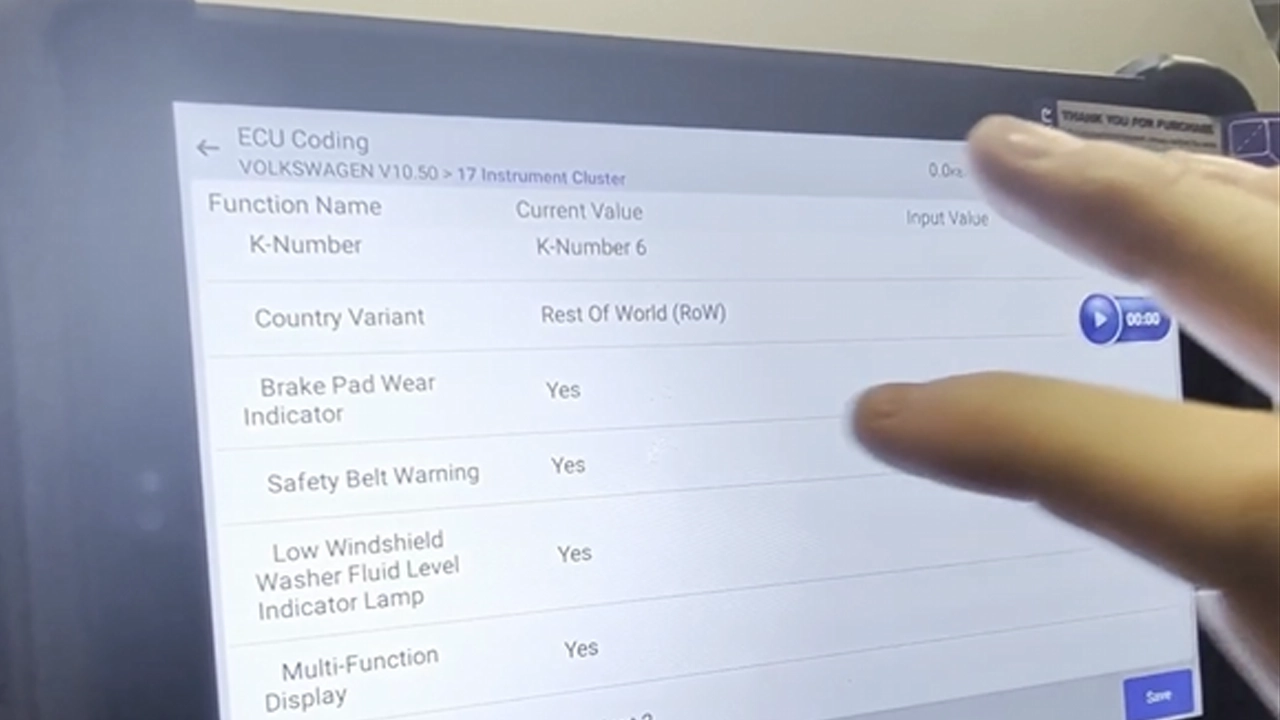
 By Juraj · Last updated August 15, 2026
This guide shows how to permanently turn off the seatbelt warning chime and lamp on a VW Passat B7 through the instrument cluster long coding.
I earn from qualifying purchases and sometimes get tools for free (full disclosure). It never affects my scoring.
Used tool in this guide
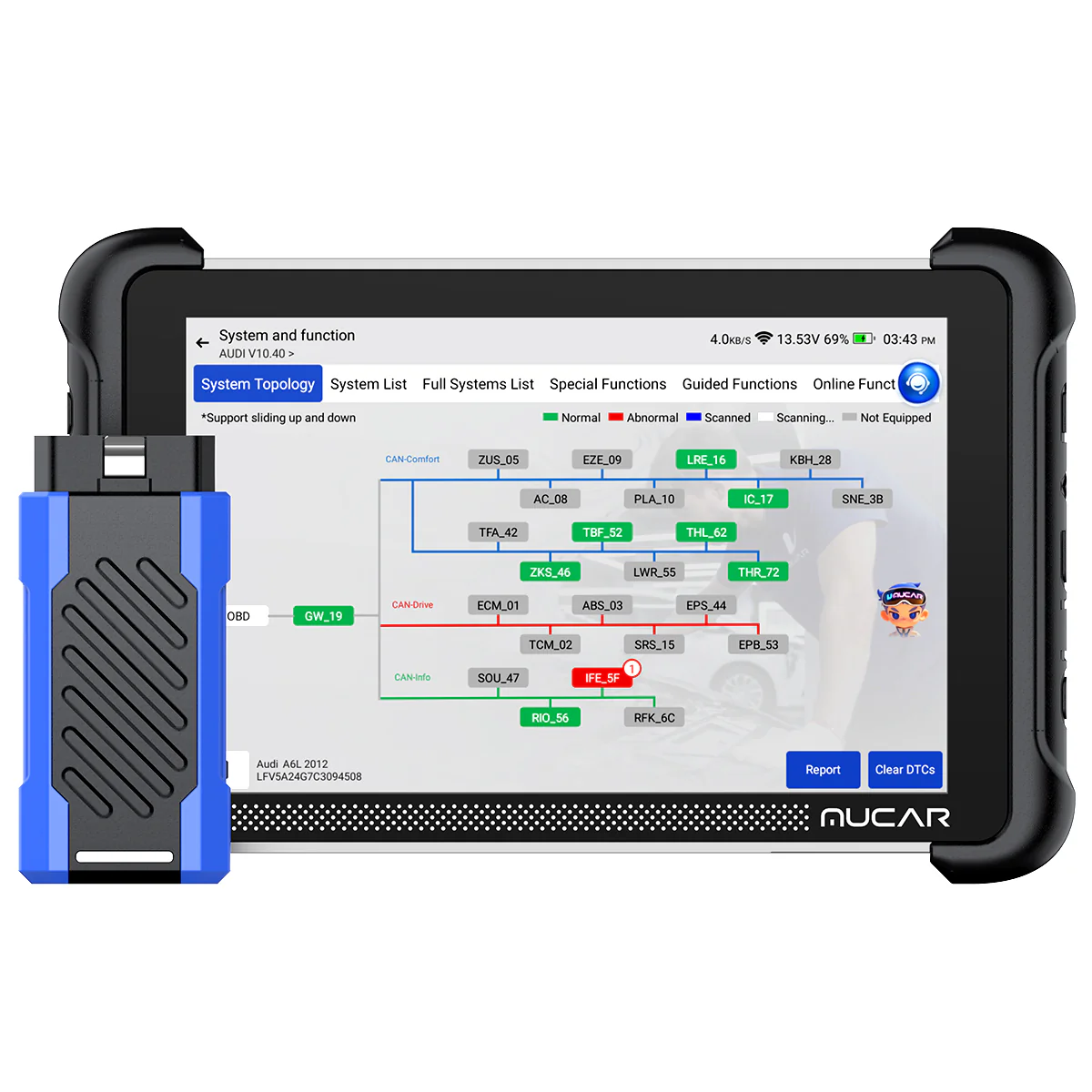
Video: How to disable the seatbelt warning on VW Passat B7
This video shows how to open the instrument cluster long coding on a Passat B7 and switch the seatbelt warning off.
Supported vehicles
| Vehicle |
|---|
| passat-b7 |
Technical overview
| Vehicle | VW Passat B7 |
|---|---|
| Year | 2010 to 2014 |
| System | Instrument cluster, module 17 |
| Procedure type | Coding |
| Difficulty | Easy |
| Time required | ~5 min |
| Prerequisites | OBD2 scanner with access to long coding |
Step-by-step procedure
Connect the scanner
Plug the scanner into the OBD port and switch the ignition on. Engine off.
Select the vehicle
Select the vehicle and enter the control unit list.
Open module 17 Instrument Cluster
Go to Long Coding
Find the seatbelt warning parameter
Find the seatbelt warning parameter in the coding list.
Change the value from yes to no
Write the coding to the module
Cycle the ignition
Ignition off, wait around 30 seconds, ignition back on.
Verify
Verify: no chime and no belt lamp with the belt unbuckled.
Alternative tools

Legal & safety notice
More procedures like this
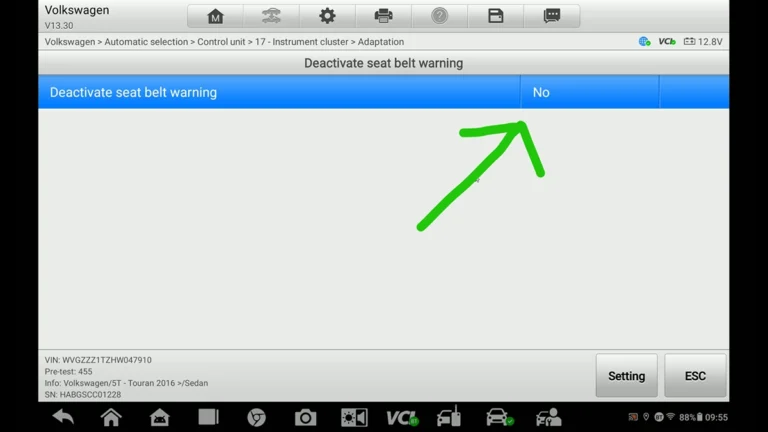
How to Deactivate Seatbelt Warning on VW Touran 2016 (Type 5T)
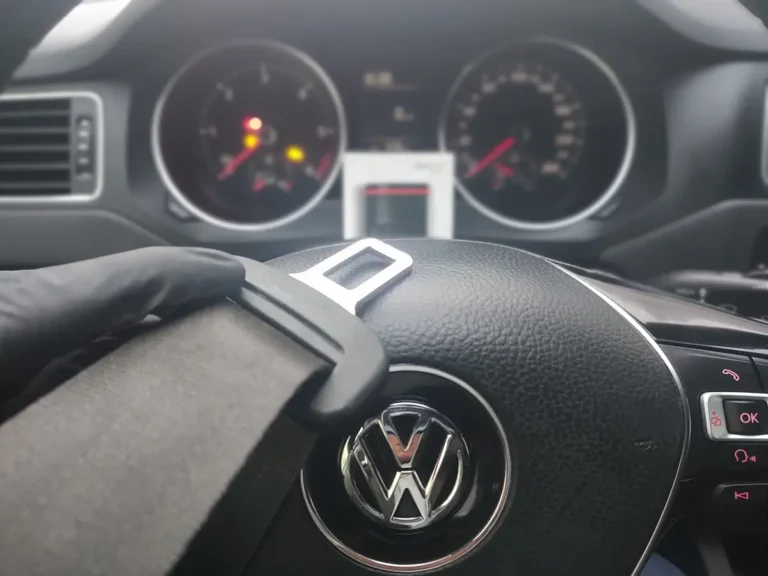
How to disable seatbelt warning in VW/Audi/Skoda/Seat
VW Passat B7 2013 2.0 TDI: Forced DPF Regeneration Through OBD2
Renault Laguna II Phase 2: Turn Off the Seatbelt Warning Chime in the Instrument Cluster
How to Turn Off Seatbelt Warning Chime on BMW X5 E70 with OBDeleven
Škoda Kodiaq 2023: How to Disable the Seatbelt Warning Chime
Most popular OBD2 guides






I'm Juraj Lukacko and I work as an auto electrician. On this site I share what I learn from real work on real cars, to help you pick the right tools for diagnostics, programming and tuning and get the job done.
More about me →