 By Juraj · Last updated August 15, 2026
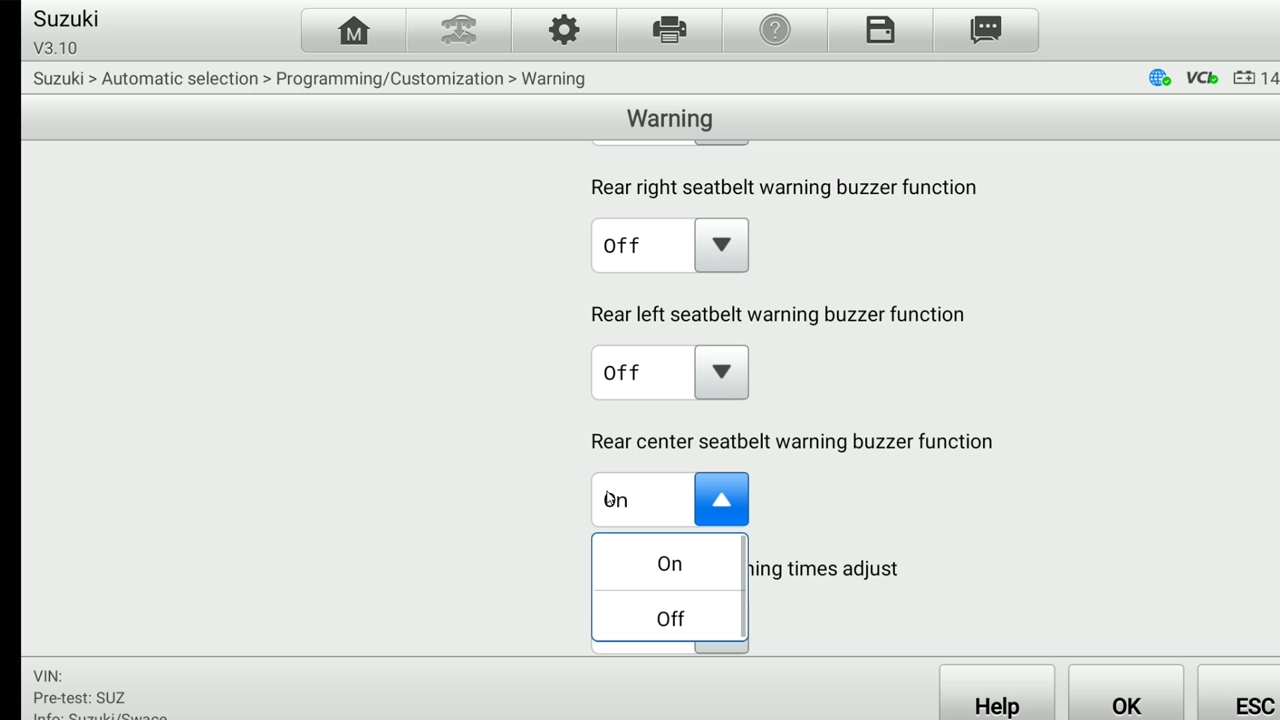
Quick answer: Connect, let it read the VIN, confirm the spec fields. Then go to Programming/Customization → Warning, find the seatbelt reminder settings (they're listed per seat), set the seats you want silenced to OFF, leave the rest ON, and press OK to save.
I earn from qualifying purchases and sometimes get tools for free (full disclosure). It never affects my scoring.
Used tool in this guide

Video: How to turn off the seatbelt beep on Suzuki Swace 2026
This video shows how to read the vehicle, open the customization menu, and switch the rear seatbelt reminders off while leaving the front belts active.
Technical overview
| Vehicle | Suzuki Swace (Toyota Corolla Touring Sports hybrid) |
|---|---|
| Year | 2026 |
| System | Body / customization (seatbelt reminder) |
| Procedure type | Customization / comfort setting |
| Difficulty | Easy |
| Time required | ~5-10 min |
| Prerequisites | Battery healthy, ignition ON, customer's seat-by-seat preference confirmed |
Step-by-step procedure
Connect the Autel IM608
Plug the Autel IM608 into the OBD port and select Suzuki.
Let it read the VIN
Let it auto-read the VIN. On this one it pulled the vehicle automatically, so you don't have to drill through menus by hand.
Confirm the vehicle spec
Confirm the spec fields. The scanner asked me to verify the vehicle info: Destination, Model name (Swace), Model code (ZWE213), Engine type (2ZR-FXE), Manufacturer (TMMT/Turkey), Cruise type. Pick what matches. Anything I wasn't sure of I just picked the closest option, and for a customization function like this it doesn't matter much, the menu is the same regardless. Press OK.
Go into Programming/Customization in the menu
Open the Warning category
Open the Warning category. The seatbelt reminder settings live here.
Set the chime per seat
Set the chime per seat. The settings are listed for each seat separately. In my case the customer only wanted the rear belts silenced, so I switched the rear seats to OFF and left the front seats ON. Set whatever combination the customer asked for.
Save and test
Press OK to save. Cycle the ignition and check, the silenced belts should no longer chime while the ones left ON still do.
Alternative tools
Legal & safety notice
More procedures like this
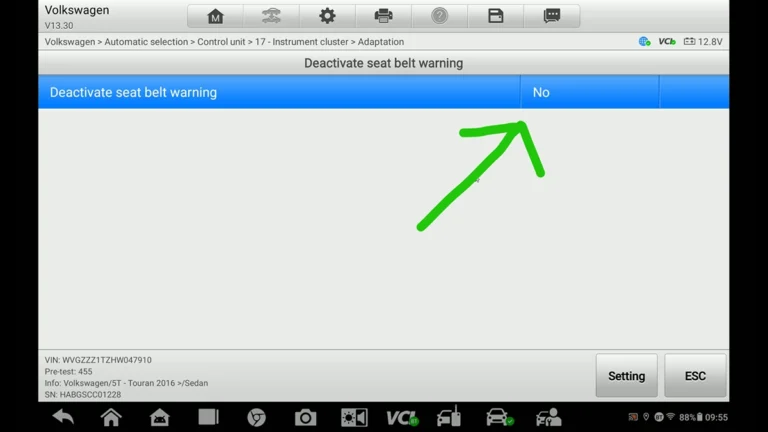
How to Deactivate Seatbelt Warning on VW Touran 2016 (Type 5T)
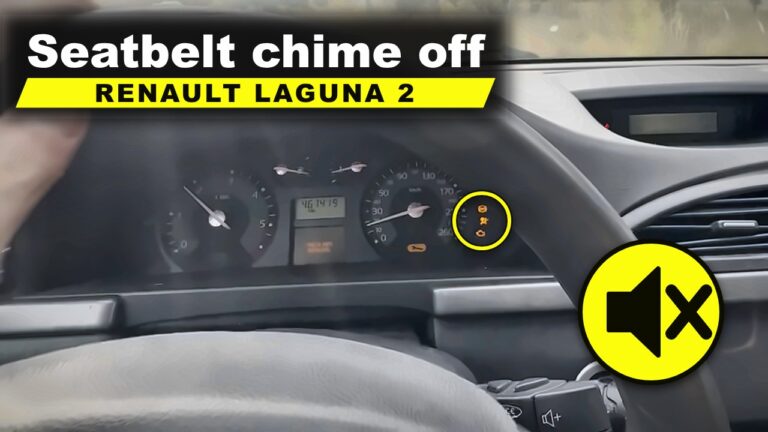
Renault Laguna II Phase 2: Turn Off the Seatbelt Warning Chime in the Instrument Cluster
How to Turn Off Seatbelt Warning Chime on BMW X5 E70 with OBDeleven
VW Passat B7 Disable Seatbelt Warning: Do It in Long Coding, Not Adaptation
Škoda Kodiaq 2023: How to Disable the Seatbelt Warning Chime
How to Enable Window Up/Down from the Key on Suzuki Swace (2026)
Most popular OBD2 guides







I'm Juraj Lukacko and I work as an auto electrician. On this site I share what I learn from real work on real cars, to help you pick the right tools for diagnostics, programming and tuning and get the job done.
More about me →