 By Juraj · Last updated October 1, 2026
Quick answer: Connect, let it read the VIN, confirm the spec fields. Go to Programming/Customization → Power window. On that screen switch the two "with transmit" options (Power window up with transmit / Power window down with transmit) from OFF to ON, then press OK to save. Long-press unlock = windows down, long-press lock = windows up.
I earn from qualifying purchases and sometimes get tools for free (full disclosure). It never affects my scoring.
Used tool in this guide

Video: How to enable key fob window control on Suzuki Swace 2026
This video shows how to read the vehicle, open the Power window customization menu, and switch on remote up/down so the windows operate from the key.
Supported vehicles
| Vehicle |
|---|
| swace-zwe213 |
Technical overview
| Vehicle | Suzuki Swace (Toyota Corolla Touring Sports hybrid) |
|---|---|
| Year | 2026 |
| System | Body / customization (power windows) |
| Procedure type | Customization / comfort setting |
| Difficulty | Easy |
| Time required | ~5-10 min |
| Prerequisites | Battery healthy, ignition ON, key fob to test |
Step-by-step procedure
Connect the Autel IM608
Plug the Autel IM608 into the OBD port and select Suzuki.
Let it read the VIN
Let it auto-read the VIN. It pulls the vehicle automatically (Suzuki/Swace).
Confirm the vehicle spec
Confirm the spec fields if it asks (Destination, Model name, Model code, Engine type, etc.). For a customization function the exact picks don't change the menu, so the closest match is fine. Press OK.
Go into Programming/Customization
Open the Power window category
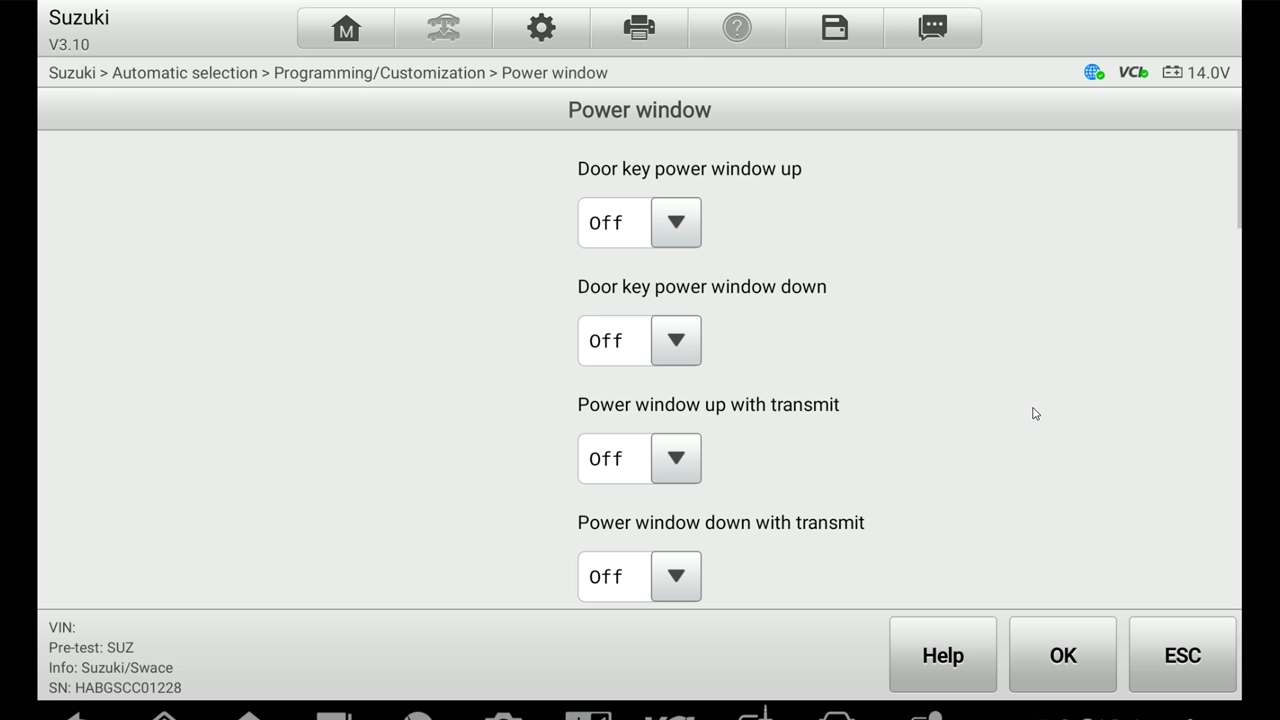
Pick the Power window category. This is the only difference from the seatbelt chime job, instead of Warning you choose Power window here. It opens the screen with all the window options.
Switch on both "with transmit" options
On the Power window screen you'll see several toggles, all sitting at OFF. The two you want are the ones marked "with transmit" (transmit = key fob): Power window up with transmit and Power window down with transmit. Switch both from OFF to ON. Leave the "Door key" options as they are unless the customer wants those too.
Press OK to save
Test with the fob
Test with the fob. Long-press unlock and the windows should roll down, long-press lock and they roll back up. If only one direction works, check you flipped both "with transmit" toggles.
Alternative tools
Legal & safety notice
More procedures like this
How to Turn Off the Seatbelt Reminder Beep on Suzuki Swace (2026)
How to code open/close windows from key fob for Toyota Corolla Hybrid 2022
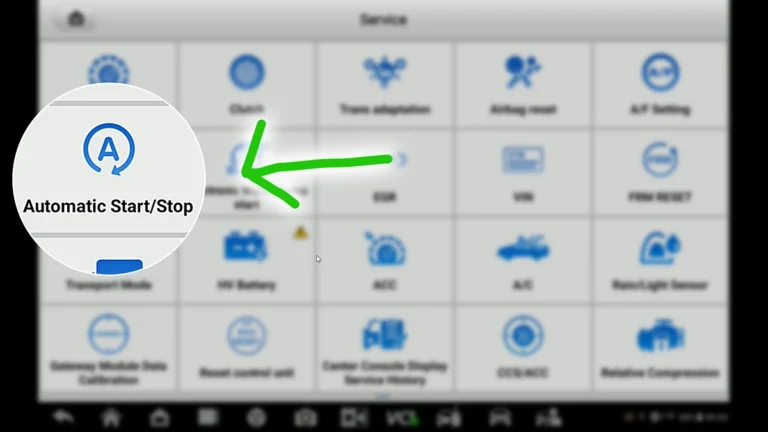
How to Deactivate Start/Stop System on VW Touran 2016 (Type 5T)
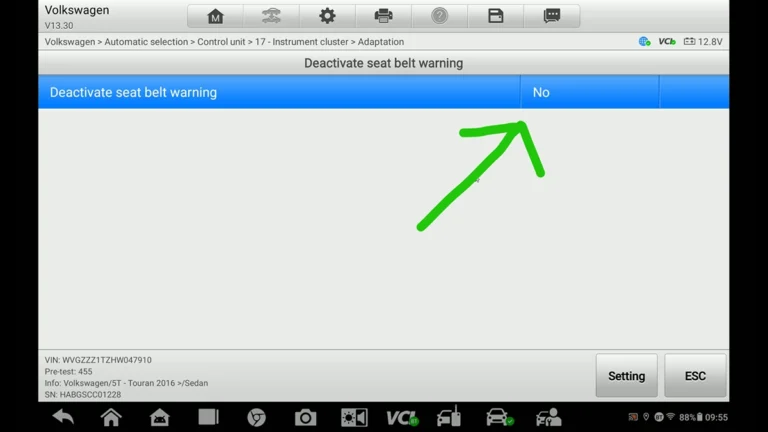
How to Deactivate Seatbelt Warning on VW Touran 2016 (Type 5T)
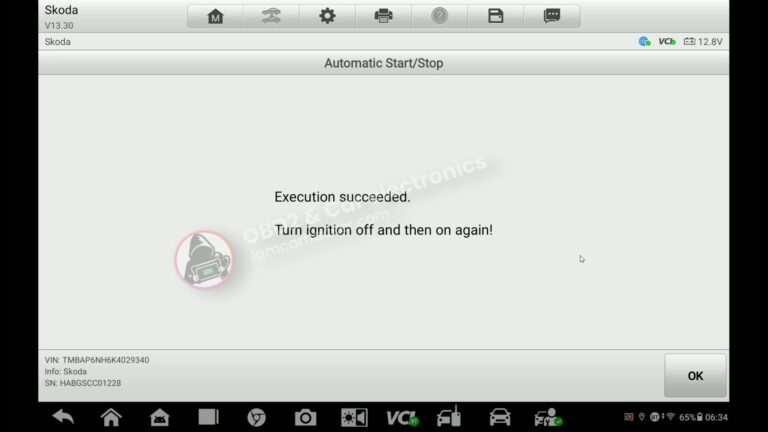
How to turn OFF Start/Stop – Skoda Rapid 2019
Renault Laguna II Phase 2: Turn Off the Seatbelt Warning Chime in the Instrument Cluster
Most popular OBD2 guides







I'm Juraj Lukacko and I work as an auto electrician. On this site I share what I learn from real work on real cars, to help you pick the right tools for diagnostics, programming and tuning and get the job done.
More about me →