
Published: May 4, 2026 · Last updated: June 2, 2026
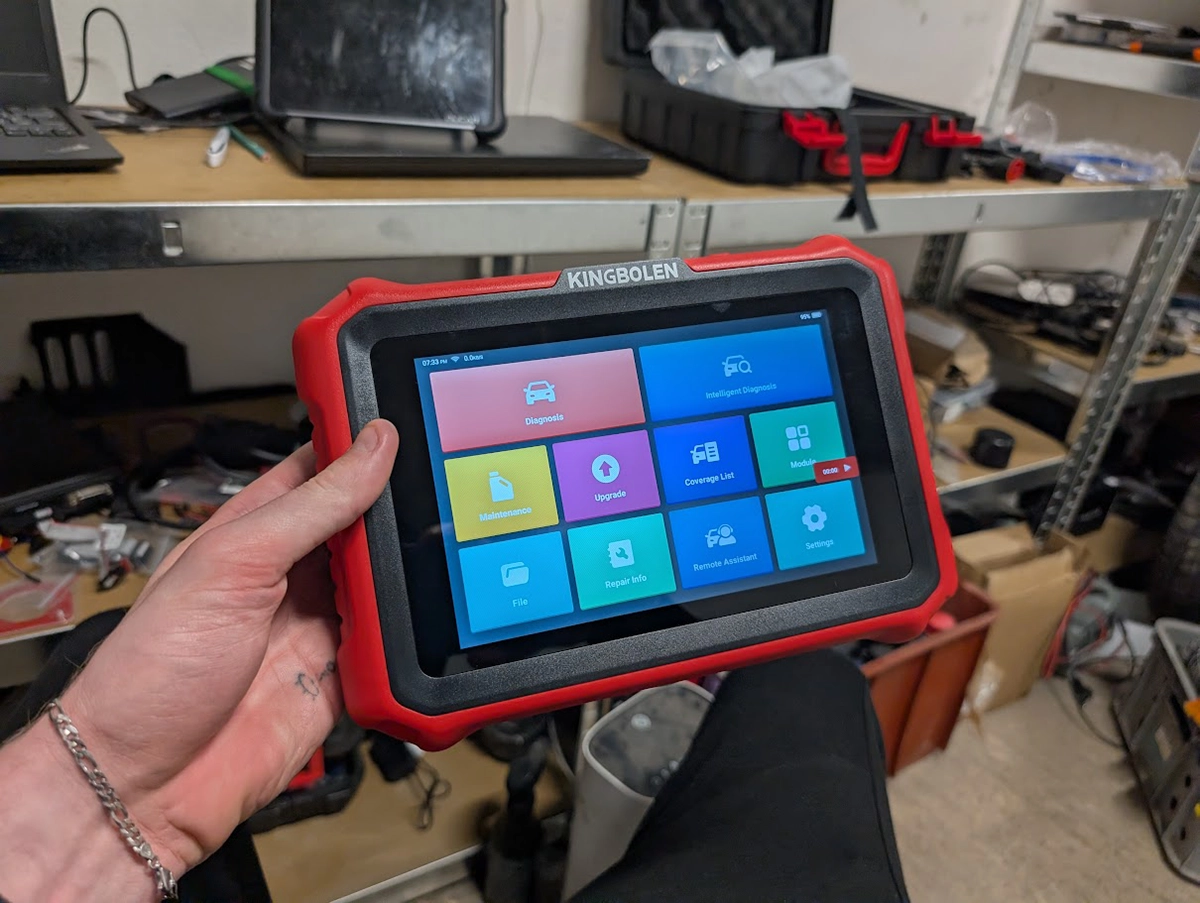
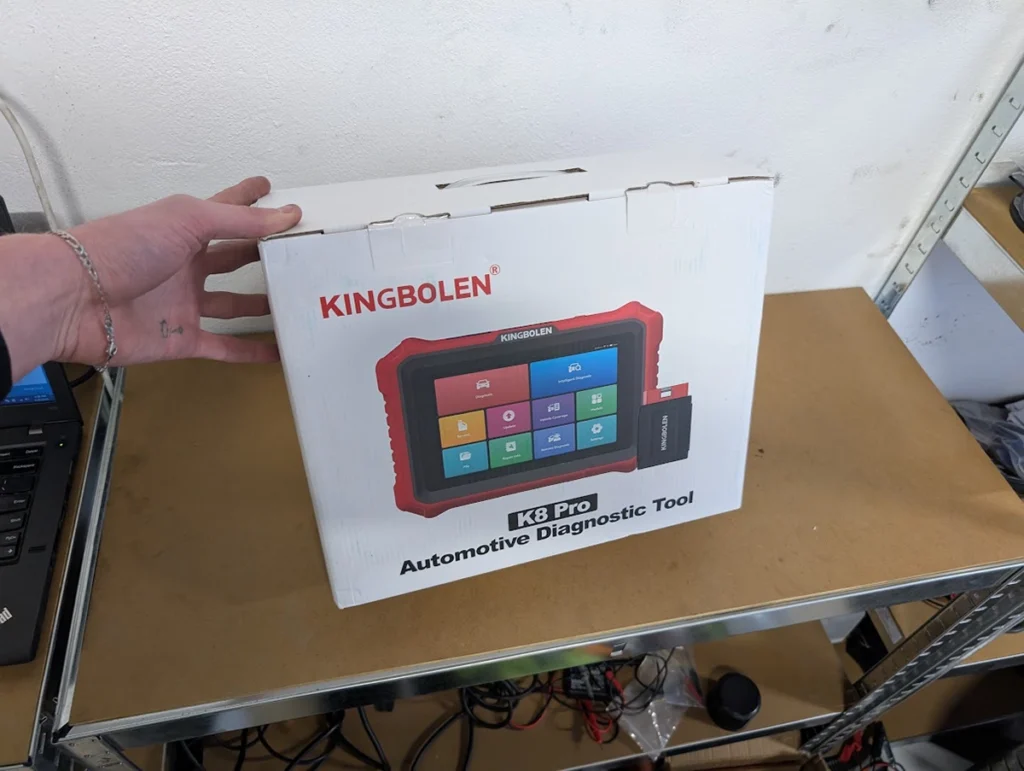
The Kingbolen K8 Pro is a full diagnostic tablet that does everything a DIY mechanic or small shop needs: full-system codes, bidirectional tests, service resets, and coding. In the hand it runs the same software family as my Mucar tablets and behaves almost identically, just heavier. That sounds like faint praise, but it isn’t, because it also has one feature I wish every scanner copied. Read on for what it does well, the one honest catch on these Chinese tablets, and whether the magnetic holder is enough to pick it over the Mucar.
I earn from qualifying purchases and sometimes get tools for free (full disclosure). It never affects my scoring.
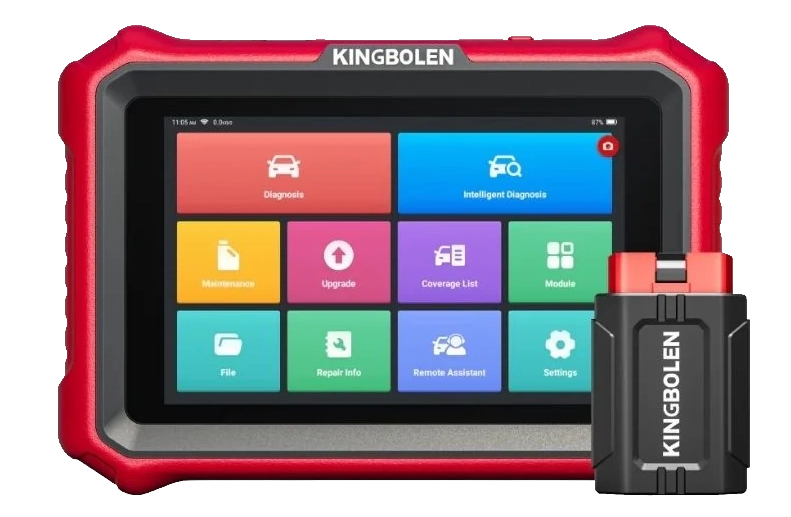
Kingbolen K8 Pro
The Kingbolen K8 Pro is a versatile diagnostic tablet with extensive vehicle coverage and service functions.

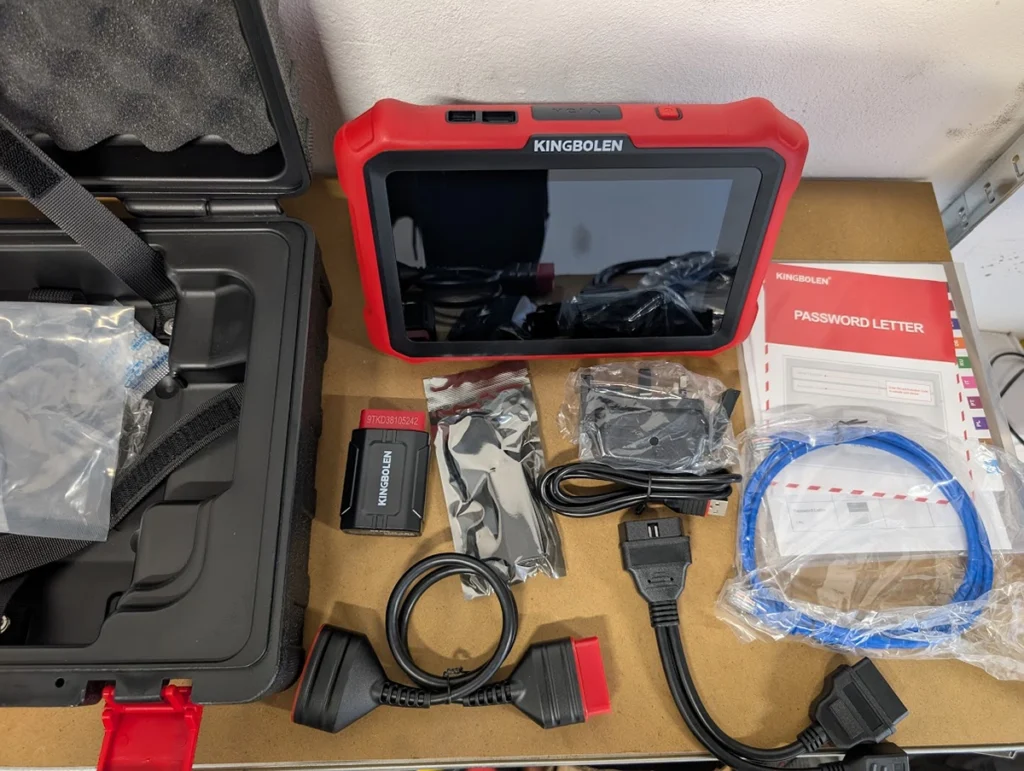
- Magnetic holder for VCI (i love this it helps stop loosing your dongle)
- User-friendly interface
- Fast processing
- Weaker support
Service functions (10+)
Scores
Specs
| Tool type | Standalone device |
| User level | Advanced |
| Vehicle focus | All makes |
| Free updates | Lifetime |
| Subscription | Not required |
Support & resources
| Need help with tool? | Open tool support page ↗ |
| Hardware specs |
|
| Supported languages |        |
Addons & accessories
Real-world procedures tested with this tool
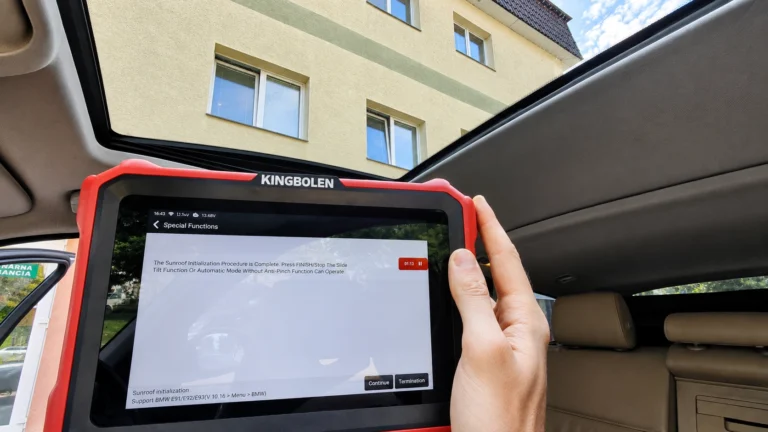
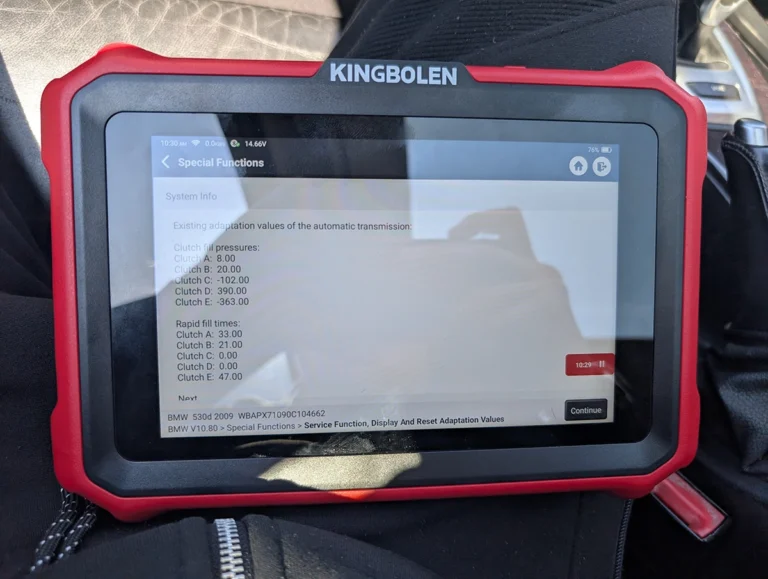
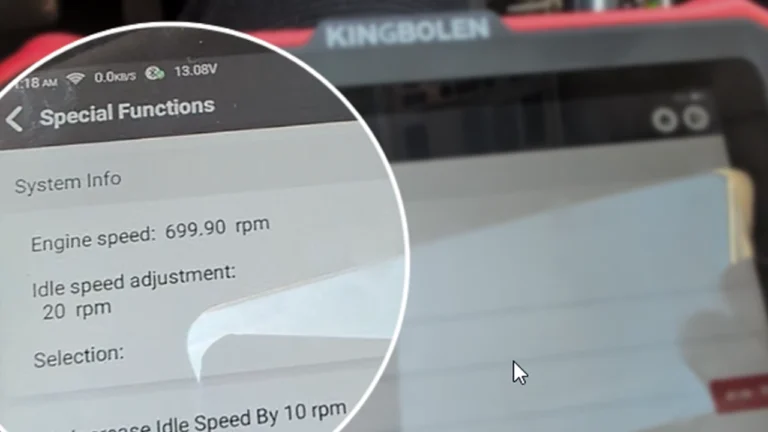
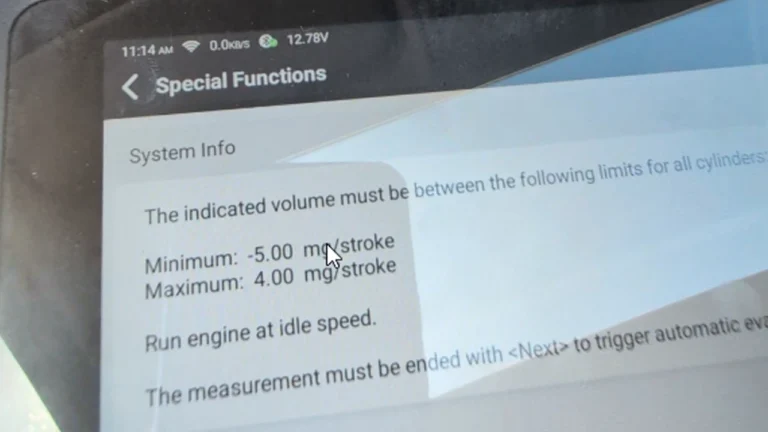
What it’s actually good at
The magnetic VCI holder is the small thing that makes the biggest difference. I’m forever hunting for the dongle in the garage on scanners that don’t have one, and this just sticks it where you can find it. Every scanner should ship with this.
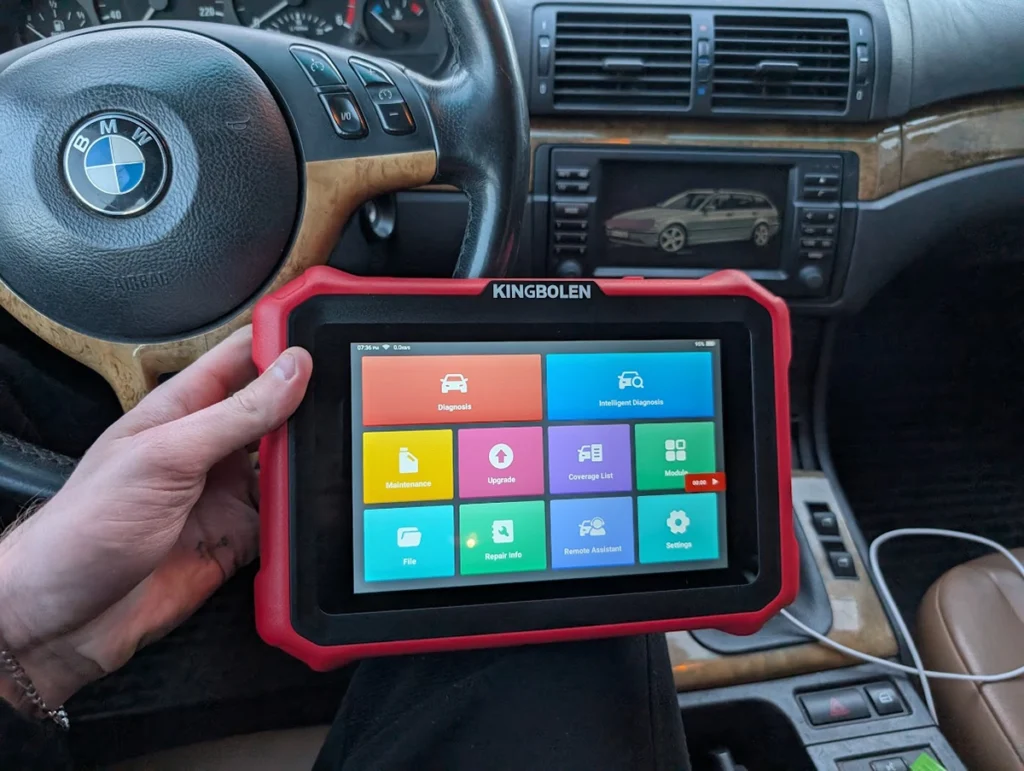
Past that, it’s a proper full-system tablet. I tested it on my old BMW E61 530d. Intelligent diagnosis read the VIN automatically, scanned every module, and pulled a health report I could drop into per system. You read and clear codes per module, watch live data, and run actuator tests, all the usual full-system work.
The live data side is where it earns its keep. You can watch four parameters combined in one graph, or up to 12 separately, and record the whole session. I’m using that recording feature with AI now, and it’s worth knowing how: AI is useless at generic “how do I fix P0301” questions, but feed it a detailed live-data log and it’s genuinely good at spotting the problem in the data. Record, export, hand it the log.
Coding works too. It backs up the module first, then gives you a simple enable/disable interface to change settings, I poked around the lights module on the BMW. There’s also a health report with shop name and attached photos, handy for used-car checks you email straight to a customer.
Where it falls short
The honest catch on every Chinese tablet like this: the gateway unlocks are “supported” but not licensed. Renault gateway, FCA SGW access for newer cars, the menu says it’s there, but you don’t actually have the license. Use it and you’ll likely need to buy a separate one. Don’t assume newer secure-gateway cars are covered just because the option exists.
Support is the other soft spot. It works fine, but the brand’s backup is weaker than the bigger names, so if you hit a wall you’ve got fewer places to turn.
And the practical one: it’s heavier than my Mucar. That sounds petty, but my Mucar is the one that lives in the glovebox because it’s small enough to grab and go. The K8 Pro works just as well on the bench, it’s just less of a carry-anywhere tool.
Who should buy this
Yes, buy it if:
- You want a full-system tablet with coding, bidirectional tests and lifetime updates, and you like the idea of never losing the VCI again
- You mostly work older and mainstream cars where the gateway licensing doesn’t come into play
- You’re running a small shop and want the health reports with photos for used-car checks
No, look elsewhere if:
- You need guaranteed access to newer secure-gateway Renault or Stellantis cars without paying extra for a license
- You want the lightest grab-and-go tablet, a smaller Mucar suits that better
- You want the strongest support behind your tool
Kingbolen K8 Pro
 Mucar 892BT
Kingbolen K8 Pro
Mucar 892BT
Kingbolen K8 Pro
 XTool D8s
Kingbolen K8 Pro
XTool D8s
Kingbolen K8 Pro
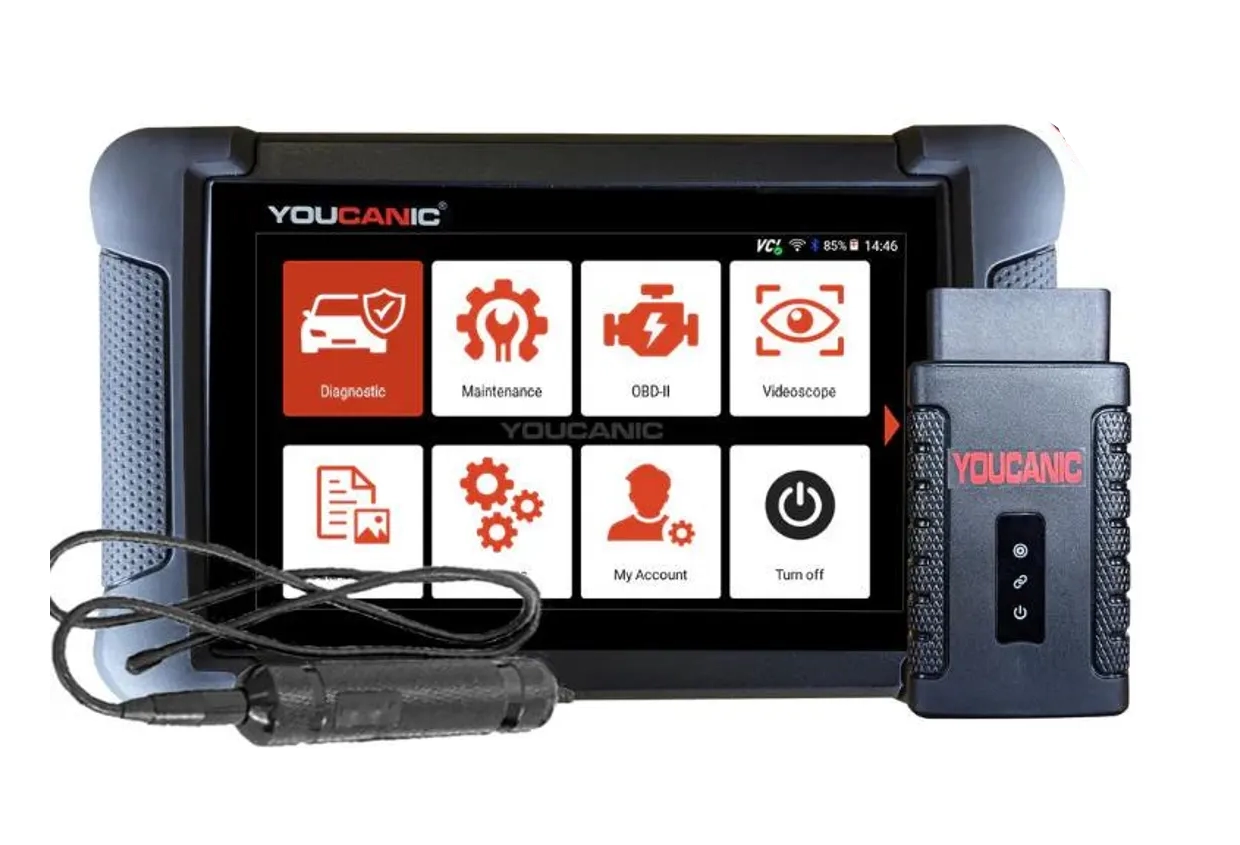 Youcanic UCAN-II full-system
Still weighing full-system tablets rather than chasing a K8 Pro deal? I line up the ones I’ve tested, budget tablets up to pro tools, in my [best bidirectional OBD2 scanners] roundup. The short version: the K8 Pro is a solid pick, but the comparison shows where a Mucar or a step up makes more sense.
Final word
The Kingbolen K8 Pro is a capable full-system tablet with coding, bidirectional tests, deep service resets and lifetime updates, running the same software family as my Mucar tablets and working just as smoothly. The magnetic holder is a genuine win. Just go in knowing the gateway unlocks need a paid license, and that a smaller Mucar is the easier tool to carry. For bench work and everyday diagnostics, this is an easy one to recommend.
Most popular OBD2 guides







I'm Juraj Lukacko and I work as an auto electrician. On this site I share what I learn from real work on real cars, to help you pick the right tools for diagnostics, programming and tuning and get the job done.
More about me →
Hi Juraj, I have King K8Pro to use 12 graph feature on 21 Ateca 2lt tdi but all I get is 4 graph combined option, have you tried this on this year VAG group? Am I missing an update? Would the Mucar have been a better buy for this function?
thanks
Hi I just used it in my BMW with K8 pro. Have you tried opening data stream in module and then select “graph” – for me it opens 12 graph view.