
Published: May 11, 2026 · Last updated: June 2, 2026
The Thinkscan 672 is the cheaper little brother of the famous 689BT, and the only real thing it drops is ECU coding. Everything else that made the 689BT change the budget scanner game is here: full-system access, bidirectional tests, a deep list of service resets, and free lifetime updates. If you don’t need to unlock hidden features, this is close to the cheapest way into a proper full-system tablet without giving anything else up. There’s also one thing people treat as a downside that I actually count in its favour, and I’ll get to it below.
I earn from qualifying purchases and sometimes get tools for free (full disclosure). It never affects my scoring.
Thinkscan 672 overview
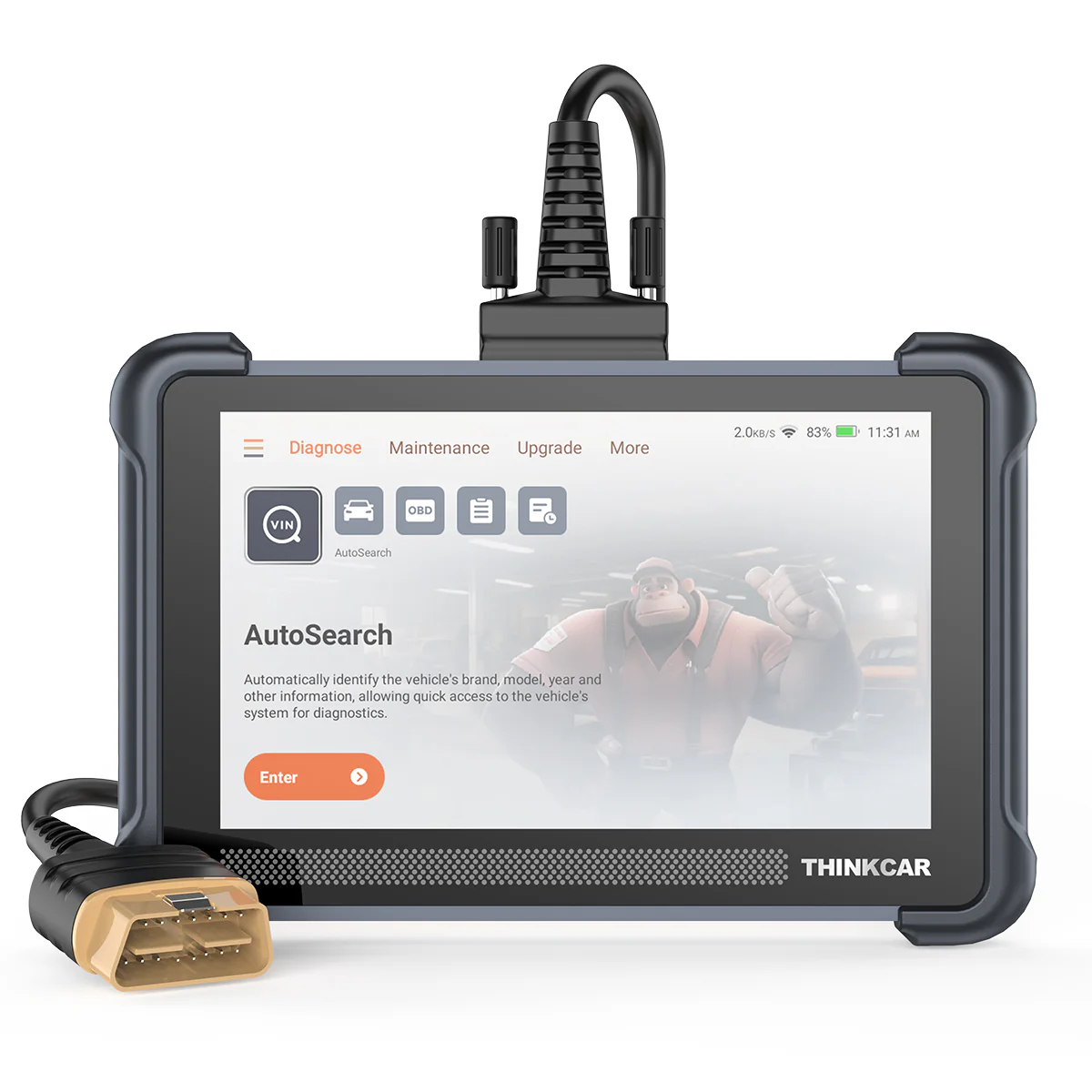
Thinkscan 672
The Thinkscan 672 is full-system tablet scanner with lifetime free updates at almost cheapest possible price for full-system tablet.

- Free lifetime updates
- Full-system bidirectional
- Solid build quality
- No ecu coding
- Wired connection helps charging the scanner but less range
Service functions (32+)
Scores
Specs
| Tool type | Standalone device |
| User level | Intermediate |
| Vehicle focus | All makes |
| Free updates | Not included |
| Subscription | Not required |
Photos
Support & resources
| Need help with tool? | Open tool support page ↗ |
| Will this work for my car? | Open coverage check page ↗ |
Addons & accessories
What it’s actually good at
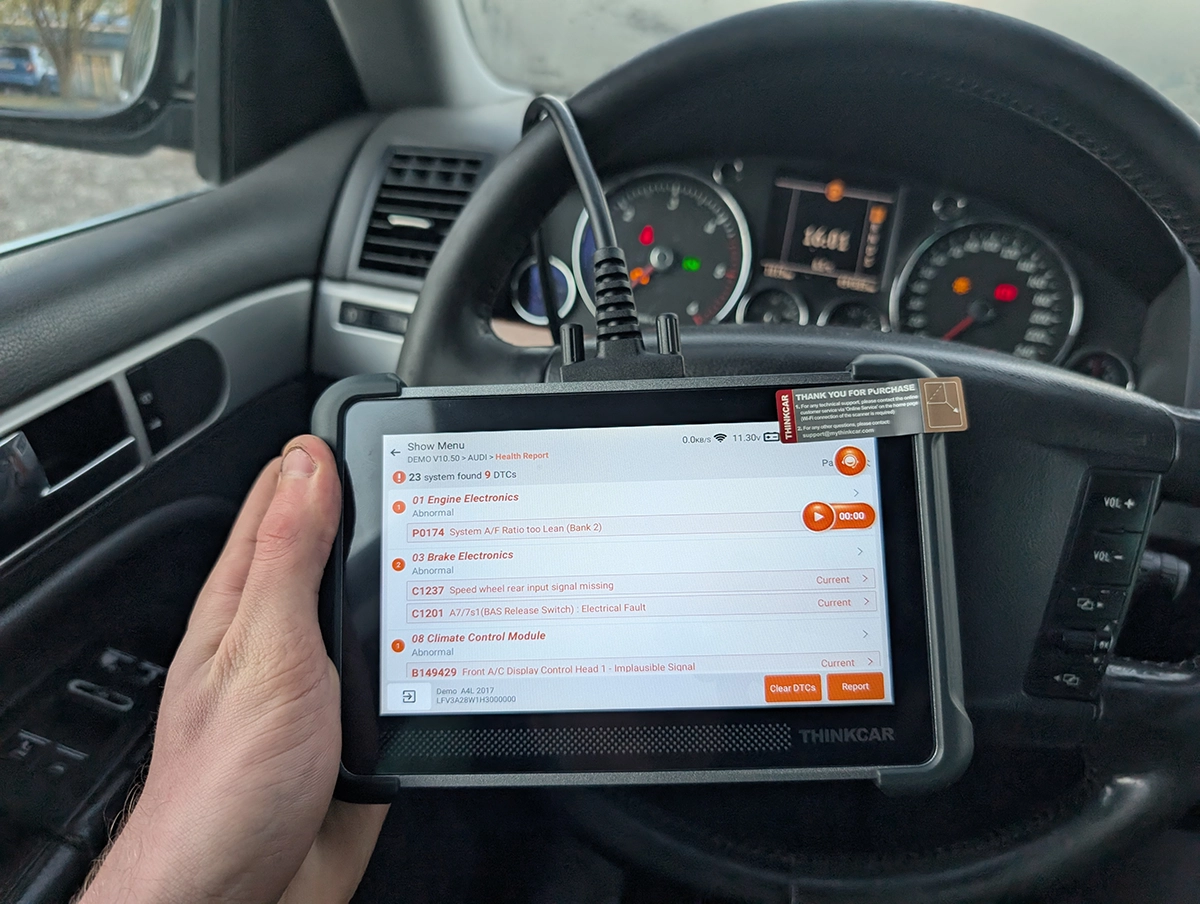
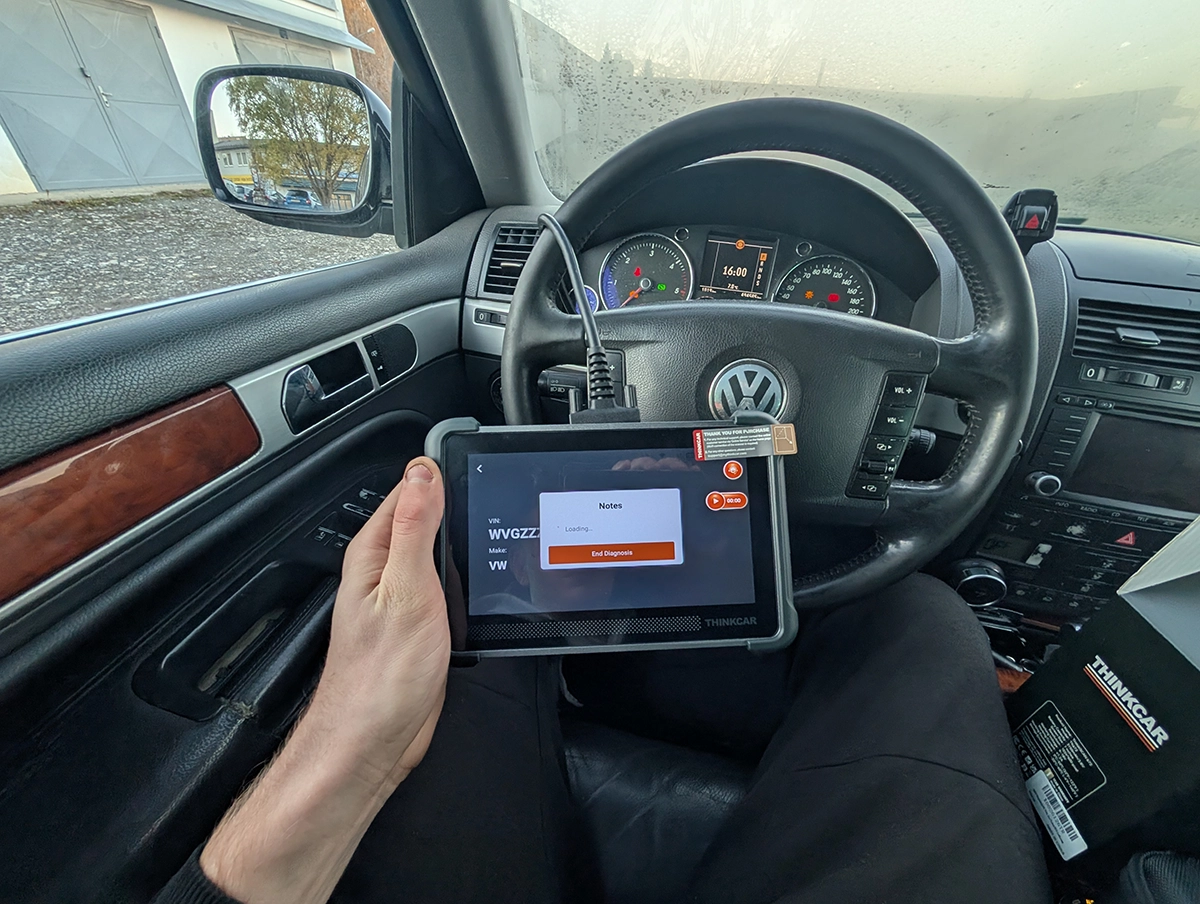
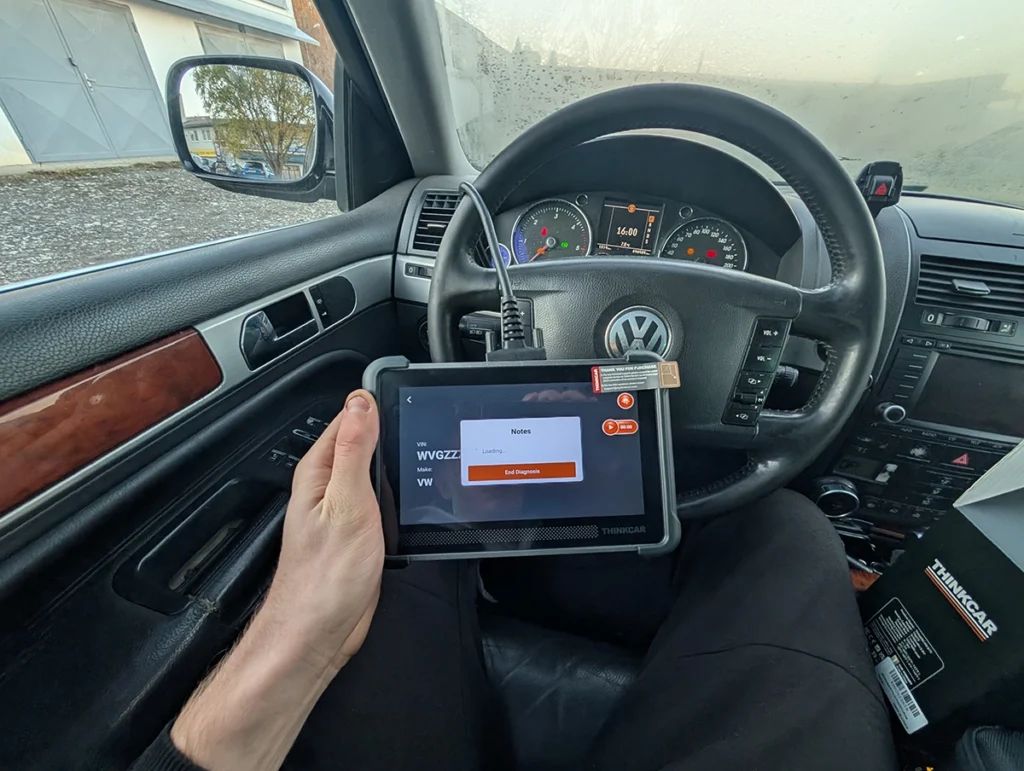
This is a full tablet doing full-system work, not a code reader pretending. I tested it on an old VW Touareg, one of the worst cars you can pick because it’s loaded with systems and problems. It auto-detected the car straight away and ran the status report across 18 systems, pulling 29 fault codes. From there I could drop into any module to read and clear codes individually, watch live data, and run actuator tests.
The bidirectional side is the part worth paying for. In the instrument cluster I cycled the oil temp gauge, RPM needle, fuel gauge, speedo and warning lights. Switch to the engine module and you get a completely different set, engine fan and the rest, per module.
Live data graphs let you watch up to four parameters at once and record a session. There’s also a smart sample feature: save a snapshot before a fix and another after, to confirm something actually changed.
Two small touches punch above the price. Each fault code comes with a readable description and a Google button if you need more. And it builds clean PDF reports with your shop and customer details, a proper small-shop feature on a budget tool.
The thing most reviewers call a downside, the wired connection, is the reason I’d trust this long-term. A cable charges the tablet off the car while you work, so it’s never flat. More importantly, on a lifetime-update scanner the cable outlives a Bluetooth VCI. Those wireless dongles can fail or get lost, and replacing one often means buying back into your updates. A cable just keeps working.
Where it falls short
No ECU coding. That’s the whole catch, and it’s the only one. You can read, clear, run service resets and bidirectional tests all day, but you can’t recode a module to unlock hidden features or retrofit options. If that’s on your list, this isn’t your tool and no amount of saving justifies it.
The wired connection cuts both ways too. I rate it for reliability, but it does mean less reach than a Bluetooth tool, you’re tethered to the port. The 672 also ships without a kickstand on the back, which is a small annoyance, though the cable is long enough to hang it off the steering wheel while you work.
Past that, there’s genuinely little to complain about for what it costs. It does everything a DIY mechanic needs and the build feels solid in the hand.
Who should buy this
Yes, buy it if:
- You want a proper full-system tablet with bidirectional tests and free lifetime updates at close to the lowest price possible
- You don’t need ECU coding and would rather put that money back in your pocket
- You prefer a wired tool you’ll never have to charge and won’t have to re-buy a dongle for years down the line
No, look elsewhere if:
- You want to unlock hidden features or retrofit options, you need coding, so step up to the 689BT or a Mucar 892BT
- You specifically want wireless freedom to roam around the car, a Bluetooth tool suits you better
Thinkscan 672
 Thinkscan 689 BT
Thinkscan 672
Thinkscan 689 BT
Thinkscan 672
 XTool D7
Thinkscan 672
XTool D7
Thinkscan 672
 Mucar V07
Still weighing budget tablets rather than chasing a 672 deal? I line up the full-system scanners I’ve tested, cheapest tablets up to pro tools, in my [best bidirectional OBD2 scanners] roundup. The short version: the 672 is one of the best value full-system tools if you skip coding, but the roundup shows where to spend if you want that feature back.
Final word
The Thinkscan 672 strips one thing off the 689BT, ECU coding, and keeps everything else: full-system diagnostics, bidirectional tests, deep service resets, and free lifetime updates, at close to the cheapest full-system tablet price out there. The wired connection is a reliability win, not a downside, especially on a lifetime-update tool. If you don’t need to unlock hidden features, this is an easy budget pick I’d happily recommend.
Most popular OBD2 guides







I'm Juraj Lukacko and I work as an auto electrician. On this site I share what I learn from real work on real cars, to help you pick the right tools for diagnostics, programming and tuning and get the job done.
More about me →