

Published: November 23, 2024 · Last updated: June 1, 2026
Under $500 is where full-system diagnostics stop being a luxury. This is the bracket where a tablet reads every module in the car, runs bidirectional tests, handles service resets and even does some coding, without crossing into workshop-flagship money.
I’ve tested a stack of these on real cars, and the five here are the ones I actually use, not spec-sheet picks. Each one earns its spot for a different reason: one’s the cheapest way into full-system work, one solves problems the others can’t, one’s the easiest to live with daily. Below I’ll tell you exactly which is which and who each is for.
Note on price: a couple of these hover around $550 rather than strictly under $500, but they’re close enough, and with the coupon codes they land near the mark.
I earn from qualifying purchases and sometimes get tools for free (full disclosure). It never affects my scoring.
Quick picks under $500

Mucar 682 8.1 / 10
Great budget pick for bi-directional tablet scan tool. May be actually the cheapest one of them all and have free lifetime updates.
- ✓Full-system bi-directional tablet scanners
- ✓Wired connection means less charging because it charges everytime connected to car
- ✓Great budget tool to start doing full-system diagnostics and service procedures
- ✓Updates via Wi-Fi
- ✓Free lifetime software updates
- ✓Integrated AI assistant
- ✕No ECU coding
- ✕Addons like key programmer or TPMS cannot be used with this one

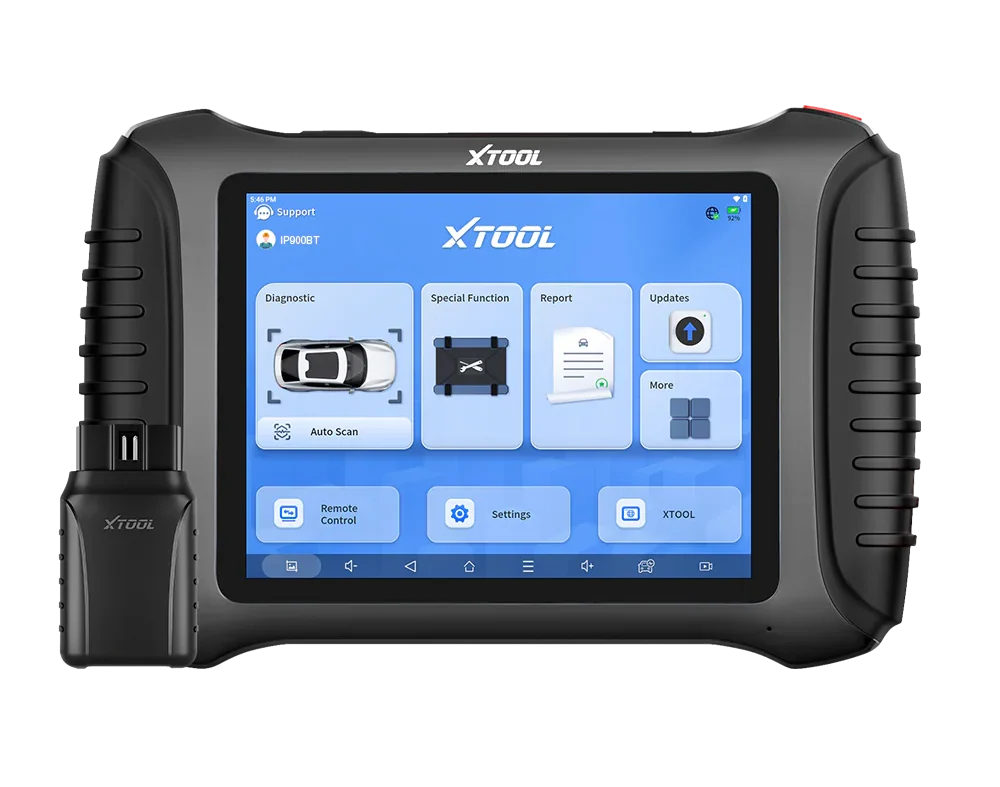
XTool D8s 8.3 / 10
pro-level mid-range tablet with full-system diagnostics, bidirectional tests and moderate coding depth tested on VAG platform
- ✓Full-system diagnostics
- ✓Bidirectional tests
- ✓Service procedures
- ✓Topology features on supported cars
- ✕Vehicle coverage varies for advanced resets
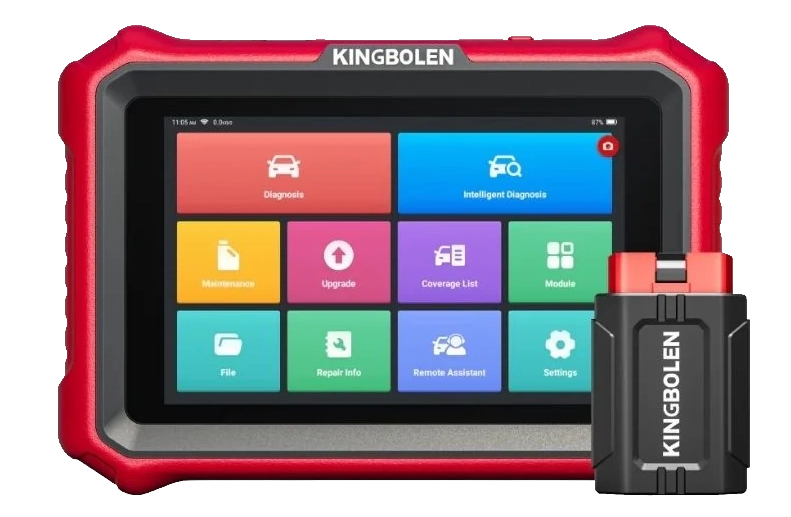
Kingbolen K8 Pro 8 / 10
a versatile diagnostic tablet with extensive vehicle coverage and service functions
- ✓Magnetic holder for VCI (i love this it helps stop loosing your dongle)
- ✓User-friendly interface
- ✓Fast processing
- ✕Weaker support
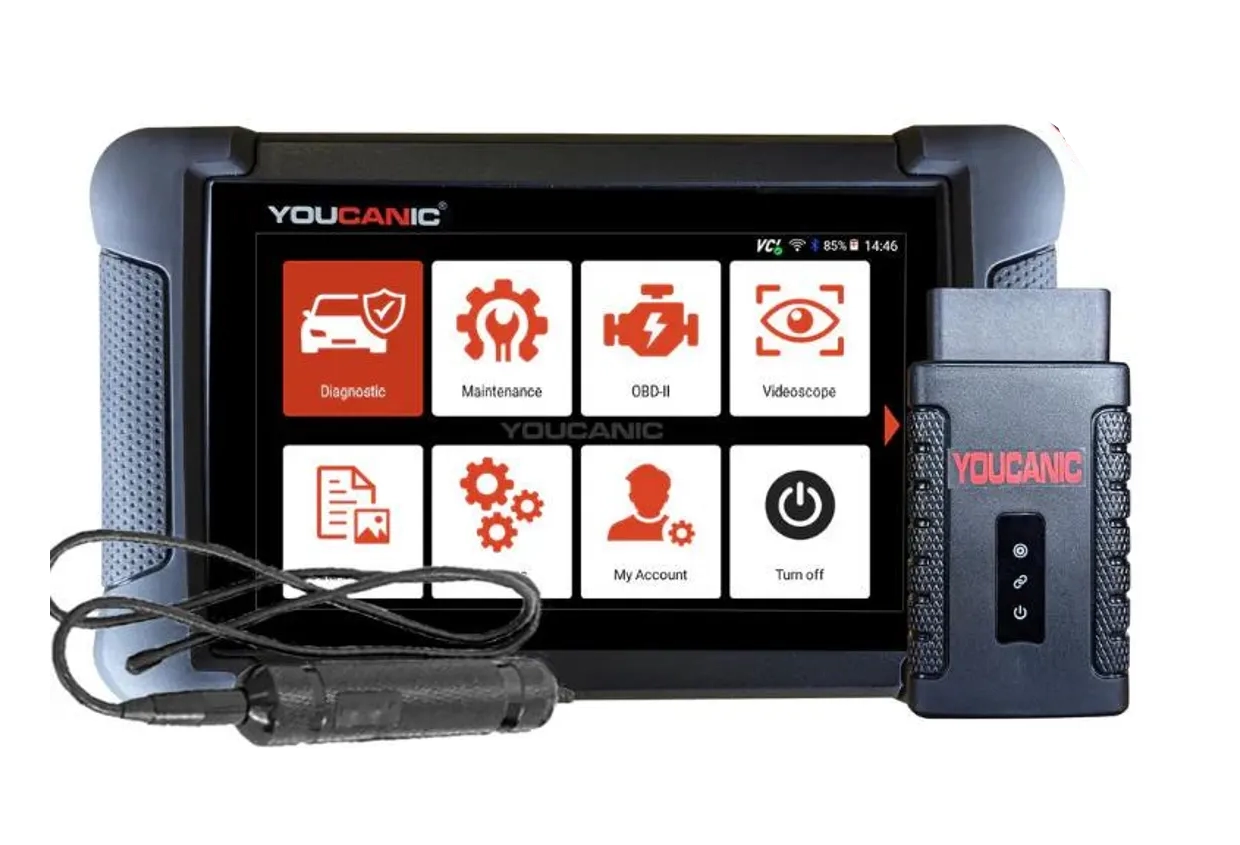
Youcanic UCAN-II full-system 8.4 / 10
full system scanner that works completely without internet connection (except update and setup). Works very good and does service/coding as well.
- ✓Full-system bidirectional
- ✓ECU coding
- ✓Wide vehicle coverage
- ✓Lifetime updates
- ✓Good to check and log live data
- ✓30 days no question asked return
- ✕Less known brand with smaller community

Mucar 892BT 9.4 / 10
My personal favourite go-to scanner for diagnosing, checking used cars. service resets or even coding new features. Unless I need special tool I am using this one.
- ✓Small for tablet scan tool so it's easy to carry around
- ✓Good interface for coding features
- ✓Overall great UX
- ✓Magnetic handle for dongle on the back is gold = no need to always search for dongle
- ✓Allows custom background image
- ✕No topology yet (might come later with update)
Mucar 682
XTool D8s
Kingbolen K8 Pro
Youcanic UCAN-II full-system
Mucar 892BT


All five of these are tools I carry and use, so this isn’t a spec-sheet ranking, it’s how I actually rate them and what each one is for. They’re more alike than different at this price, so the differences in feel and specialty are what matter.
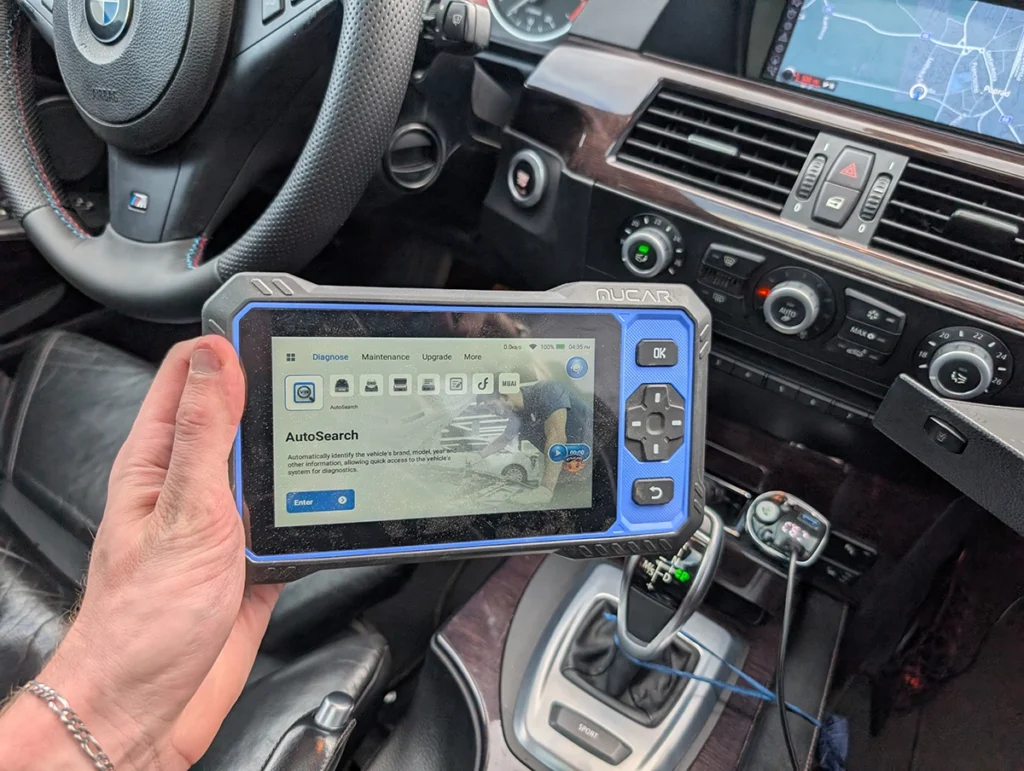
he Mucar 682 is the cheapest way into real full-system work, around $270 and possibly the cheapest full-system bidirectional tablet there is. Live data and codes in every system, bidirectional tests, about 20 service resets, and it’s wired so it charges off the car. No ECU coding, but for a new mechanic wanting full-system without the price, it’s the pick.
→ Read full review of Mucar 682

The XTool D8S is the problem-solver I reach for when another scanner can’t finish a job. Strong on complex service resets, does OBD mileage calibration on a lot of cars, and it’s the only tool here with topology scan on every car. Two honest catches: updates are free for three years then paid, and XTool’s interface is the least friendly here, storage is so tight I’ve had to delete brands just to update others.
→ Read full review of XTool D8S
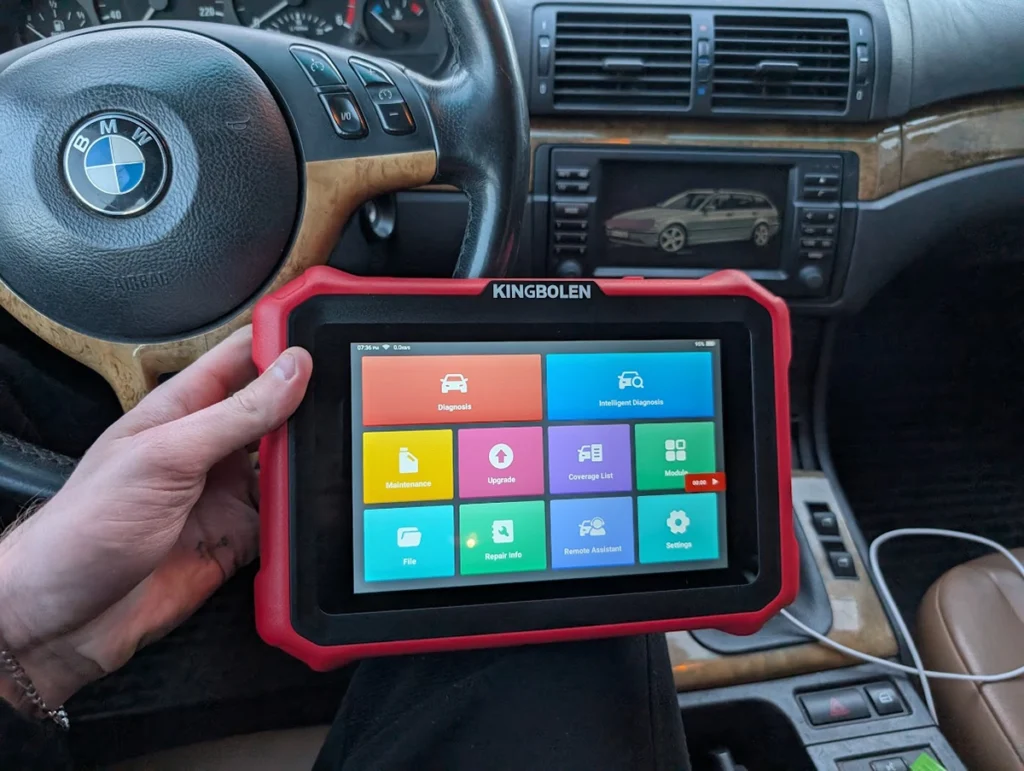
The Kingbolen K8 Pro is the easy-to-live-with one, around $550. The magnetic VCI holder means you stop losing the dongle, the interface is intuitive from the first use, and it’s especially good for coding German brands like VAG, BMW and Mercedes. Not for the most complex advanced jobs, but as a fast general garage tool it shines.
→ Read full review of Kingbolen K8 Pro

The Youcanic UCAN-II is the offline workhorse, around $500 and runs completely without internet once set up. I’ve done service resets, DPF regen and coding across plenty of cars with it. What pulls it ahead is the kit: I’ve used its inspection camera and oscilloscope too, so you can build a full scanner-scope-camera setup from one ecosystem. No magnetic holder is the one miss.
→ Read full review of Youcanic UCAN-II
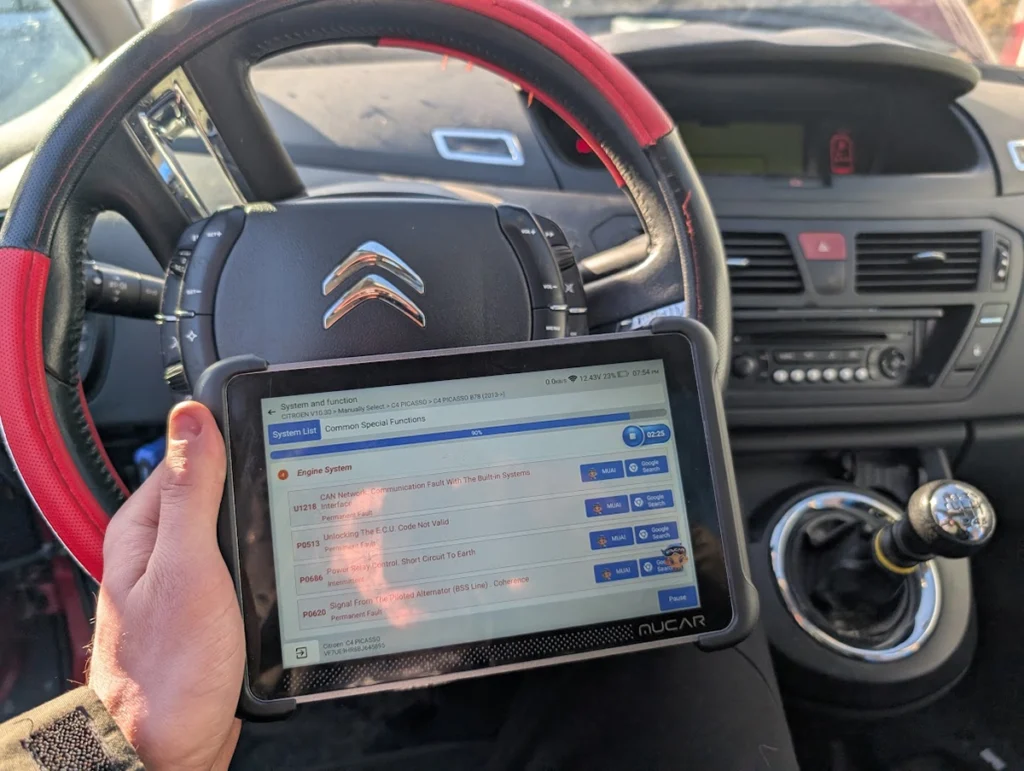
And my number one is the Mucar 892BT, my actual go-to. Unless a job needs a special tool, this is the one I grab: diagnosing, used-car checks, service resets, coding. It’s small for a tablet so it’s easy to carry, the coding interface is genuinely good, and the magnetic dongle holder on the back means I’m never hunting for the VCI. No topology view yet, that’s the only thing on my wishlist.
→ Read full review of Mucar 892BT
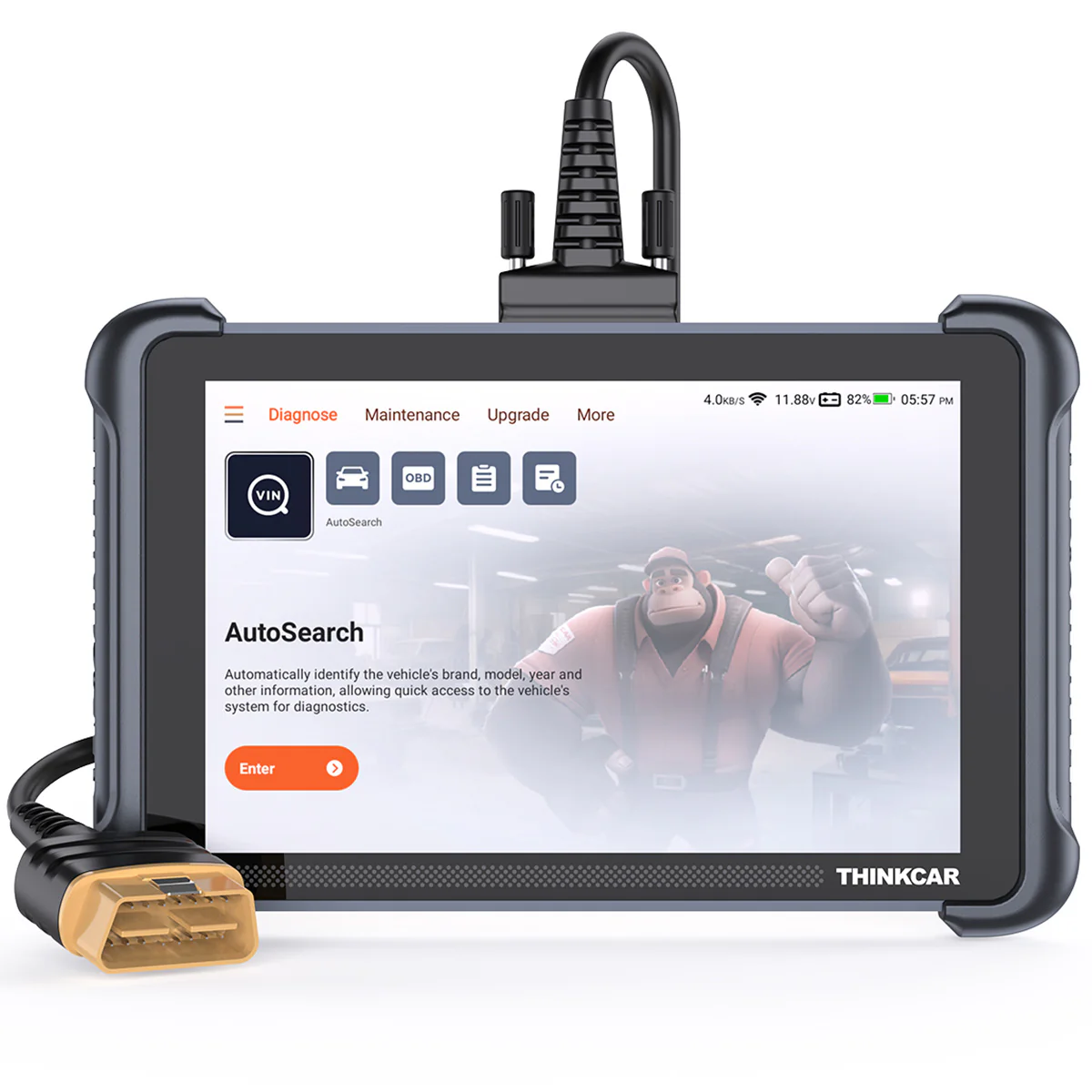
One thing worth knowing: most of these brands share add-on ecosystems, Mucar and Thinkcar are the same company, so a TPMS module, key programmer or videoscope works across them. So pick the tool whose everyday feel you like, then build out the modules you need. And if you only read the odd warning light, this is more tool than you need, while serious key or high-volume work belongs on a $2,000+ tablet. For DIYers and smaller shops wanting real full-system work without overpaying, any of these five delivers.
Most popular OBD2 guides







I'm Juraj Lukacko and I work as an auto electrician. On this site I share what I learn from real work on real cars, to help you pick the right tools for diagnostics, programming and tuning and get the job done.
More about me →