 By Juraj · Last updated August 15, 2026
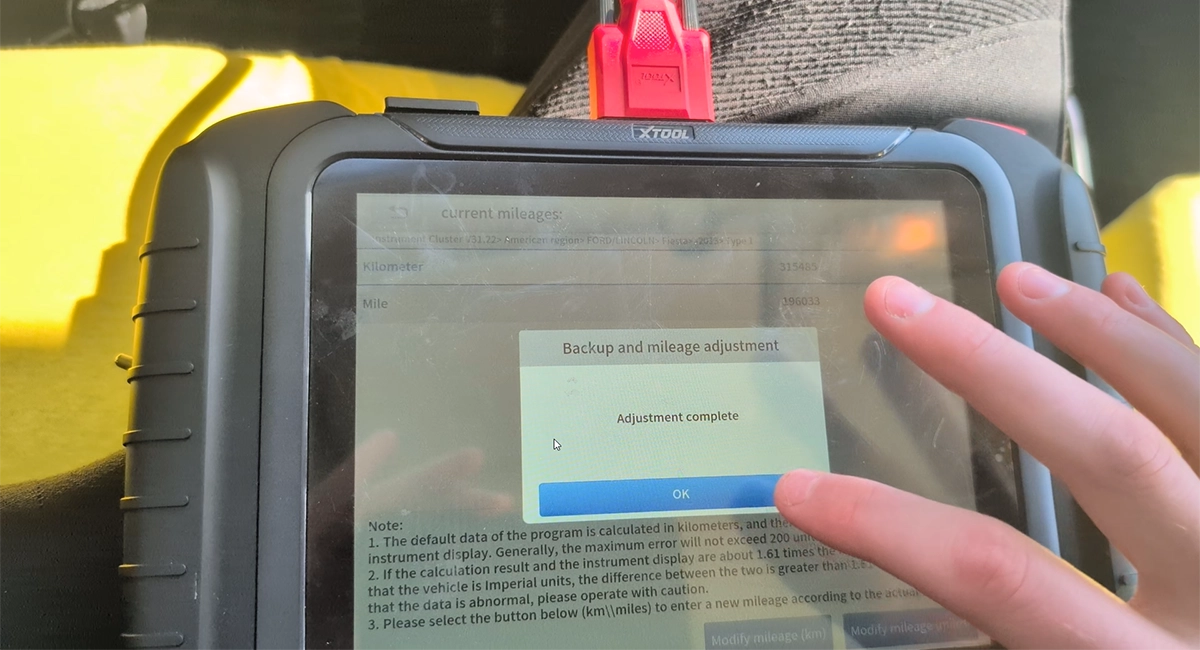
This guide shows how to perform odometer correction (kilometer adjustment) on a Ford Fiesta Mk6 (pre-facelift, 2008-2012) using the XTool D8s diagnostic scanner. This procedure is intended exclusively for adjusting mileage values after replacing a defective instrument cluster, so that the new cluster matches the vehicle's actual mileage.
I earn from qualifying purchases and sometimes get tools for free (full disclosure). It never affects my scoring.
Used tool in this guide

Video: Ford Fiesta Odometer Correction with XTool D8s
This video shows the complete process of synchronizing mileage on a replacement instrument cluster in Ford Fiesta Mk6.
Supported vehicles
| Vehicle |
|---|
| fiesta-mk6 |
Technical overview
| Vehicle | Ford Fiesta Mk6 (pre-facelift) |
|---|---|
| Year | 2010 |
| System | Instrument cluster (IC) – EEPROM-based |
| Procedure type | Mileage synchronization after cluster replacement |
| Difficulty | Easy |
| Time required | ~5 minutes |
| Prerequisites | XTool or other scanner that can edit eeprom |
Step-by-step procedure
Open Service Functions menu
Select Instrument Cluster → American → Ford / Lincoln
Select model Fiesta
Select year range <2013
Select Type 1
Save the EEPROM backup
Save EEPROM file (backup – do not skip!)
Enter the new km value
Enter new km value – cluster turns off, waits for write,
then turns back on with new value
Alternative tools
 ToolXTool A30MXToolOfficial website ›Check on Amazon ›Read review
 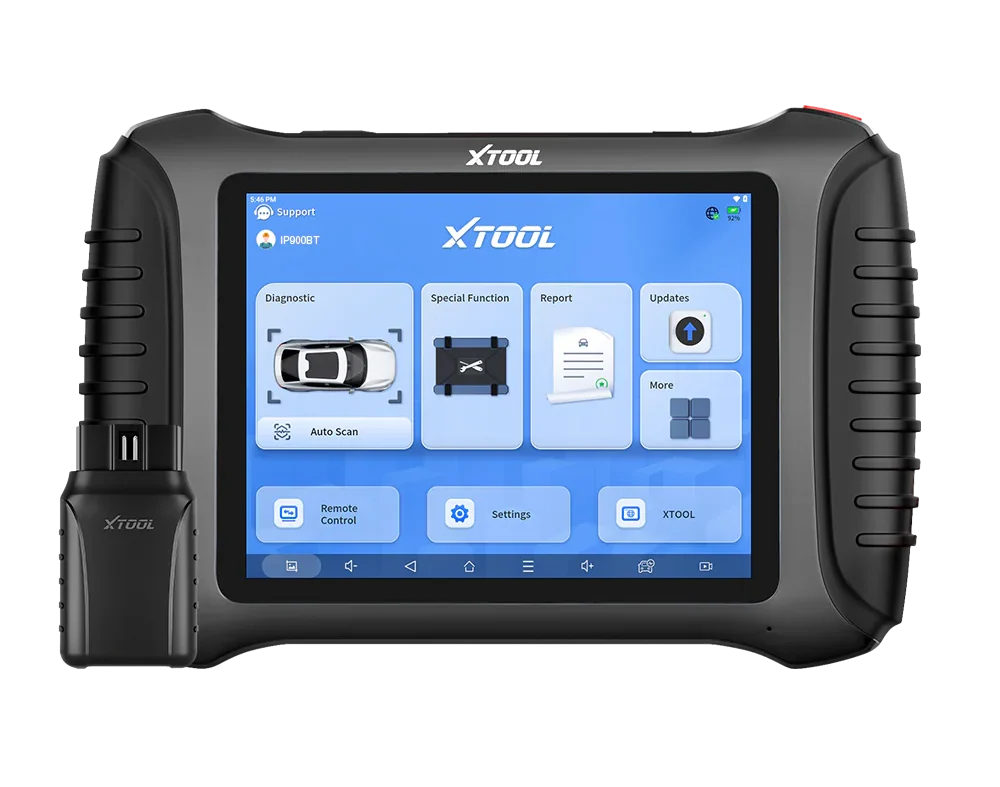 ToolXTool IP900BTXToolOfficial website ›Check on Amazon ›Read review
 Legal & safety notice
⚠️ This procedure is intended ONLY for legitimate mileage synchronization after instrument cluster replacement.
Typical legal use cases:
Replaced a defective instrument cluster with a used or new one Adjusting the new cluster UP to match the vehicle's actual mileage Matching ECU stored mileage with cluster after repair
Illegal use:
Rolling back the odometer to reduce the displayed mileage is odometer fraud Odometer fraud is a criminal offense in most countries (EU, UK, US, etc.) Penalties include fines, imprisonment, and voided vehicle warranty Vehicle buyers have legal recourse for undisclosed rollback
Always document cluster replacement with receipts, photos of old/new cluster, and mileage logs before and after the procedure.
This procedure modifies vehicle system settings through the control module. Incorrect use may cause faults or warning lights. Always ensure the vehicle is secured and follow proper safety procedures.
More procedures like this
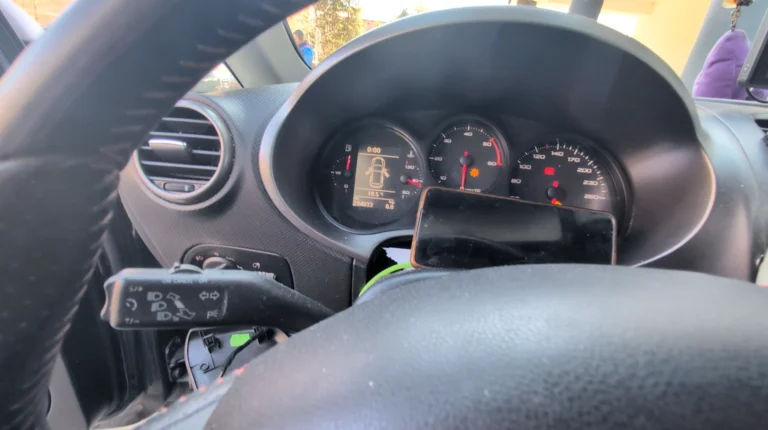
How to change mileage in Seat Leon Mk2 (1P) after instrument cluster replacement
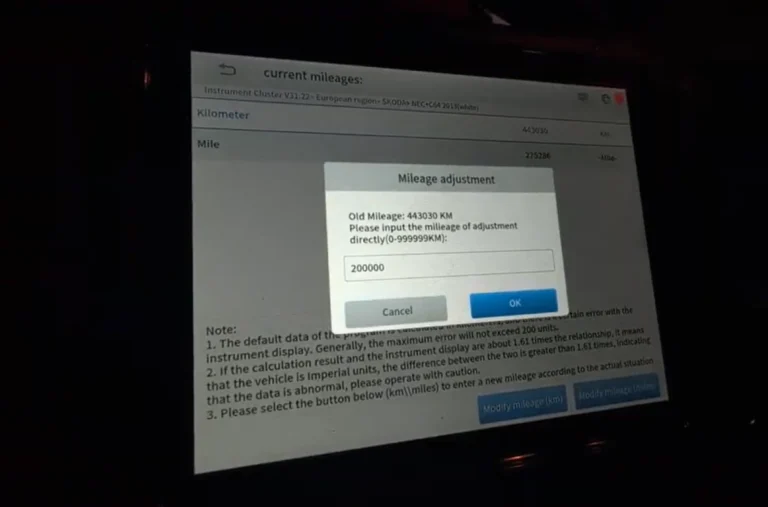
Skoda Rapid 2015 Odometer adjustment
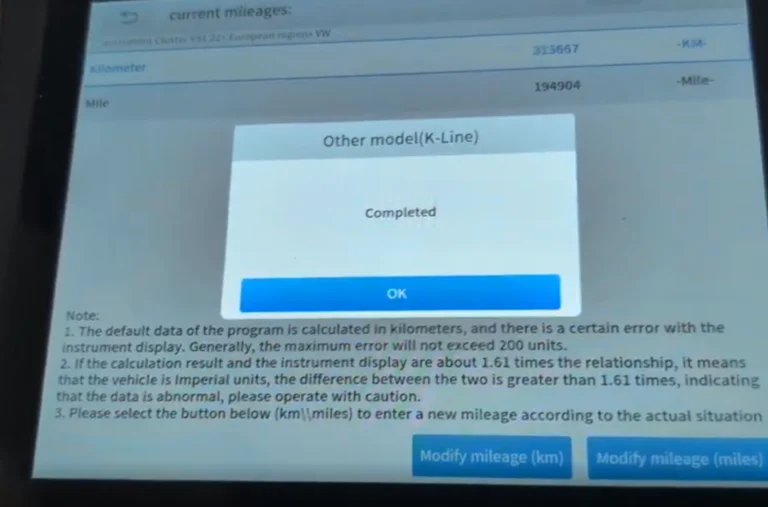
Volkswagen Golf MK4 1999 Odometer adjustment
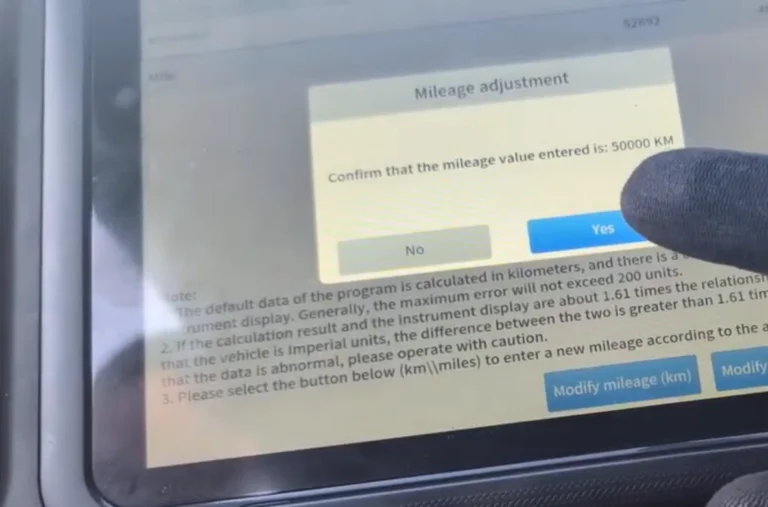
Chevrolet Malibu 2013 Odometer correction with OBD2 scanner
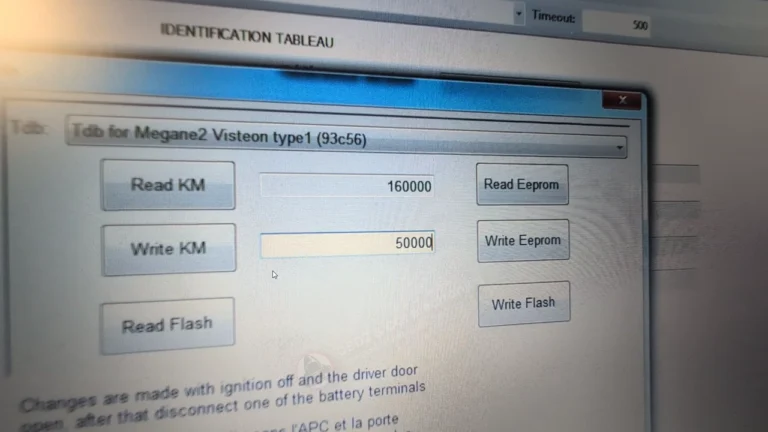
How to perform odometer correction on Renault Megane Mk2 2006 (after instrument cluster replacement)
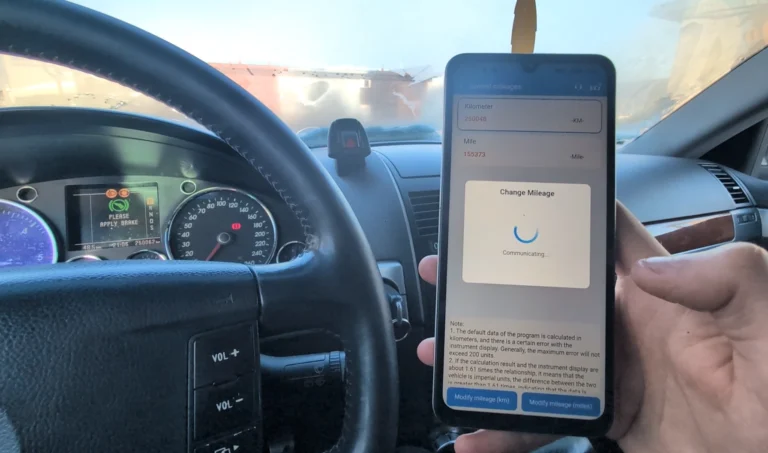
How to change mileage in Volkswagen Touareg 7L
Most popular OBD2 guides







I'm Juraj Lukacko and I work as an auto electrician. On this site I share what I learn from real work on real cars, to help you pick the right tools for diagnostics, programming and tuning and get the job done.
More about me →