
Topdon CarPal TESTED | Honest Review

Last Updated on December 20, 2025 by Juraj
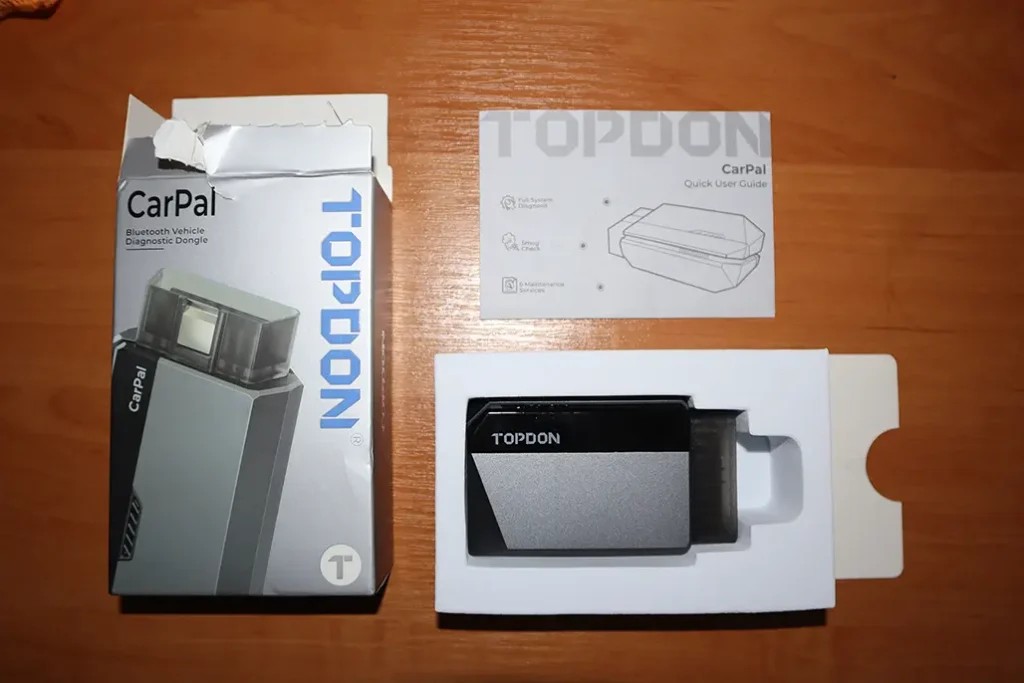
I tested the Topdon CarPal on Toyota Corolla and used my test bench to create real faults.
It is a wireless scanner that works on iOS and Android and gives you fast full-system scanning, service functions, and a strong DTC repair guide.
Affiliate Disclosure: iamcarhacker.com is an Amazon and other affiliate programs Associate. As an Amazon Associate, I earn from qualifying purchases. Full Affiliate disclosure.
Sponsored Warning: I got this product for free to make a review. Despite that, I provide an honest review based on personal testing and share my truthful opinion of the product. Read more in sponsor policy.
Topdon Carpal
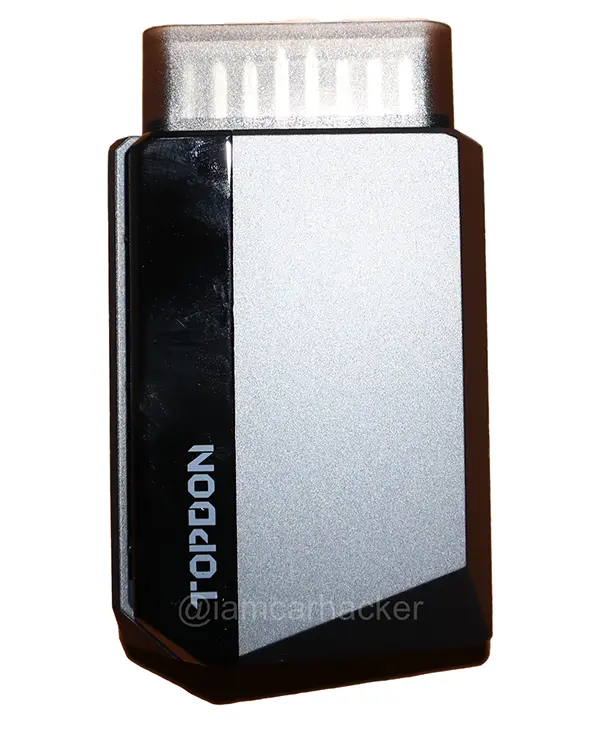
CarPal is a phone-based full-system diagnostic scanner with very fast scanning, a big DTC repair database, and a few key service procedures.
It also shows you OBD port photos and TSB-style repair guides, which is not common in cheap scanners.
The Topdon Topscan actually make a lot more sense (3-5x more functions and only slightly more expensive)
Find the best price
What This Tool Actually Is
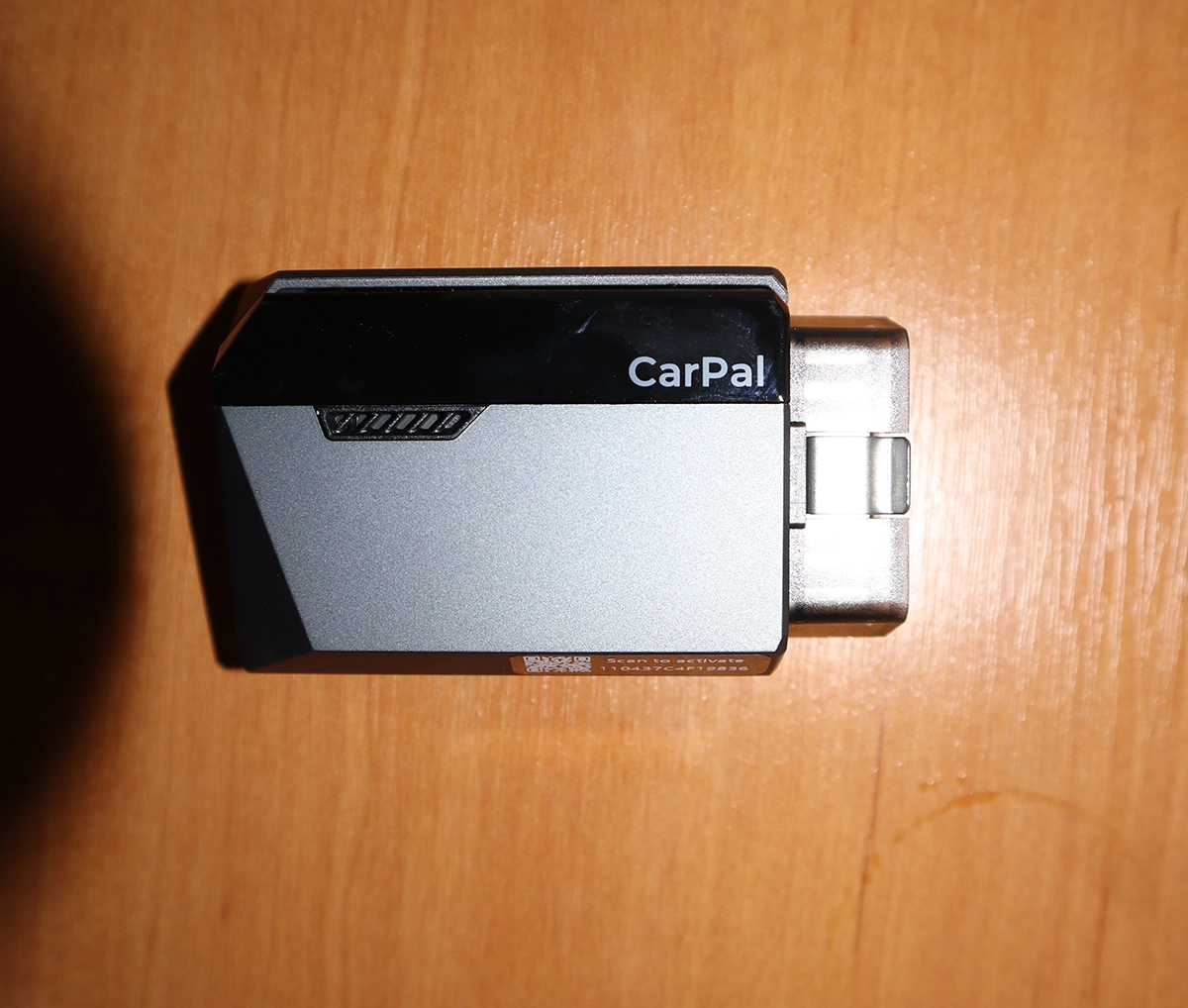
CarPal is a Bluetooth full-system diagnostic scanner that focuses on fast scans and simple repair guidance. It is not a coding tool or a professional bi-directional tool.
If you want alternatives for this type of scanner, check the Best Bluetooth Bi-Directional Scanners list.
Test Results on Real Cars
I tested it on real cars.
Cars used
• Toyota Corolla 2016–2022
• test vehicle with unplugged MAF sensor
• basic checks on other models
Full-System Scan
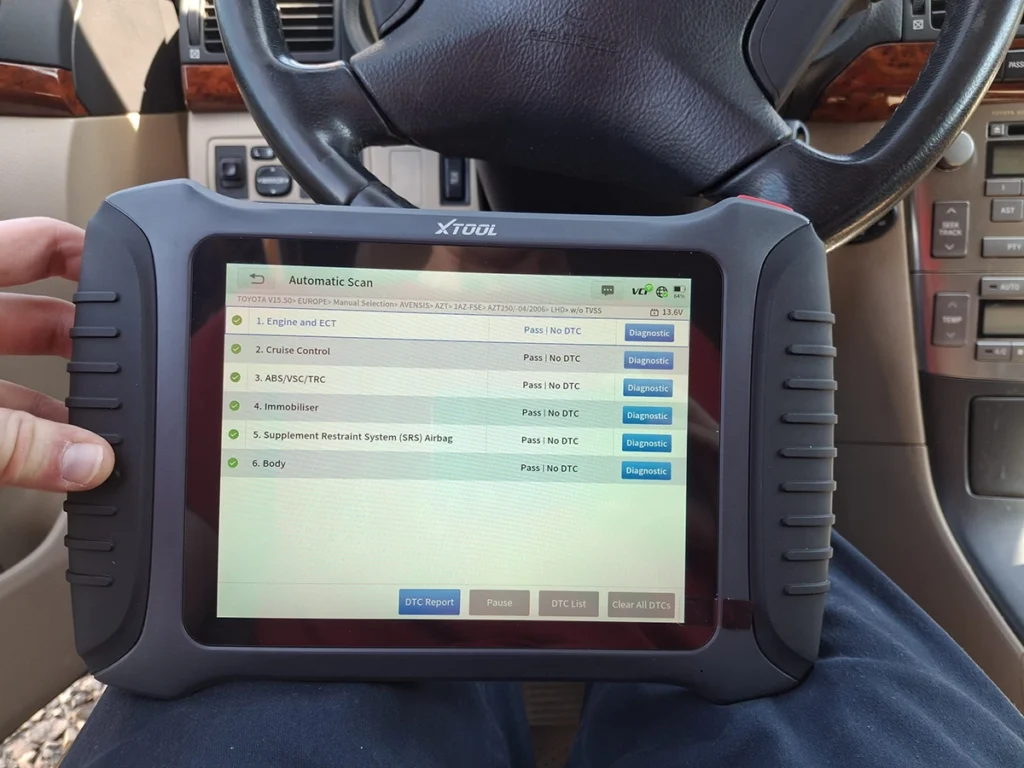
CarPal scanned the entire vehicle in about 20 seconds.
Every module was listed and marked with fault status.
Reports are clear and simple to read.
OBD Port Location
This works very well.
You input make, model, and year, and the app shows a real photo of the OBD port location.
Good feature for beginners.
Created Fault Test (MAF Unplugged)
I unplugged the mass airflow sensor and scanned again.
CarPal found
• P0102 mass or volume air flow circuit low
• pending, current, and permanent versions
This is normal when the sensor remains unplugged.
The DTC repair guide is the strongest part of this scanner.
It shows likely causes, symptoms, and step-by-step repair suggestions.
Clear and correct based on the fault I created.
Clearing Codes
After plugging the sensor back in, I used engine inspection mode to clear the codes.
CarPal removed them immediately.
Live Data
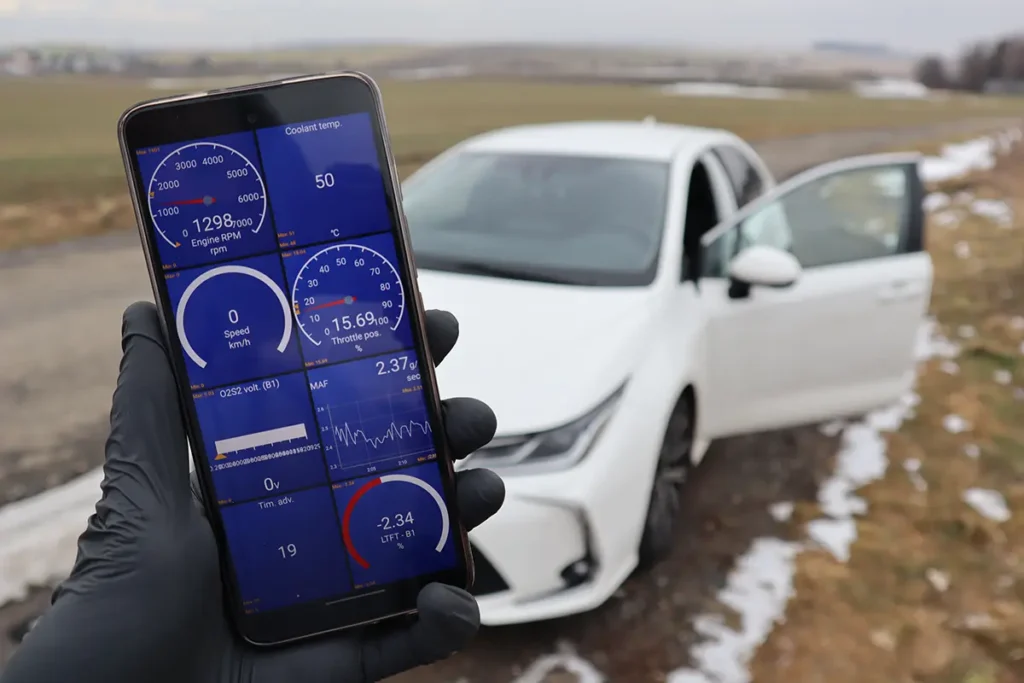
Live data works well.
Simple values and basic graphs.
Stable enough for checking throttle position or temperature sensors.
Brand Limit
CarPal lets you store only three brands at the same time.
If you want to scan a fourth brand, you must delete one and download the new one.
You can scan unlimited brands, but re-downloading takes time.
Fine for home use.
Not ideal for garages scanning many different vehicles.
Manufacturer Specs vs Real Testing
| Area | Manufacturer Claim | What I Saw in Testing |
|---|---|---|
| Full-system scan | yes | very fast and reliable |
| DTC repair guide | yes | excellent quality |
| Service procedures | six main functions | works depending on car |
| OBD port location | yes | accurate |
| Brand limit | three brands | confirmed |
| ECU coding | not supported | not available |
| Bi-directional tests | limited | none in my testing |
Hardware / Software / Plans / Internet Dependency
Adapter is compact and pairs easily.
Bluetooth connection stayed stable during all scans.
The app guides you step by step and is simple to use.
Internet is needed for repair guides, TSB access, and downloading brand files.
No subscriptions or credits mentioned in your testing.
Supported Service Resets
CarPal supports around six common service procedures, depending on the model.
Supported
• oil reset
• TPMS reset
• EPB service mode
• DPF regen on diesel cars
• battery registration
• basic throttle adaptation if supported
Toyota Lexus
Full-system scan works.
Repair guide works.
Service resets available only when the car models use them.
For more advanced service work, a tablet tool is better.
Supported Languages
English works very well.
Repair guides are clear and written in simple language.
Other languages not tested.
Users usually check forums or Google for deeper descriptions.
Comparison Section
CarPal vs Carista
Carista is a coding tool.
CarPal is a diagnostics tool.
Comparison Table
| Feature | CarPal | Carista |
|---|---|---|
| Full-system scan | yes | limited |
| DTC repair guide | strong | weak |
| Coding | no | yes |
| Service resets | basic | basic |
| Subscription | none in testing | required |
If you want coding, Carista wins.
If you want fast scans and repair instructions, CarPal is better.
CarPal vs Mucar BT200 Max

Mucar BT200 Max has real bi-directional tests and more resets.
CarPal is faster and has better fault explanation.
Comparison Table
| Feature | CarPal | Mucar BT200 Max |
|---|---|---|
| Full-system scan | yes | yes |
| Scan speed | very fast | fast |
| Bi-di tests | not in testing | works |
| Service resets | about six | around fifteen |
| DTC repair guide | excellent | basic AI |
| Coding | no | no |
Choose CarPal for scan speed and repair guides.
Choose BT200 Max for bi-directional testing.
CarPal vs Topdon TopScan
Both come from Topdon.
TopScan is stronger and has more functions.
CarPal is simpler and faster for quick checks.
Comparison Table
| Feature | CarPal | TopScan |
|---|---|---|
| Full-system scan | yes | yes |
| Service functions | basic | more |
| Bi-di tests | limited | stronger |
| Brand limit | three | unlimited |
| Target user | beginners | DIY and small shop |
If you scan many different brands, TopScan is easier to use.
If you want simple fast diagnostics, CarPal is enough.
Final Verdict
CarPal is a fast and beginner-friendly scanner.
It scans all modules quickly, gives clear reports, and has one of the best repair guides in this price range.
Service resets are basic but useful.
The three-brand limit is the biggest drawback.
No coding and no advanced bi-directional tests.
If you want coding, choose Carista.
If you want more service functions or bi-di tests, choose Mucar BT200 Max or TopScan.
For simple diagnostics at home, CarPal is a good value.
How to save money
Best price is usually on the official Topdon website.
All brand software is downloaded in the app after activation.
Most popular OBD2 guides









Responses