
Published: October 10, 2024 · Last updated: June 4, 2026
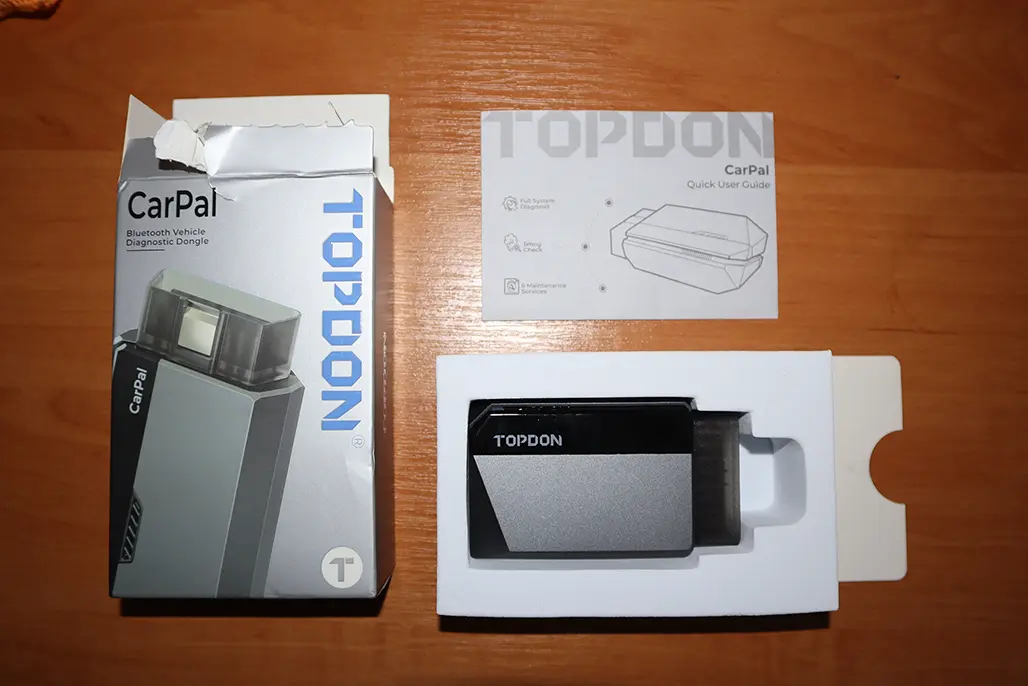
The Topdon CarPal is a wireless full-system scanner for iOS and Android with fast scanning, six service functions and a strong DTC repair guide. I tested it on a Toyota Corolla and used my bench to create real faults. The honest take: the hardware and the repair guide are good, but it’s locked behind a subscription for a feature set that doesn’t justify it, and Topdon’s own TopScan does more for similar money. Read on for what works and why I’d point you elsewhere.
I earn from qualifying purchases and sometimes get tools for free (full disclosure). It never affects my scoring.
What This Tool Actually Is
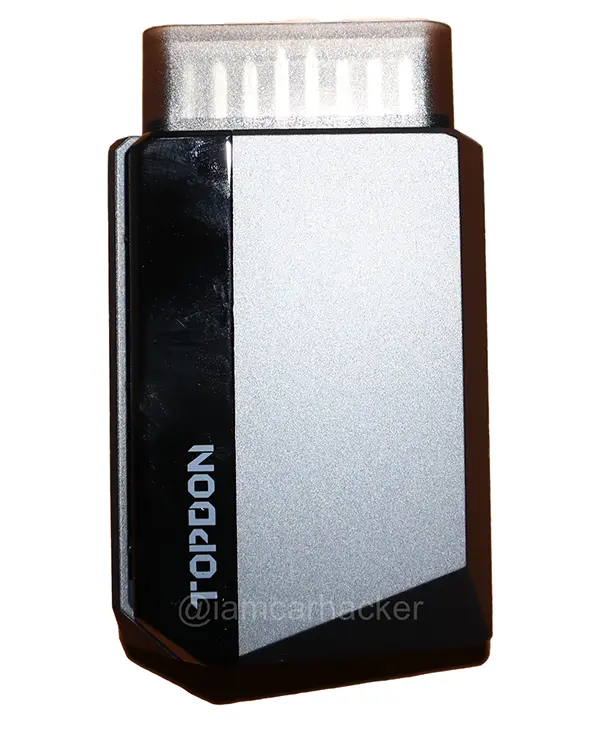
Topdon Carpal
The Topdon Carpal is compact full-system scanner worth considering if you want topdon quality at a lower price point than topscan.

- Good budget tool for 1 year
- Not as clean UI compared to Topscan
- Not really worth paying subscription for these features
Service functions (6+)
Scores
Specs
| Tool type | Standalone device |
| User level | Intermediate |
| Vehicle focus | All makes |
| Free updates | 1 year |
| Subscription | Required ($40/yr) |
| Locked features | everything except global obd |
What it’s actually good at
The DTC repair guide is the strongest part, and it’s genuinely useful. I unplugged the MAF sensor on my bench and rescanned, the CarPal found P0102 (in pending, current and permanent form, normal for an unplugged sensor) and the repair guide laid out likely causes, symptoms and step-by-step repair suggestions, all clear and correct for the fault I’d created. This is the advantage of buying from a company that makes professional tools: the diagnostic library is good even in their cheap products.
Scanning is fast and beginner-friendly. A full-system scan of the Corolla took about 20 seconds, every module listed with fault status, with clean simple reports. There’s also a clever OBD-port-locator: enter make, model and year and it shows a real photo of where the port is on your exact car, a nice touch for beginners. Live data works for simple values and basic graphs, and clearing codes was instant once I plugged the sensor back in.
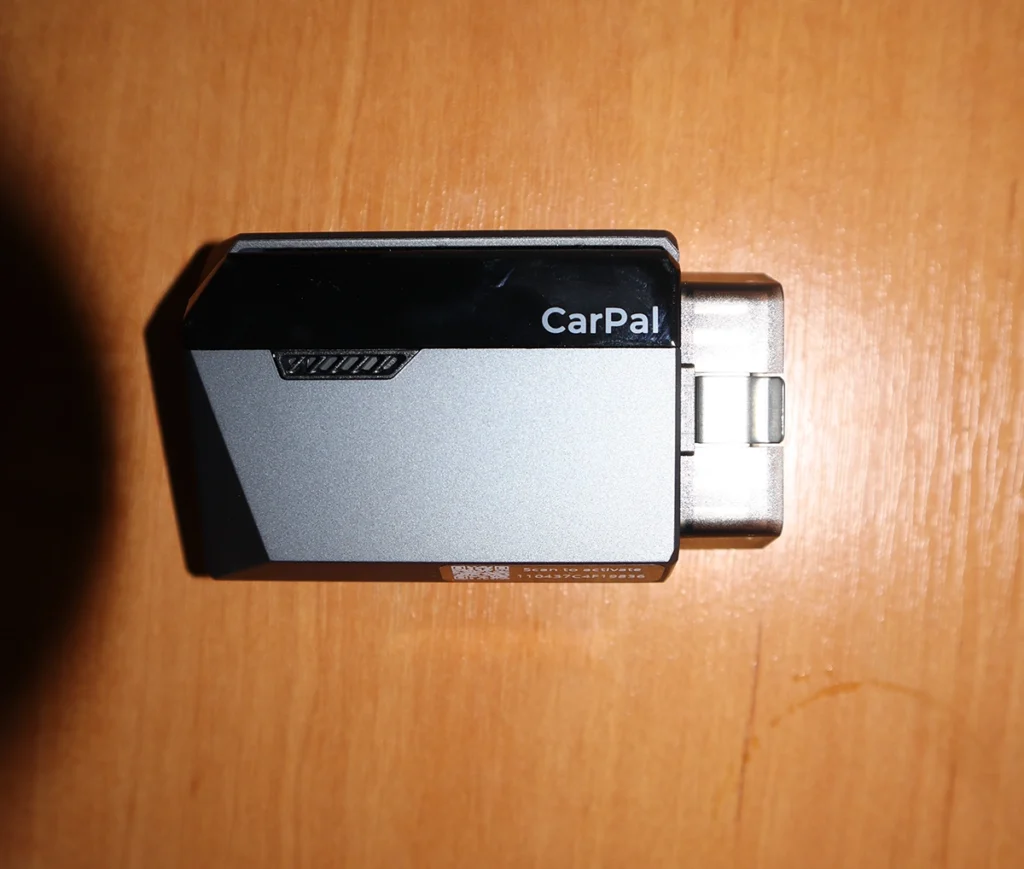
The build quality is solid, and for casual home use the core scanning experience is fine.
Where it falls short
It needs a subscription, and the feature set doesn’t earn it. Beyond global OBD, the useful functions are locked behind a yearly fee, and for what you get (full-system scan, six common service resets, a repair guide) that’s hard to justify when cheaper tools do more with no subscription at all. This is the core of my low verdict.
It’s also limited next to similar-priced tools. No bidirectional tests, no full live data depth, and you can only store three brands at once, scan a fourth and you must delete one and re-download, which is fine at home but annoying in a garage. The UI also isn’t as clean as Topdon’s own TopScan.
For a home user who only ever scans one or two cars, it works. For anyone else, the value math doesn’t hold up.
Who should buy this
Yes, buy it if:
- You want Topdon’s excellent repair guide and fast scans, and only scan one or two cars at home
- You value the OBD-port-locator and simple reports as a beginner
- You’re fine paying a yearly subscription for that specific, limited feature set
No, look elsewhere if:
- You don’t want a subscription, the Mucar BT200 Max does more for a one-time cost
- You want bidirectional tests or deeper live data, this doesn’t have them
- You want the better Topdon, the TopScan does more for similar money
Topdon Carpal
 Topdon Topscan (lite)
Topdon Carpal
Topdon Topscan (lite)
Topdon Carpal
 Mucar BT200 Max
Topdon Carpal
Mucar BT200 Max
Topdon Carpal
 Thinkdiag2
Still deciding rather than chasing a CarPal deal? I line up the budget Bluetooth scanners I’ve tested in my best Bluetooth OBD2 scanners roundup. The short version: the CarPal’s repair guide is good, but the roundup shows why a no-subscription tool or Topdon’s own TopScan usually wins.
CarPal vs Topdon TopScan
Final word
The Topdon CarPal has good hardware, fast 20-second scans and one of the better DTC repair guides in a cheap scanner. But it’s locked behind a subscription for a limited feature set with no bidirectional and shallow live data, and Topdon’s own TopScan does more for similar money. For a home user who scans one or two cars and wants the repair guidance, it’s okay. For everyone else, a no-subscription tool like the BT200 Max or the TopScan is the better call.
Most popular OBD2 guides







I'm Juraj Lukacko and I work as an auto electrician. On this site I share what I learn from real work on real cars, to help you pick the right tools for diagnostics, programming and tuning and get the job done.
More about me →