
Thinkcar ThinkScan 689BT TESTED | Full Review

Last Updated on February 4, 2026 by Juraj
I tested the Thinkcar ThinkScan 689BT tablet on a Skoda Fabia and used it like a normal workshop tool. Full-system scan, live data, bidirectional tests, ECU coding, online coding and service resets. The goal was simple: see if this new “free lifetime updates” scanner behaves like a real professional tool.
Affiliate Disclosure: iamcarhacker.com is an Amazon and other affiliate programs Associate. As an Amazon Associate, I earn from qualifying purchases. Full Affiliate disclosure.
Sponsored Warning: I got this product for free to make a review. Despite that, I provide an honest review based on personal testing and share my truthful opinion of the product. Read more in sponsor policy.
Thinkscan 689BT
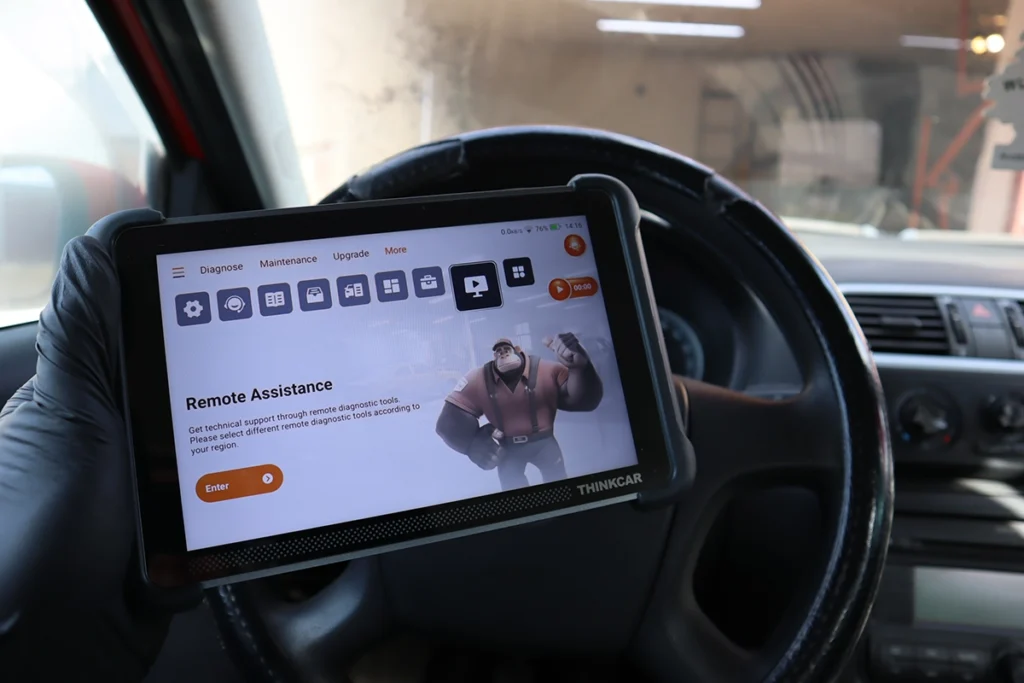
ThinkScan 689BT is a standalone diagnostic tablet with a Bluetooth VCI. No phone needed. You connect the VCI to the OBD port, the tablet links to it wirelessly, and you get full-system access with a clean workshop layout.
It is built for all-brand diagnostics. Full-system scan, live data, bidirectional testing, service resets, ECU coding and online coding. The coding functions are not limited to VAG cars.
My car test happened on a Skoda, but these OEM-style menus appear across many brands inside the tool.
The biggest selling point is simple: free lifetime updates. Most tablets give you 1–3 years. After that you pay every year. Here you don’t.
Get 10% OFF on the official website while it lasts.
Find the best price

Video: @iamcarhacker reviews Thinkscan 689BT
What This Tool Actually Is

ThinkScan 689BT is a full-system, bi-directional diagnostic tablet with ECU coding and online coding.
It works on all major brands.
It is not made to be a VAG-only tool.
The VAG example only shows that the tool can perform OEM-style coding, which usually means it can do the same level of OEM-style operations on other supported brands as well.
It belongs to the same category I call tablet-style professional scanners.
It is smaller and thinner than I expected but feels pretty solid-built. I wouldn’t throw it around like diagnostics toughbook, but it seems to be cabaple of surviving harder garage conditions.
Bluetooth vs wired?
Bluetooth version is easier to operate, especially when doing live data logs while driving. There is also built magnetic space to hold your connection adapter on the back of the thinkscan tablet.


Test Results on Real Cars
I tested it on real cars.
Cars used:
- Škoda Fabia (older platform, K-line protocol)
Full-system scan showed around 40 modules. DTC report was clean and structured. All codes were placed into a single list for print or email. You can export in PDF.
Connection was stable. Scan speed was normal for an older protocol. No crashes.
Live data:
- Metric/imperial toggle
- Graphs work well
- Multi-graph layout
- Recording works
- The sample feature is useful. You take a “before” snapshot and compare it to live data after a repair. Red values highlight differences.
Freeze frame:
- Two freeze frames appeared for the same code (pending + confirmed)
- Data matched what I explain in my OBD fundamentals guide
Bidirectional tests:
- On this older Fabia the tool ran the full actuation sequence: hazards, wipers, heated rear window, etc.
- On newer CAN cars you should get individual test items, since these are ECU-defined functions.
Coding and adaptations:
- Coding menus opened normally
- Adaptation worked (comfort blink count changed successfully)
- Maintain Information helped by showing channel numbers and explanations
- Online coding menu opened but depth depends on each brand ECU
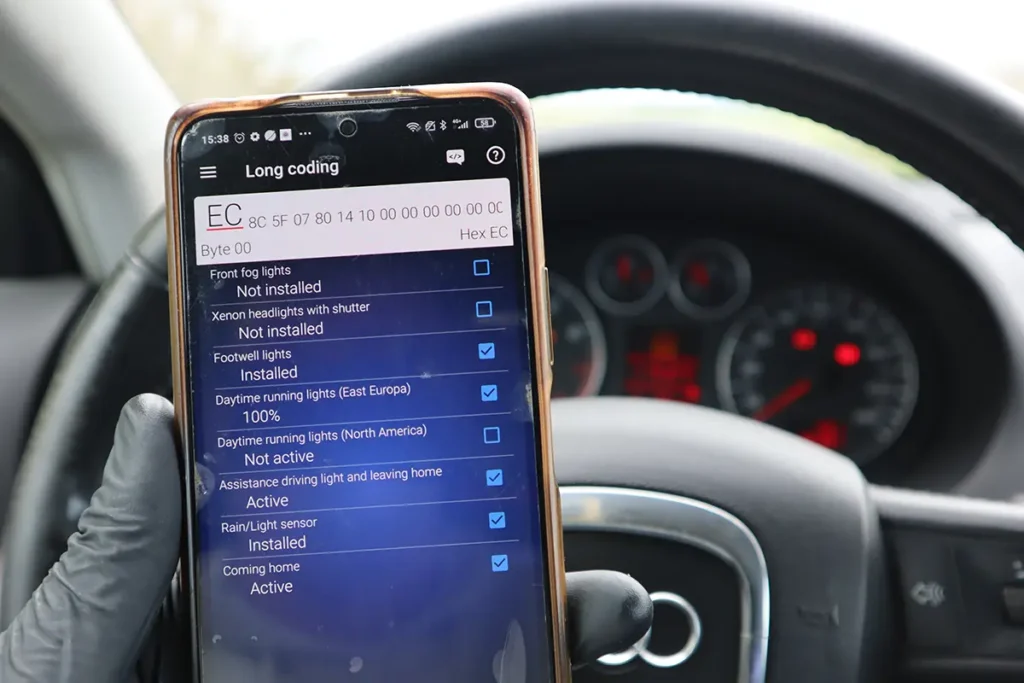
These coding functions are not VAG-specific. The interface shows coding menus for many brands. My Fabia test only confirms the tool can perform real OEM-style operations when the ECU allows it.
Key programming:
- IMMO data read failed on my Fabia
- Too many system options to guess
- So key programming results are not available in my testing
OBD2 Global Mode worked exactly as expected. Good for basic codes and freeze frame if you want fast access.
Overall tool behavior:
- Stable
- No freezes
- Only VIN auto-detect struggled on this older car
Manufacturer Specs vs Real Testing
| Area | Manufacturer Claim | What I Saw in Testing |
|---|---|---|
| Updates | Free lifetime updates | Updates downloaded without subscription screens |
| Full-System | Supports many brands | Worked 100% on my Škoda; other brands not tested on real car |
| Coding | OEM-style coding menus | Coding worked on tested functions; menus exist for many brands |
| Service Functions | 34+ service resets | Counted around 34; availability depends on car |
| Bidirectional Tests | Full actuator tests | Worked as a full sequence on my Fabia |
| Key / IMMO | Supported on some cars | Failed on my test car; not confirmed |
| Reports | Printable/PDF | Yes, worked well |
Hardware / Software / Plans / Internet Dependency

Hardware:
- Tablet with built-in Thinkcar app
- Bluetooth VCI, magnetic holder
- No cables between car and screen
Software:
- Stable on my test drive
- Menus load quickly
- Reports easy to save
Plans and subscriptions:
- Lifetime updates included
- No yearly plan in my testing
- FCA and Renault gateway unlock are paid extra
Internet:
- Basic scan and coding work offline
- Online coding needs internet
- Updates require Wi-Fi
- Remote assistance also uses internet
Supported Service Resets

Menu shows around 34 service procedures.
Not all will run on all cars.
You can long-press a procedure and check model coverage.
It covers the usual items:
- Oil reset
- EPB
- SAS
- Throttle
- Injector coding
- Battery functions
- ECU reset
- Many others
On my Fabia, only a few were applicable because of old ECU design.
Supported Languages
Many languages available.
English has the cleanest translations.
Some translations may be short or mechanical.
For deeper diagnostics I recommend English and checking code descriptions externally when needed.
Comparison Section
vs Mucar 892BT

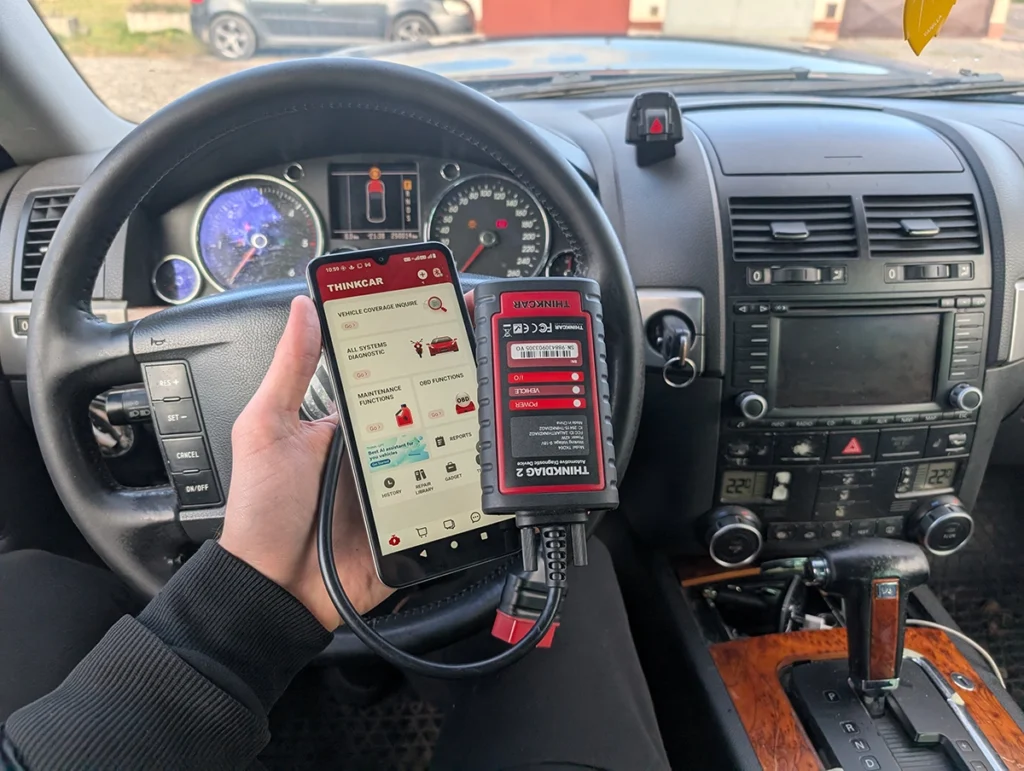
Mucar 892BT has AI and a phone-based interface.
Core diagnostics are similar.
689BT gives you a dedicated tablet and lifetime updates.
| Tool | Summary |
|---|---|
| 689BT | Tablet, lifetime updates, strong coding menus |
| 892BT | Phone dongle, extra AI features, slightly higher price |
FULL comparison Thinkscan 689BT vs Mucar 892BT
vs Xtool D8s
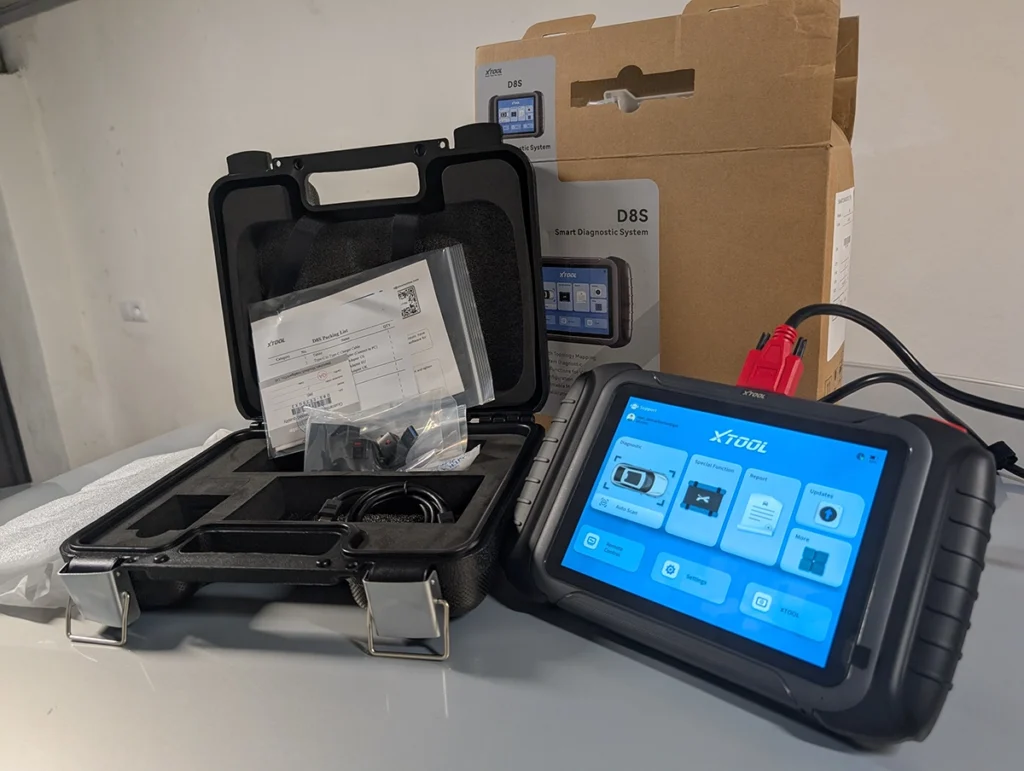
D8s is better for complex service resets.
689BT is easier for everyday work and data viewing.
| Tool | Summary |
|---|---|
| 689BT | Simple workflow, tablet, coding, lifetime updates |
| D8s | More service reset depth, heavier UI |
Final Verdict
ThinkScan 689BT is a strong all-brand diagnostic tablet with OEM-style coding menus, full-system access, and free lifetime updates. Coding examples on a VAG car only confirm that the tool can perform manufacturer-level operations when the ECU supports them. This applies across many brands.
Buy it if you want a dedicated tablet, real diagnostics, and no subscriptions.
Skip it if you need heavy IMMO work or deep brand-specific programming.
For workshop-level multi-brand coding, tablets like Kingbolen K7 or Mucar VO7 still offer more proven coverage.
How to save money:
- Best price usually on Thinkcar official site
- Extra gateway unlocks are cheapest on the official site
- Plans and unlocks must be activated in the Thinkcar dashboard
Thinkscan 689BT has even community on facebook
Also join the ThinkScan 689BT Facebook user group for tips and coding examples.

One of the best scan tools I have tried, for more information + $99 OFF discount code visit the official website.
Most popular OBD2 guides









Can this 689bt perform function of “ignition enable/start after crash” on mercedes cars
Hi if you are looking for specific feature, you can use these compatiblity online checkers. There is one for Thinkcar but also other brands
https://iamcarhacker.com/obd2-compatibility-check/