
Injector Coding / Replacement – Citroën C4 Picasso 2.0 HDi 2012
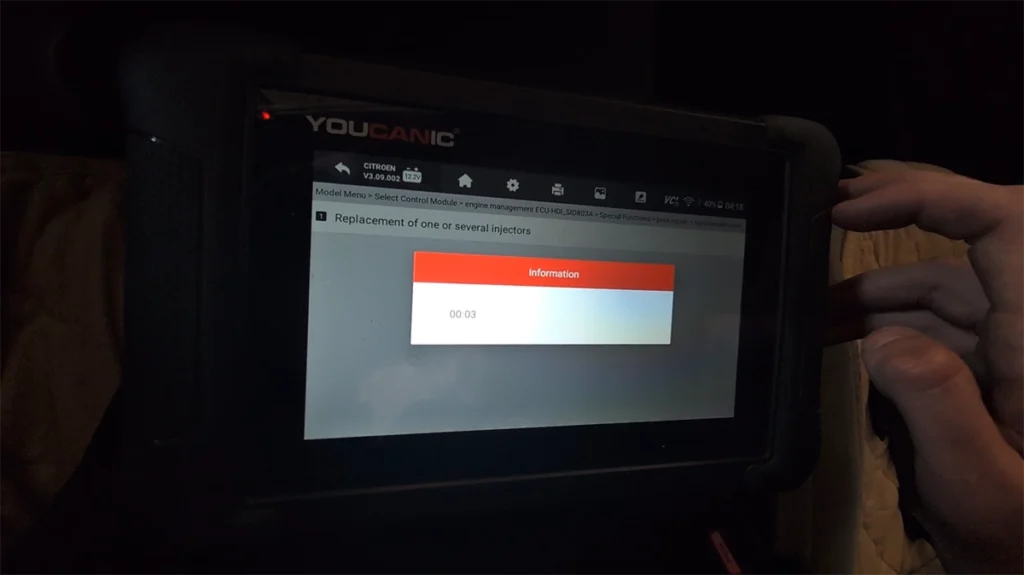

This guide shows how to perform injector programming and adaptation on Citroën C4 Picasso 2.0 HDi using an OBD2 diagnostic tool.
Affiliate Disclosure: iamcarhacker.com is an Amazon and other affiliate programs Associate. As an Amazon Associate, I earn from qualifying purchases. Full Affiliate disclosure.
Used tool in this guide
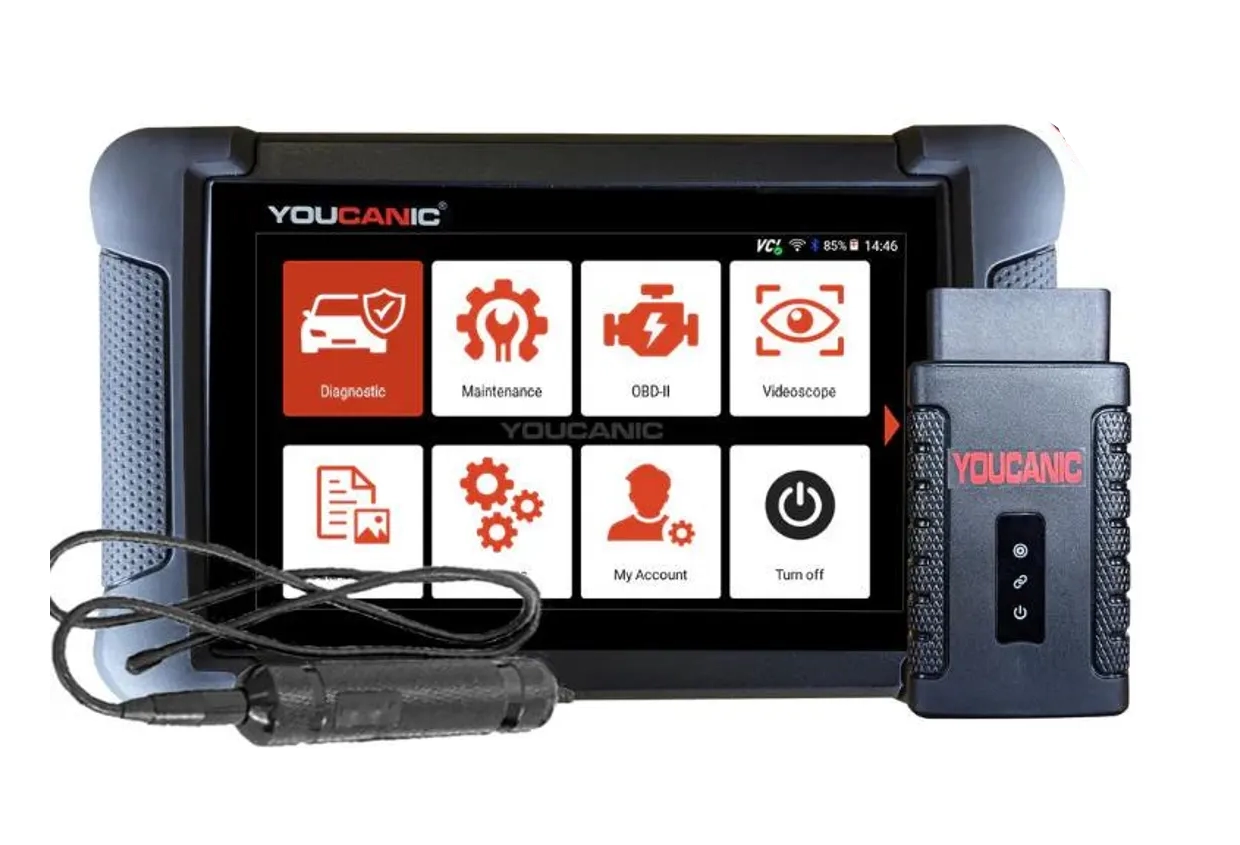
OBD2 scanners support and functions depends on car model. Please visit the official website and ask them for specific feature support for your car model.
Video: How to code injectors on Citroën Picasso 2.0 HDi
This video shows how to code new injectors for picasso 2.0 hdi.
Supported vehicles
| Vehicle |
|---|
| c4-picasso-mk1 |
Technical overview
| Item | Details |
|---|---|
| Vehicle | Citroën C4 Picasso |
| Supported years | ~2006–2013 |
| System | Engine management (fuel injection) |
| Procedure type | Injector programming / adaptation |
| Difficulty | Easy |
| Time required | ~2–5 minutes |
| Prerequisites | Ignition ON, stable battery voltage |
Step-by-step procedure
1. Connect diagnostic tool
- Turn ignition ON
- Connect OBD2 scanner
- Go to service menu -> Fuel injector coding
2. Enter engine control module
Navigate:
Citroen → Model Menu → Engine ECU
3. Open special functions
Special functions → Pack repair
4. Select injector function
You will see two options:
- Replacement parts
- Programming
5. Run the procedure
Option 1: Replacement parts (recommended)
- Select Replacement of one or several injectors
- Confirm operation
- Wait until programming completes
👉 Message:
Programming complete. Adaptation will be performed during next drive cycles
Option 2: Programming
- Select Programming of the injectors
- Confirm operation
- Wait until programming completes
👉 Same final message will appear
Difference between “Replacement parts” vs “Programming”
Both functions lead to similar result, but internally they behave differently:
Replacement parts
- Designed for actual injector replacement
- Resets internal ECU adaptation values
- Prepares system for new injectors
- Triggers full relearn strategy
👉 Best choice when:
- installing new or used injectors
Programming
- Performs basic injector programming
- Does not fully reset all adaptation values
- Used mainly for:
- rewriting data
- quick corrections
👉 Best choice when:
- no parts were replaced
- you only want to refresh settings
Additional Information & Compatibility Notes
Before using or purchasing any diagnostic tool for this procedure, always verify compatibility with your exact vehicle model, year and system configuration. Supported functions may vary depending on software version, hardware revision and regional limitations.
Alternative tools
Related guides & background information
Legal & safety notice
This procedure modifies vehicle system settings through the control module. Incorrect use may cause faults or warning lights. Always ensure the vehicle is secured and follow proper safety procedures.
Procedures tested with this scanner
 Mazda CX-7 2008 Seat Belt Warning Disable with OBD2 scanner
 Škoda Fabia Mk3 (2020) Oil Service Reset with OBD2 scanner
 Mazda CX-7 2008 TPMS Relearn / Wheel Sensor Registration
Most popular OBD2 guides








Hi, I am Juraj Lukacko. I got frustrated by unhelpful and scammy mechanics, so I decided to learn everything about car diagnostics myself. I test dozens of new car diagnostic tools every month along with learning new strategies to fix and customize cars.

Responses