 By Juraj · Last updated November 26, 2026
The electronic steering column lock (ELV) is a common failure on the Passat B6. When it fails you cannot switch the ignition on or start the car. This guide shows the fix I used: an ELV emulator loaded with the data from the comfort module (BCM).
I earn from qualifying purchases and sometimes get tools for free (full disclosure). It never affects my scoring.
Used tool in this guide
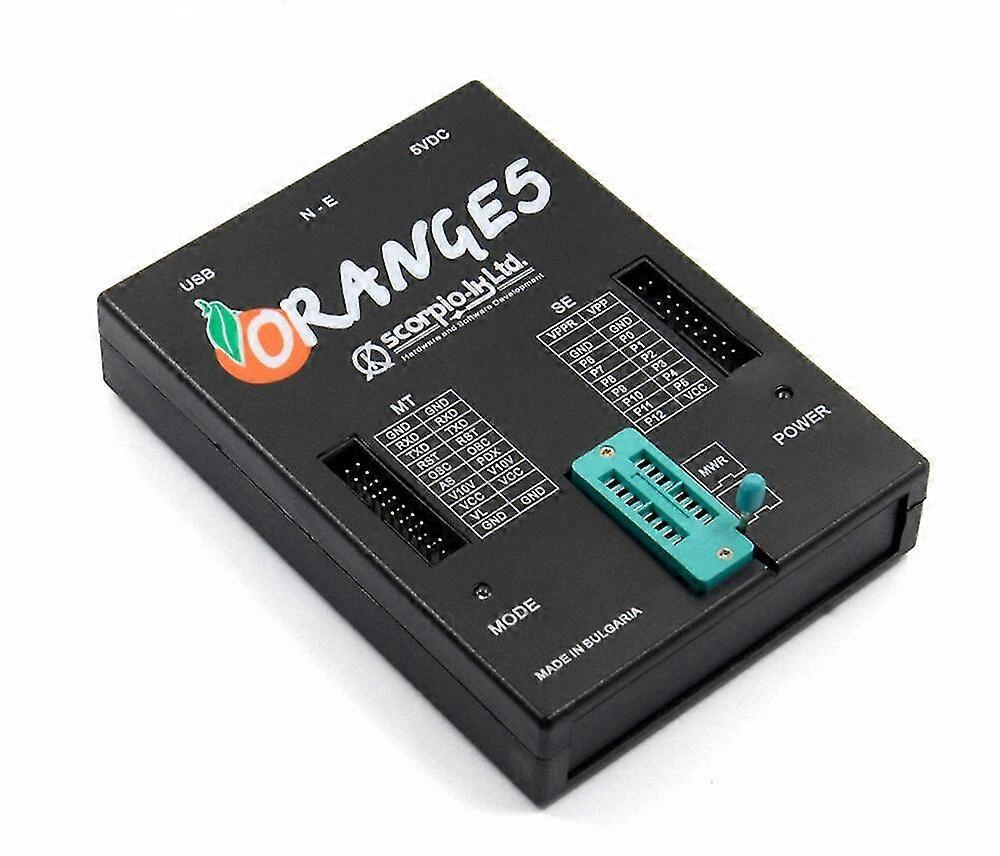
You need an ELV emulator made for the Passat B6 and an EEPROM programmer that can read the chip in the comfort module. I will add the exact programmer I used here.
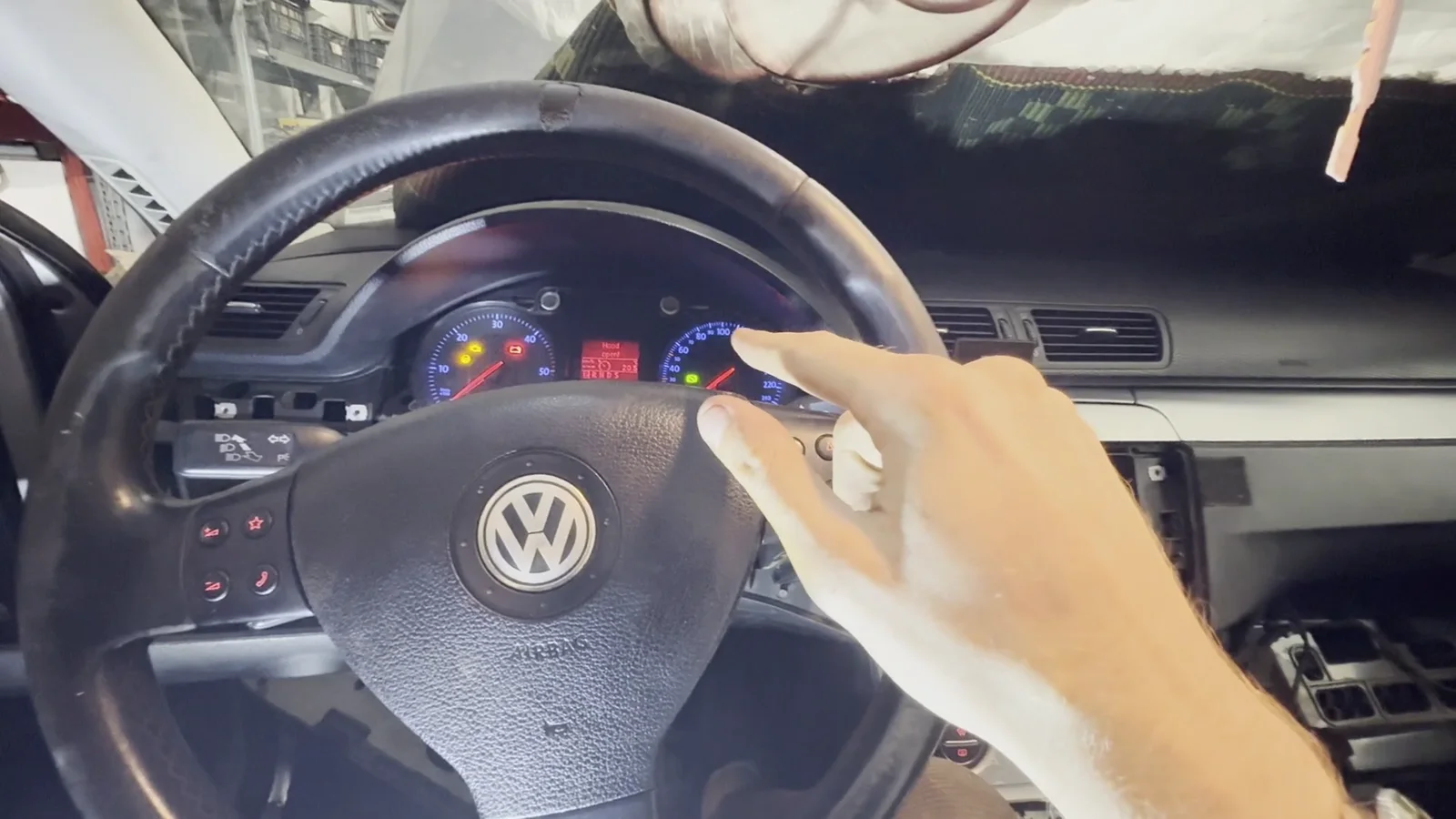
Video: Passat B6 with an ELV emulator connected
The emulator tells the immobilizer that the steering lock works and that the correct key is inserted. In the video the ignition switches on with only an empty key case.
Technical overview
| Vehicle | VW Passat B6 |
|---|---|
| Year | 2008 |
| System | Immobilizer, electronic steering column lock (ELV) |
| Procedure type | ELV emulator |
| Difficulty | Advanced, bench work on the comfort module |
| Prerequisites | ELV emulator for the Passat B6, EEPROM programmer |
| ECU type | Comfort module (BCM) |
Step-by-step procedure
Confirm it is the steering lock
The typical sign: the key goes in, but the ignition does not switch on and the car does not start. On the Passat B6 the steering lock is part of the start authorisation, so a failed lock blocks the ignition even when the key is fine.
Read the EEPROM of the comfort module (BCM)
Take the comfort module out and read its EEPROM with an EEPROM programmer. Save the file and keep a copy as a backup before you do anything else.
Write the data into the emulator
Write the file you read from the comfort module into the EEPROM of the ELV emulator, with the same programmer.
Connect the emulator in place of the steering lock
Put the comfort module back and connect the emulator where the steering lock was plugged in.
Test the ignition
Insert the key and switch the ignition on. With the emulator connected the ignition comes on again.
Alternative tools
Legal & safety notice
More procedures like this
How to Read the Immo Code (Car Pass) from an Opel / Vauxhall Immo 2
Opel Corsa C 2006 Key Programming steps with Opcom
Toyota Avensis 2006 Add new key/Key Cloning: Car Starts, Remote Doesn’t (Full Job)
How to Add a Key / Perform AKL on BMW E46
Honda FRV 2006 Key programming / Add new key
Add / All Keys Lost – Citroën C4 Picasso 2012
Most popular OBD2 guides




I'm Juraj Lukacko and I work as an auto electrician. On this site I share what I learn from real work on real cars, to help you pick the right tools for diagnostics, programming and tuning and get the job done.
More about me →