
Published: November 23, 2024 · Last updated: June 1, 2026
Under fifty bucks is where most “best scanner” advice falls apart, because half the tools recommended at this price are US-only and quietly fail on European cars. I know because I tested them here, on the cars people in Europe actually drive.
At this budget you’re not buying coverage or coding. You’re buying the basics done reliably: reading and clearing engine codes, checking a used car before you buy it, watching live sensor data. A couple of these surprise you by reaching further than that. Most don’t, and that’s fine if you know what you’re paying for.
Here’s what actually worked, what each one is for, and the ones I’d leave on the shelf.
I earn from qualifying purchases and sometimes get tools for free (full disclosure). It never affects my scoring.
Quick picks – best scanners under $50
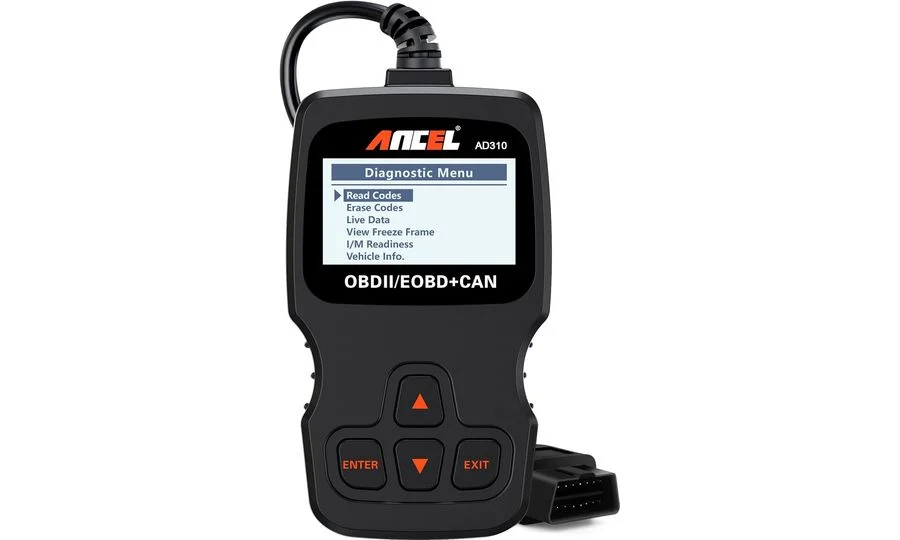
Ancel AD310 8.3 / 10
Best entry OBD2 scanner for beginners
- ✓Works without hesitations
- ✓Easy to navigate and check basic engine data and codes

Konwei Kdiag 7.5 / 10
Ultra-budget bi-directional full-system scanner.
- ✓Very cheap adapter that actually has bi-directional tests
- ✓Support Global OBD (fallback if full-system diag doesn't work)
- ✕Full-system diag/service and bi-directional tests won't work for all cars

Thinkcar BD6 8.4 / 10
entry-level thinkcar bluetooth scanner more capable than simple ELM adapters.
- ✓Full-system scan and live data (access to ABS/Transmission/Radio and other modules)
- ✓Good budget pick for used car check or basic diagnostics
- ✓Even comes with basic service resets
- ✓Free lifetime updates
- ✓On my tested cars
- ✓Scan was fast (faster than 10x more expensive tools)
- ✕No Bi-directional testing

Vgate iCar pro 2s 8.5 / 10
updated vgate bluetooth adapter with good compatibility across diagnostic and coding apps
- ✓Updated Vgate adapter line with good compatibility
- ✓Compact low-power design
- ✓Very cheap entry to app-based diagnostics
- ✕Engine-only
- ✕No advanced functions
- ✕Quality still below premium adapters like OBDLink MX+
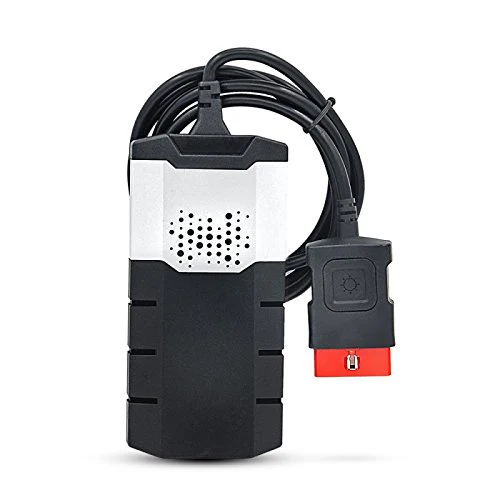
Delphi DS150 (clone) 6.3 / 10
PC-based laptop scanner that offers dealer-like functionality for a fraction of the cost of professional tools
- ✓Extremely cheap for the functionality
- ✓Works with Delphi and AutoCom software
- ✓Bluetooth and USB connection options
- ✓Built-in flashlight
- ✕Requires laptop
- ✕Software installation can be tricky
- ✕Clone quality varies
Ancel AD310
Konwei Kdiag
Thinkcar BD6
Vgate iCar pro 2s
Delphi DS150 (clone)


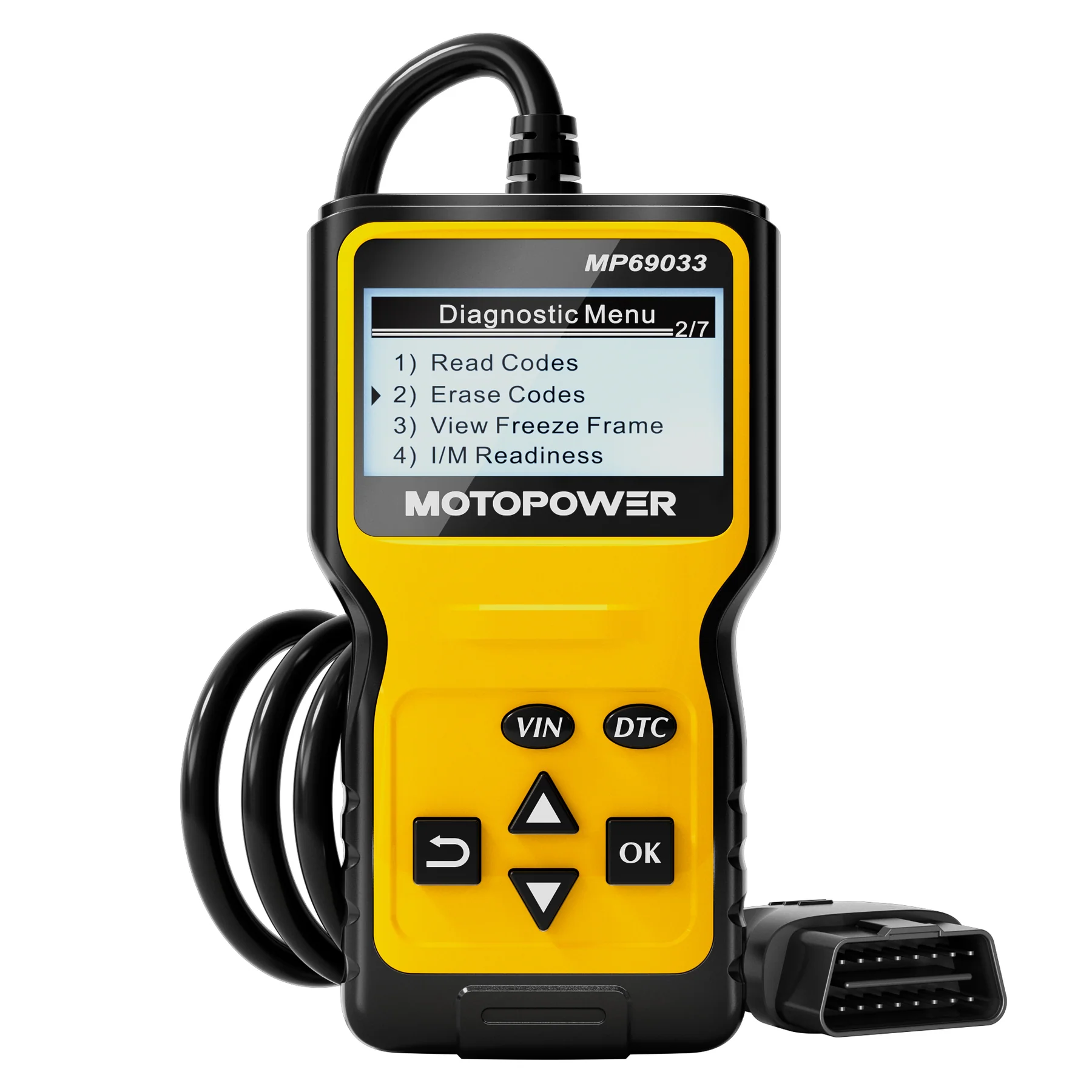

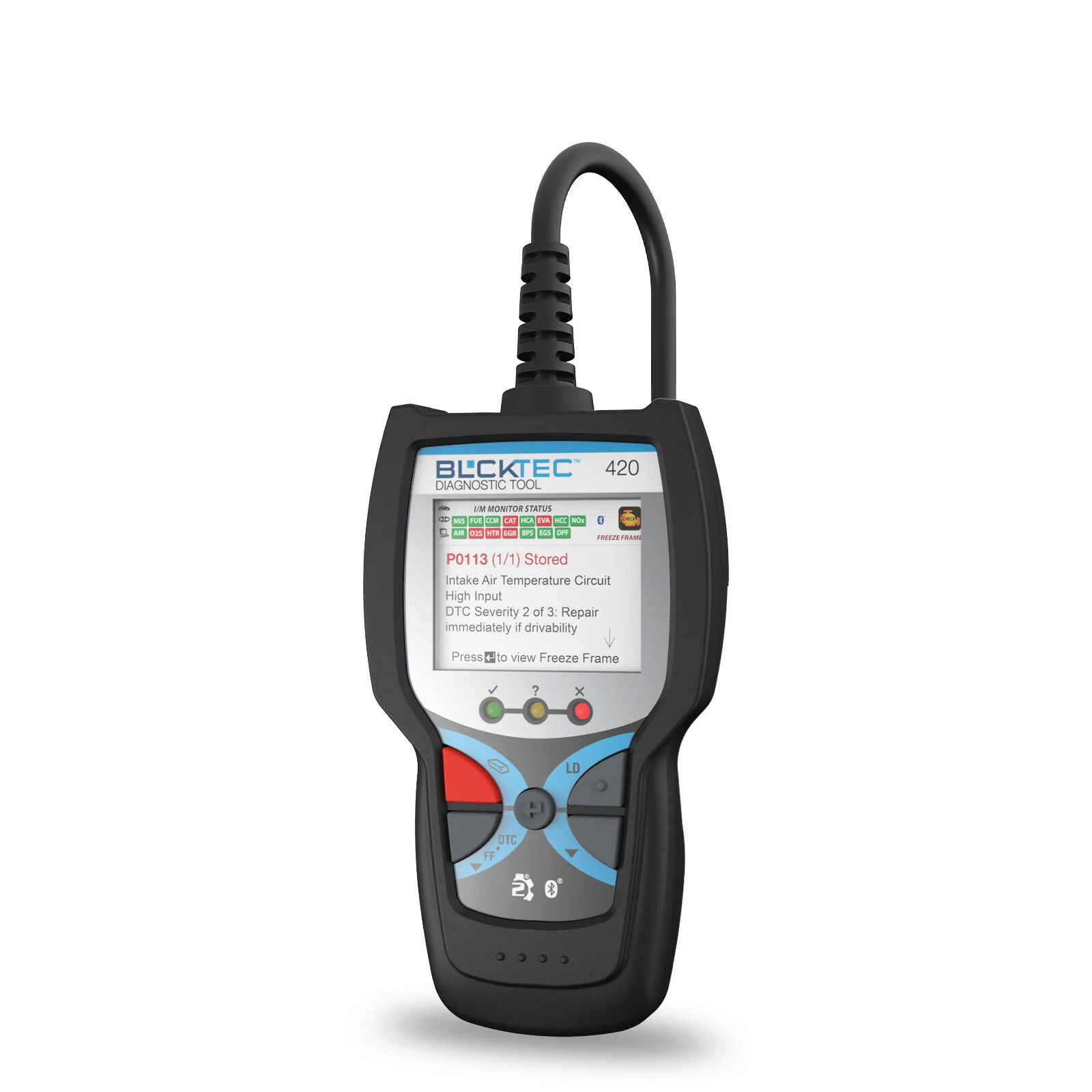
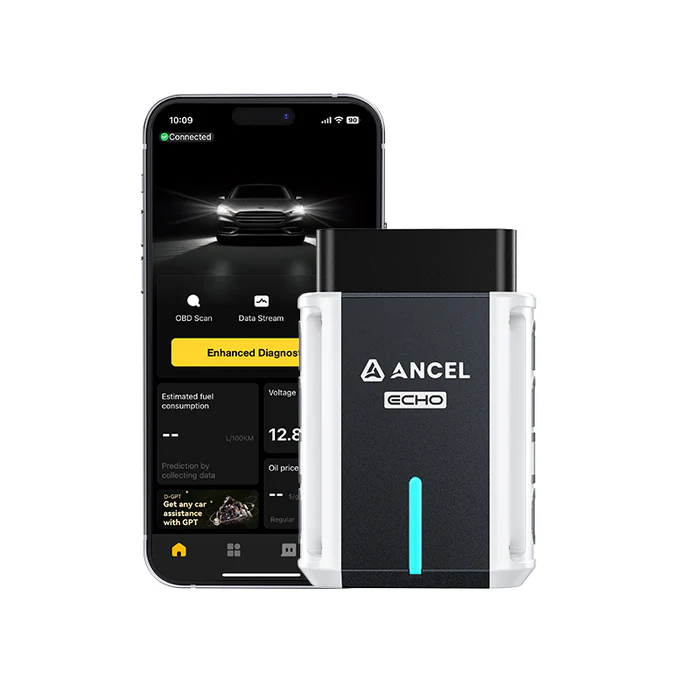
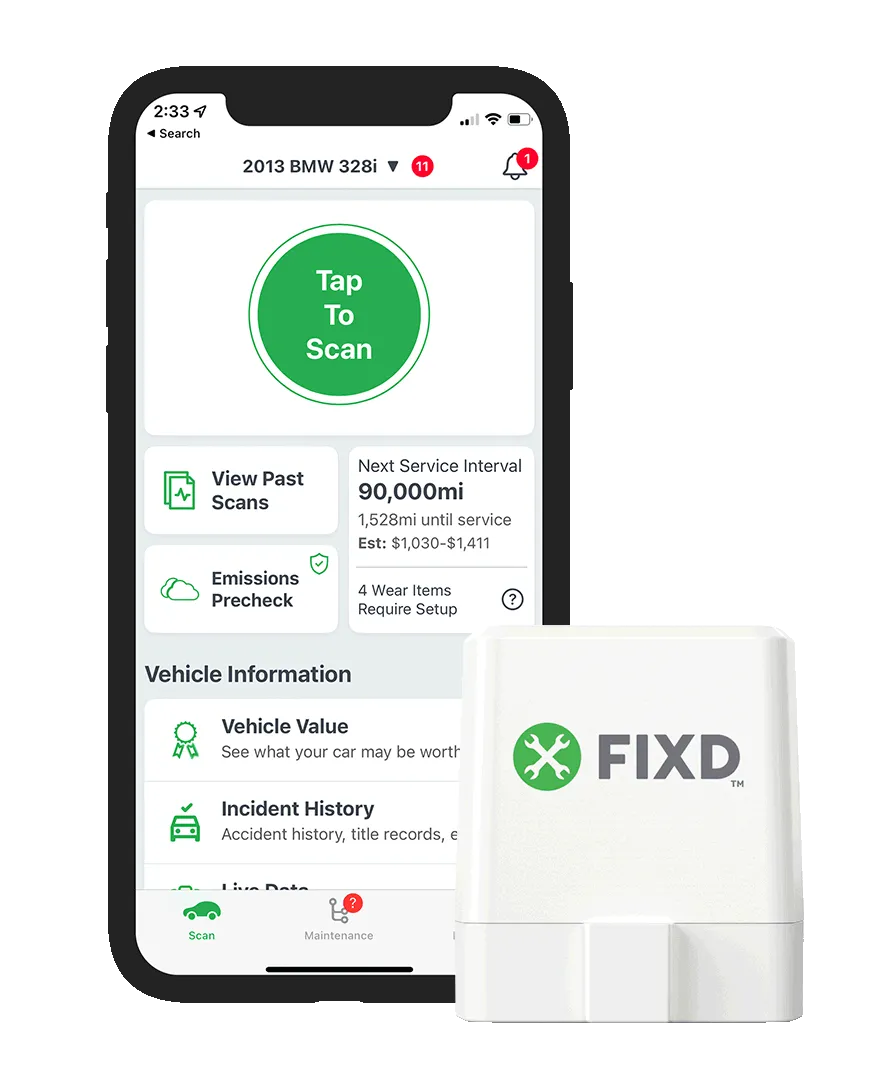
These five aren’t the same kind of tool, and at this price that matters more than usual. Different jobs, different buyers. Here’s how I’d actually rank them and who each one is for.
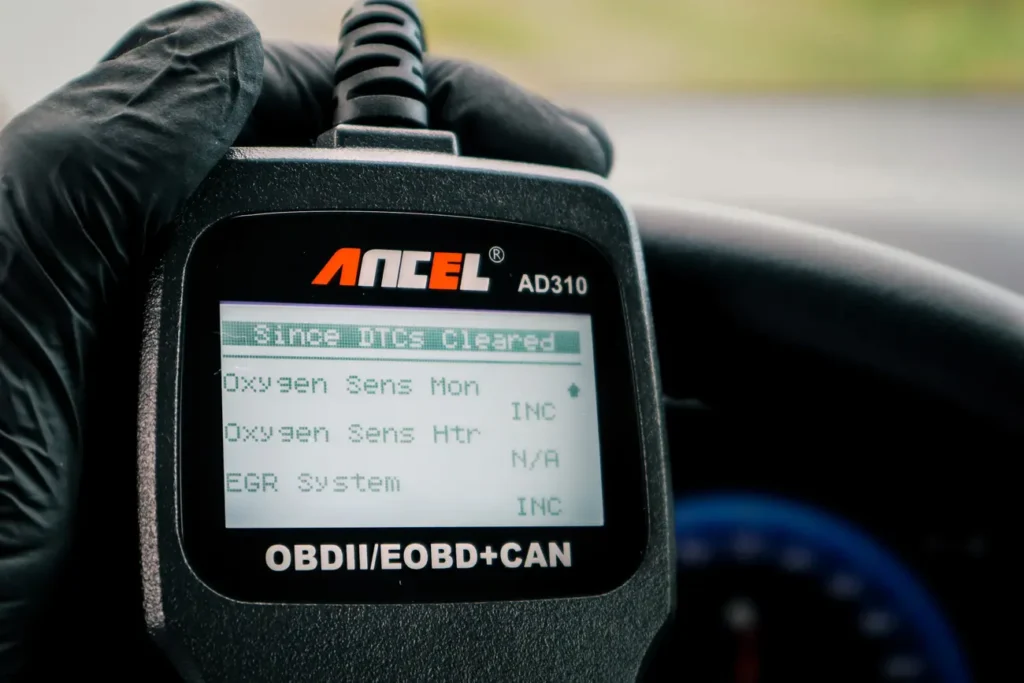
The Ancel AD310 is my pick for a beginner who wants zero hassle. It scored an 8.3, it’s around $30, and it does one thing without ever complaining: plug it in, read and clear engine codes, check basic live data, done. No phone, no app, no setup. The diagnostic depth is shallow, it’s engine-only, but that’s not a flaw at this price, it’s the point. If you want the simplest reliable code reader that just works, this is it.
→ Read full review of Ancel AD310

The Vgate iCar Pro 2s is the best app-based entry, and it topped my scoring here at 8.5. Around $35 gets you a compact, low-power Bluetooth adapter with good compatibility across diagnostic and coding apps. It’s still engine-only with no advanced functions of its own, and the build sits below a premium adapter like the OBDLink MX+, but as a cheap doorway into phone-based diagnostics it’s the one I’d hand someone. The app you pair it with decides how far it goes.
→ Read full review of Vgate iCar Pro 2s

The Thinkcar BD6 is the most capable tool on this list, with one asterisk: at around $60 it’s a stretch over the strict fifty-dollar limit, and I include it because the jump in capability is worth knowing about. It’s the only pick here with real full-system access, ABS, transmission, the other modules, plus basic service resets and free lifetime updates. On my tested cars it scanned faster than tools costing ten times as much. No bidirectional testing is the one gap. If you can flex the budget slightly, it’s the biggest leap in the group.
→ Read full review of Thinkcar BD6
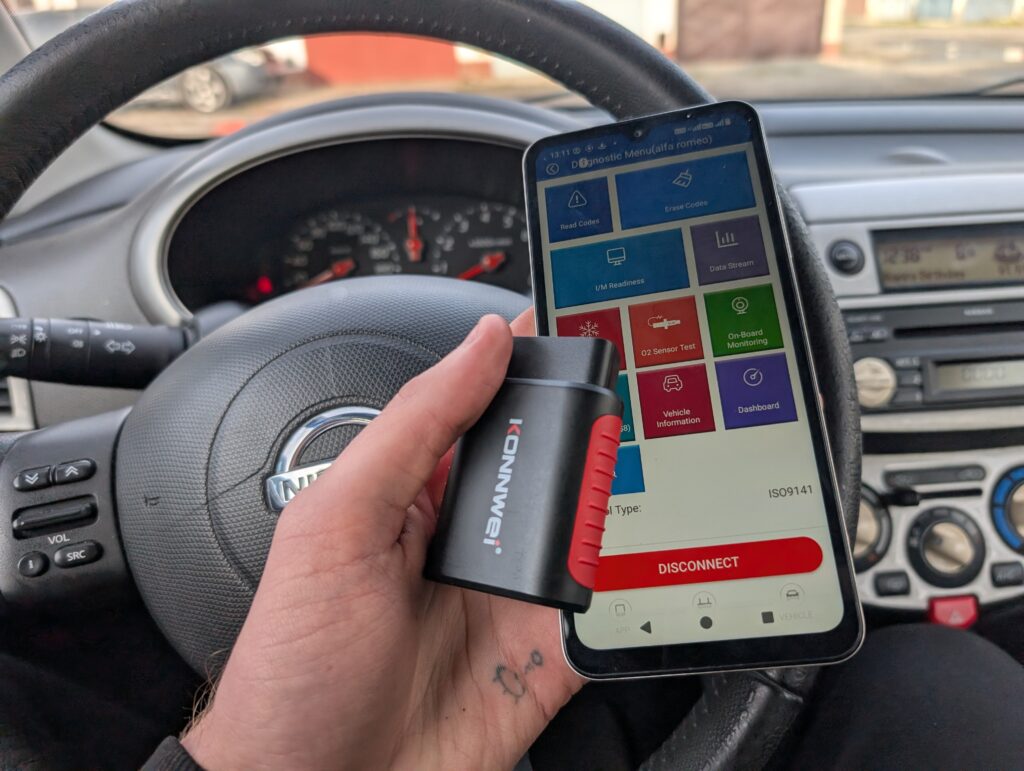
The Konwei Kdiag is the wildcard, an ultra-budget adapter that genuinely has bidirectional tests, which is rare this cheap. Around $50 and it’ll attempt full-system diagnostics and active tests, with Global OBD as a fallback when the deeper stuff isn’t supported. The honest catch is that the full-system and bidirectional features don’t work on every car, so it’s a gamble that pays off on supported models and drops back to basics on others. Buy it knowing that, and it’s a lot of tool for the money.
→ Read full review of Konwei Kdiag

The Delphi DS150 clone is the most capable option here for anyone willing to tinker. It’s a PC-based interface that, paired with Delphi or AutoCom software, gets you surprisingly close to dealer-like functionality for around $40. The trade-offs are real: you need a laptop, the software install can be fiddly, and clone quality varies between sellers. For a hands-on person who doesn’t mind the setup, nothing else at this price reaches as far. For someone who wants plug-and-play, look at the Ancel instead.
→ Read full review of Delphi DS150
One thing worth saying about this whole price floor: at under $50 the software and the car matter more than the hardware. The same cheap adapter can shine on one car and barely connect on another, and a US-focused tool can underperform on a European car even though the spec sheet looks identical. So before you buy, check that it’s been used successfully on your make and model, not just that it exists.
And when would I skip everything here? Honestly, almost never, this is the right amount of tool for basic DIY. But if you know you want full-system access, bidirectional control or service resets as your normal use, don’t fight an ultra-budget tool for it. Spend a little more and save yourself the frustration. For everything else, one of these does the job.
Most popular OBD2 guides







I'm Juraj Lukacko and I work as an auto electrician. On this site I share what I learn from real work on real cars, to help you pick the right tools for diagnostics, programming and tuning and get the job done.
More about me →