
Published: October 11, 2023 · Last updated: June 4, 2026
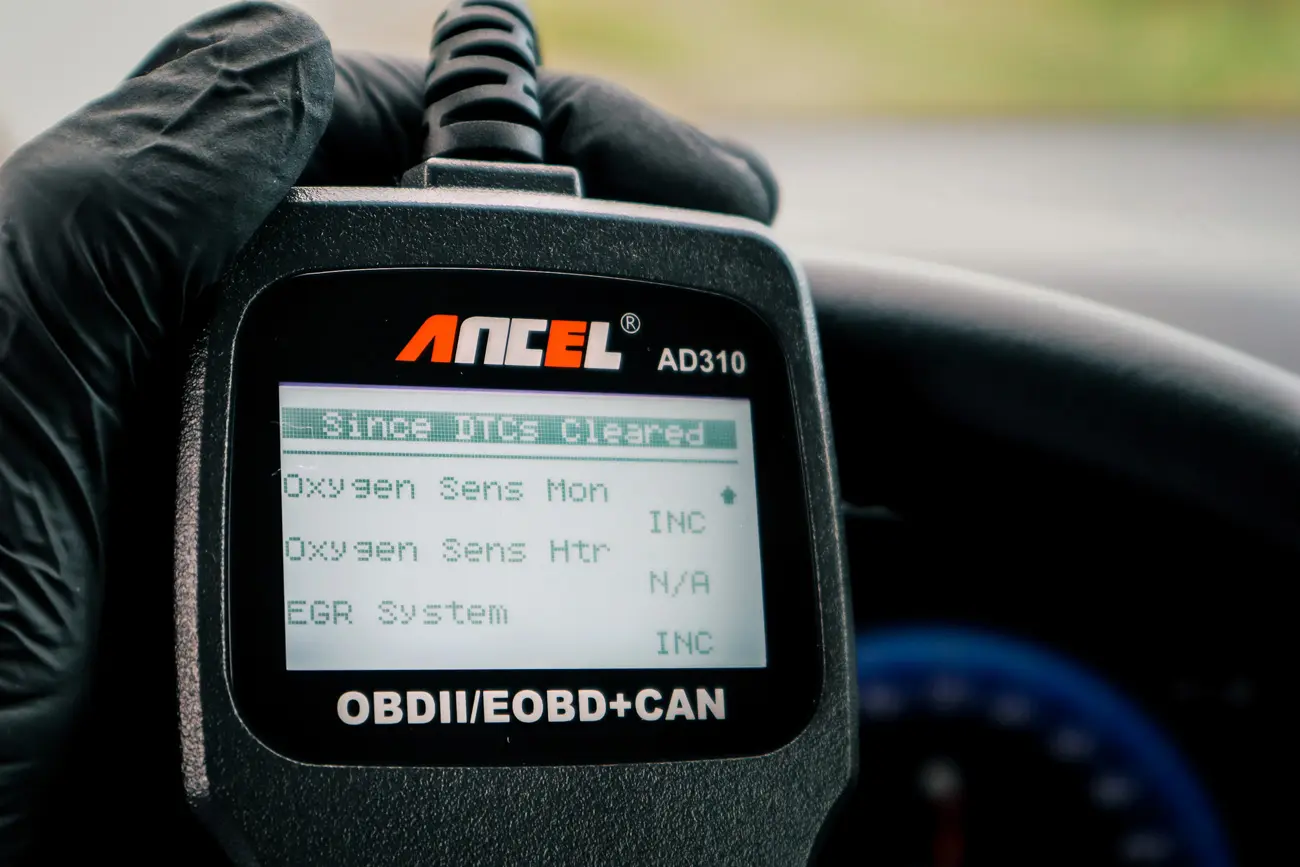
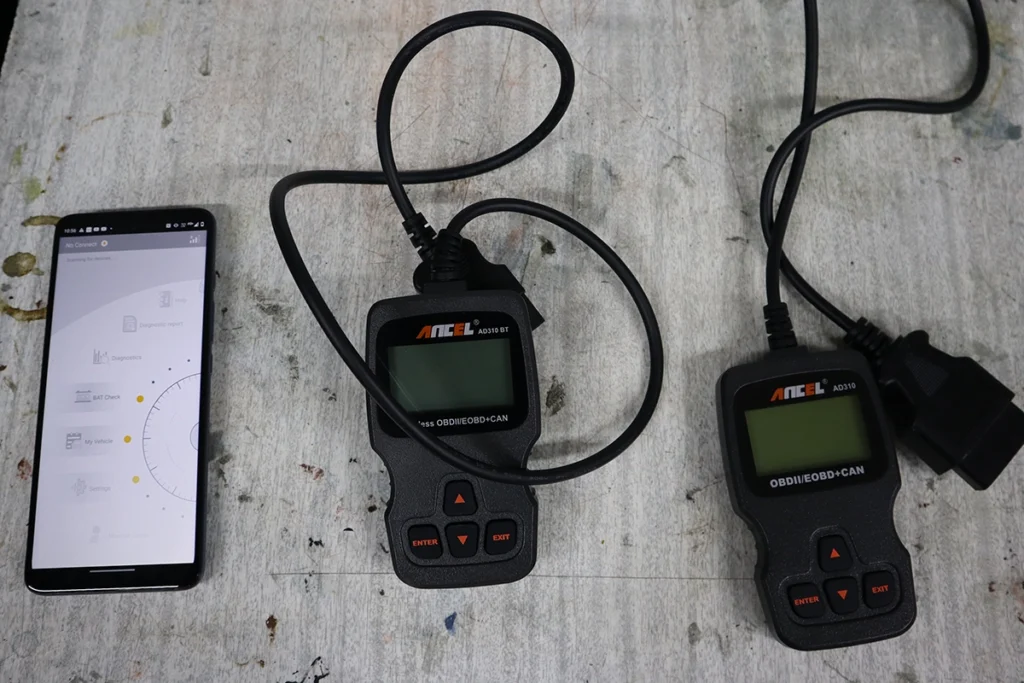
The Ancel AD310 is one of the cheapest engine code readers you can buy, but it does all 10 OBD modes and reads, clears and graphs live data. I’ve used it for over two years. What makes it stand out: it’s the only reader this cheap that gave me all the live-data values and graphs that pricier readers do, which is why it’s still my favourite budget pick. It’s engine-only. Read on for what makes it a no-brainer and its one quirk.
I earn from qualifying purchases and sometimes get tools for free (full disclosure). It never affects my scoring.
Ancel AD310 – Quick Overview
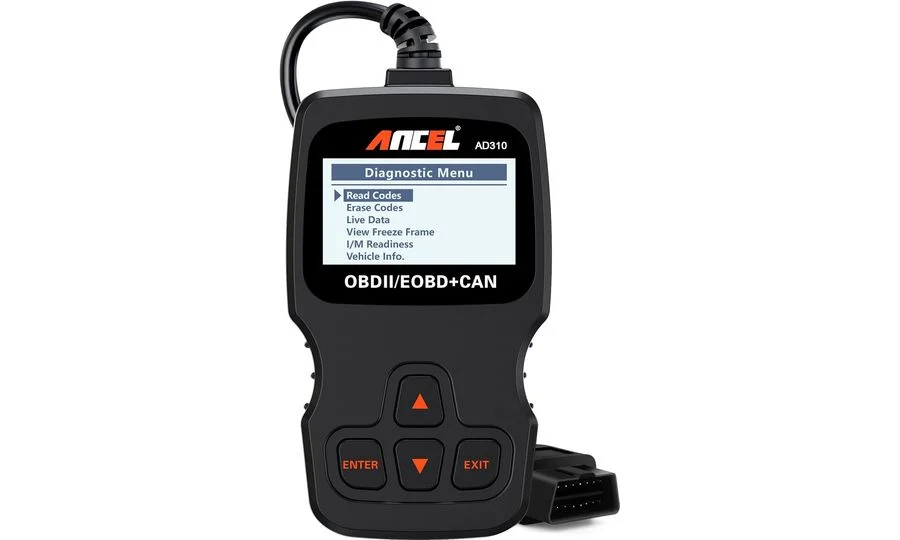

- Works without hesitations
- Easy to navigate and check basic engine data and codes
Scores
Specs
| Tool type | Standalone device |
| User level | Beginner friendly |
| Vehicle focus | All makes |
| System focus | engine |
| Free updates | Lifetime |
| Subscription | Not required |
Support & resources
| Need help with tool? | Open tool support page ↗ |
What it’s actually good at
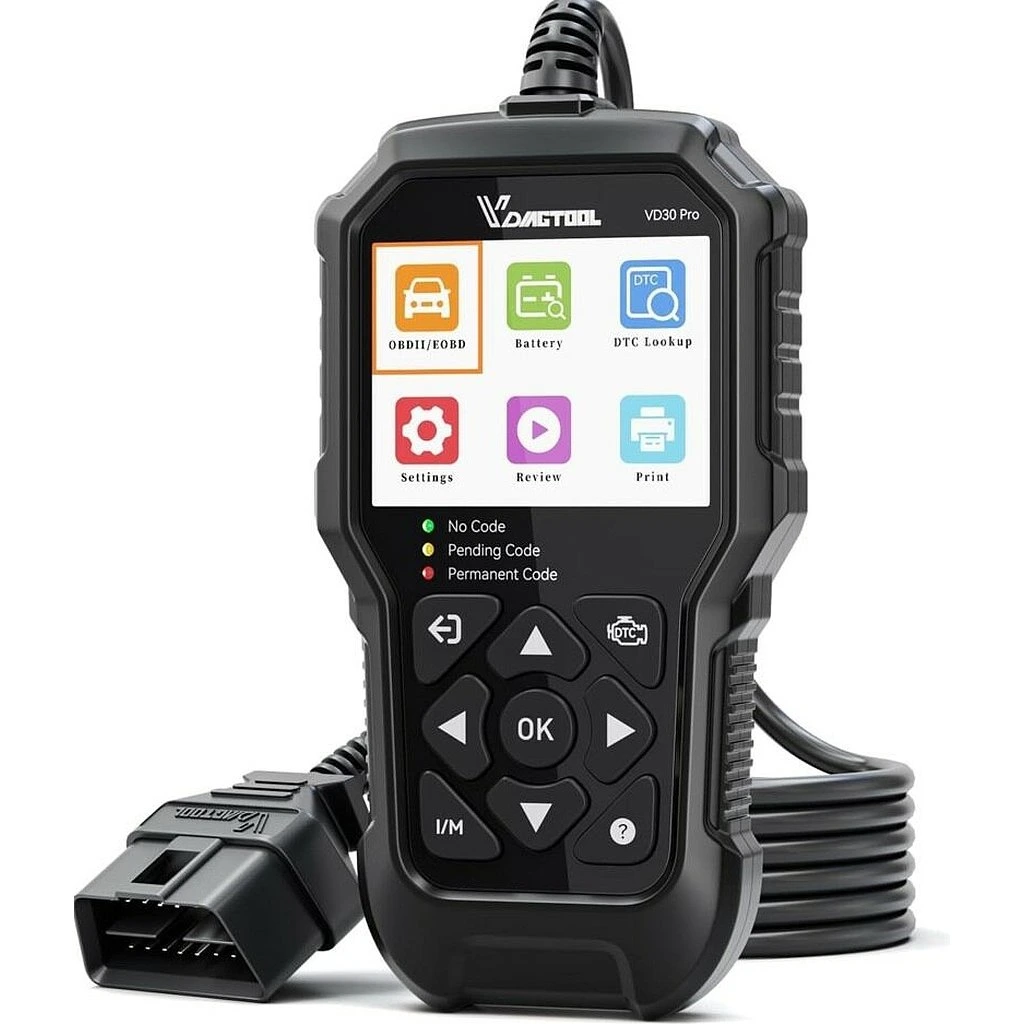
It punches far above its price, doing what much pricier readers do. It’s the only cheap reader I’ve tested that still gives me all the live-data values and displays them as graphs, the same data depth as a Launch CR3008+ or VDiagtool VD30 Pro that cost more. Live-data graphs are genuinely useful for understanding what’s happening in the engine when you’re chasing a fault, and most readers this cheap skip them entirely.
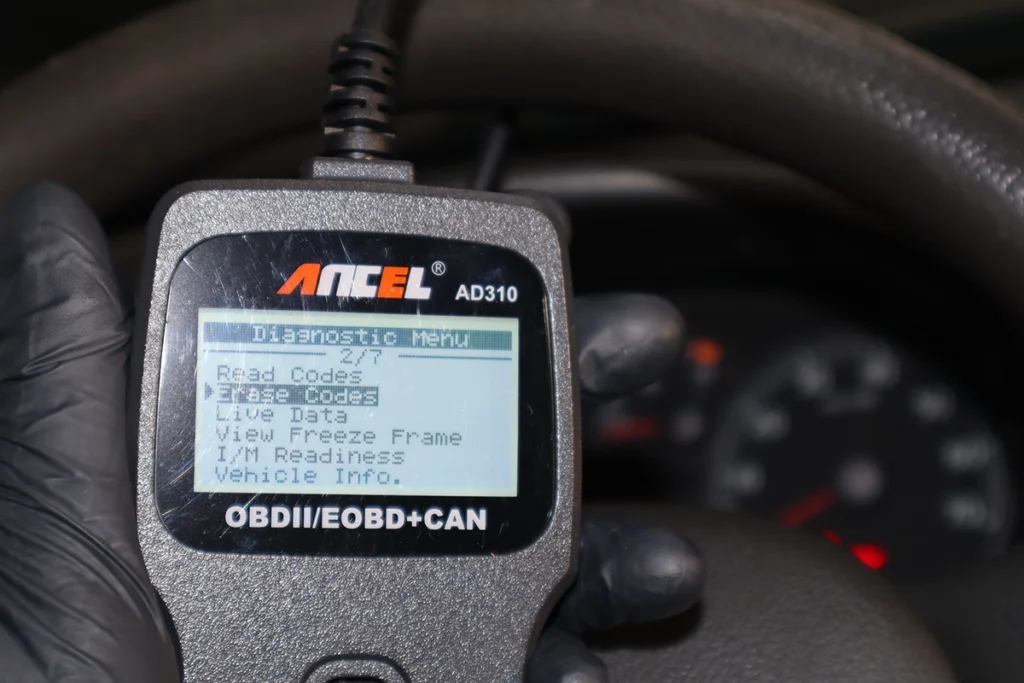
It’s reliable, fast and built like a tank. In over two years it’s worked without hesitation, it’s easy to navigate, quick, and the build quality is excellent. It does the full set of engine OBD jobs: read and clear codes, separate pending from current codes (so you’re not confused by the same code twice), freeze frame, readiness monitors for emissions pre-checks, vehicle info and oxygen-sensor data. The price is basically a no-brainer, it costs about the same as a single shop diagnostic scan, but you use it for years.
Where it falls short
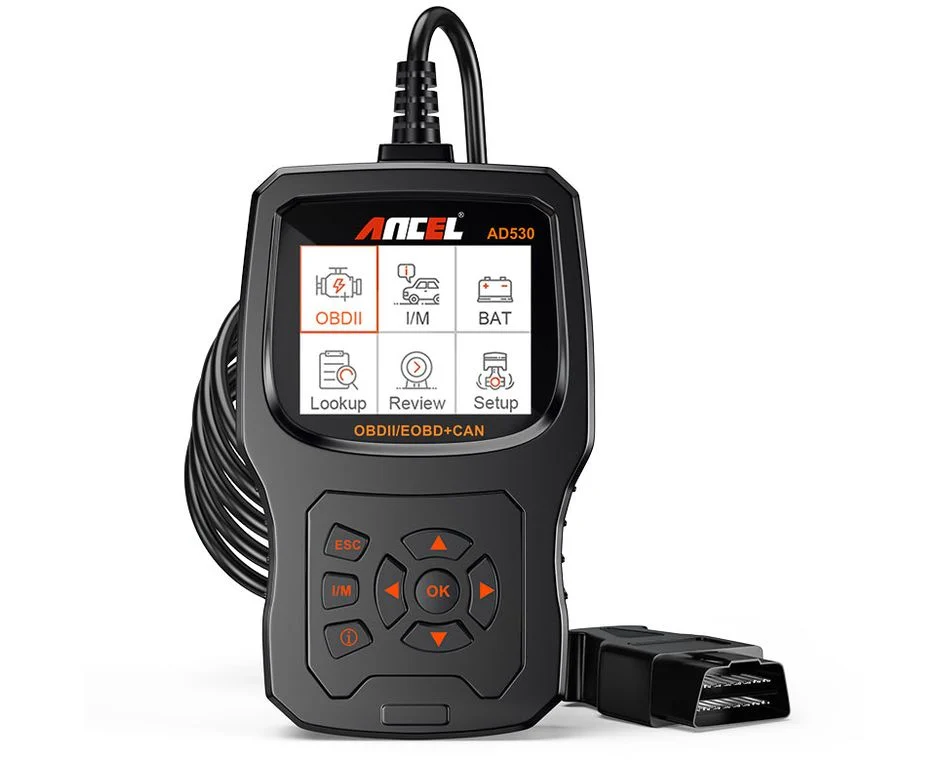
It graphs only one value at a time. It does graph, which is the headline, but just one parameter at once, where the AD530 does three and the VD30 Pro four. For a cheap reader it’s still ahead of the pack, but it’s a limit.
There’s a small menu bug worth knowing. When you select short-term fuel trim, it opens the graph for the item one row below (long-term fuel trim), so you have to select the line above the one you actually want. It might be specific to my unit, but it’s a quirk you work around. And it’s engine-only: no full-system, no bidirectional, no coding.
Who should buy this
Yes, buy it if:
- You want the best cheap code reader, all live-data values plus graphs at a near-free price
- You want a reliable, well-built first OBD2 tool to read and clear codes for years
- You’re a beginner who wants the most capable budget reader without overthinking it
No, look elsewhere if:
- You want multiple live-data graphs at once, the AD530 (three) or VD30 Pro (four) do more
- You want extras like a battery test, the AD530 adds one
- You want more than engine codes, a 4-system or full-system tool reaches other modules
Ancel AD310
 Ancel AD530
Ancel AD310
Ancel AD530
Ancel AD310
 Vdiagtool VD30 PRO
Ancel AD310
Vdiagtool VD30 PRO
Ancel AD310
 Ancel AD310 BT
Final word
The Ancel AD310 is the best budget code reader I’ve used: for almost nothing it reads and clears codes, shows all your live-data values and graphs them (rare this cheap), and it’s reliable and superbly built. The only limits are one graph at a time and a small menu quirk on fuel-trim selection. It costs about the same as a single shop scan but lasts for years, which makes it close to a no-brainer first tool. If you want more graphs or a battery test, step up to the AD530 or VD30 Pro.
Most popular OBD2 guides







I'm Juraj Lukacko and I work as an auto electrician. On this site I share what I learn from real work on real cars, to help you pick the right tools for diagnostics, programming and tuning and get the job done.
More about me →