
Published: November 23, 2024 · Last updated: June 1, 2026
Spend close to a thousand on a scan tool and you leave code readers behind entirely. This is the bracket where full-system diagnostics, real bidirectional control, coding and even some ECU programming become normal, not premium extras.
It’s also the sweet spot a lot of serious people land in: too much work for a $200 tool, but no need to drop two or three grand on a flagship. The tools here give you most of what the expensive tablets do, at a fraction of the price, with the trade-offs showing up in coding depth, software polish and coverage on the newest cars rather than in the everyday work.
Here’s what earns its place under $1,000, what each one’s actually for, and where I’m speaking from my own bench versus from brand track record.
Quick picks under $1000
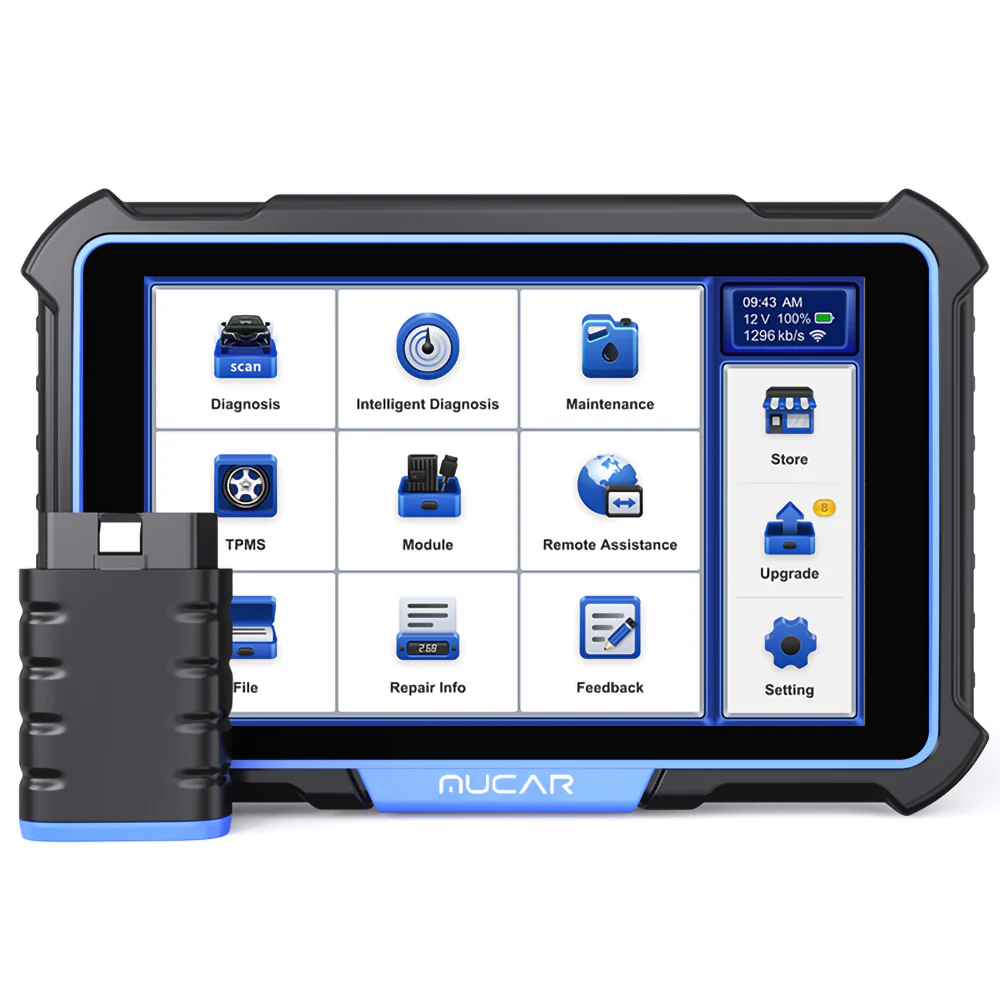
Mucar VO8 7.3 / 10
feature-rich mucar tablet with full-system access, bidirectional and a solid list of service functions
- ✓Successor to VO7 tablet with extra features
- ✓Full-system with active tests
- ✓Great for coding
- ✕Overall worse feel than cheaper Mucar 892BT
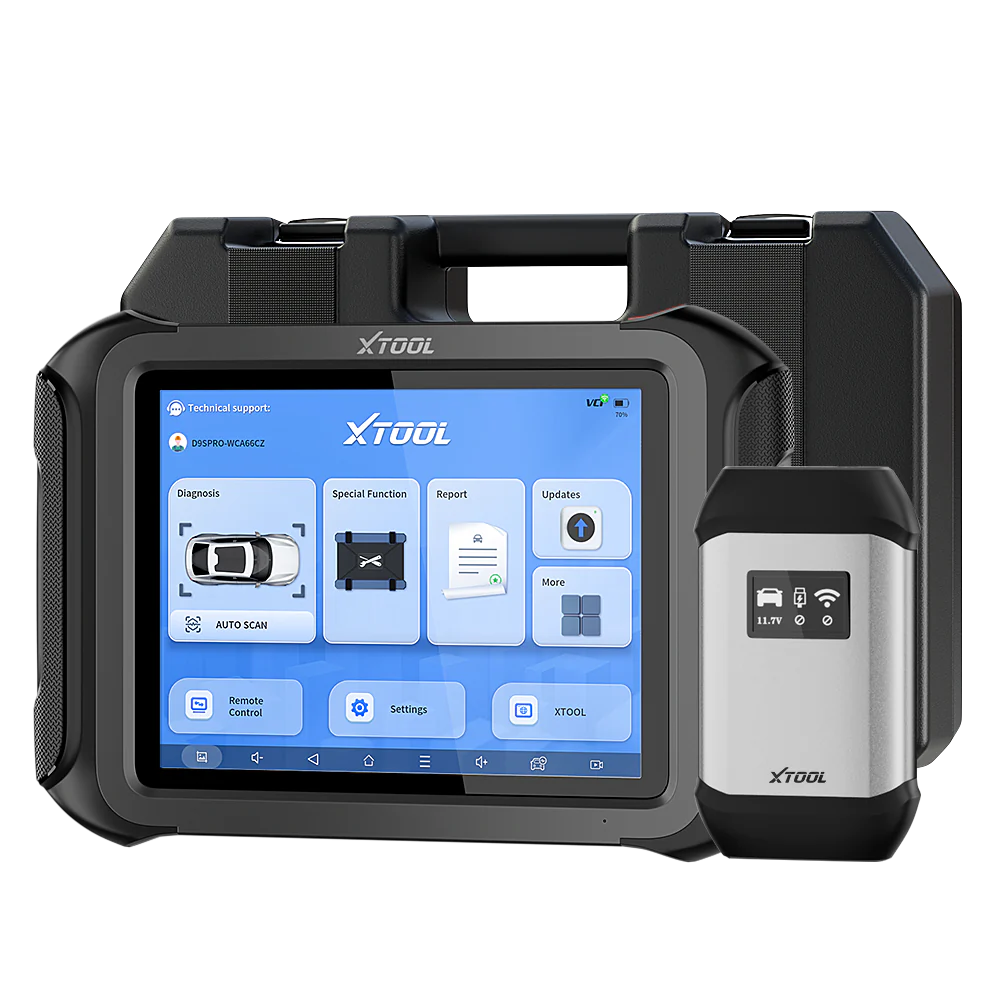
XTool D9S 8.2 / 10
high-end xtool tablet with full-system diagnostics, bidirectional, coding and ECU programming support
- ✓Full-system bidirectional
- ✓ECU coding and programming
- ✓Large vehicle coverage
- ✓Lifetime updates
- ✕Expensive
- ✕Coding depth varies by car brand
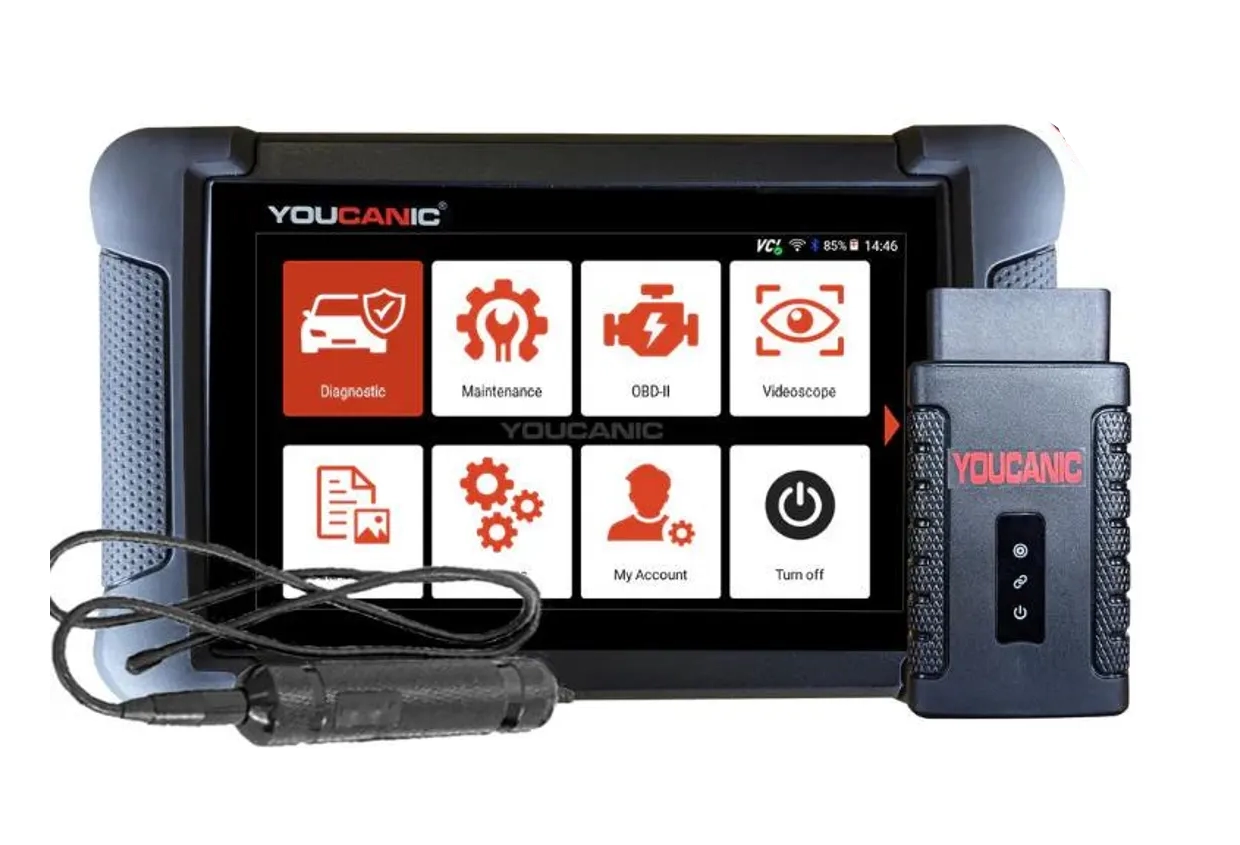
Youcanic UCAN-II full-system 8.4 / 10
full system scanner that works completely without internet connection (except update and setup). Works very good and does service/coding as well.
- ✓Full-system bidirectional
- ✓ECU coding
- ✓Wide vehicle coverage
- ✓Lifetime updates
- ✓Good to check and log live data
- ✓30 days no question asked return
- ✕Less known brand with smaller community
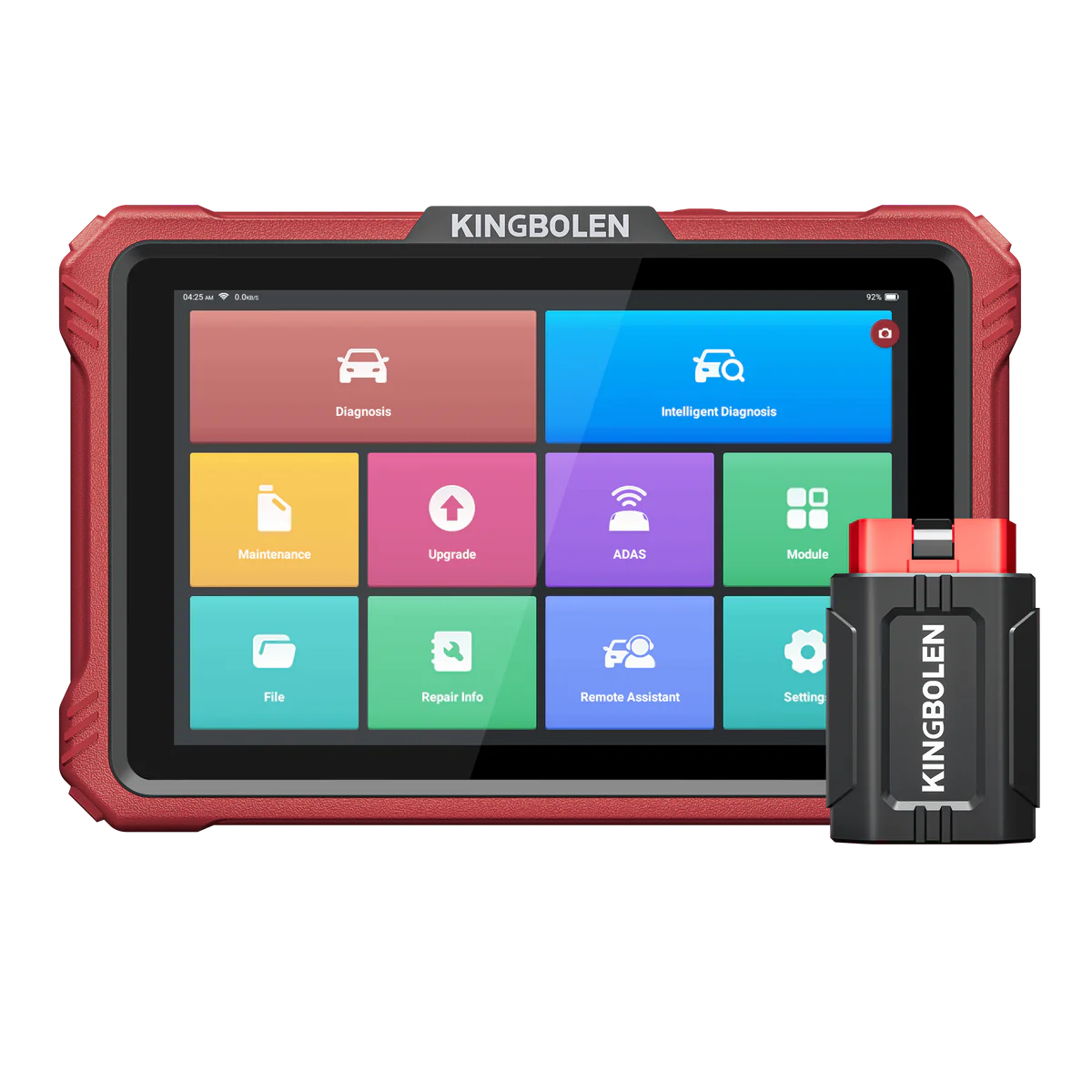
Kingbolen K10 8 / 10
feature-packed kingbolen tablet with full-system diagnostics, bidirectional and ECU coding
- ✓Full-system bidirectional
- ✓ECU coding
- ✓Large service reset list
- ✓Good value for features offered
- ✕Coding reliability varies
- ✕Less refined software than premium brands

Topdon phoenix lite 2 7.9 / 10
professional mid-range tablet scanner with full-system diagnostics, bidirectional and coding capabilities
- ✓Full-system bidirectional
- ✓ECU coding
- ✓Wide vehicle coverage
- ✓Lifetime updates
- ✕Coding depth not on dealer level
- ✕Heavier and bulkier than budget tablets
These five all do full-system work with coding and bidirectional, so the differences are in feel, speed, and how much I can vouch for each from my own use. Here’s the honest breakdown.

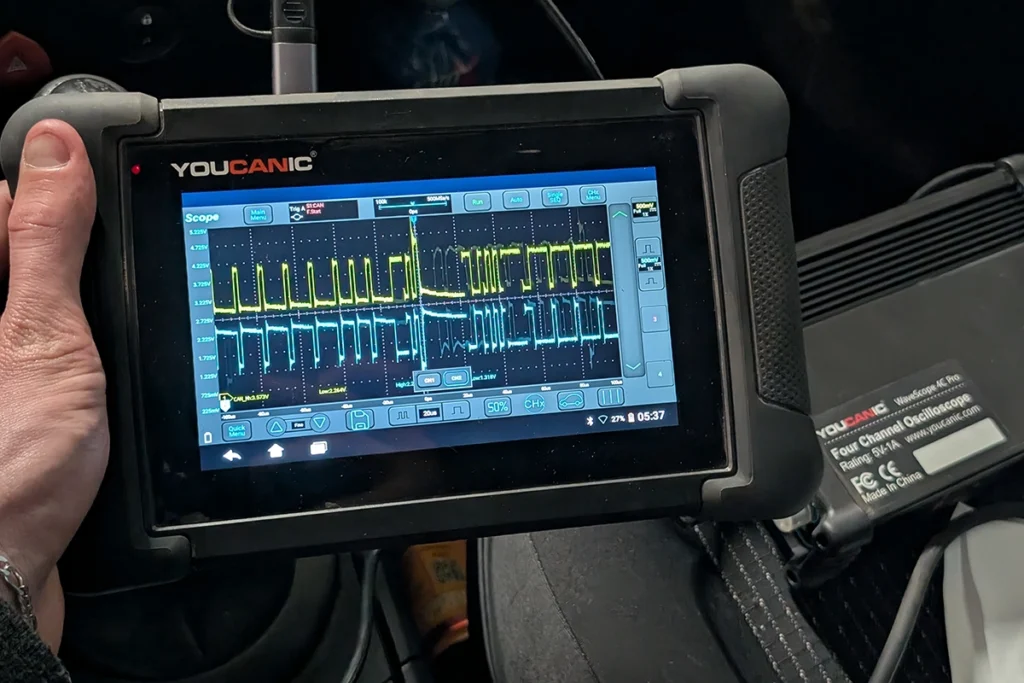
The Youcanic UCAN-II is my value pick and the one I can speak about most completely, because I run more than the scanner. Around $500, it does full-system bidirectional, ECU coding and live data logging, and it works entirely offline once set up, which is rare and genuinely useful. What makes it stand out for me is the full combo: I’ve used Youcanic’s oscilloscope and inspection camera alongside the scanner, so you can build a proper diagnostic setup, scanner plus scope plus camera, from one ecosystem I’ve actually tested. The only real caveat is it’s a smaller brand with a smaller community, and there’s a 30-day no-questions return that takes the risk out of trying it.
→ Read full review of Youcanic UCAN-II
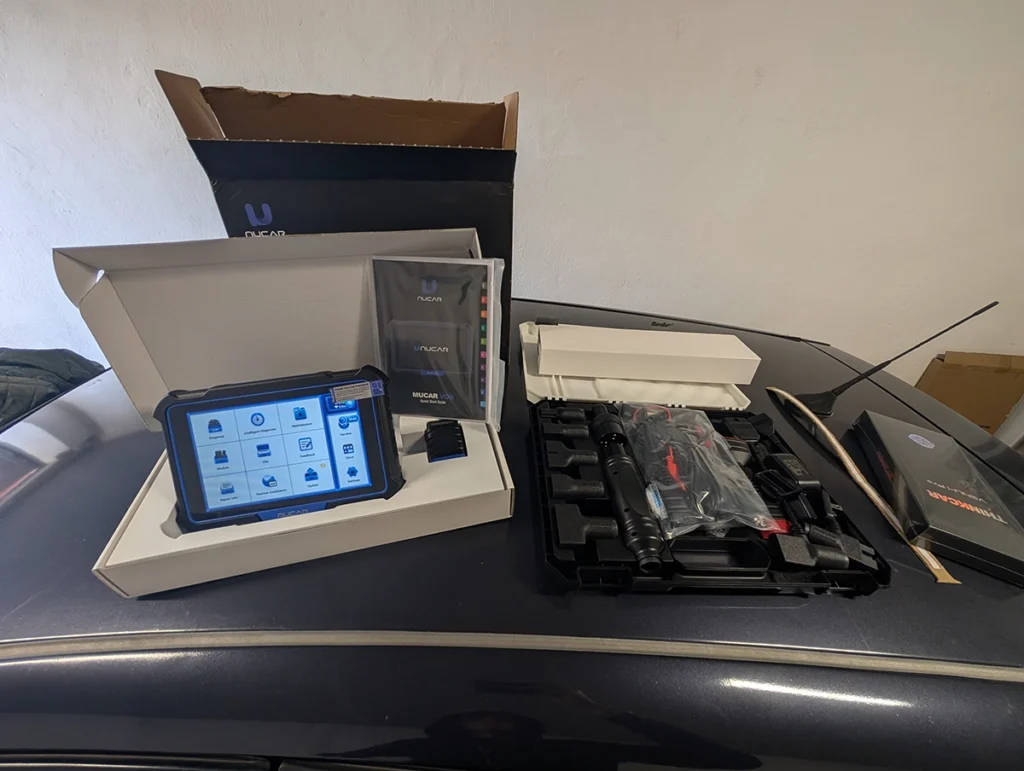
The Mucar VO8 is the simple, fast one, and that’s a compliment. Around $650, full-system with active tests and great for coding, and it’s quick in a way that matters when you’re working through cars. The detail I appreciate is the case of adapters it comes with for older vehicles, which saves you hunting for connectors on pre-OBD2 and oddball cars. Honest note: it feels a touch less polished overall than the cheaper Mucar 892BT, so it’s a feature-and-coverage step up rather than a build-quality one. But for fast everyday work with broad adapter support out of the box, it delivers.
→ Read full review of Mucar VO8
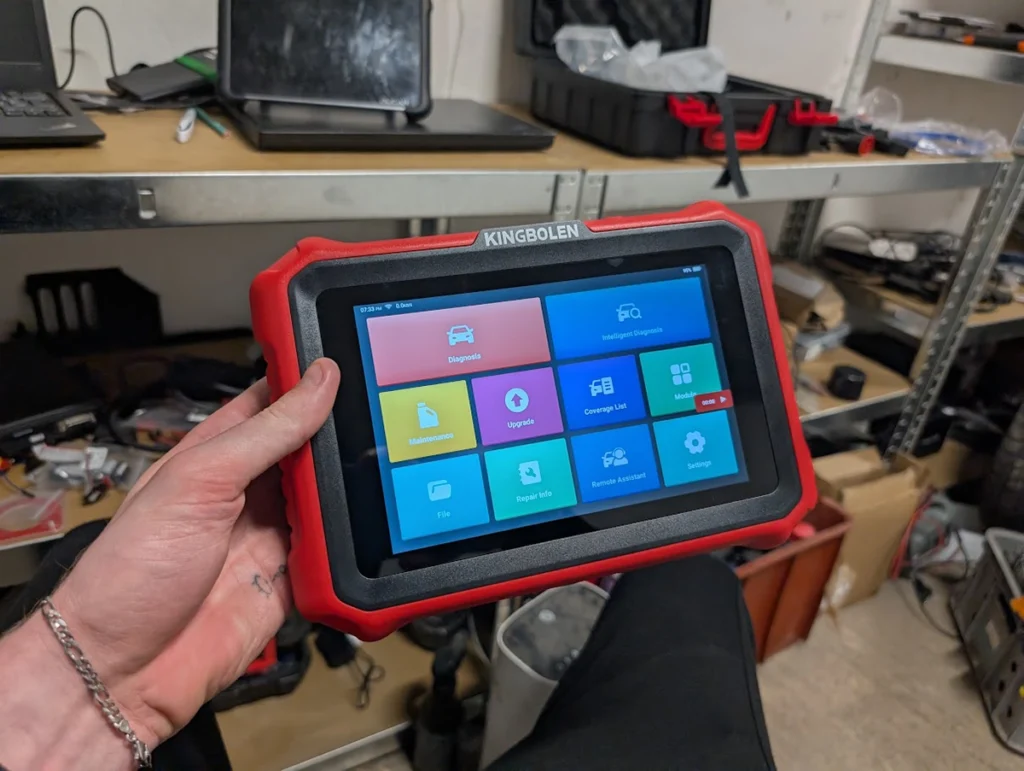
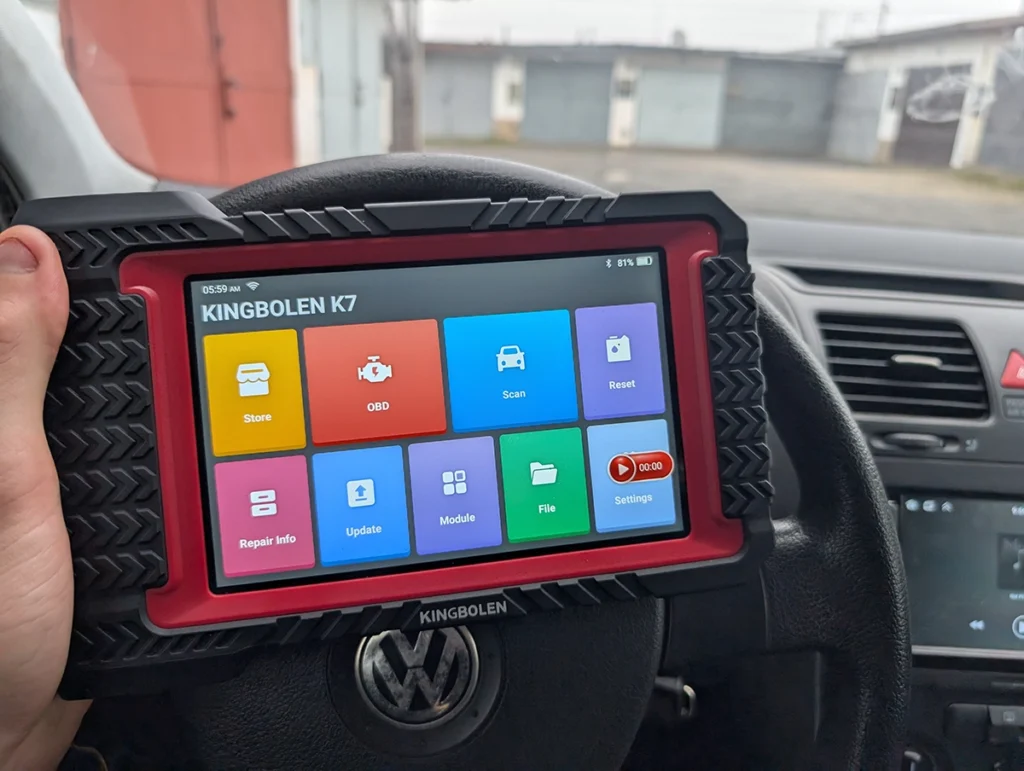
The Kingbolen K10 I’ll be straight about: I haven’t tested this exact model. What I do have is the K7 and K8 Pro, and both are fast, user-friendly, and among the best I’ve used in their price range. So I’m confident pointing to the K10 on that track record, around $780 with full-system bidirectional, ECU coding and a large service reset list. The known trade-offs are that coding reliability varies and the software is less refined than premium brands, which matches my experience of the cheaper Kingbolens too: great value, just not the last word in polish.
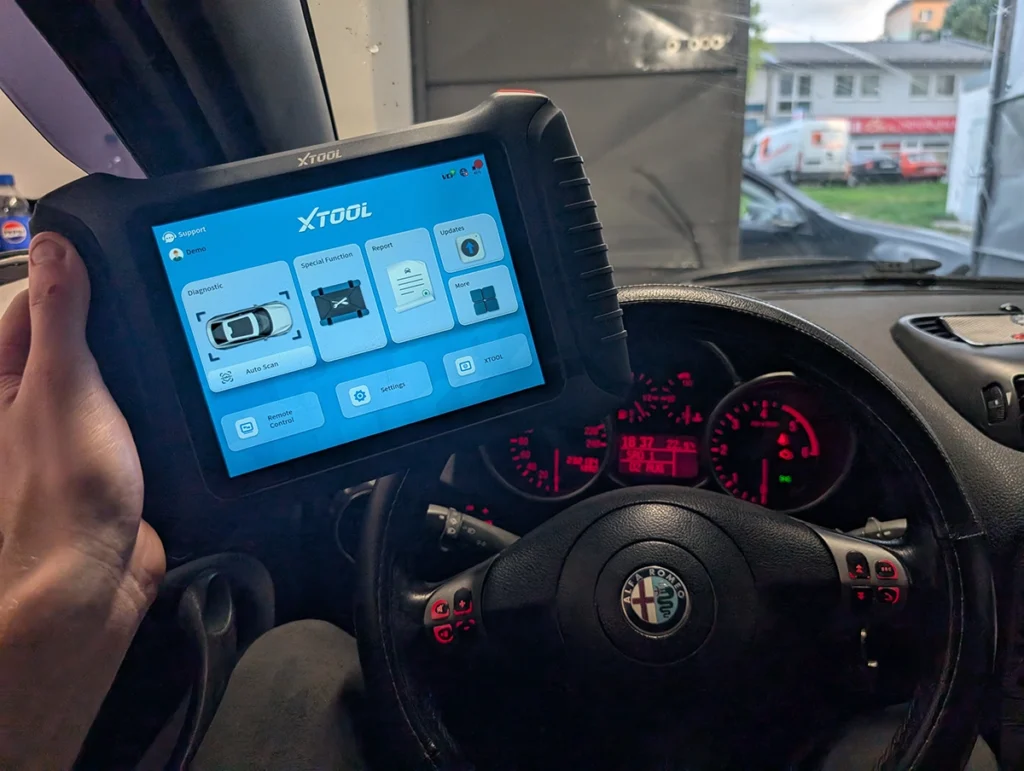

The XTool D9S is the features pick, and again I’ll be clear, I don’t own this specific tablet. But I’ve used the D8S, IP900BT and the A30 series and every one of them performs excellently, so I trust the platform. Around the $1,000 mark, it’s full-system bidirectional with coding and ECU programming and lifetime updates. Here’s my honest reservation from the rest of XTool’s range: the tablets can have a weaker interface and tight storage that makes updating coverage for every brand a squeeze. The D9S uses a better tablet, so those niggles should be gone, that’s my expectation based on the cheaper XTools, not yet my confirmation. Coding depth also varies by brand.
The Topdon Phoenix Lite 2 is the one I’m placing on spec rather than personal use, so treat it that way. Around $850, it’s a mid-range pro tablet with full-system bidirectional, ECU coding, wide coverage and lifetime updates. The listed trade-offs are that its coding depth isn’t at dealer level and it’s heavier and bulkier than the budget tablets. On paper it’s a solid option in this bracket, I just haven’t put it through my own testing the way I have the Youcanic and Mucar.
One thing worth understanding before you spend near a grand: in this bracket you’re paying for breadth and polish, not basic capability. Almost all of these will diagnose, code and run bidirectional tests on common cars. Where they separate is coding depth on tricky brands, how current the coverage stays, and how nice the software is to live with daily. So match the tool to the cars you actually work on, and check coverage for those specific makes before you buy.
And when would I skip everything here? If you’re not earning from this, under $1,000 is probably more than you need, my under-$200 list covers most home diagnostics. And if you are running real volume and need the broadest coverage and fastest workflow, look at the $2,000 to $3,000 tablets instead, where the speed pays for itself. This bracket is the in-between, and for a lot of people it’s exactly the right in-between.
Most popular OBD2 guides







I'm Juraj Lukacko and I work as an auto electrician. On this site I share what I learn from real work on real cars, to help you pick the right tools for diagnostics, programming and tuning and get the job done.
More about me →