Toggle Side Panel
Iamcarhacker
  • Best OBD2 scanners
  • Tool Reviews
    • Compare Scanners
  • Procedures
  • OBD2 scanner
    • Fault codes
    • Live data
    • Service functions
    • Coding
    • Programming
    • View all ->
  • Pro Library
    • All Pro Videos
    • Forums
More options
    Sign in
    Iamcarhacker
    Iamcarhacker
    • Best OBD2 scanners
    • Tool Reviews
      • Compare Scanners
    • Procedures
    • OBD2 scanner
      • Fault codes
      • Live data
      • Service functions
      • Coding
      • Programming
      • View all ->
    • Pro Library
      • All Pro Videos
      • Forums
    Close search

    Procedure Group: coding

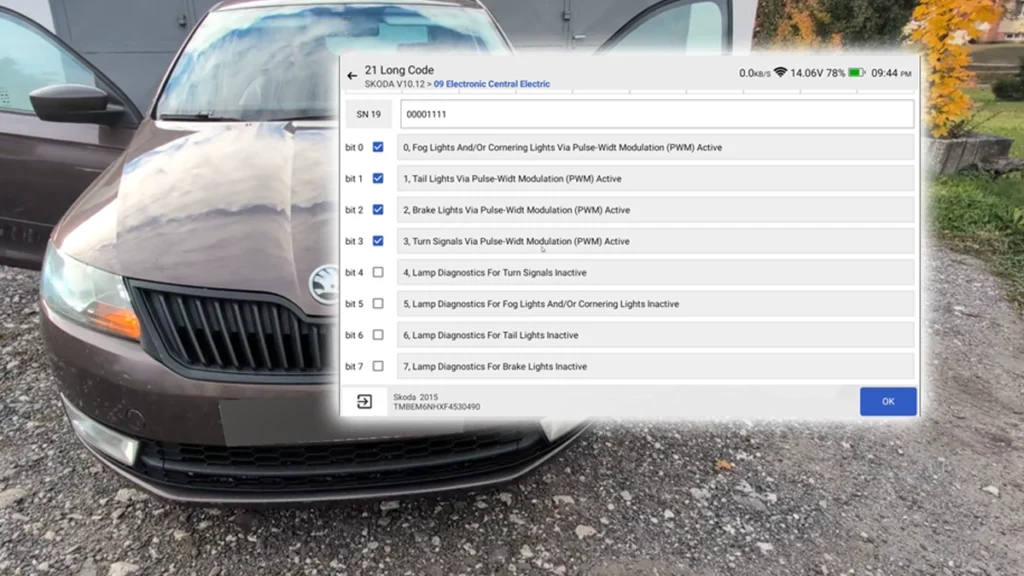
    rapid turn signals bulb check deactivation

    How to Disable Turn Signal Bulb-Out Warning on Škoda Rapid 2015 (NH)

    This guide shows how to disable the bulb-out warning specifically for the turn signals on a Škoda Rapid (NH) 2015 after retrofitting LED bulbs. The…
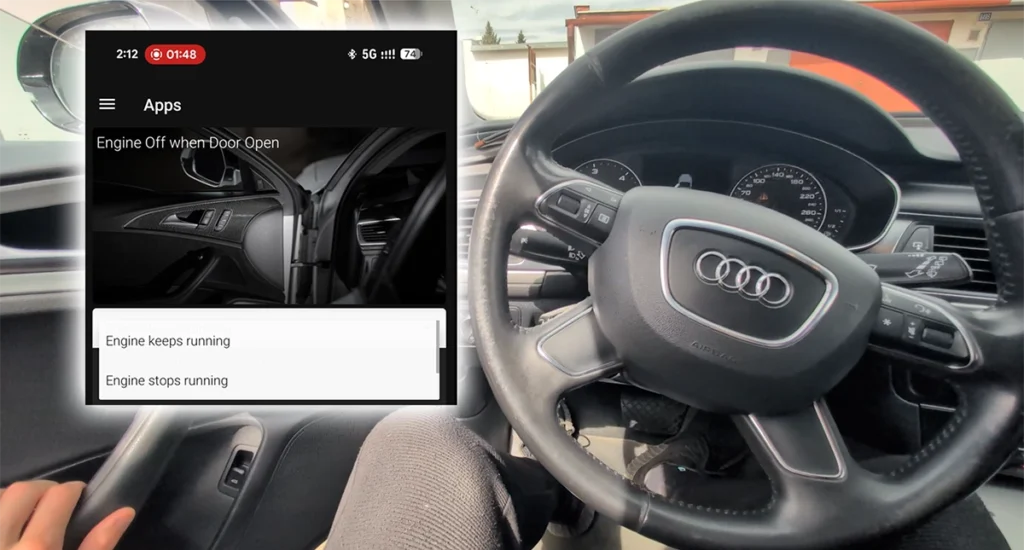
    audi a6 c7 2013 engine off driver door open

    How to Change Engine Off When Door Open Behavior on Audi A6 2013 (C7)

    This guide shows how to change the engine auto-off behavior when the driver’s door is opened on the Audi A6 C7 2013. By default, the…
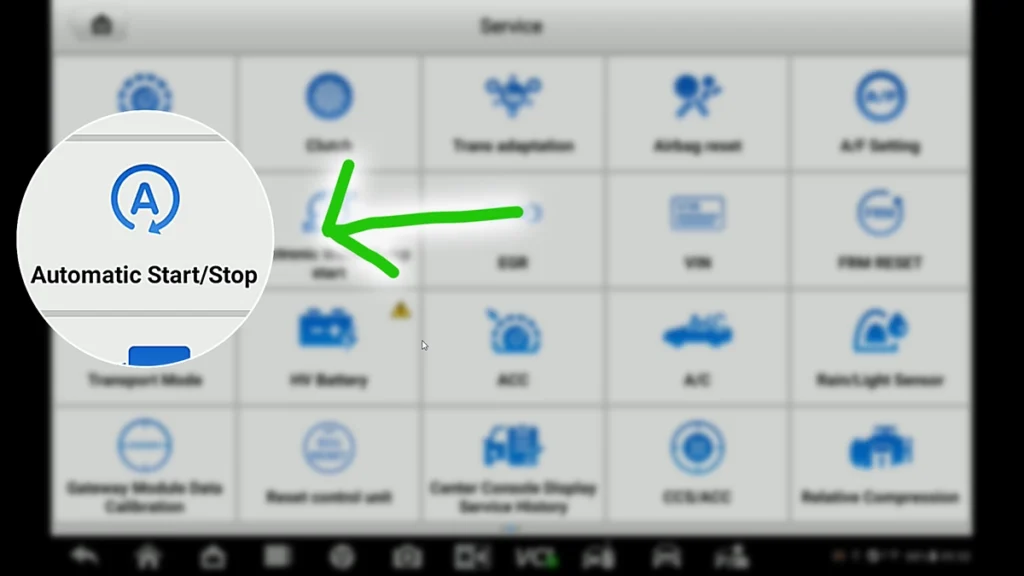
    vw touran deactivate startstop

    How to Deactivate Start/Stop System on VW Touran 2016 (Type 5T)

    This guide shows how to permanently deactivate the automatic Start/Stop system on the VW Touran 2016 via the scanner’s service function menu. Used tool in…
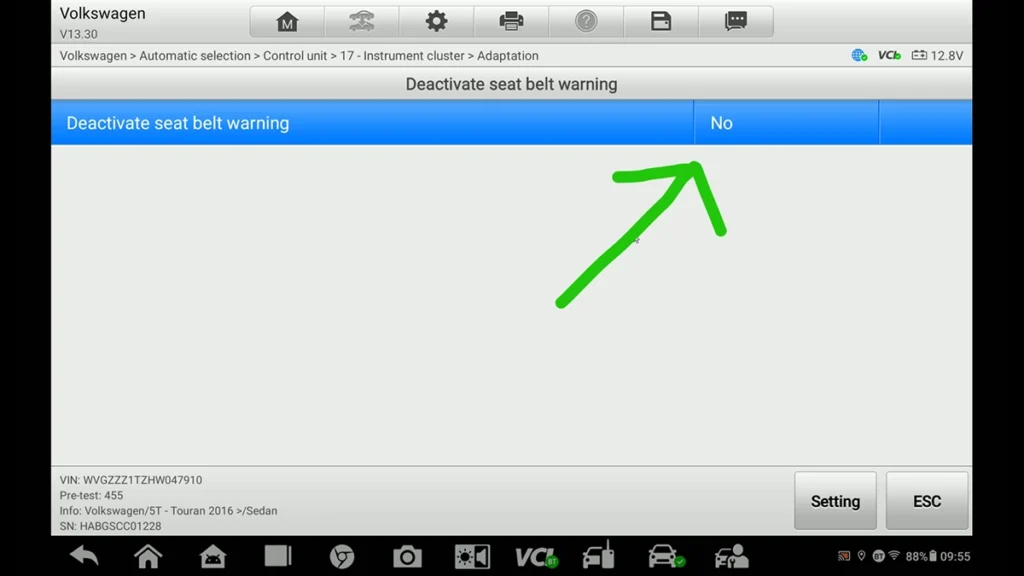
    vw touran deactivate seatbelt warning

    How to Deactivate Seatbelt Warning on VW Touran 2016 (Type 5T)

    This guide shows how to deactivate the seatbelt warning (chime and dashboard icon) on the VW Touran 2016 via the instrument cluster adaptation channel. Used…
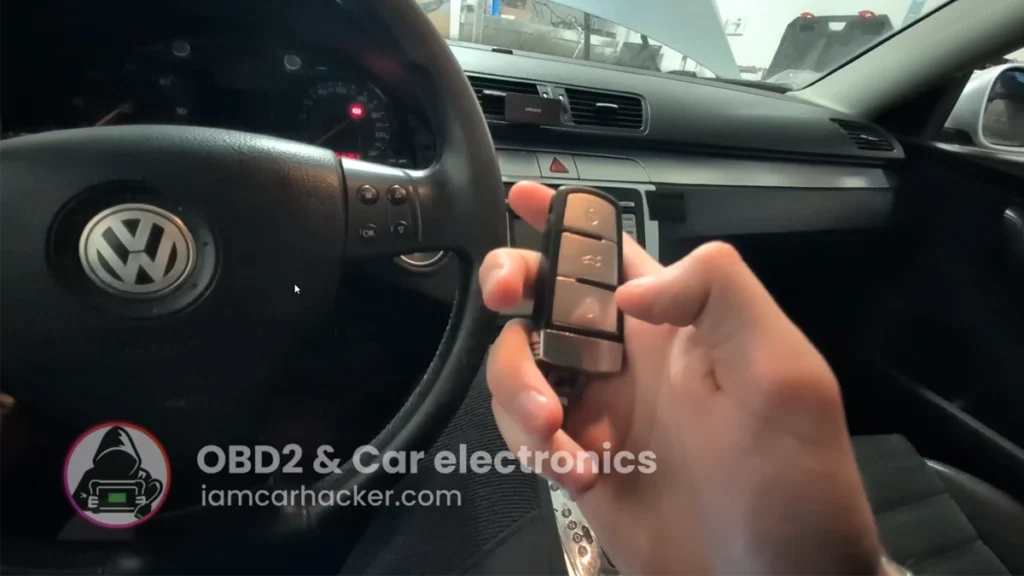
    passat b6 lock unlock sound

    Acoustic confirmation (lock/unlock sound) – Passat B6 2.0 TDI (2008)

    This guide shows how to activate acoustic confirmation (lock/unlock sound) on VW Passat B6 2008 using OBDeleven. Used tool in this guide Video: How to…
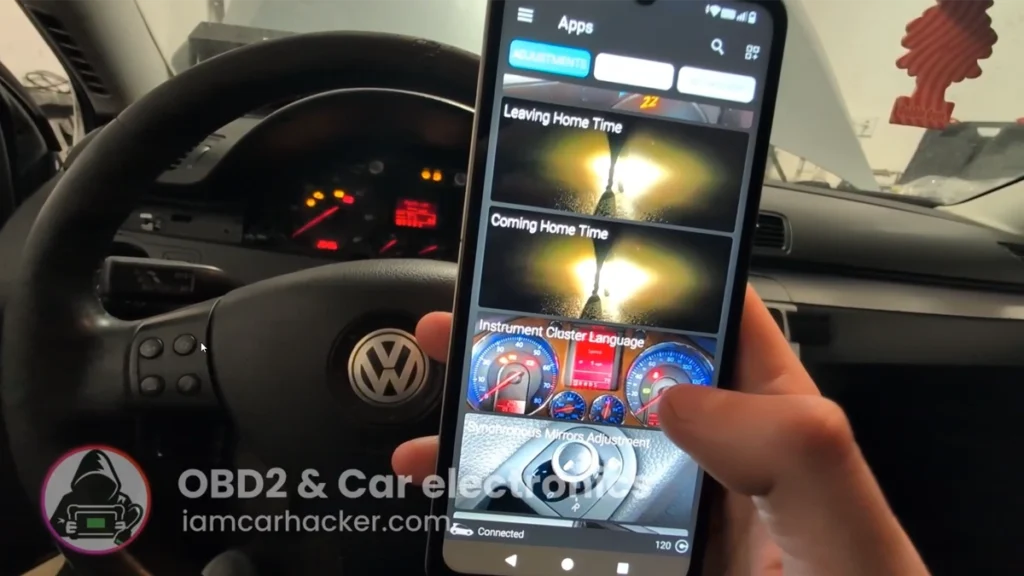
    passat b6 language change

    Instrument cluster language change – Passat B6 2.0 TDI (2008)

    This guide shows how to change instrument cluster language (e.g. Czech → English/Japanese) on VW Passat B6 2008 using OBDeleven. Used tool in this guide…
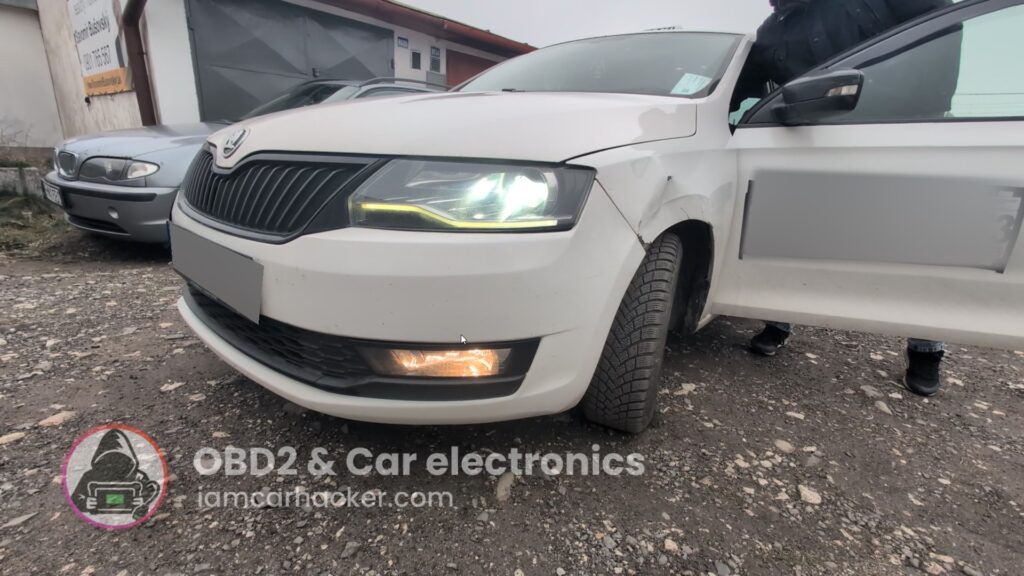
    Rapid cornering lights

    Activate Cornering Lights (Fog Lights) – Skoda Rapid 2019

    This guide shows how to activate cornering lights (fog lights turning on with steering) on a Skoda Rapid 2019 using an OBD2 scanner or coding.…
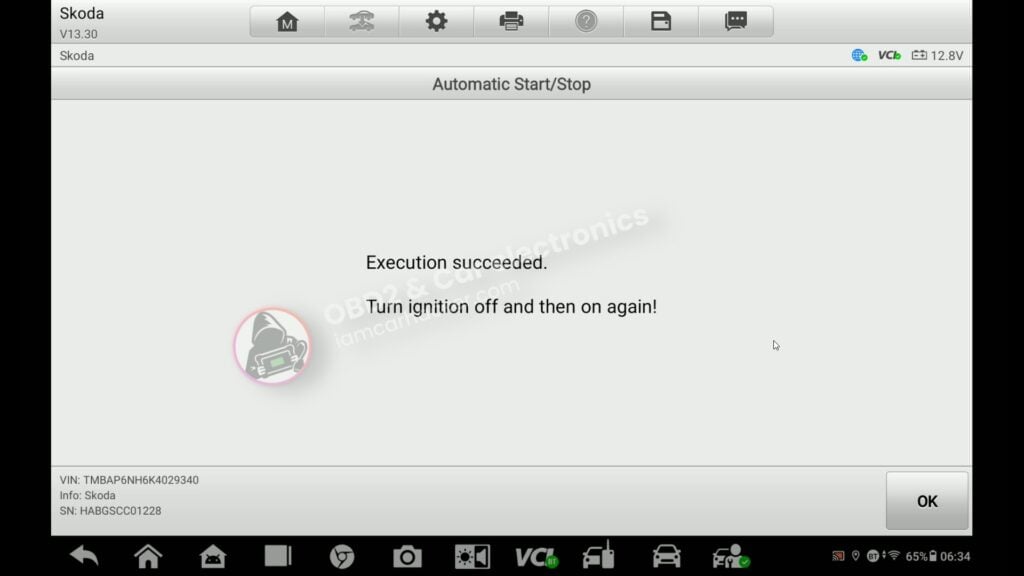
    rapid 2019 start stop off 7

    How to turn OFF Start/Stop – Skoda Rapid 2019

    This guide shows how to disable the automatic start/stop system on Skoda Rapid using a service function – and how to fix the common error…
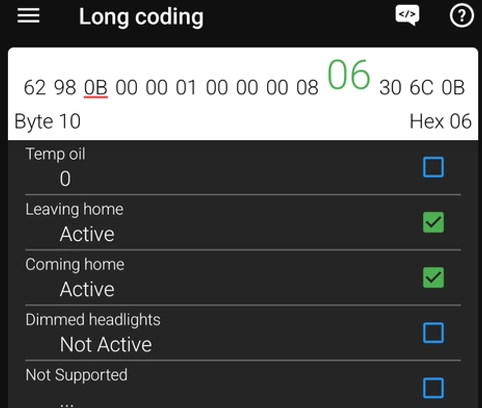
    vag coming leaving home

    How to Enable Coming Home & Leaving Home Lights (VAG Coding Guide)

    This guide shows how to enable Coming Home and Leaving Home lights using long coding and adaptation in VAG vehicles (VW, Audi, Skoda, Seat). Used…
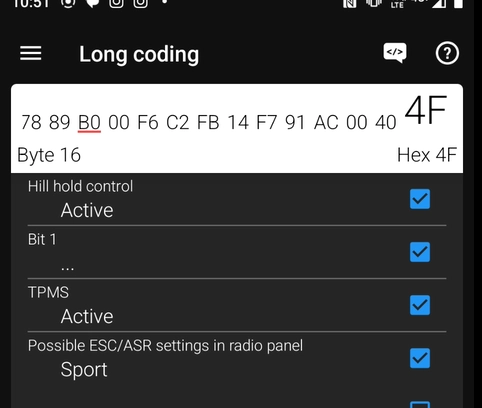
    rapid hill start coding

    Activate Hill Start Assist – Skoda Rapid 2015

    Hill Start Assist (Hill Hold Control) helps prevent the car from rolling backward when starting on a hill. On some Skoda Rapid models, this feature…

    Load More
    • About
    • Contact
    • Privacy Policy
    • Terms and Conditions
    • Disclaimer
    • Affiliate Disclousure
    • Refund policy


    Carhacker OÜ
    Sepapaja tn 6
    15551 Tallinn
    Estonia

    info@iamcarhacker.com

    © 2026 - Iamcarhacker
    Manage Cookie Consent
    To provide the best experiences, we use technologies like cookies to store and/or access device information. Consenting to these technologies will allow us to process data such as browsing behavior or unique IDs on this site. Not consenting or withdrawing consent, may adversely affect certain features and functions.
    Functional Always active
    The technical storage or access is strictly necessary for the legitimate purpose of enabling the use of a specific service explicitly requested by the subscriber or user, or for the sole purpose of carrying out the transmission of a communication over an electronic communications network.
    Preferences
    The technical storage or access is necessary for the legitimate purpose of storing preferences that are not requested by the subscriber or user.
    Statistics
    The technical storage or access that is used exclusively for statistical purposes. The technical storage or access that is used exclusively for anonymous statistical purposes. Without a subpoena, voluntary compliance on the part of your Internet Service Provider, or additional records from a third party, information stored or retrieved for this purpose alone cannot usually be used to identify you.
    Marketing
    The technical storage or access is required to create user profiles to send advertising, or to track the user on a website or across several websites for similar marketing purposes.
    • Manage options
    • Manage services
    • Manage {vendor_count} vendors
    • Read more about these purposes
    View preferences
    • {title}
    • {title}
    • {title}

    Pick the right OBD2 scanner in 5 minutes with this (free) PDF

    OBD2 scanner PDF

    (By submitting this form, you agree to receive email updates from me. I respect your privacy, and you can unsubscribe at any time.)

    Ask Carhacker AI Type your question — I'll take you to the full answer.