 By Juraj · Last updated August 15, 2026
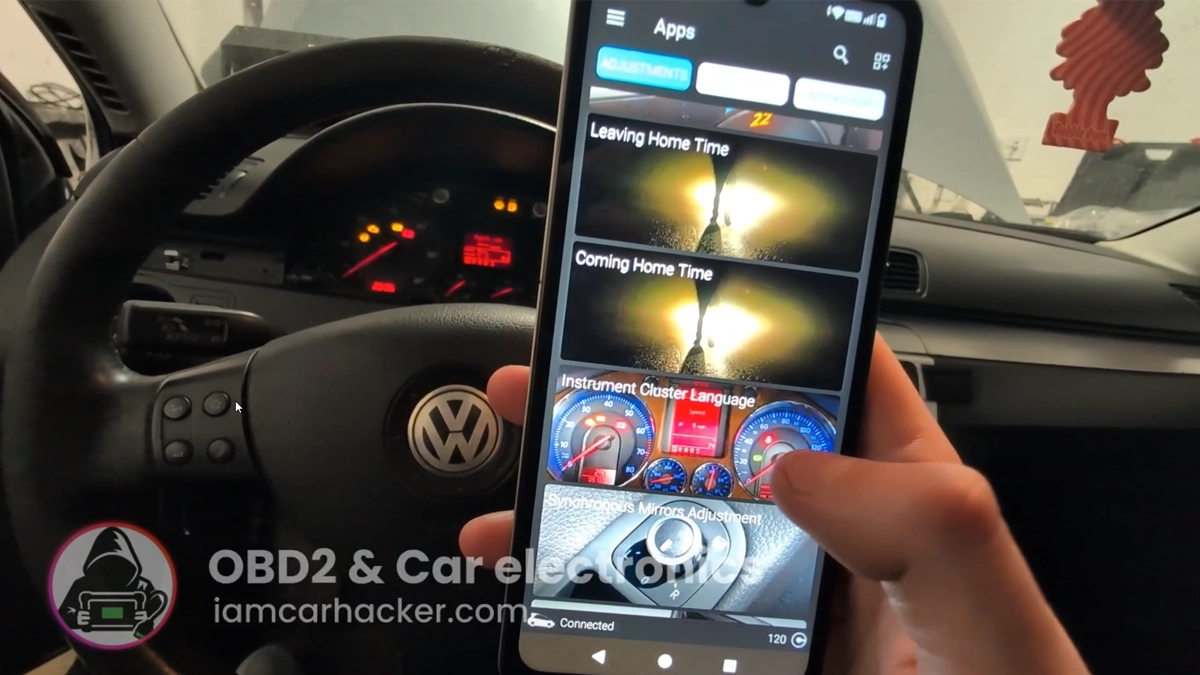
This guide shows how to change instrument cluster language (e.g. Czech → English/Japanese) on VW Passat B6 2008 using OBDeleven.
I earn from qualifying purchases and sometimes get tools for free (full disclosure). It never affects my scoring.
Used tool in this guide
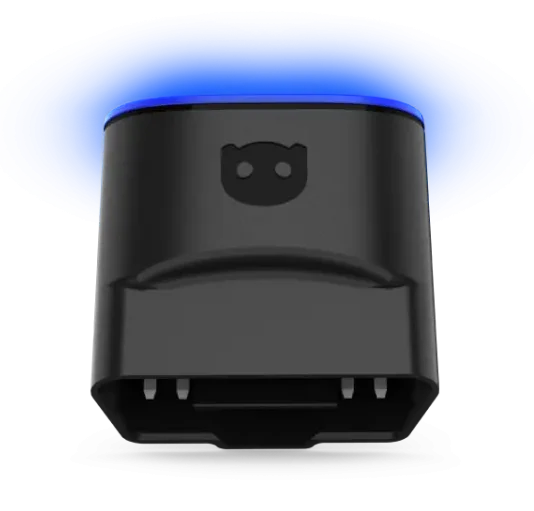
OBDeleven 3
latest generation OBDeleven adapter with improved hardware for VAG coding, adaptations and diagnostics via smartphone
Video: How to change instrument cluster language
This video shows how to change dashboard language using OBDeleven one-click app.
Supported vehicles
| Vehicle |
|---|
| passat-b6 |
Technical overview
| Vehicle | VW Passat B6 |
|---|---|
| Year | 2008 |
| System | Instrument cluster |
| Procedure type | Coding / Adaptation |
| Difficulty | Very easy |
| Time required | ~1–2 minutes |
| Prerequisites | Ignition ON, connected OBD2 scanner |
Step-by-step procedure
Connect OBDeleven
Connect OBDeleven to the vehicle and turn the ignition ON.
Open the Apps section
Open the OBDeleven app and go to the Apps section.
Select Instrument cluster language
Choose the language you want:
- German
- English
- French
- Italian
- Spanish
- Portuguese
- Czech
- Japanese
Confirm and wait for the success message
The change is applied instantly, no restart needed.
Additional information & compatibility notes
- This function is available as one-click app in OBDeleven
- Other tools require manual coding/adaptation
- Not all clusters support all languages (depends on firmware)
- Change is safe and fully reversible
Alternative tools

Legal & safety notice
This procedure modifies vehicle system settings through the control module. Incorrect use may cause faults or warning lights. Always ensure the vehicle is secured and follow proper safety procedures.
More procedures like this
Acoustic confirmation (lock/unlock sound) – Passat B6 2.0 TDI (2008)
Oil service reset & interval change – Passat B6 2.0 TDI (2008)
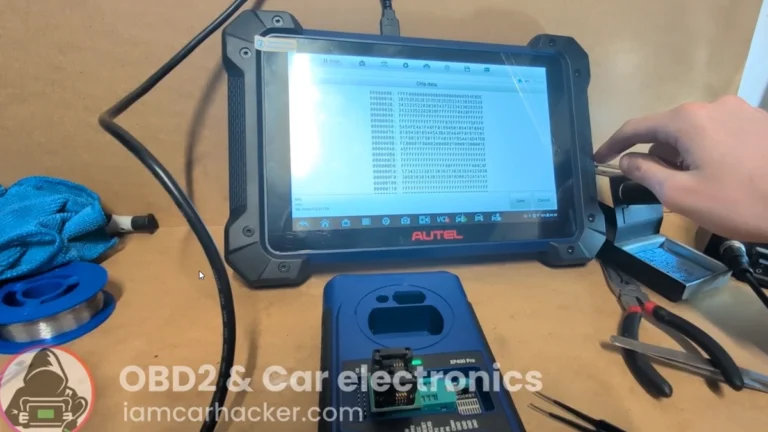
Key programming (add new key / all keys lost) – Passat B6 2.0 TDI (2008)
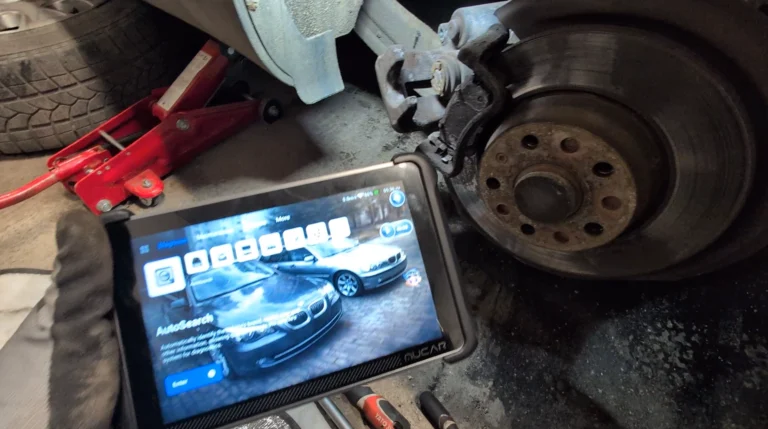
How to open rear brake calipers for brake pad replacement in VW Passat B6 (EPB service mode)
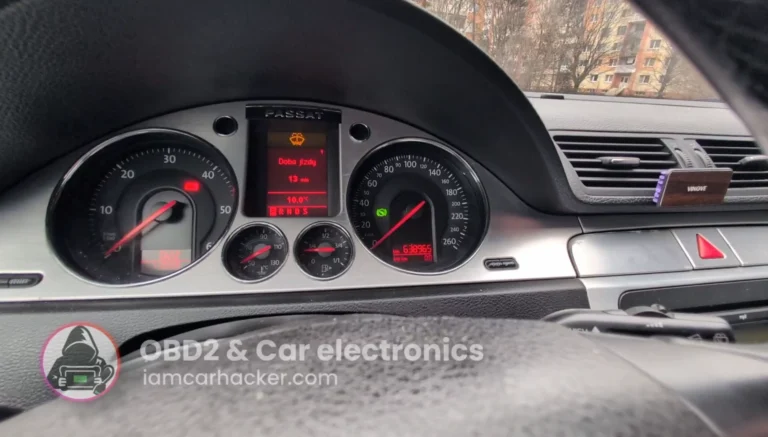
Volkswagen Passat B6 2008 Mileage correction
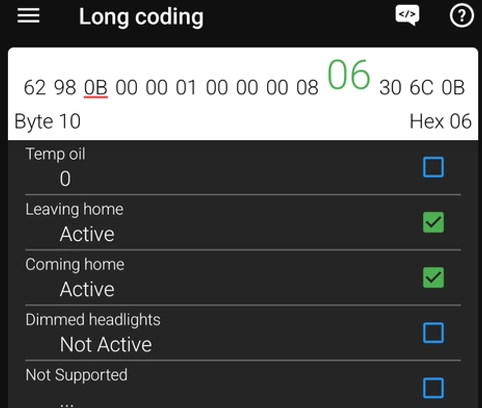
How to Enable Coming Home & Leaving Home Lights (VAG Coding Guide)
Most popular OBD2 guides
My personal favourites

Best Overall
Most Popular

Bluetooth
Best Value

Free lifietime updates

Most versatile

Bi-Directional Scan tools (+mobile)

Juraj
I'm Juraj Lukacko and I work as an auto electrician. On this site I share what I learn from real work on real cars, to help you pick the right tools for diagnostics, programming and tuning and get the job done.
More about me →