
Published: November 23, 2024 · Last updated: June 1, 2026
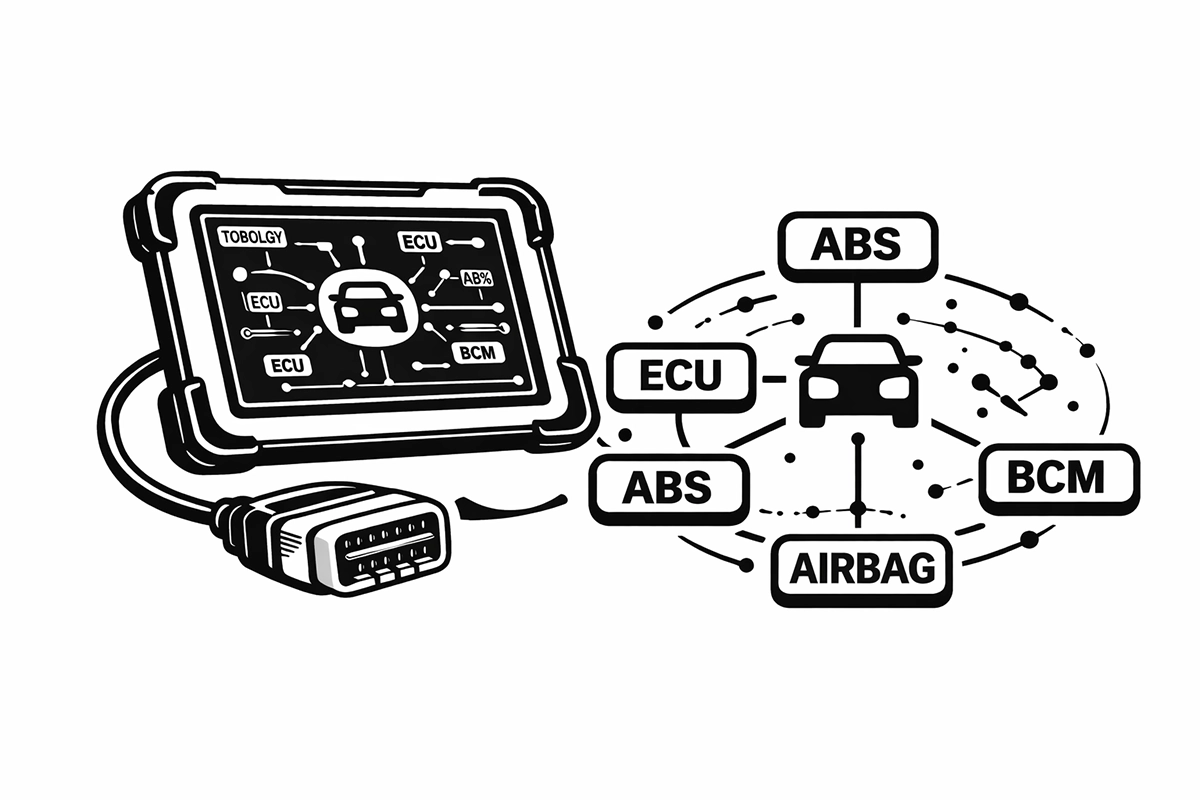
Topology scan gives you a visual map of every control module in the car, how they’re laid out, how they connect, and which ones are throwing faults, instead of checking systems one at a time. It looks genuinely impressive on screen, and a lot of people shopping for a scanner now treat it as a must-have feature.
Here’s the honest take before you spend extra chasing it: topology is brilliant for a narrow set of jobs and close to pointless for everything else. This guide covers the scanners that do it well, but more importantly it tells you whether you’re in the small group that actually benefits, or the large group paying for a feature they’ll admire once and never use.
I earn from qualifying purchases and sometimes get tools for free (full disclosure). It never affects my scoring.
Quick picks with topology
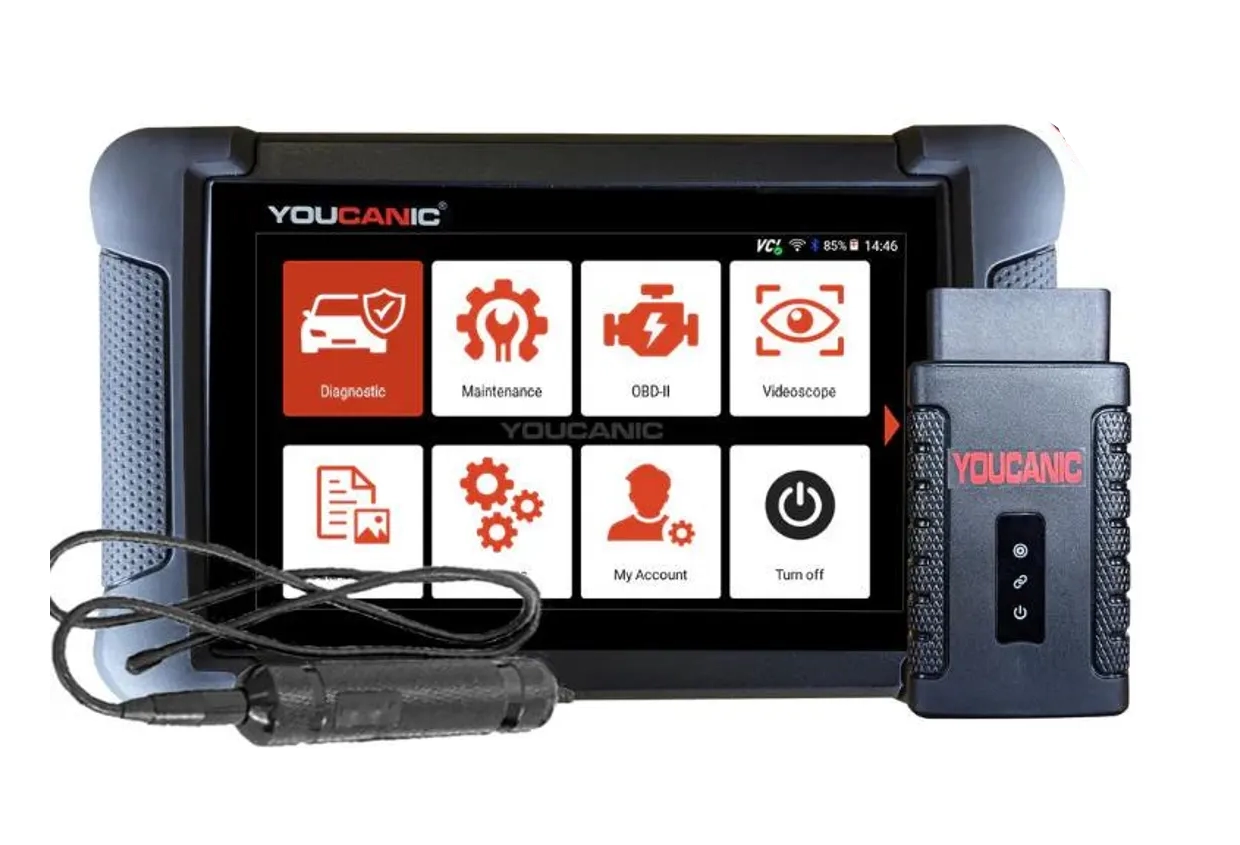
Youcanic UCAN-II full-system 8.4 / 10
full system scanner that works completely without internet connection (except update and setup). Works very good and does service/coding as well.
- ✓Full-system bidirectional
- ✓ECU coding
- ✓Wide vehicle coverage
- ✓Lifetime updates
- ✓Good to check and log live data
- ✓30 days no question asked return
- ✕Less known brand with smaller community

XTool D8s 8.3 / 10
pro-level mid-range tablet with full-system diagnostics, bidirectional tests and moderate coding depth tested on VAG platform
- ✓Full-system diagnostics
- ✓Bidirectional tests
- ✓Service procedures
- ✓Topology features on supported cars
- ✕Vehicle coverage varies for advanced resets
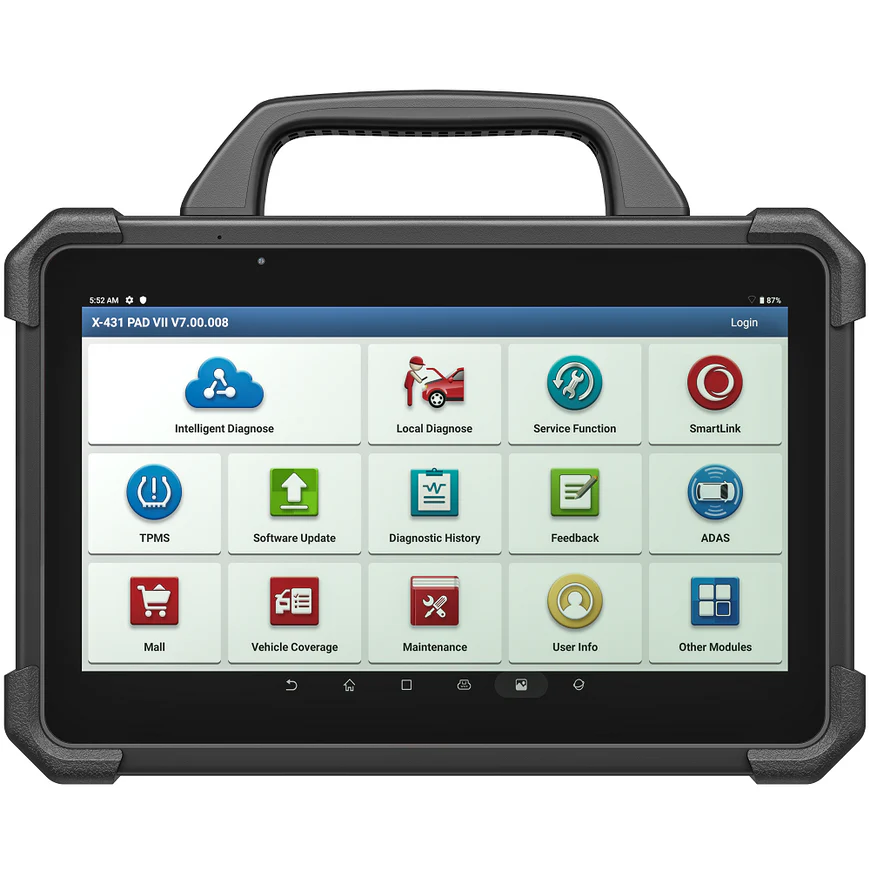
Launch X431 PAD VII 8.5 / 10
professional-grade tablet scanner with comprehensive diagnostics, coding and programming for workshops
- ✓Full-system diagnostics
- ✓ECU coding and programming
- ✓Wide vehicle coverage
- ✓Professional tablet form factor
- ✕Very expensive
- ✕Subscription required after initial period
- ✕Overkill for most DIY users

XTool X100 MAX 2 8 / 10
advanced key programming tablet with full-system diagnostics and IMMO functions for professional use
- ✓Key programming and IMMO
- ✓Full-system diagnostics
- ✓Wide vehicle coverage
- ✕Expensive
- ✕Some advanced functions require internet connection
Before I talk tools, the honest part: topology is one of the most chased-after features right now, and for about 95% of people it adds nothing practical. It looks very cool, no argument there, a full map of the car’s modules is satisfying to look at. But ask what it actually does for you. For reading codes, service resets and coding, a normal full-system scan gets you there just the same.
Where topology genuinely earns its keep is electrical work and communication faults. If a module or a whole branch has stopped talking on the network, the map shows you exactly where the chain breaks, so you can chase a CAN bus fault straight to the dead branch instead of guessing. That’s real value. It’s just that far fewer people do that work than the number chasing the feature. So before you spend up for topology, be honest about whether you’re in that group.


If you are, here’s what’s worth knowing about the tools. The XTool D8S is the value pick and the one I’d point most people to, around $550 and the cheapest scanner I’ve used that does real topology on every car I’ve tried it on. The Youcanic UCAN-II is the budget option at around $500 and a tool I use a lot, but its topology is inconsistent, it shows on some cars and not others, with no clear logic to which. Good scanner, just don’t buy it specifically for topology.
→ Read full review of XTool D8S ·
→ Read full review of Youcanic UCAN-II
The Launch X431 PAD VII (around $2,700) and XTool X100 MAX 2 (around $2,300) are the professional tablets here, and I’ll be straight: I haven’t tested these two myself, so I’m going on brand track record rather than bench time. Both are well-regarded workshop tools with full-system diagnostics and coding, and topology is part of their feature set. If you’re a busy shop already buying at this level for the coverage and speed, topology comes along for the ride. But I wouldn’t buy either purely for the map.
So the real decision isn’t which topology scanner to buy, it’s whether topology should drive the purchase at all. For diagnosing communication faults, get the D8S and you’ve got the cheapest honest route in. For everything else, buy the scanner that fits your actual work and treat topology as a nice bonus if it happens to be there.
Most popular OBD2 guides







I'm Juraj Lukacko and I work as an auto electrician. On this site I share what I learn from real work on real cars, to help you pick the right tools for diagnostics, programming and tuning and get the job done.
More about me →