
Published: October 14, 2024 · Last updated: June 4, 2026
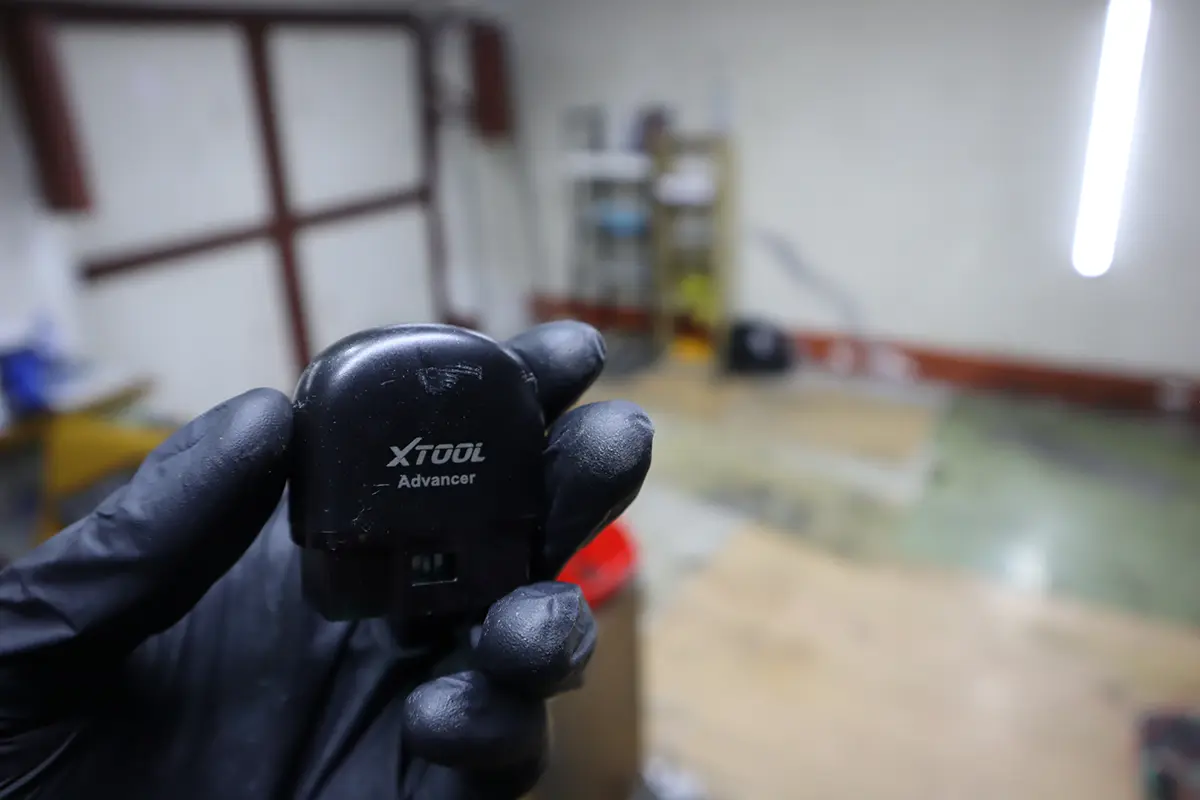
The XTool AD20 Pro (Advancer) is an enhanced ELM327-style Bluetooth adapter with Xtool’s own app. I tested it on a Toyota Corolla and a Skoda Fabia for fault codes, live data and module communication. It behaves like an upgraded ELM adapter: still engine-focused, but with faster pairing, more functions and a far better app than a basic ELM tool. The honest question now isn’t whether it’s good, it’s whether newer tools at lower prices have made it redundant. Read on.
I earn from qualifying purchases and sometimes get tools for free (full disclosure). It never affects my scoring.
What This Tool Actually Is
XTool AD20 pro
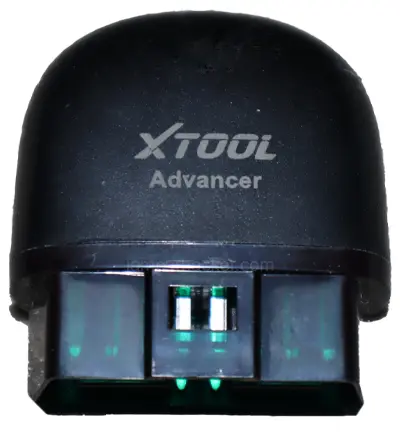
The XTool AD20 pro is budget bluetooth ELM327 adapter for basic engine diagnostics on smartphone.

- Bluetooth ELM327 device
- Good for basic diagnostics
- Not great for diagnostics
Service functions (1+)
Scores
Specs
| Tool type | Standalone device |
| User level | Beginner friendly |
| Vehicle focus | All makes |
| Free updates | Lifetime |
| Subscription | Not required |
What it’s actually good at
It’s a real step above a basic ELM327, and the extra module reach is the proof. On the Corolla it found stored faults even with no check engine light (an old MAF/IAT code), and an in-depth scan picked up a rear-door communication code, because the door had been removed for painting. That’s the AD20 Pro reading beyond the engine, something a basic ELM plus generic app won’t reliably do, though coverage varies by car.
It also does the useful basics cleanly. Readiness/smoke-check status that tells you if the car will pass emissions, simple component tests (throttle, airflow sensor, basic fuel-system checks on the Corolla), and an oil/maintenance reset, which a plain ELM can’t do. There’s engine live data too, basic PIDs like RPM, voltage, load and airflow, though you can’t graph them.
The app extras are a nice touch for casual users: fuel-consumption tracking with a sleep mode that won’t drain your battery over weeks plugged in, plus dashboard themes, a phone HUD and acceleration tests. For someone who wants a bit more than code-reading without a real scanner, it does the job.
Where it falls short
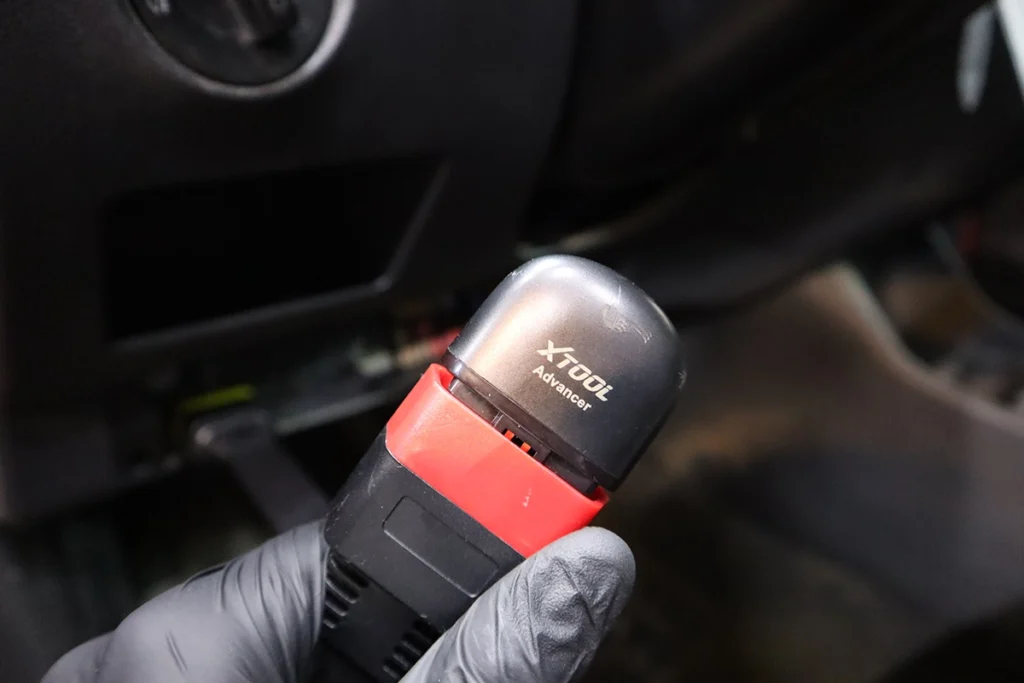
It’s still engine-focused, and that’s the ceiling. Module coverage beyond the engine is hit-and-miss, live data is engine-only with no graphing, and the component tests aren’t true bidirectional control. It’s a better ELM, not a full-system scanner.
The bigger issue is value, and it’s the heart of my verdict. Since the Mucar BT200 Max arrived at a lower price, and it works with both ELM apps and proper full-system diagnostics with bidirectional, there’s no strong reason left to choose the AD20 Pro. You can spend less and get more. That’s a hard thing to design around.
Who should buy this
Yes, buy it if:
- You specifically want Xtool’s app, fuel tracking and HUD extras in a tidy ELM-style adapter
- You want a simple engine-focused tool with oil reset and basic component tests, nothing more
- You find it cheaper than the alternatives below in your region
No, look elsewhere if:
- You want full-system access and real bidirectional, the cheaper Mucar BT200 Max or Konwei KDiag do that
- You need live-data graphing or coverage beyond the engine
- You’re choosing on value, newer adapters give more for less
XTool AD20 pro
 Mucar BT200 Max
XTool AD20 pro
Mucar BT200 Max
XTool AD20 pro
 Konwei Kdiag
XTool AD20 pro
Konwei Kdiag
XTool AD20 pro
 XTool A30D
Still deciding rather than chasing an AD20 Pro deal? I line up the budget Bluetooth adapters I’ve tested in my [best Bluetooth OBD2 scanners] roundup. The short version: the AD20 Pro is a tidy enhanced ELM, but the roundup shows why a full-system adapter at the same money is usually the smarter buy.
Final word
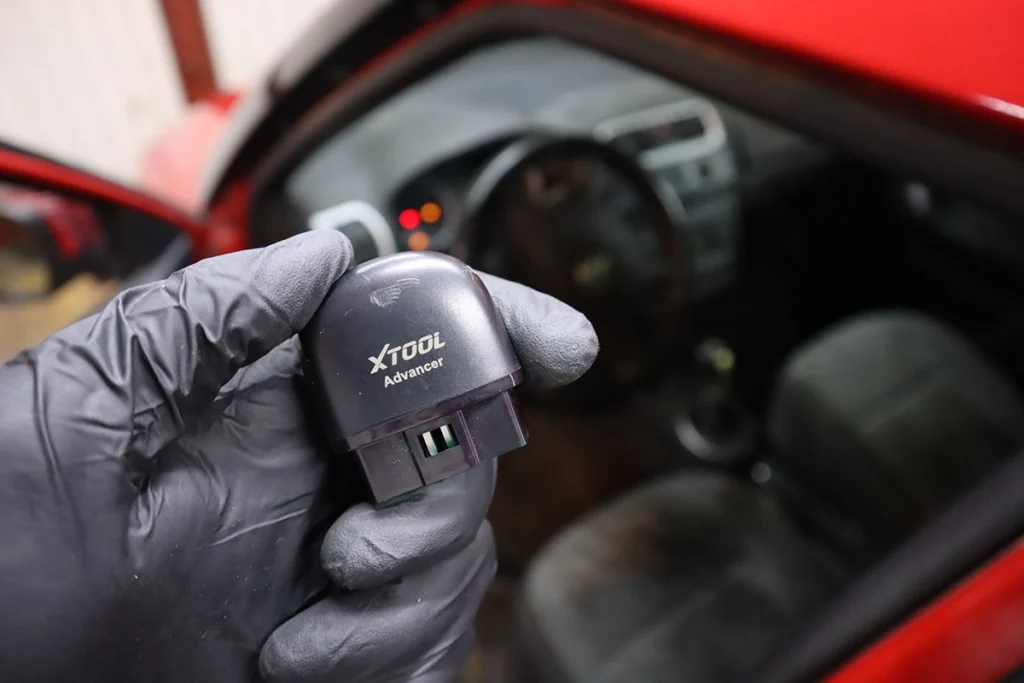
The XTool AD20 Pro is a good step above a basic ELM327: it reads more modules, tracks fuel, does an oil reset and offers simple component tests, all in a well-built adapter with a clean app. But now that the Mucar BT200 Max exists at a lower price and does both ELM apps and full-system diagnostics, there’s no strong reason to pick the AD20 Pro. For casual users it’s fine. For everyone else, your money goes further elsewhere.
Most popular OBD2 guides







I'm Juraj Lukacko and I work as an auto electrician. On this site I share what I learn from real work on real cars, to help you pick the right tools for diagnostics, programming and tuning and get the job done.
More about me →