

Published: January 22, 2024 · Last updated: June 4, 2026
The Veepeak is the best budget ELM327 adapter you can buy under $20, and the safest cheap pick for phone-based diagnostics. I’ve used it across several cars. It connects reliably, works with every major OBD app, and reads engine data without the Bluetooth headaches you get from $3 to $5 clones, that reliability at this price is the whole point. It comes in three versions (Android, iOS, BLE), so pick the right one for your phone. It’s engine-only. Read on.
I earn from qualifying purchases and sometimes get tools for free (full disclosure). It never affects my scoring.
Veepeak Android adapter overview (iOS versions below as well)
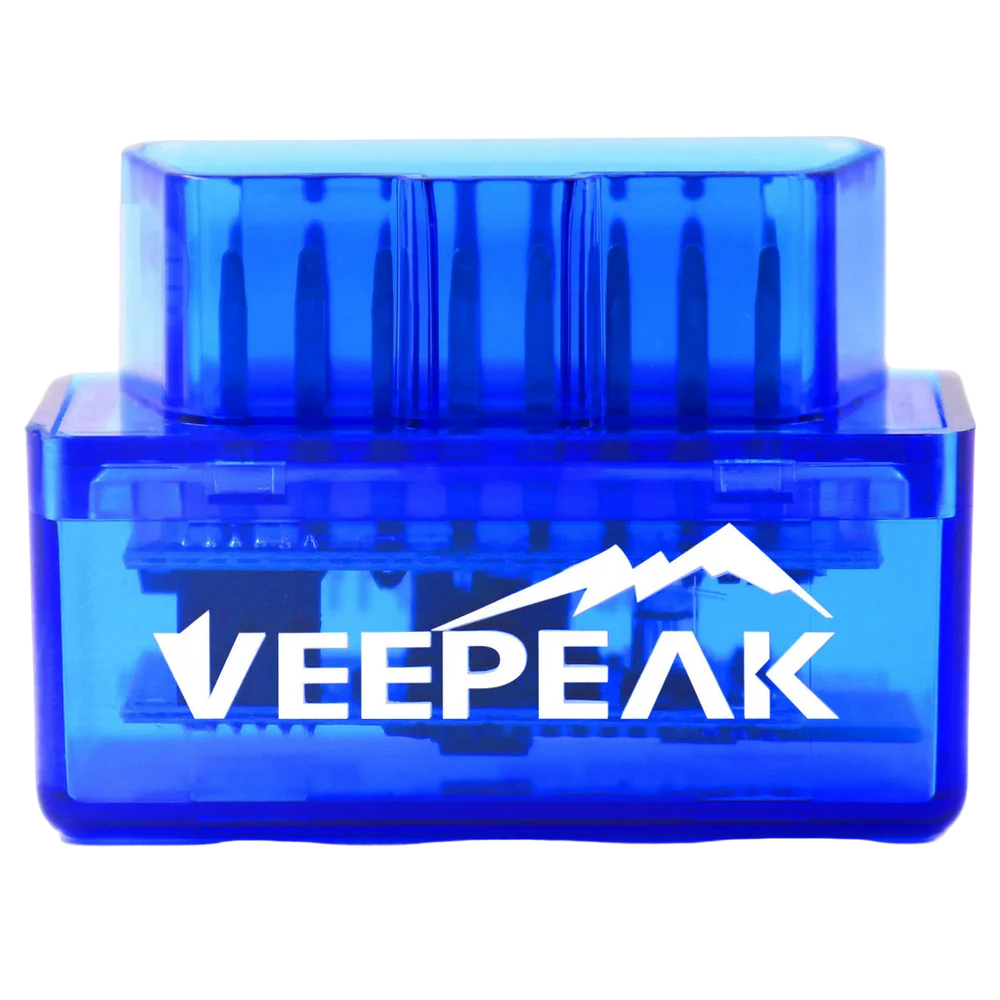
Veepeak Android
The Veepeak Android is best budget scanner for basic engine diagnostics and light coding.

- Cheapest adapter that doesn't have connection issues
- Good quality for the price
- Works only for Android
Scores
Specs
| Tool type | Standalone device |
| User level | Beginner friendly |
| Vehicle focus | All makes |
| Free updates | Lifetime |
| Subscription | Not required |
What it’s actually good at
It’s the cheapest adapter that actually connects every time, and that’s worth everything at this price. The $3 to $5 clones are a coin-flip, sometimes they pair, sometimes they don’t. Veepeak is a verified brand that keeps the price under $20 but connects reliably, with no random drops. For someone who just wants to read codes and live data on their phone without fighting the hardware, this is the safest cheap entry point.
It does the real engine diagnostics you need, cleanly. On my Fabia II I read engine codes, checked intake temp and MAF values, watched airflow change instantly on the graph with throttle, and cleared the check engine light, all worked perfectly. It pairs with the best apps: Car Scanner ELM OBD2 (my top pick, even does some coding on certain cars), Torque, and Carista for light customizations. TPMS monitoring through the app is handy too, when a tyre leaks slowly, you can see the pressure and decide whether to keep driving or pull over.
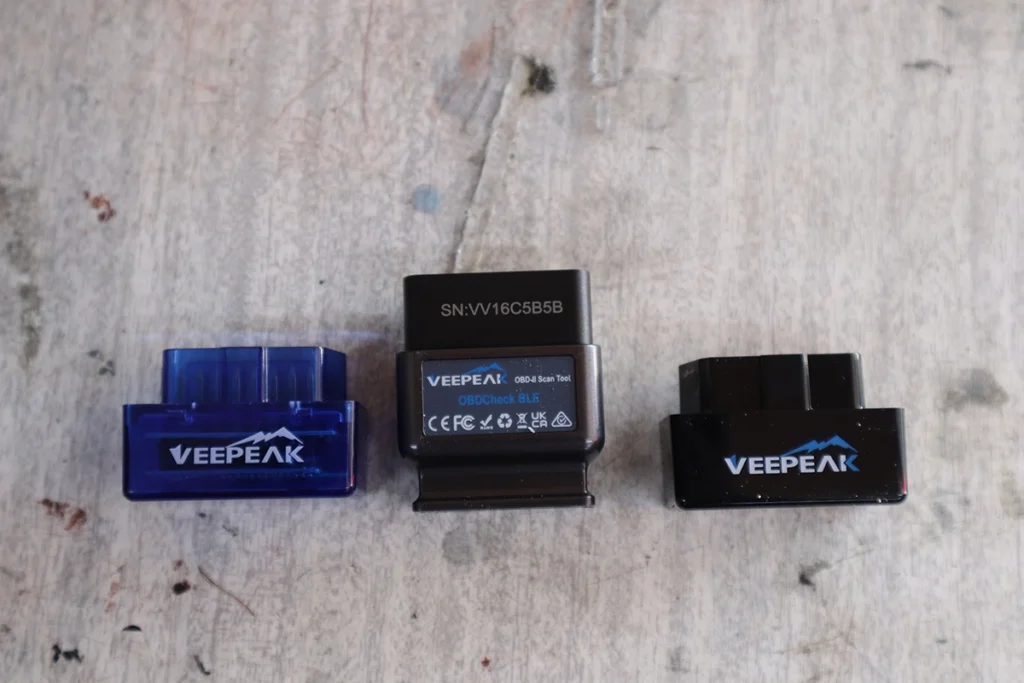
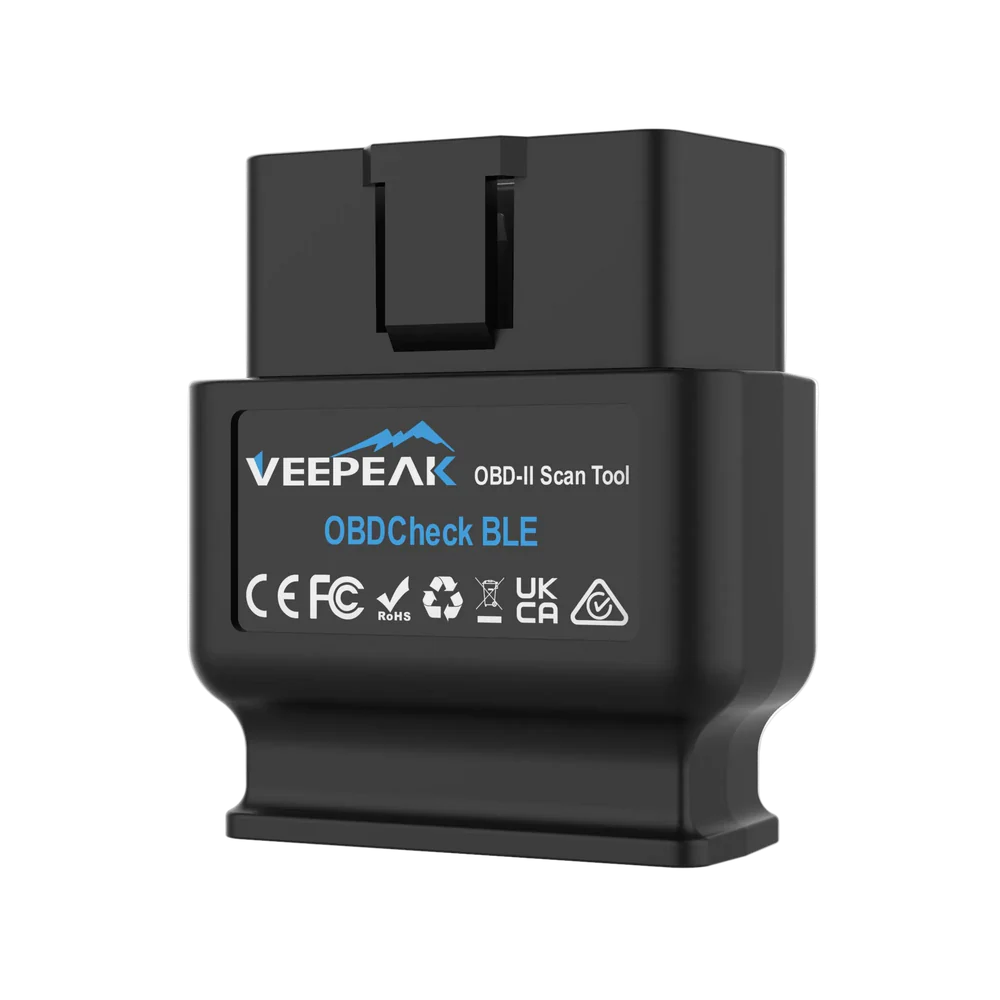
Quick note on which to buy: there are three versions. The Android model is the best value and most capable, the iOS model for iPhone, and the BLE model works across both but scores lower. Match it to your phone before ordering.
Where it falls short
It’s engine-only, like any ELM adapter. Full-system scan depends on the car, some modules respond, most won’t, which is normal for all ELM327 adapters. Only count on reliable engine diagnostics. No bidirectional, no service resets, no coding beyond what an app like Carista adds.
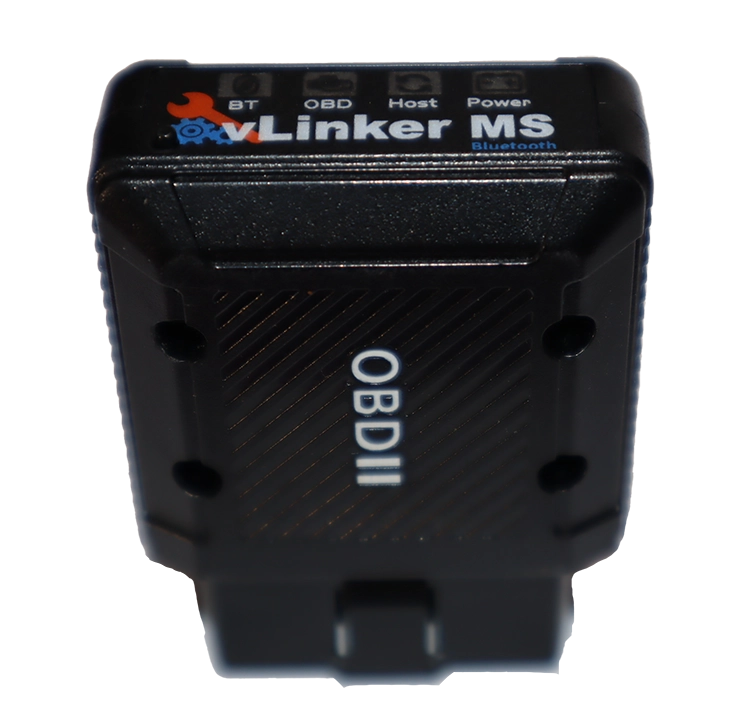
It’s slower than premium adapters. It connects more reliably than clones, but it’s not fast like a vLinker MS, and the BLE version in particular scores lower. For heavy data streaming or apps like FORScan, you’d want something quicker. For weekly checks and clearing codes, the speed is fine.
Who should buy this
Yes, buy it if:
- You want the cheapest ELM327 that connects reliably, under $20, no clone roulette
- You want real engine diagnostics on your phone: read/clear codes, live data, dashboards
- You’re starting out and want a safe, low-cost first tool (add Carista for light coding)
No, look elsewhere if:
- You want full-system access, bidirectional or service resets, get a tablet tool instead
- You want speed for heavy apps like FORScan, the vLinker MS is the pick
- You want a permanently-plugged adapter with the best sleep mode, the iCar Pro 2S suits better
Veepeak Android
 Vgate iCar pro 2s
Veepeak Android
Vgate iCar pro 2s
Veepeak Android
 Vgate Vlinker MS
Veepeak Android
Vgate Vlinker MS
Veepeak Android
 Veepeak BLE
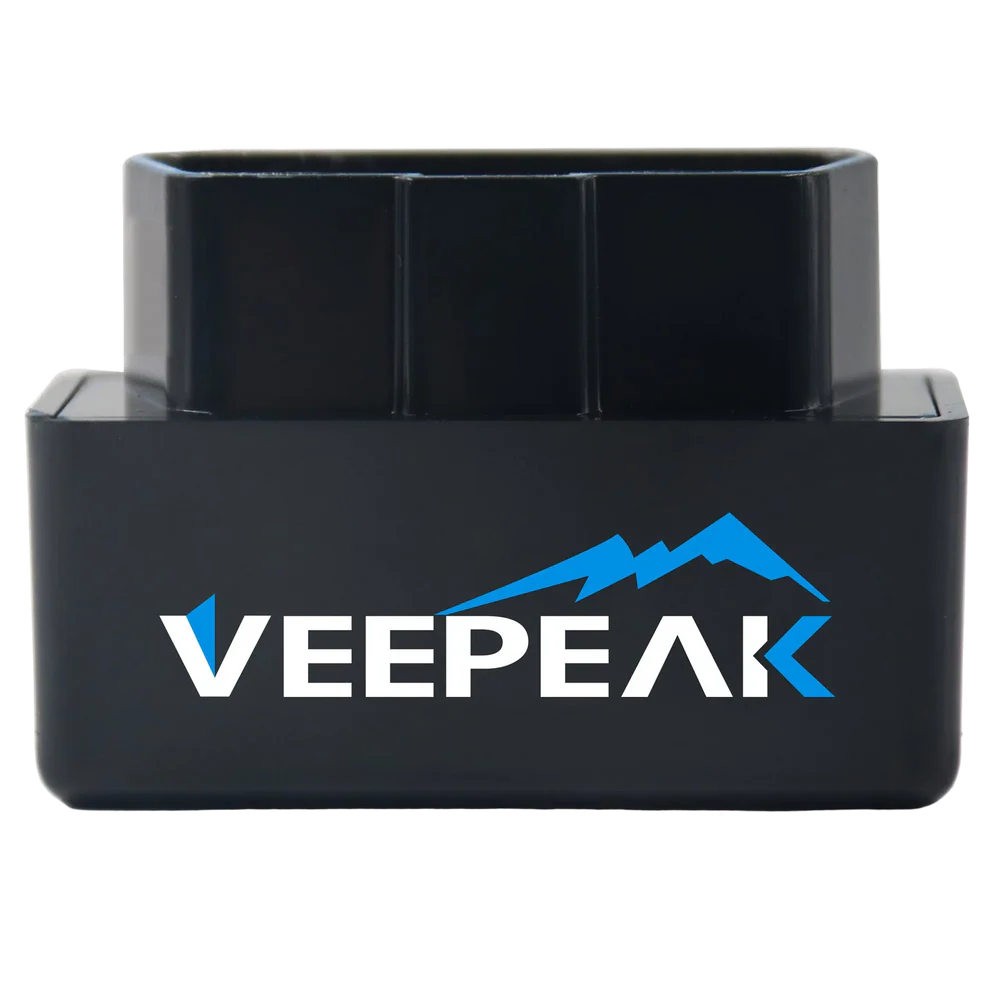 Veepeak iOS
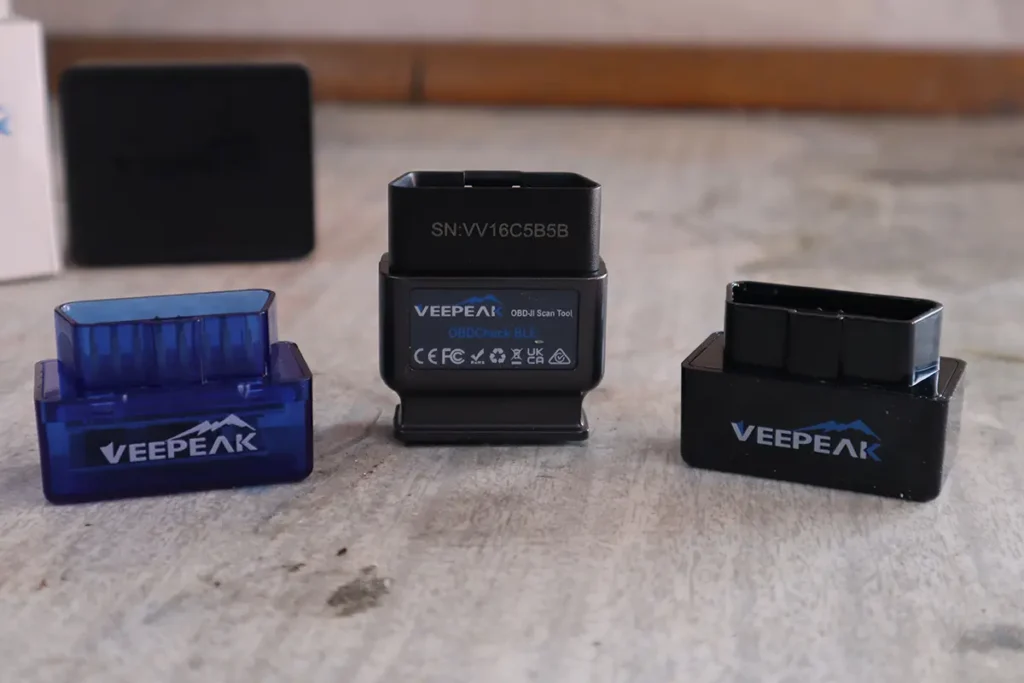
Final word
For under $20, nothing beats the Veepeak. It’s the best cheap ELM327 adapter you can buy: it works across Android and iPhone (pick the right version), supports every major app, and is reliable enough for weekly checks, live data and clearing faults. Its one real limit is that it’s engine-only and slower than premium adapters, but at this price that’s exactly the trade you’d expect. Even if you upgrade later, this is the best first tool to start with.
Most popular OBD2 guides







I'm Juraj Lukacko and I work as an auto electrician. On this site I share what I learn from real work on real cars, to help you pick the right tools for diagnostics, programming and tuning and get the job done.
More about me →
Hi Juraj,
Will this Veepeak (Android) work on my Polo R6 1.2 TSI 2011 77Kw?
King regards,
Bruno
Yes, it works on all cars with OBD2.
Hi, does it read the car’s real odometer?
Nope
Does Veepeak read data form the odometer
No
Hello, would you say Veepeak (with Car Scanner ELM OBD2) is a safe way to clear DTCs and reset the “check engine” light? I have Nissan 2003 and an Android phone.
I guess I prefer the cheapest way to do this so I already bought an ultra cheap “elm327” bluetooth adapter. But then I learned more and became aware that it might(?) make things worse if I try to clear the codes. So I haven’t even tried it. But maybe Veepeak + Car Scanner app is safe? Thanks.
Yes, I never had any issues with clearing codes. If you read/clear codes and data there is no much that can go wrong.
Thank you for your reply! Do you think a simple $5 dollar “elm327” adapter is safe too, just to clear codes? If yes, I’ll probably try that. And perhaps I’ll order VeePeak or OBDlink MX+ later.
Oh one more thing, the page car-scanner-codes is not working.
They are safe but you might have connection issues,I would just buy Veepeak its under $20 and will work without problems.