
Published: August 8, 2024 · Last updated: June 4, 2026
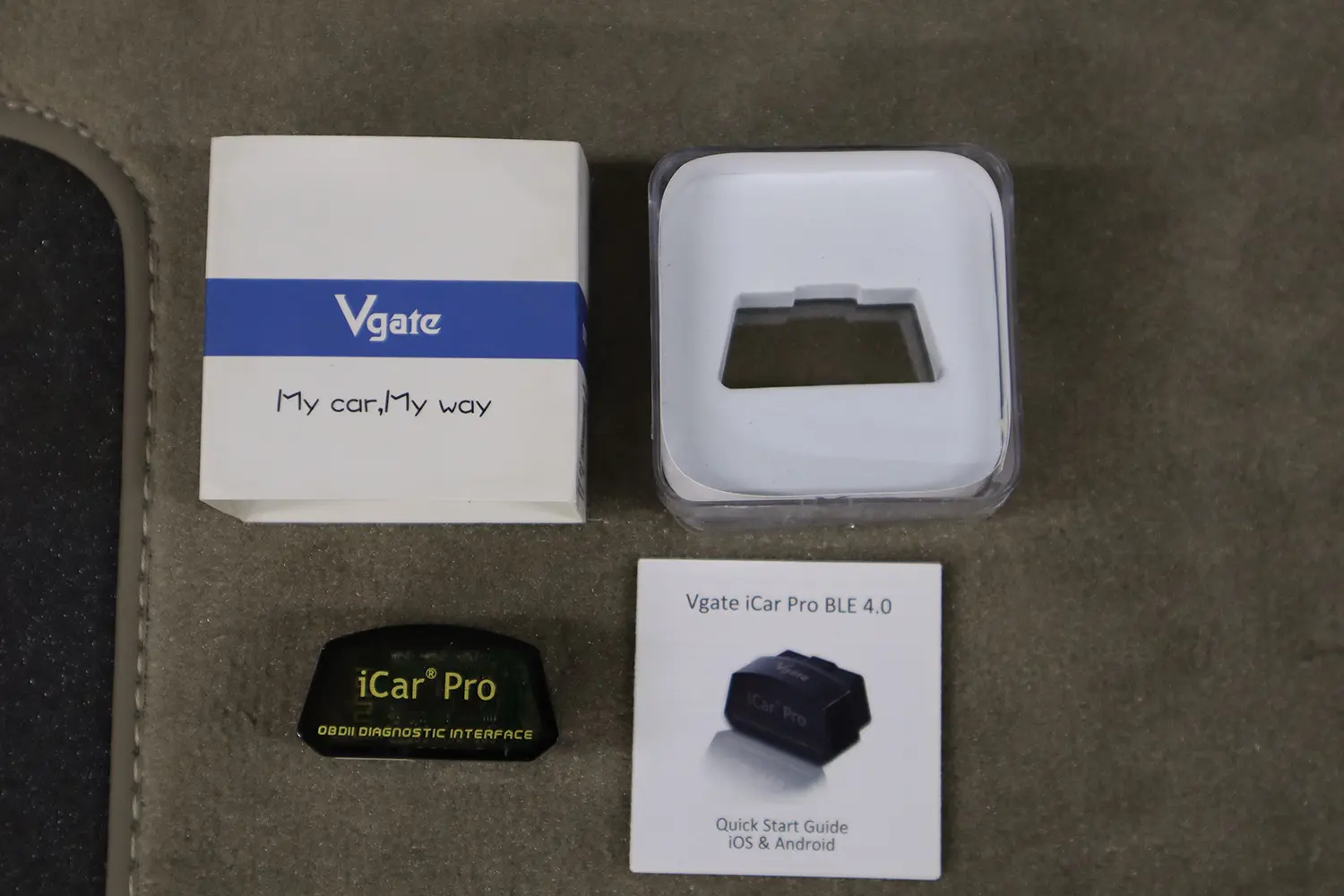
The Vgate iCar Pro BLE 4.0 is a basic ELM327 Bluetooth adapter for iOS and Android, with no app of its own, you use it with Car Scanner, Torque, Carista and similar. I tested it on an Alfa Giulietta, a Fiat Punto, a Skoda Fabia and a Toyota Corolla. It’s a good low-cost adapter with the newer ELM 2.3 chip and a proper sleep mode, but there’s a newer, better version (the iCar Pro 2S), so if the price gap is small, get that instead. It’s engine-only. Read on.
I earn from qualifying purchases and sometimes get tools for free (full disclosure). It never affects my scoring.
Vgate iCar Pro Overview
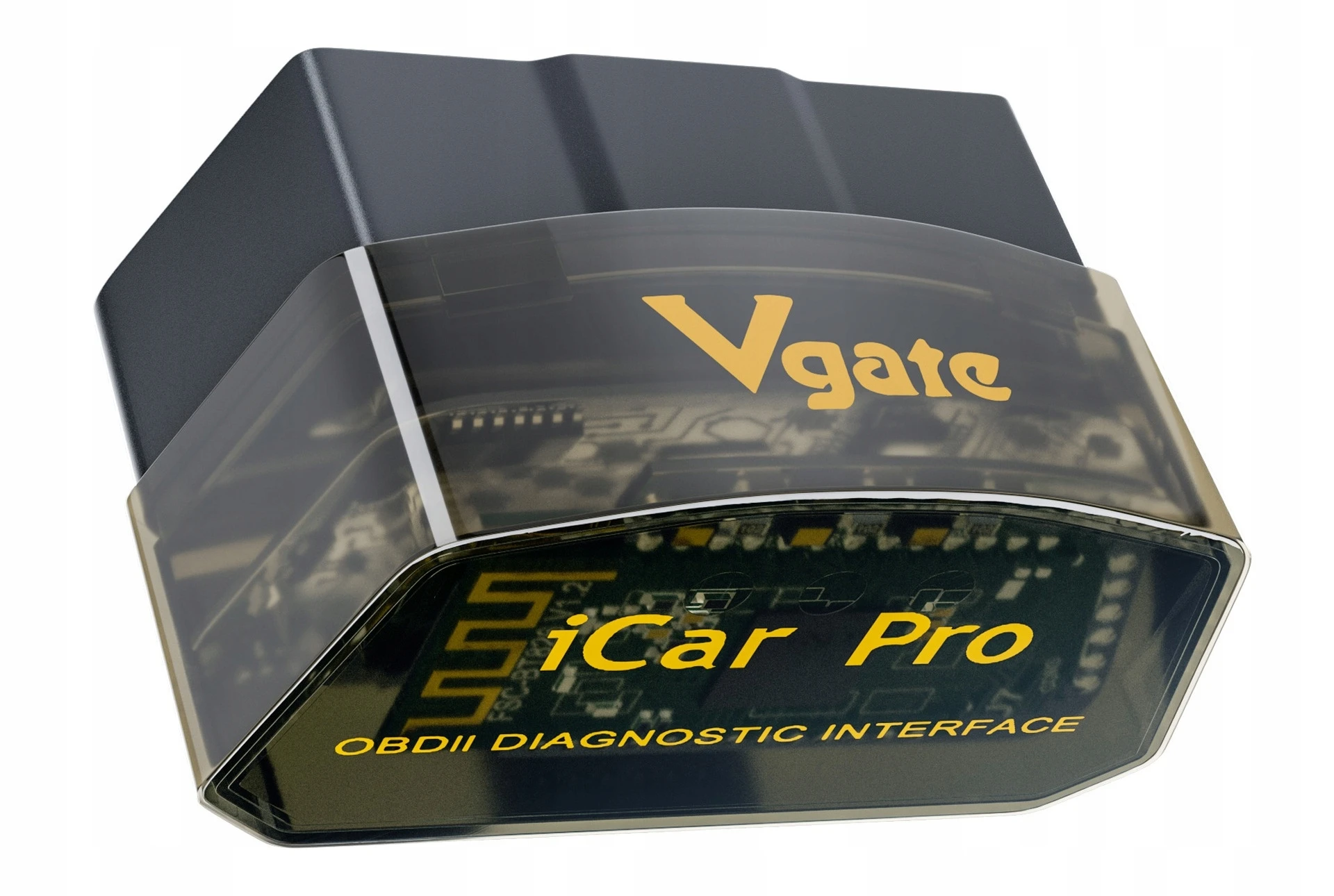
Vgate icar 4.0
The Vgate icar 4.0 is great budget scanner to use with different smartphone diagnostic and coding apps.

- Speed
- Good value for money
- Because its small it is hard to pull out from some OBD ports
- Hard to connect for first time
- There is new version of this adapter "Vgate Icar PRO 2s" which is easier to connect and use
Scores
Specs
| Tool type | Standalone device |
| User level | Beginner friendly |
| Vehicle focus | All makes |
| Free updates | Lifetime |
| Subscription | Not required |
What it’s actually good at
It’s a reliable cheap ELM with a newer chip than most adapters at this price. It runs ELM327 v2.3, which means faster, more stable communication and, importantly, a working sleep mode, you can leave it plugged in without draining your battery, unlike many $5 clones. On the speed test it pinged around 46ms, which is satisfactory for a cheap adapter (not premium-fast like a vLinker FS or the iCar Pro 2S, but fine for normal use).
It works with every common ELM app, and does the basics cleanly. With Torque it read codes correctly, separated historical from pending, showed live data and graphs, and logged drives with a GPS overlay. With Car Scanner it connected instantly, displayed readiness monitors for an emissions pre-check, accurate live-data graphs and a custom dashboard. You can also do light coding through Carista where your car supports it. For reading engine codes and viewing live data on your phone, it does the job on any OBD2 car.
Where it falls short
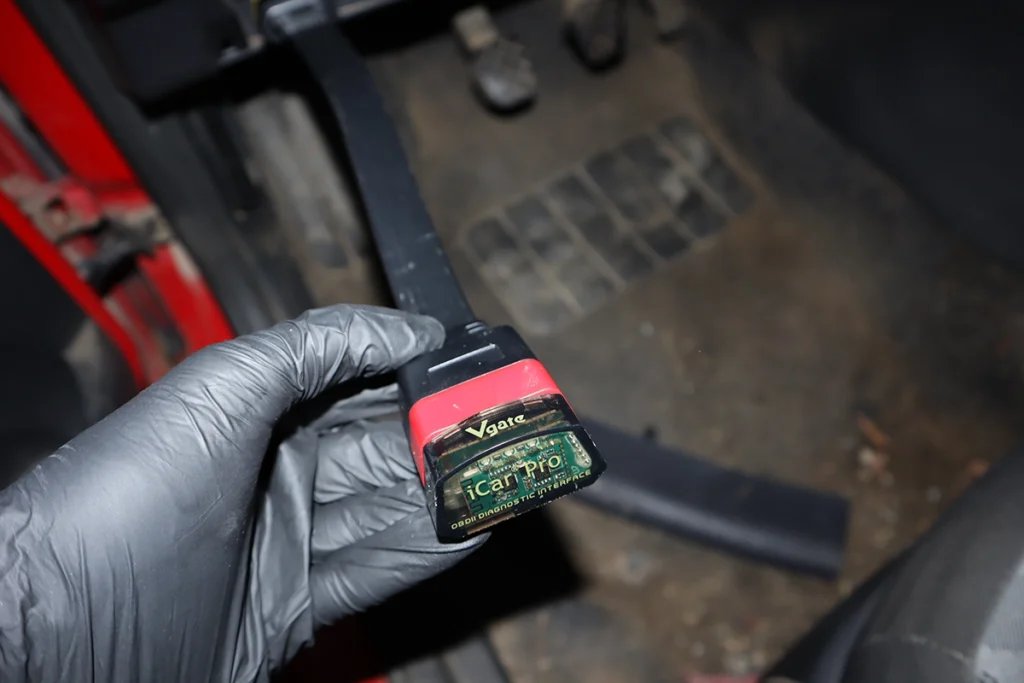
Two real annoyances: first-time pairing and the small size. Pairing tripped me up because the adapter shows both an iOS Link and an Android Link in the list, choose the wrong one for your phone and it won’t connect. Once you pick correctly it works instantly, but it’s a confusing first step. And because the adapter is small, it can be hard to pull out of a tight OBD port, I sometimes needed a tool to get it out.

It’s engine-only, like any ELM adapter, no full-system access, no bidirectional, no coding beyond what an app like Carista adds. And the honest point: there’s a newer iCar Pro 2S with better speed, BLE 5 and easier pairing. This BLE 4.0 is only worth picking over it if it’s clearly cheaper.
Who should buy this
Yes, buy it if:
- You want a cheap, reliable ELM with a newer chip and safe sleep mode, and find it cheaper than the 2S
- You’re doing basic engine diagnostics and live data on your phone with any ELM app
- You want light Carista coding where your car supports it
No, look elsewhere if:
- The newer iCar Pro 2S is close in price, it’s better in every way, get that
- You want maximum speed or coding stability, the vLinker FS is the faster pick
- You need anything beyond engine codes, this is engine-only
Vgate icar 4.0
 Vgate iCar pro 2s
Vgate icar 4.0
Vgate iCar pro 2s
Vgate icar 4.0
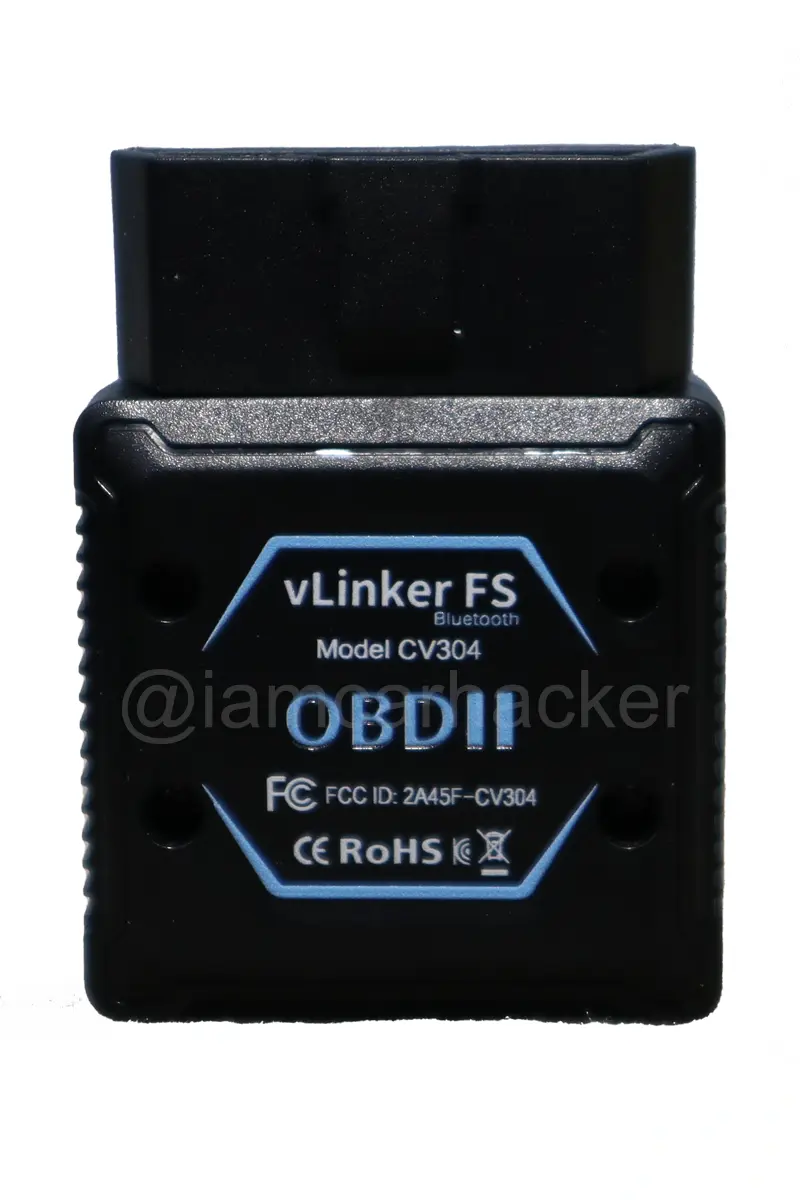 Vgate Vlinker FS
Vgate icar 4.0
Vgate Vlinker FS
Vgate icar 4.0
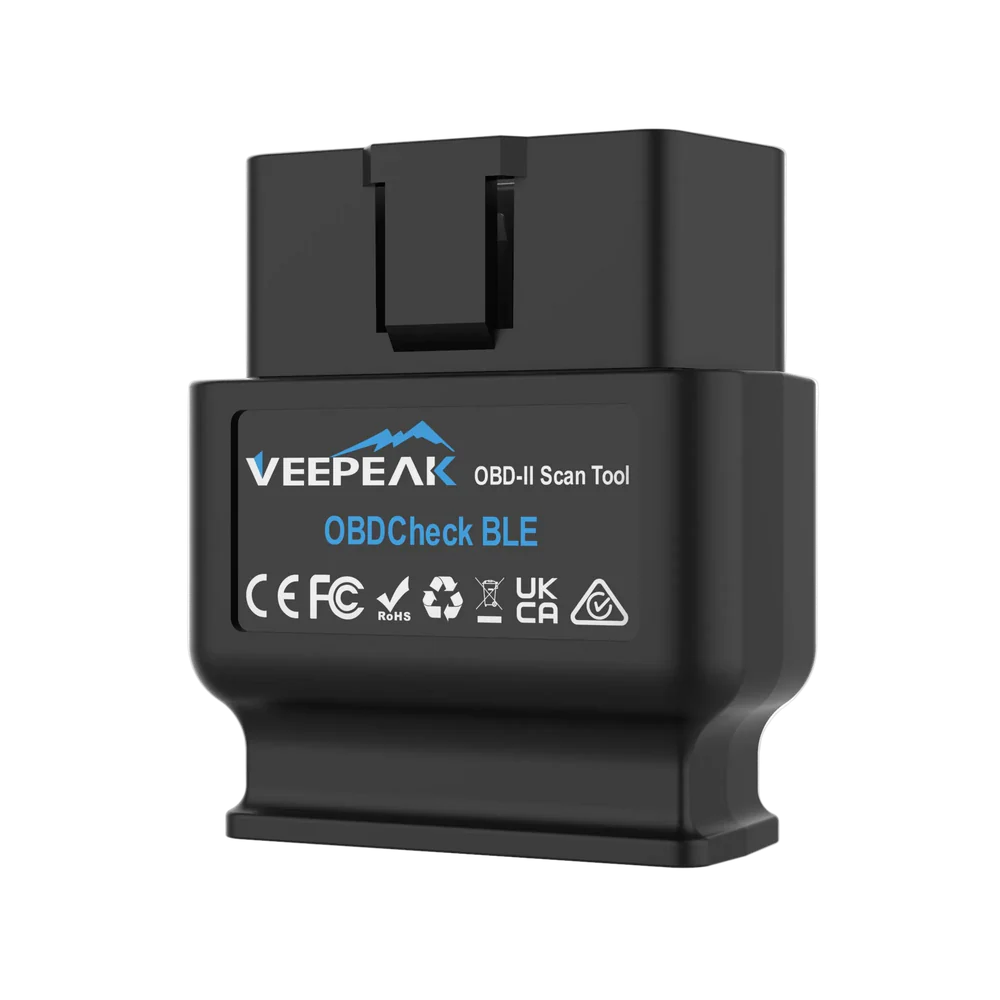 Veepeak BLE
Final word
The Vgate iCar Pro BLE 4.0 is a good low-cost ELM327 adapter: it works on every phone, supports all the common apps, runs the newer 2.3 chip and has a safe sleep mode so it won’t drain your battery. The only real annoyances are the fiddly first-time pairing (pick iOS Link or Android Link to match your phone) and the small size when unplugging, and there’s a newer 2S that’s better all round. If the price is close, get the iCar Pro 2S instead. For maximum speed or coding, the vLinker FS. But as a cheap, dependable basic adapter, the BLE 4.0 still does the job.
Most popular OBD2 guides







I'm Juraj Lukacko and I work as an auto electrician. On this site I share what I learn from real work on real cars, to help you pick the right tools for diagnostics, programming and tuning and get the job done.
More about me →