
Volkswagen Passat B5 Airbag Reset (Permanent Fault Fix)
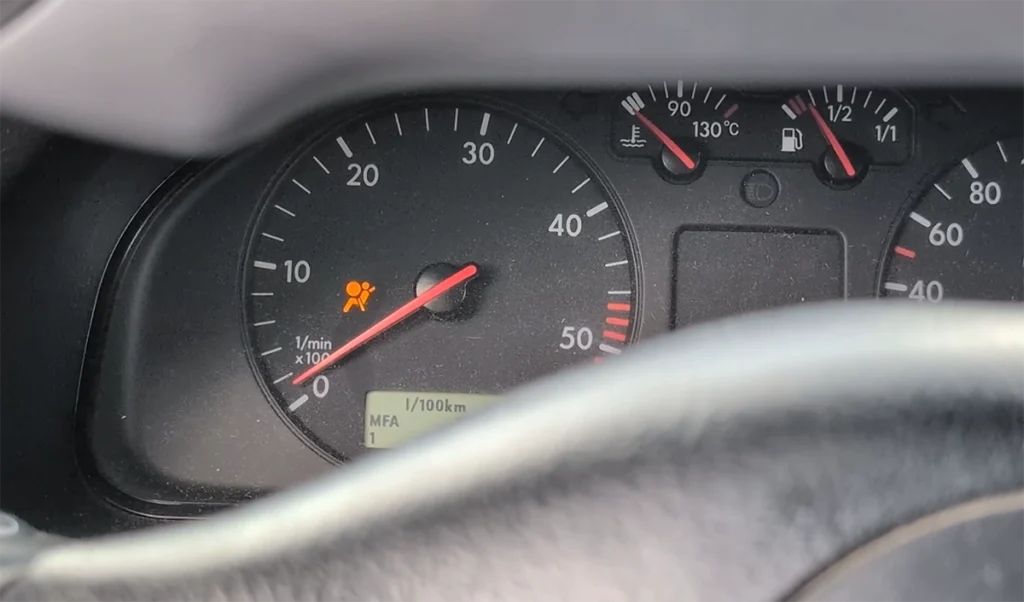
This guide shows how to reset and clear a permanent airbag fault (control module faulty) on VW Passat B5 using OBD airbag repair function.
Affiliate Disclosure: iamcarhacker.com is an Amazon and other affiliate programs Associate. As an Amazon Associate, I earn from qualifying purchases. Full Affiliate disclosure.
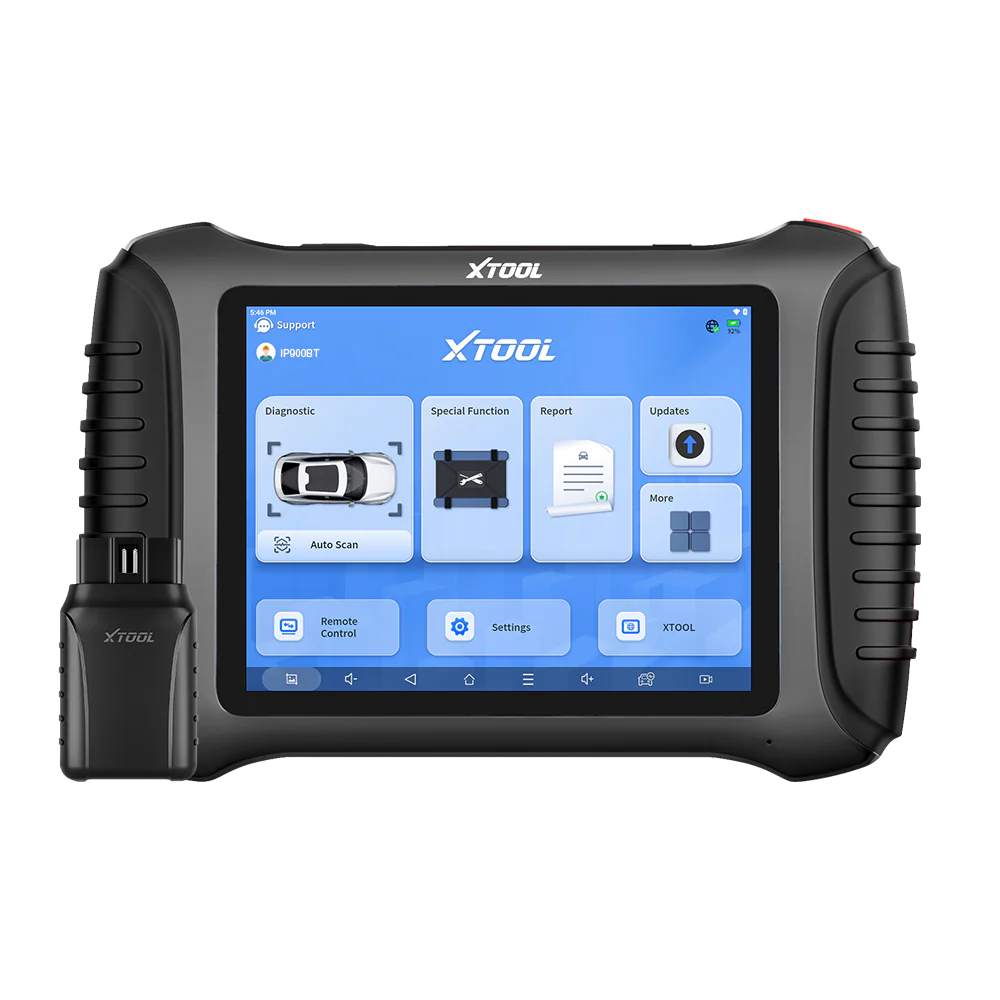
Used tool in this guide
Supported vehicles
| Vehicle |
|---|
| passat-b5 |
Technical overview
| Item | Details |
|---|---|
| Vehicle | VW Passat B5 |
| Year | 1999 |
| System | Airbag (SRS) |
| Procedure type | Airbag module reset / crash data clear |
| Difficulty | Medium |
| Time required | ~2–5 minutes |
| Prerequisites | Ignition ON, stable battery voltage |
Step-by-step procedure
1. Connect the diagnostic tool
Plug the scanner into the OBD port and switch ignition ON.
2. Open the airbag reset function
Go to:
Service Functions → Airbag Reset → Airbag Fix Up → OBD Repair
3. Select vehicle brand
Choose:
VW
4. Select repair profile
Choose:
VW5
In this case, VW5 was selected randomly because it was not clear which option matched the vehicle.
5. Run the procedure
Start the repair procedure and wait for communication to finish.
If the function works, the scanner will show:
Completed
6. Check if the airbag warning light is gone
After the procedure is completed, check the instrument cluster.
Expected result:
- airbag warning light turns off
7. Verify the repair
On the next ignition cycle or by scanning the airbag module again, confirm that:
- there is no airbag warning light
- the airbag module no longer shows fault code 00FFFF / Control module faulty
Video: How to do airbag reset for Volkswagen Passat
This video shows how to do airbag reset for Volkswagen Passat.
Additional Information & Compatibility Notes
Before using or purchasing any diagnostic tool for this procedure, always verify compatibility with your exact vehicle model, year and system configuration. Supported functions may vary depending on software version, hardware revision and regional limitations.
Alternative tools
Related guides & background information
Legal & safety notice
This procedure modifies vehicle system settings through the control module. Incorrect use may cause faults or warning lights. Always ensure the vehicle is secured and follow proper safety procedures.
Procedures tested with this scanner
 ŠKODA OCTAVIA MK1 1.6 – THROTTLE MATCHING / ADAPTATION
 Nissan Micra K12 Key Programming (Add / Relearn Keys)
 Volkswagen Passat B6 2008 Mileage correction
Most popular OBD2 guides









Hi, I am Juraj Lukacko. I got frustrated by unhelpful and scammy mechanics, so I decided to learn everything about car diagnostics myself. I test dozens of new car diagnostic tools every month along with learning new strategies to fix and customize cars.

Responses