
Published: June 24, 2026 · Last updated: June 24, 2026
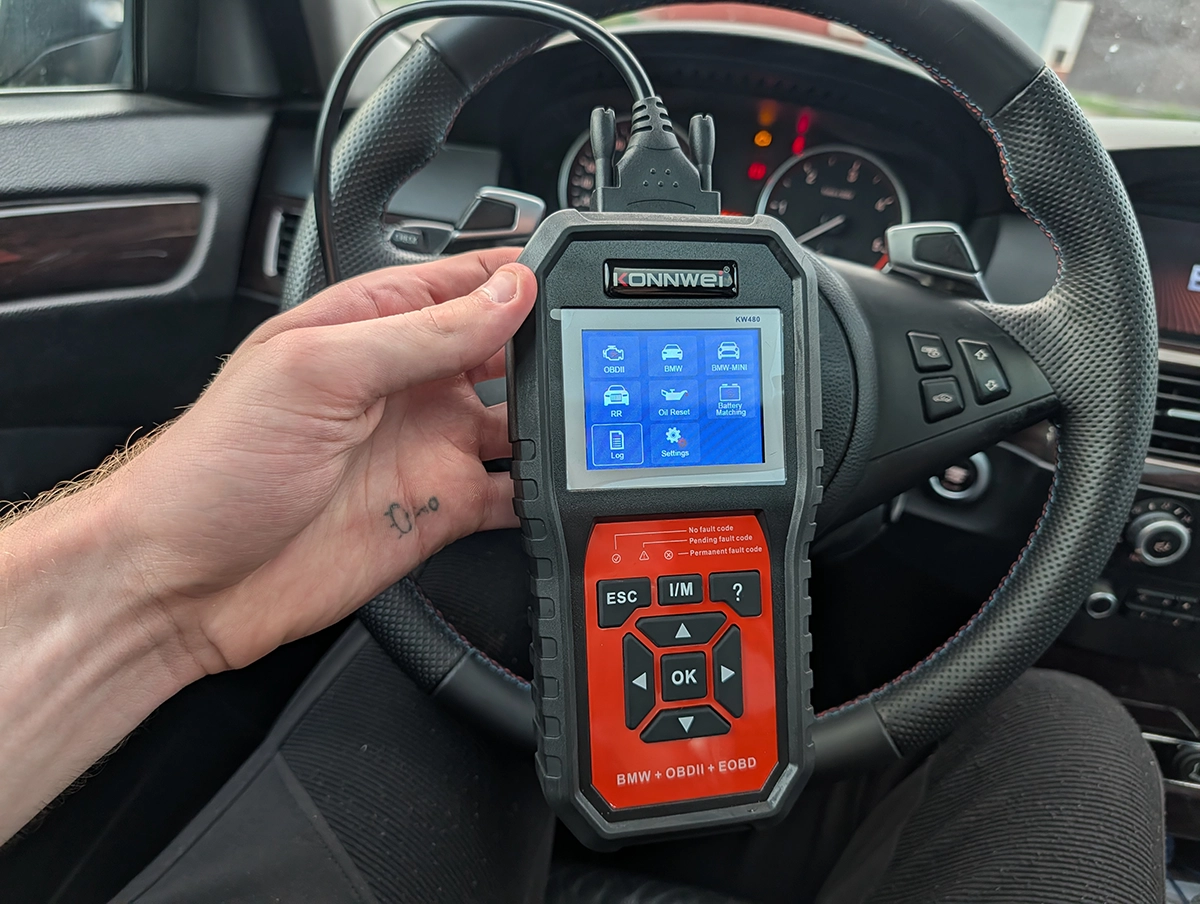
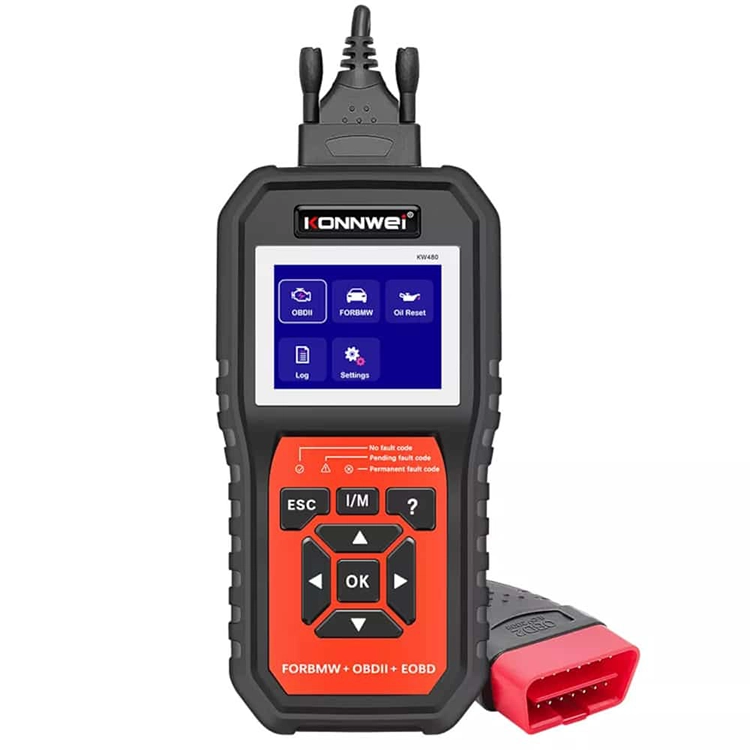
The Konwei KW480 is a budget code reader for BMW, MINI and Rolls-Royce. It has no battery, runs on power from the OBD port, does global OBD on any car, and gives you real BMW special functions like key enable/disable and a transmission adaptation reset. The catch is the one job you buy a scanner for. After a full system scan it won’t show you which modules are faulty or how many codes are stored. At $90 there are cleaner ways to read BMW faults.
I earn from qualifying purchases and sometimes get tools for free (full disclosure). It never affects my scoring.
Konwei KW 480
The Konwei KW 480 is supposed to be easy to use and it kind of is but it is hard to get to all fault codes quickly. Even if scanner is not that bad, there are just way better options in same price range..

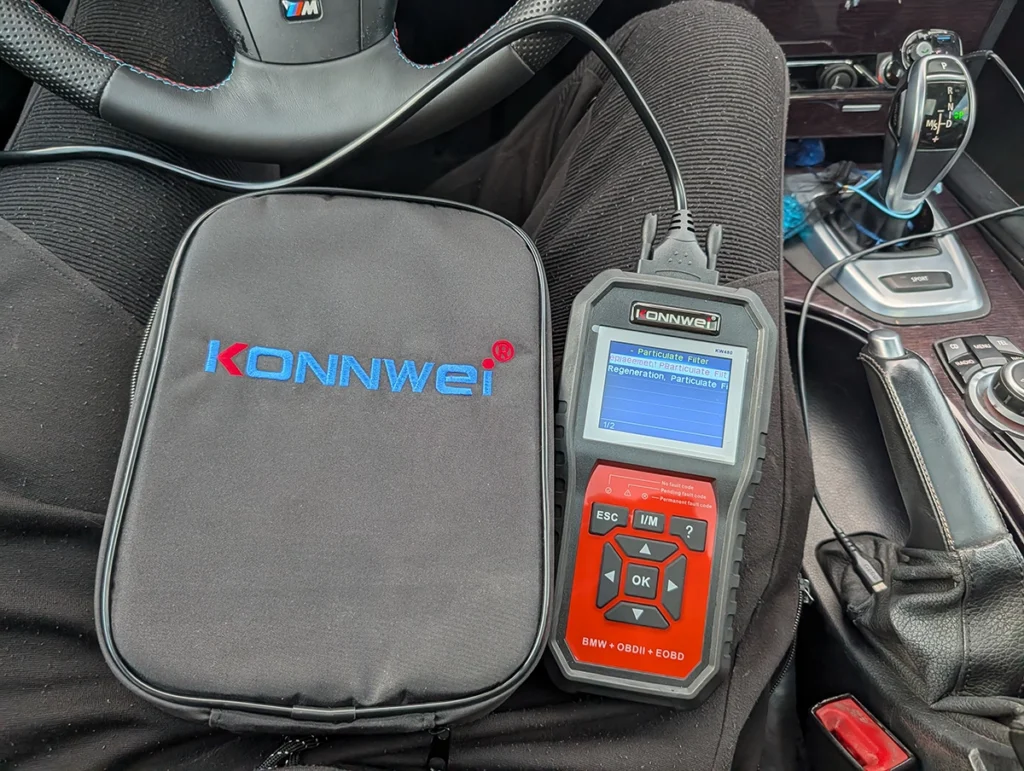
- No battery (no need to charge it)
- Scan was pretty slow
- After scan you cannot see all fault codes or even see which modules have fault
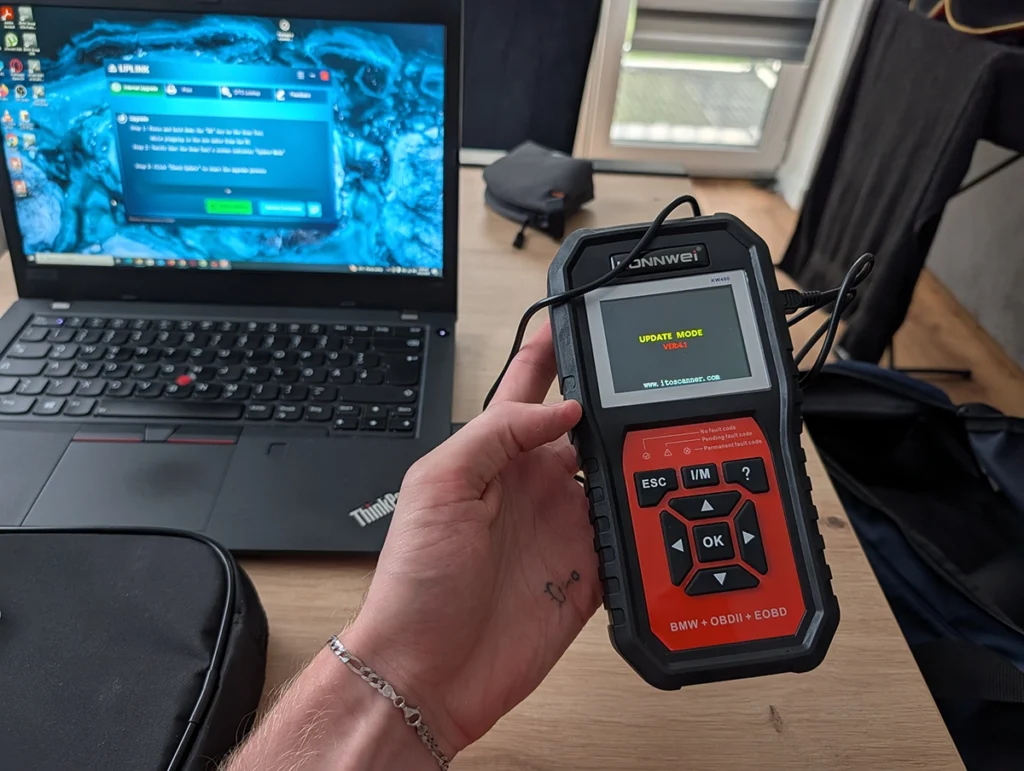
- Came in german language without option to change language inside tool - fixed with updating via laptop
Service functions (3+)
Scores
Specs
| Tool type | Standalone device |
| User level | Intermediate |
| Vehicle focus | bmw, mini, rolls-royce |
| Free updates | Lifetime |
| Subscription | Not required |
Support & resources
| Need help with tool? | Open tool support page ↗ |
| Supported languages |    |
| Guides |
Videos
What it’s actually good at
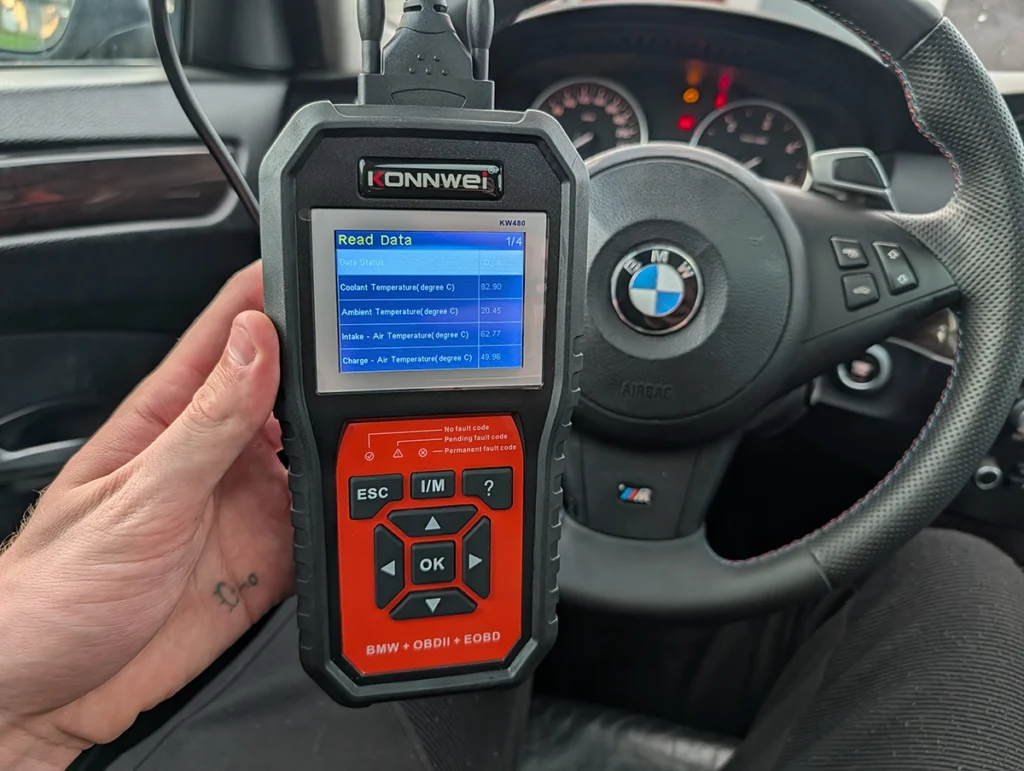
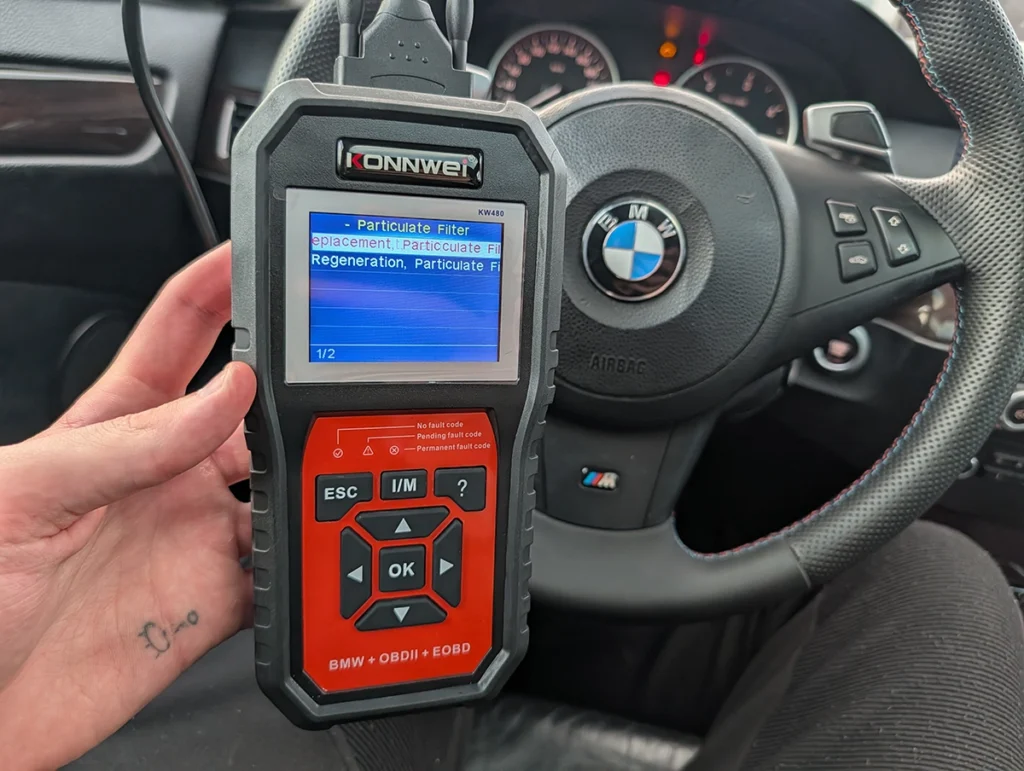
Plug it in and it works, no battery, no charging. It powers up the second you connect it to the OBD port. The auto-identification actually did its job on my E61 530d. It pulled the VIN, recognised the chassis, the 530d engine and the automatic gearbox, all correct, with no manual setup.
The bigger surprise is the special functions. The KW480 gives you real BMW work inside the control modules, not just fault codes. Enter the immobiliser module and you can enable and disable keys. Enter the transmission module and you get a mechatronic adjustment and an adaptation reset. I recently did a gearbox adaptation on this car because it was kicking from second to third, and the KW480 has that reset sitting right in the menu. That alone puts it ahead of the cheaper Konwei sibling I tested before it, which dropped you into a module with nothing but codes and no special functions at all.
Where it falls short
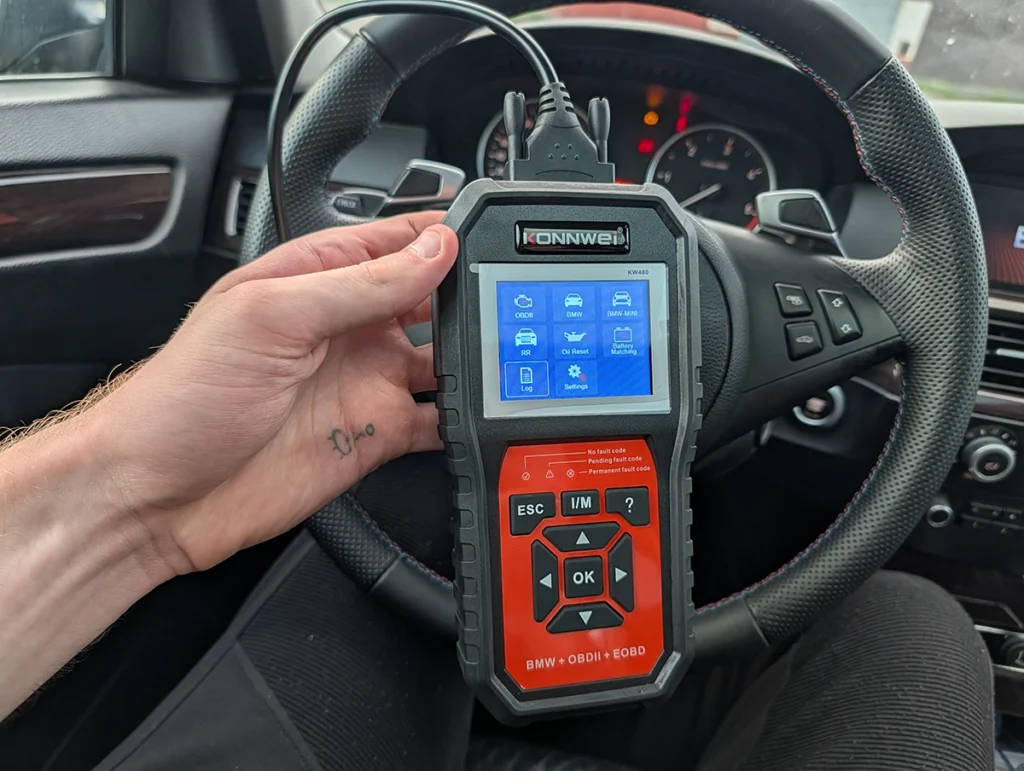
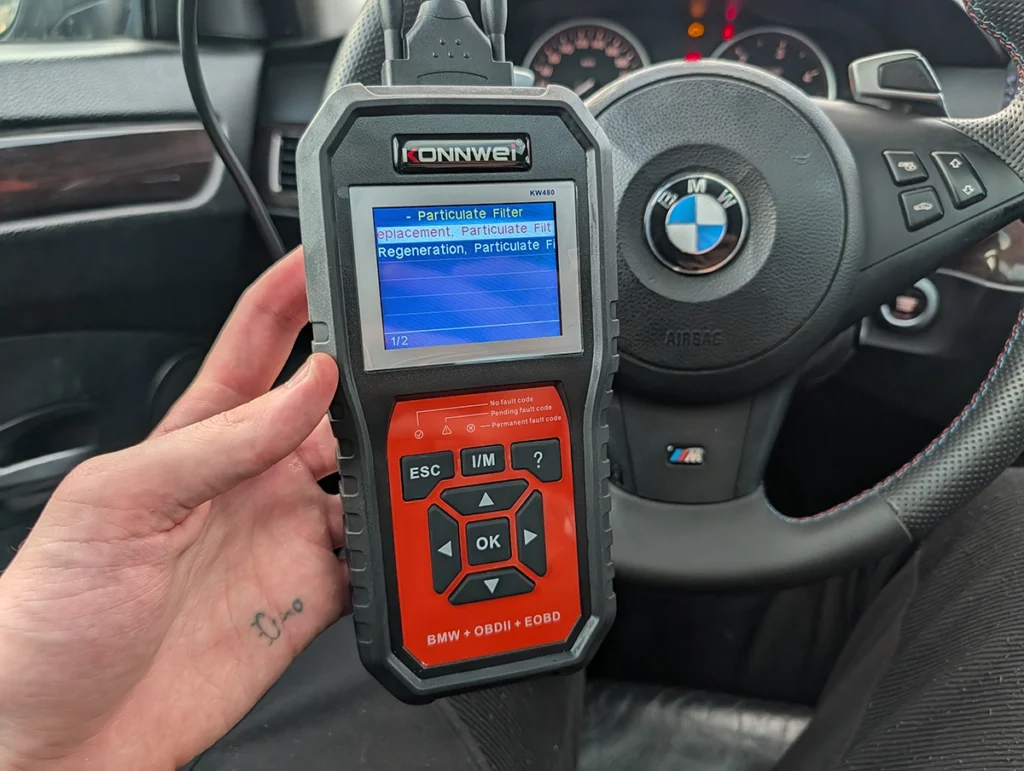
This is the part that sinks it. You run a full system scan, it grinds through every module, and at the end it hands you a list of scanned modules with no indication of which ones are faulty. No code count. No fault summary. Nothing.
I expected somewhere around twelve to fourteen stored codes on this E61. The KW480 scanned the whole car, then showed me a plain module list. To actually find faults I had to open each module one by one and read the codes inside it. On a car with thirty-plus control units that isn’t diagnostics, it’s guessing.
I did find a code once I dug into a module, so it can read faults. But there is no way to verify it caught all of them, because it never reports a total. A scanner that makes you hunt module by module is unusable for reading fault codes.
Two smaller annoyances on top of that. It arrived set to German with no language option inside the tool, and you fix that only by connecting it to a laptop and running the update. Language choice is limited to English, German or Russian. The navigation is also clunky, the arrows just loop in a circle.
Who should buy this
Yes, buy it if:
- You run a BMW, MINI or Rolls-Royce and want a plug-in tool with no laptop and no charging, mainly for service resets and a few special functions like battery registration or an adaptation reset
- You already know which module you want to work in and don’t need a full-car fault report
No, look elsewhere if:
- You want to actually diagnose, scan the whole car, and see at a glance which modules are throwing codes
- You don’t already own a BMW, because the global OBD on other brands is just basic engine codes
What I’d consider instead
Konwei KW 480
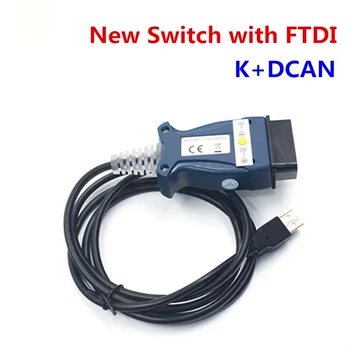 BMW INPA (clone)
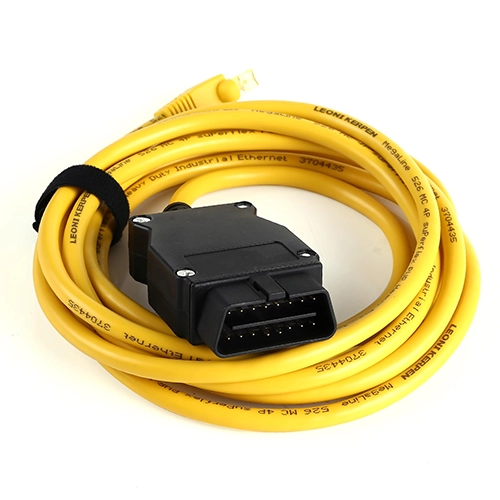 BMW ISTA (clone)
Konwei KW 480
BMW ISTA (clone)
Konwei KW 480
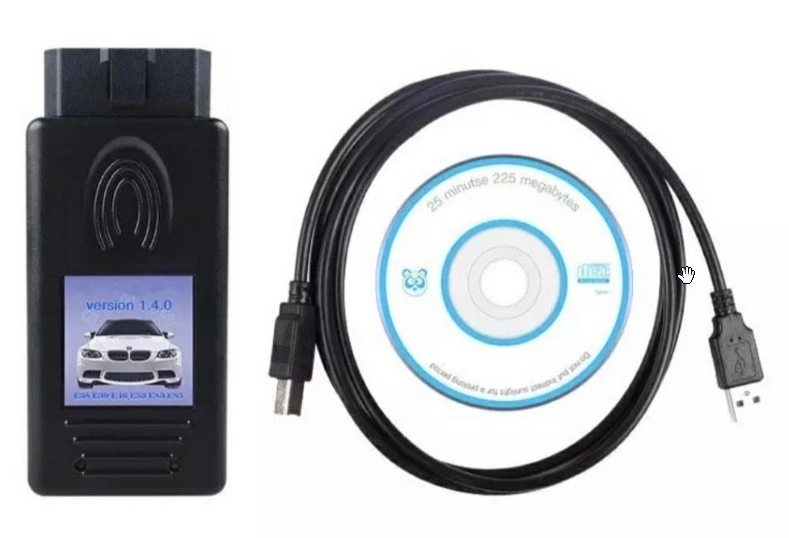 BMW Scanner 1.4
Konwei KW 480
BMW Scanner 1.4
Konwei KW 480
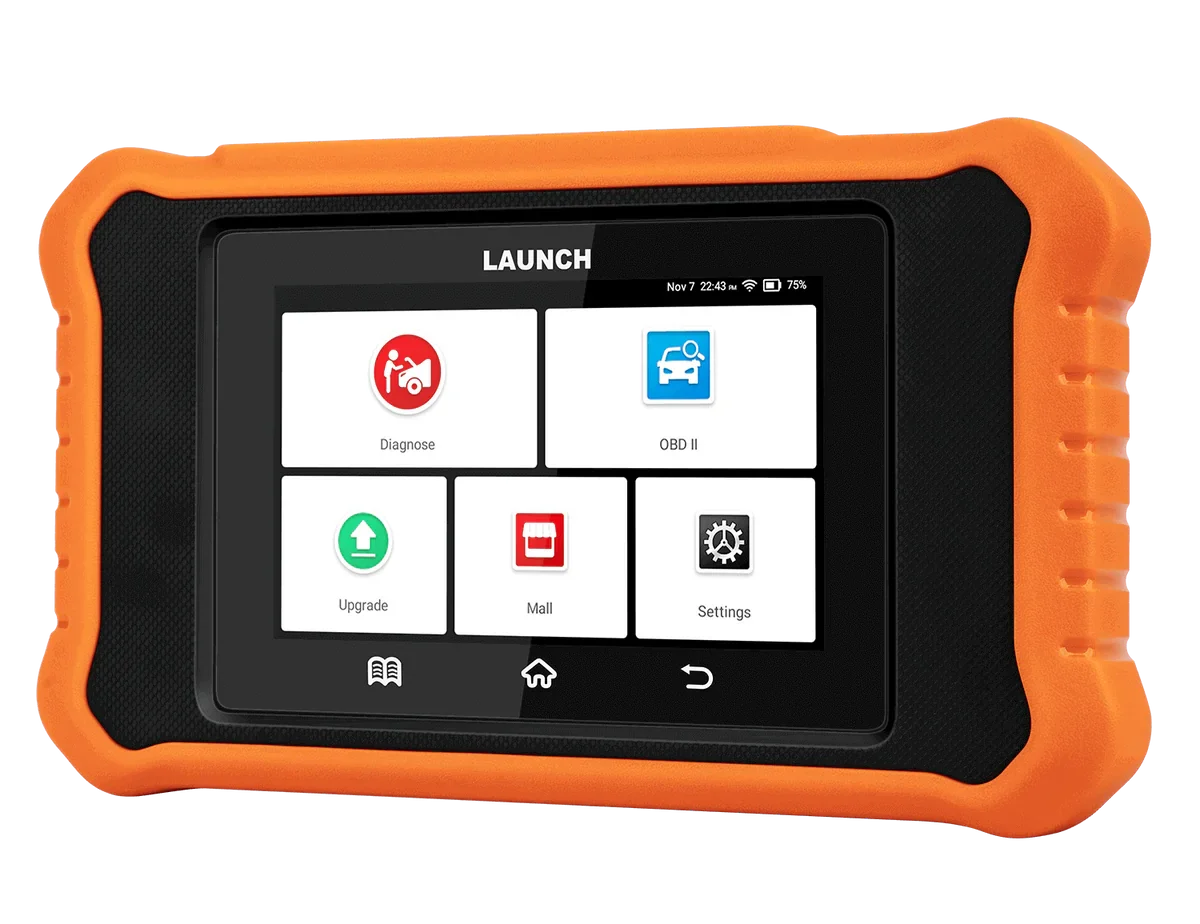 Launch Creader BMW
Final word
For $90 the Konwei KW480 isn’t bad hardware. No battery, plug-and-go, real BMW special functions, and an auto-ID that works first time. But it falls down on the one job that matters, surfacing faults cleanly, and at this price you have tools that do exactly that. I own it, but it’s not the one I reach for.
Most popular OBD2 guides







I'm Juraj Lukacko and I work as an auto electrician. On this site I share what I learn from real work on real cars, to help you pick the right tools for diagnostics, programming and tuning and get the job done.
More about me →