
GaragePRO Scanner (CaRPM) is weak | Owner’s Review

Last Updated on December 20, 2025 by Juraj
I tested the GaragePro Bluetooth OBD2 scanner on multiple cars, including Fiat Punto, Toyota Corolla 2022, and Renault Kangoo.
It works well for basic diagnostics, but I found serious limitations in special functions and bi-directional controls.
Affiliate Disclosure: iamcarhacker.com is an Amazon and other affiliate programs Associate. As an Amazon Associate, I earn from qualifying purchases. Full Affiliate disclosure.
Sponsored Warning: I got this product for free to make a review. Despite that, I provide an honest review based on personal testing and share my truthful opinion of the product. Read more in sponsor policy.
Garage PRO Scanner
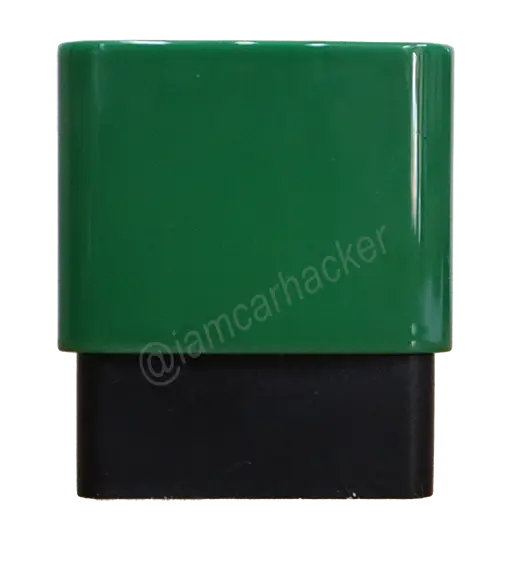
GaragePro is a Bluetooth OBD2 scanner that focuses on global OBD, reading codes, and generating diagnostic reports.
The app displays faults nicely and explains symptoms and causes, which is great for beginners.
However, the scanner struggles with advanced functions.
Bi-directional tests, injector coding, ABS tests, and most special procedures failed on all cars I tried.
What This Tool Actually Is
GaragePro is a beginner-friendly Bluetooth scanner focused on reading codes, viewing live data, and generating clean PDF reports.
It is not a professional bi-directional or service tool.
If you need a stronger Bluetooth option, check the Best Bluetooth Bi-Directional Scanners roundup.
Test Results on Real Cars
I tested it on real cars.
Cars used:
• Fiat Punto 2004
• Toyota Corolla 2022
• Renault Kangoo 2005
Full-System Scan
GaragePro allows selecting a car brand and scanning available modules.
On all vehicles, scanning worked, and I could see fault codes.
Fault code display is excellent:
• shows if code is current / pending / confirmed
• shows which one triggers the check engine light
• shows symptoms, possible causes, and basic fixes
All reports save automatically — very useful.
Live Data
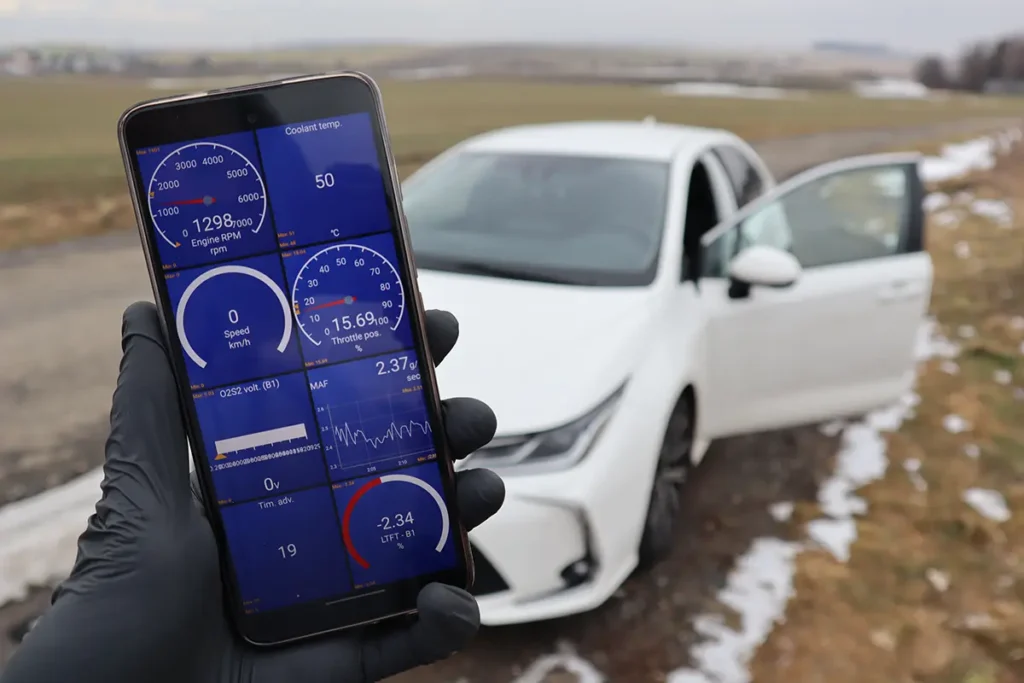
Live data works well.
Many parameters available, but not all are supported by the car, so some show no value.
Throttle position test worked fine:
• smooth graphing
• accurate pedal response
• good for sensor testing
Live data export to email also worked.
Service Resets
On Fiat Punto 2004 → no service resets available (makes sense).
On Toyota Corolla 2022 → also no service reset, because that model does not use a service interval reminder.
So far normal.
Special Functions
This is where problems started.
Toyota Corolla 2022
• ABS wheel speed test → worked, but one wheel looked odd
• Electric cooling fan test → failed (no fan activation)
• Fuel pump test → failed (no pump noise)
Bi-directional results were not reliable.
I did not test dangerous functions (fuel cut, VVT control) because basic ones already failed.
Renault Kangoo 2005
• DPF monitoring → empty (car has no DPF)
• Injector coding → failed to read injectors
• Other special functions → not available or not working
Summary of Testing
Advanced functions failed on all three cars.
Basic diagnostics worked perfectly.
Manufacturer Specs vs Real Testing
| Area | Manufacturer Claim | What I Saw in Testing |
|---|---|---|
| Full-system diagnostics | supported | scanning worked |
| Fault explanation | included | works well |
| Live data | supported | very good |
| Bi-directional tests | available | failed on all tested cars |
| Special functions | supported | mostly not available or failed |
| Service resets | available | none worked on tested cars |
| Injector coding | supported | failed on Renault |
| Internet dependency | partial | required for most functions |
Hardware / Software / Plans / Internet Dependency
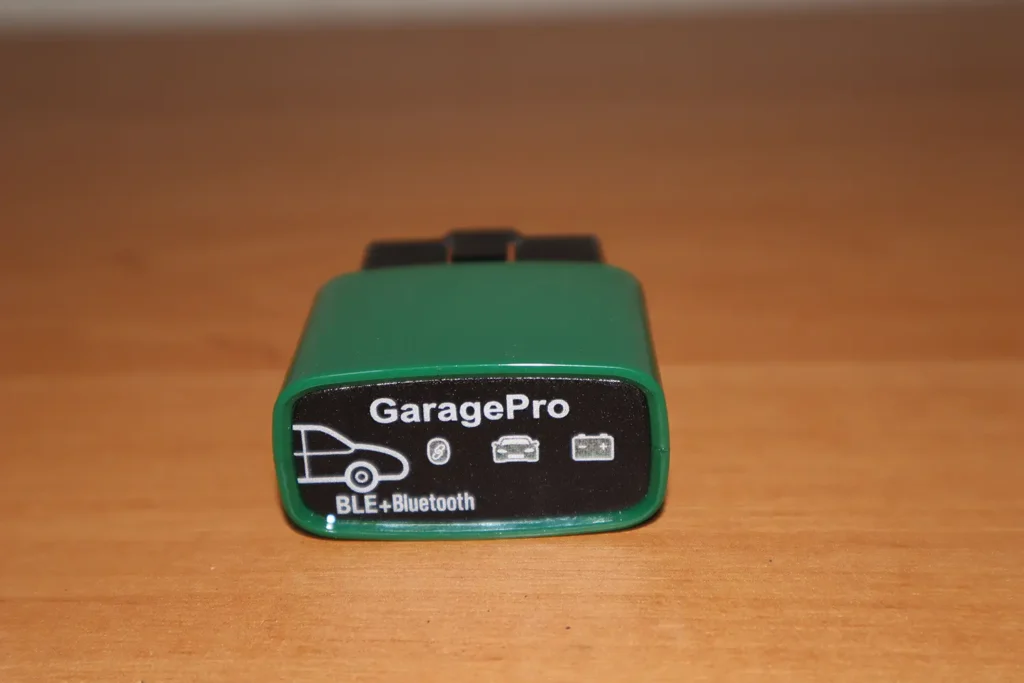
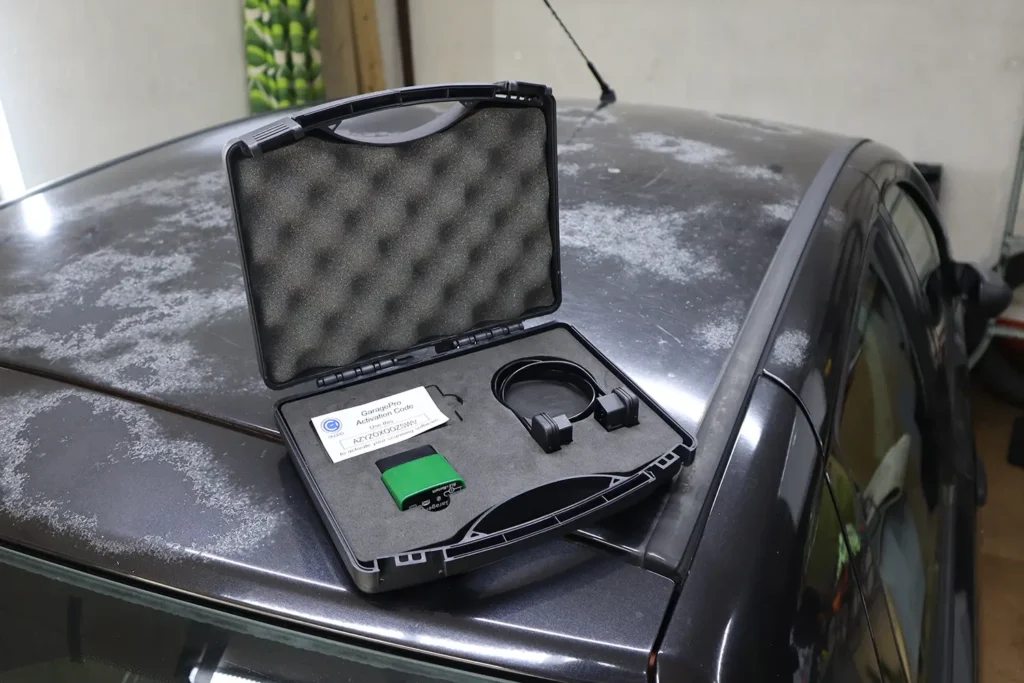
Hardware is simple — a basic Bluetooth dongle.
Comes with activation code and extension cable.
The app is clean, easy to use, and stable, but requires internet even for some basic operations.
No subscription mentioned in your testing.
No coding support.
Supported Service Resets
Based on my testing:
VAG (VW/Audi/Skoda/Seat)
Not tested.
No evidence of working resets.
BMW / Toyota / Lexus
Toyota special functions mostly failed.
Service reset not available.
Other brands
Renault injector coding failed.
No usable special functions.
If you need reliable service resets, use a Mucar VO7, Kingbolen K7, or Thinkcar tablet.
Supported Languages
English works fine.
Other languages not tested.
Some descriptions are basic and rely on internet explanation.
Comparison Section
GaragePro vs ELM327
Both are basic elm327 tools.
| Feature | GaragePro | ELM327 |
|---|---|---|
| Code reading | yes | yes |
| Live data | good – engine only | depends on app |
| Service resets | rarely | no |
| Special functions | unreliable | none |
GaragePro adds PDFs and explanations.
ELM327 is cheaper.
Final Verdict
GaragePro is good for basic diagnostics only.
Reading codes, clearing them, viewing live data, and generating reports all work well.
But advanced features do not work reliably.
Bi-directional tests failed on all cars.
Injector coding failed.
Special functions mostly not available.
If you want advanced OBD features, skip GaragePro and get a real diagnostic tool.
How to save money:
Best price is usually on the official website.
Activation must be done in the app with your code.
Most popular OBD2 guides










Responses