
Published: May 1, 2026 · Last updated: June 6, 2026
INPA is a $30 cable plus software that reaches into older BMWs the way no generic scanner does. On my E46 it pulls detailed freeze-frame data with every fault, reads live data per module, and even lets you sweep the gauges to test them. For E-series Bimmers up to around 2008, this is dealer-level access for the price of a takeaway. The trade-off is the experience: it wants old Windows, throws cryptic warnings, dumps you out of modules, and half the faults come up in German. Read on for what it really does and whether you’ve got the patience for it.
I earn from qualifying purchases and sometimes get tools for free (full disclosure). It never affects my scoring.
INPA overview
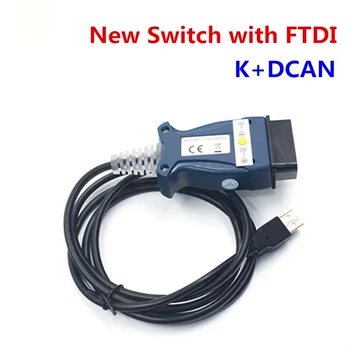
BMW INPA (clone)
The BMW INPA (clone) is powerful and affordable tool made specifically for BMW (older E-generatioms).

- Lot of features for this price
- INPA works for: E30 / E31 / E32 / E34 / E36 / E38 / E39 / E46 / E52 / E53 / E60-E61 / E63-E64 / E65-E66 / E70 / E71 / E81-E82-E87-E88 / E83 / E84 / E85-E86 / E90-E91-E92-E93 / Z3 / Z4 / Z8 — best/full support on K+DCAN cars up to ~2008 / partial only on post-2007 FlexRay modules. Does not work on F-series or G-series — use ISTA-D
Scores
Specs
| Tool type | Standalone device |
| User level | Professional |
| Vehicle focus | bmw |
| Free updates | Not included |
| Subscription | Not required |
What it’s actually good at
This is proper depth on an old BMW for almost no money. I ran it on my E46 with a check engine light. Straight into the engine module, read the fault, and what I love is how much detail comes with each code: full freeze-frame data showing the exact conditions when the fault happened. That’s the stuff that actually helps you diagnose, not just a code number.
It reaches every module, not just the engine. I checked the airbag module and read the status on all eight airbags, all healthy. Note that connecting to airbag or ABS lights up that warning on the dash, that’s normal scanner behaviour, not a fault.
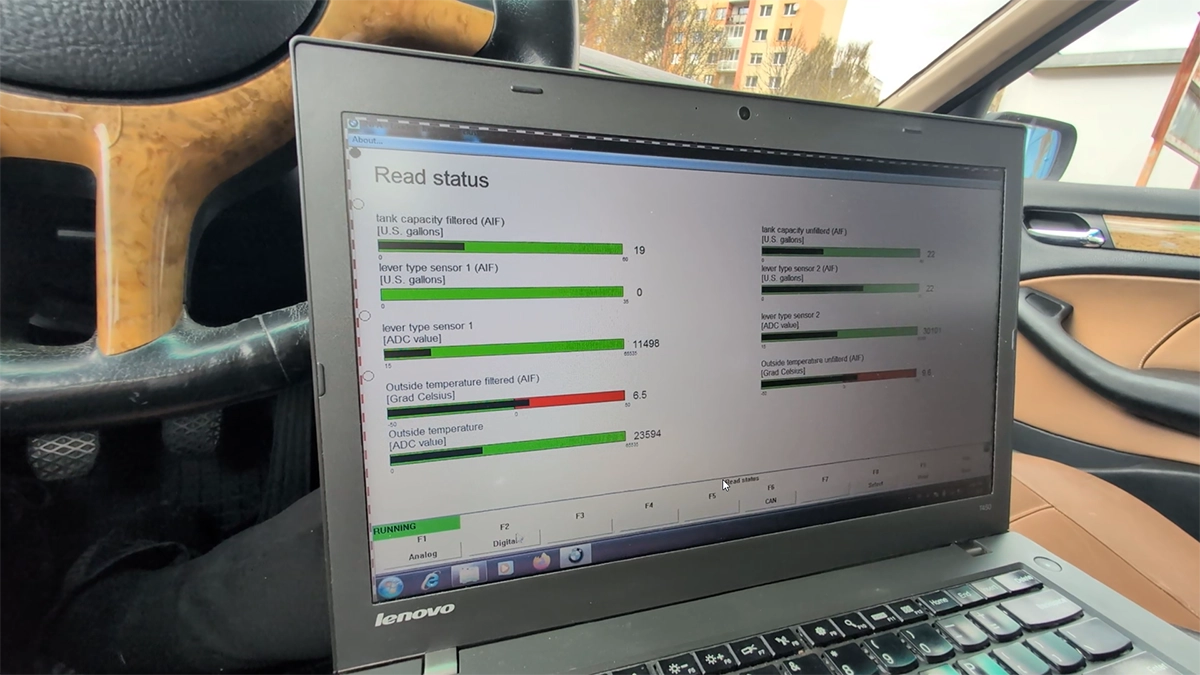
Live data is genuinely useful here. In the instrument cluster I watched parameters change in real time, blipped the throttle and saw RPM move. You can also run the gauges as a test, I sent the speedo and tacho to set values to check them.
My favourite modern trick with a tool this old: the language barrier doesn’t matter anymore. Faults come up in German, but you print or just photograph the screen, drop it into ChatGPT, and it tells you what the code means and what to check first. A $30 cable and a phone now does what used to need a BMW specialist.
Where it falls short
The power is real, the experience is rough. It’s clone software and it behaves like it. It wants Windows 7 to run happily, throws a “versions do not match” warning every time even on modules I clearly have, and regularly dumps me out of a module so I have to reselect the car model again.
None of that is a dealbreaker for the price, but it means this is not a plug-in-and-go tool. You fight it a little on every session.
The German fault descriptions are the other friction. The ChatGPT workaround handles it, but if you want to read your data natively, you can’t, and there’s no proper fix for that.
And the obvious limit: this is for older E-series BMWs only. It’s at its best on K+DCAN cars up to about 2008. Newer F-series and G-series cars need ISTA instead, INPA won’t touch them.
Who should buy this
Yes, buy it if:
- You own an older E-series BMW (E36, E39, E46, E60 and the like) and want deep, dealer-level access for next to nothing
- You’re comfortable running old Windows and fighting clunky clone software for the payoff
- You like the idea of photographing a German fault screen and letting AI translate and diagnose it
No, look elsewhere if:
- You have a newer F-series or G-series BMW, you need ISTA, not INPA
- You want something that just works without setup headaches and quirks
- You don’t want to deal with German menus or hunting down the right software setup
BMW INPA (clone)
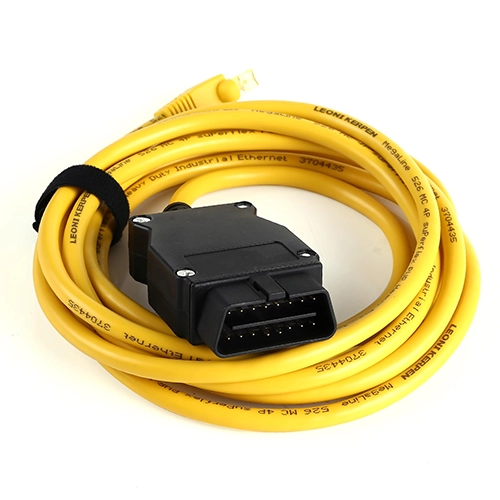 BMW ISTA (clone)
BMW INPA (clone)
BMW ISTA (clone)
BMW INPA (clone)
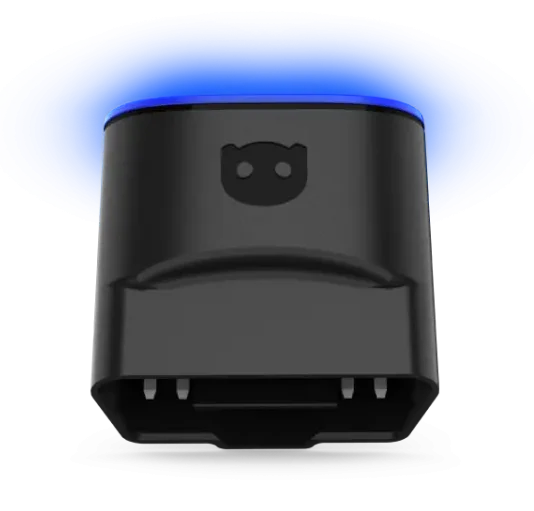 OBDeleven 3
BMW INPA (clone)
OBDeleven 3
BMW INPA (clone)
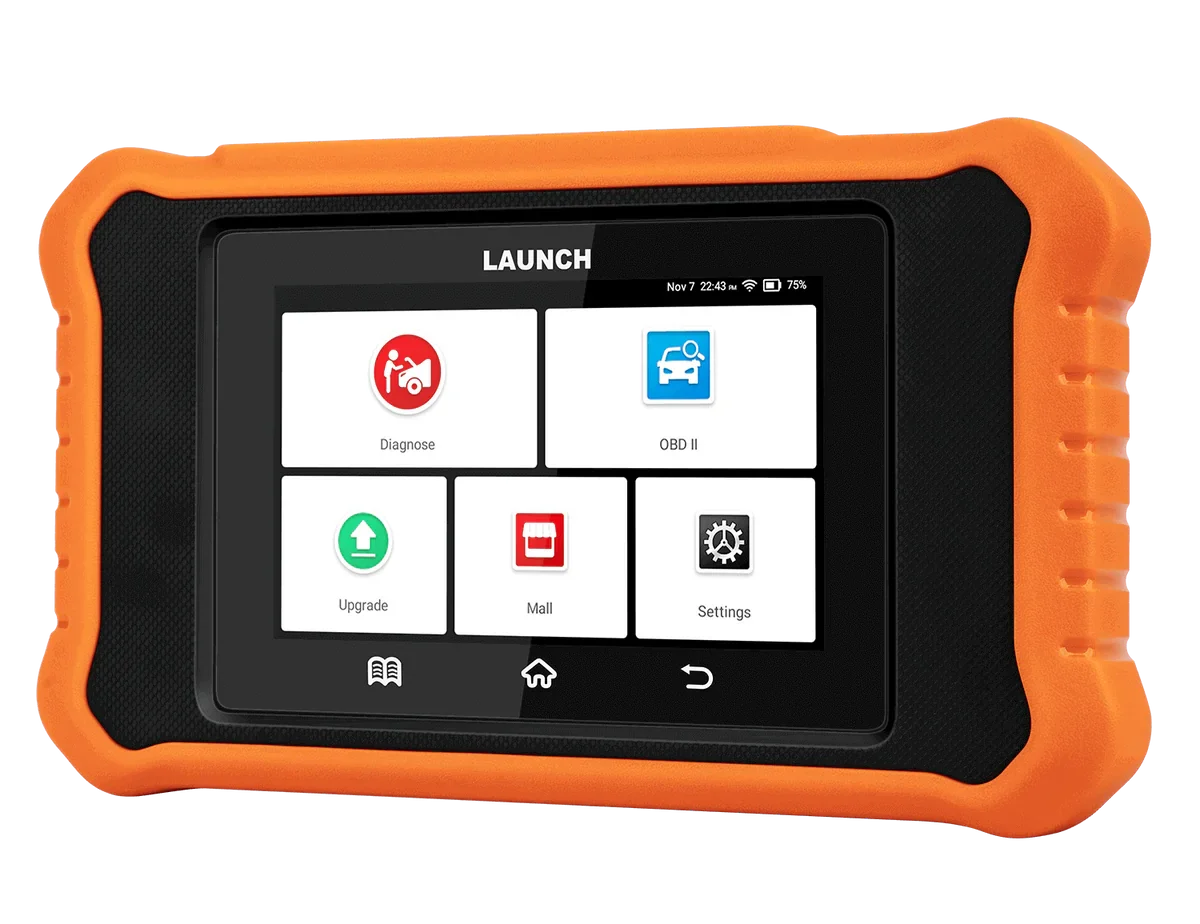 Launch Creader BMW
Still deciding rather than chasing an INPA cable? I line up the BMW tools I’ve tested, cheap clones up to easy handhelds, in my [best OBD2 scanners for BMW] roundup. The short version: INPA is the deepest cheap option for old Bimmers, but the roundup shows the easier routes if setup hassle isn’t your thing.
Final word
The BMW INPA clone is a $30 cable that gives dealer-level depth on older E-series BMWs: detailed freeze-frame data, per-module live data, gauge tests, the lot. But it’s clone software through and through, fiddly setup, old-Windows preference, cryptic warnings and German fault codes. If you run an old Bimmer and don’t mind fighting the software a little, the value is unbeatable. If you want something that just works, a simple handheld is the smarter buy.
Most popular OBD2 guides







I'm Juraj Lukacko and I work as an auto electrician. On this site I share what I learn from real work on real cars, to help you pick the right tools for diagnostics, programming and tuning and get the job done.
More about me →