
Published: April 24, 2026 · Last updated: June 2, 2026
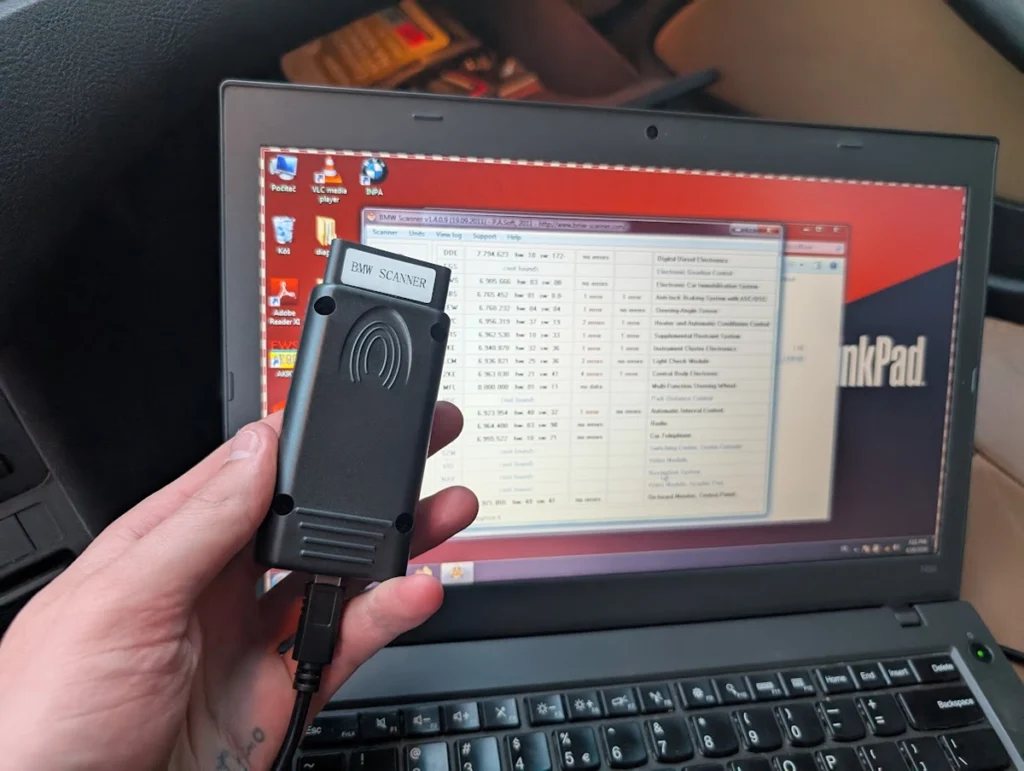
The BMW Scanner 1.4 (Pasoft) is a cheap Windows cable for older BMWs, E36, E38, E39, E46, E53. It reads fault codes, live data, and on many modules it reads EEPROM straight through the OBD port, no opening modules up. I bought it for one specific job: adding a second key to my E46, and it reads the immobiliser EWS data over OBD that other tools make you pull manually. The software looks ancient and it has no coding. Read on for what it actually does, the one thing it’s genuinely good at, and where it stops.
I earn from qualifying purchases and sometimes get tools for free (full disclosure). It never affects my scoring.
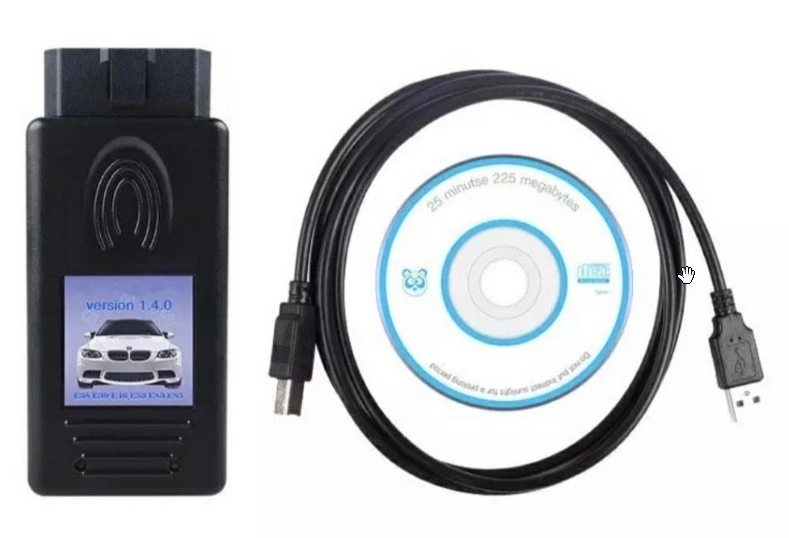
BMW Scanner 1.4
The BMW Scanner 1.4 is a specialized tool for BMW diagnostics from older models.

- Affordable
- Easy to use for BMWs
- Supports older models
- Limited to BMW
- Outdated interface
- No wireless connectivity
Service functions (5+)
Scores
Specs
| Tool type | Standalone device |
| User level | Professional |
| Vehicle focus | bmw |
| Free updates | Not included |
| Subscription | Not required |
Photos
Support & resources
| Hardware specs |
|
| Supported languages |  |
What it’s actually good at
The headline feature is reading EWS immobiliser data straight through the OBD port. That’s why I bought it. I had only one key for my E46 and wanted to add a second, and most tools make you physically get into the immobiliser module to pull that data. This one reads it over OBD. Into the EWS module, read data blocks, and there it is.
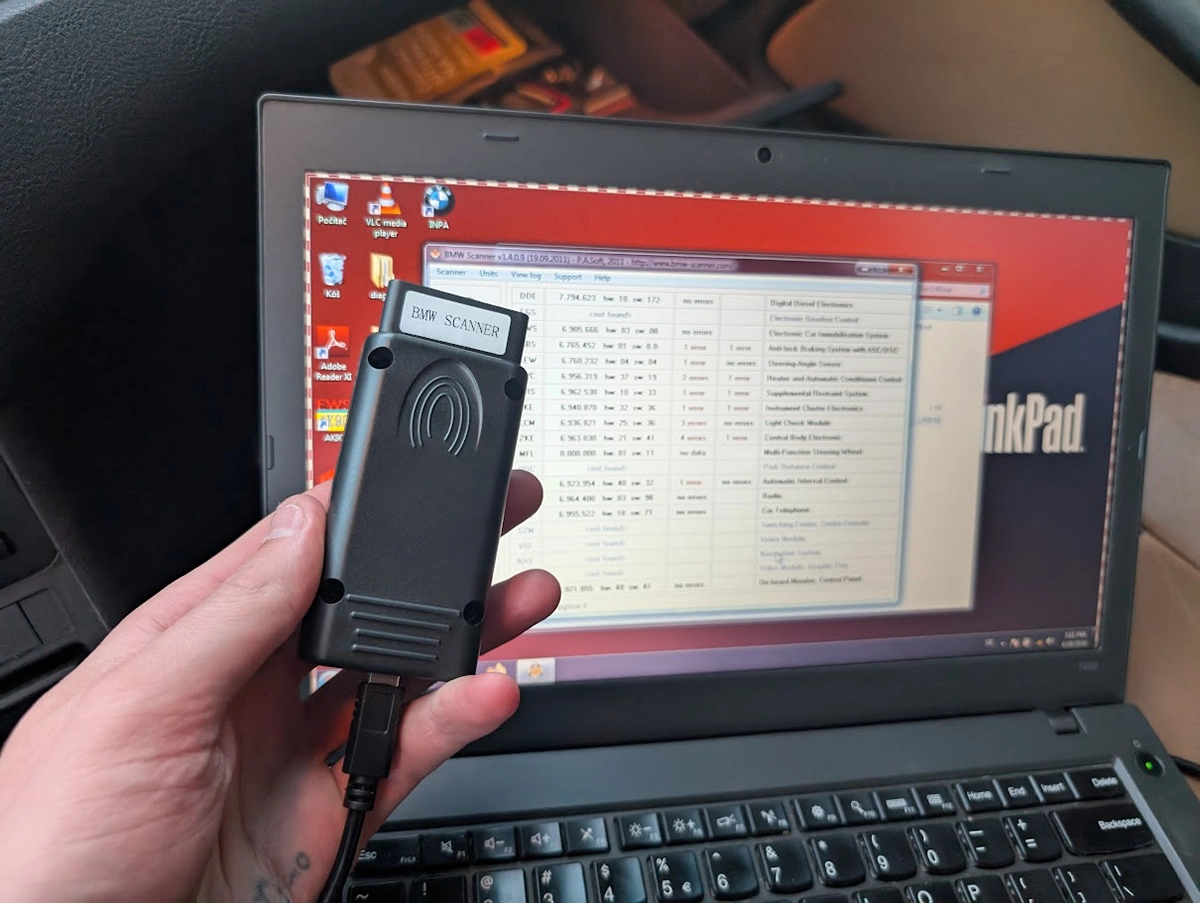
It also reads the rest of the car well for the money. I ran a full scan after a battery change, so it threw plenty of codes, and it clearly marks which faults are present right now (red) versus old stored ones (yellow). That present-versus-historic split is genuinely useful when you’re chasing a live problem.
You can enter any module to read and clear codes individually, and the live data updates in real time, I watched terminal status flip as I cycled the ignition. There’s also a freeze function to hold the values still while you read them.
One more handy touch: a clean VIN breakdown on the home screen with paint code, key type and the factory options list. And in the EWS you can see all key slots and disable a key, useful if you’ve lost one.
Where it falls short
It doesn’t do coding, and that caught me out at first. I thought I was editing coding functions with it, but that was actually one of the programs that comes bundled with INPA, not this tool. BMW Scanner 1.4 is for reading: fault codes, live data, EEPROM. Not for recoding modules.
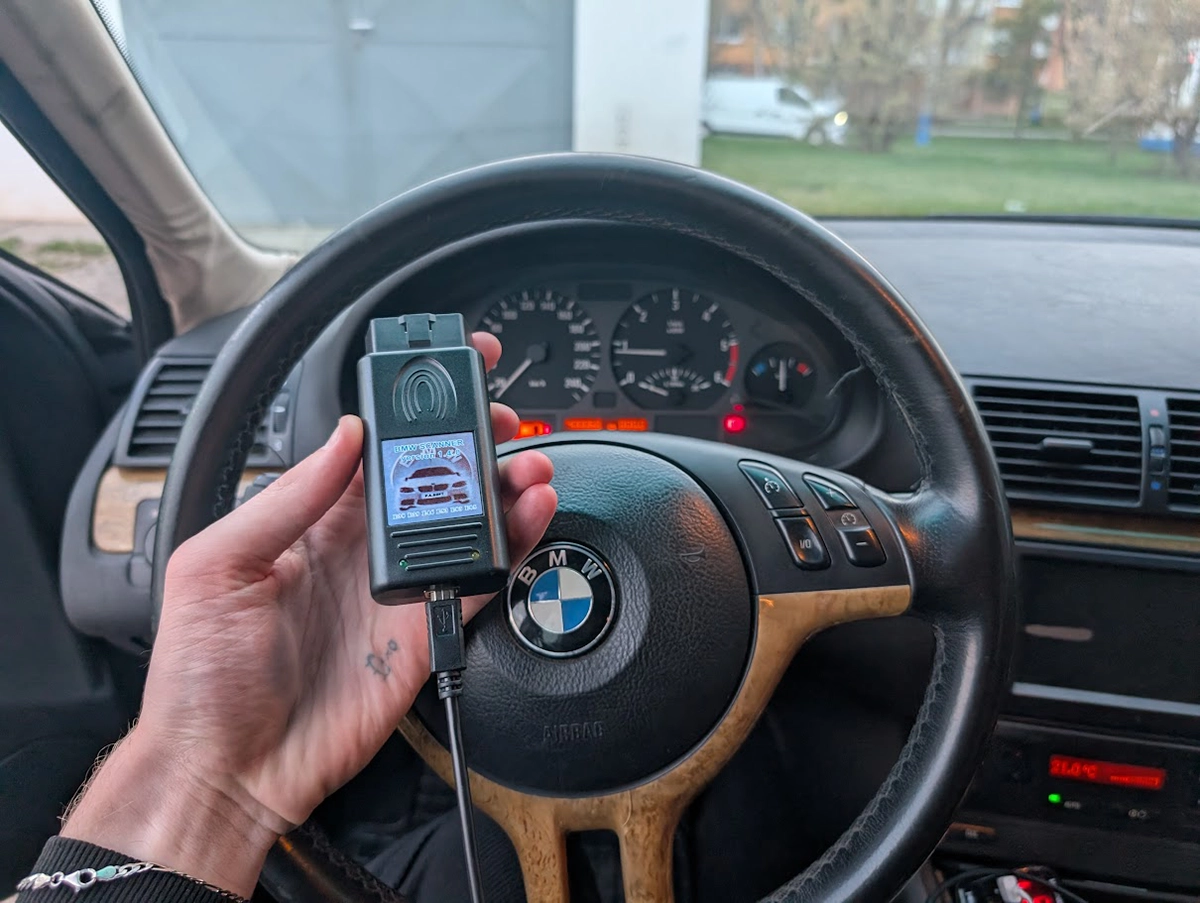
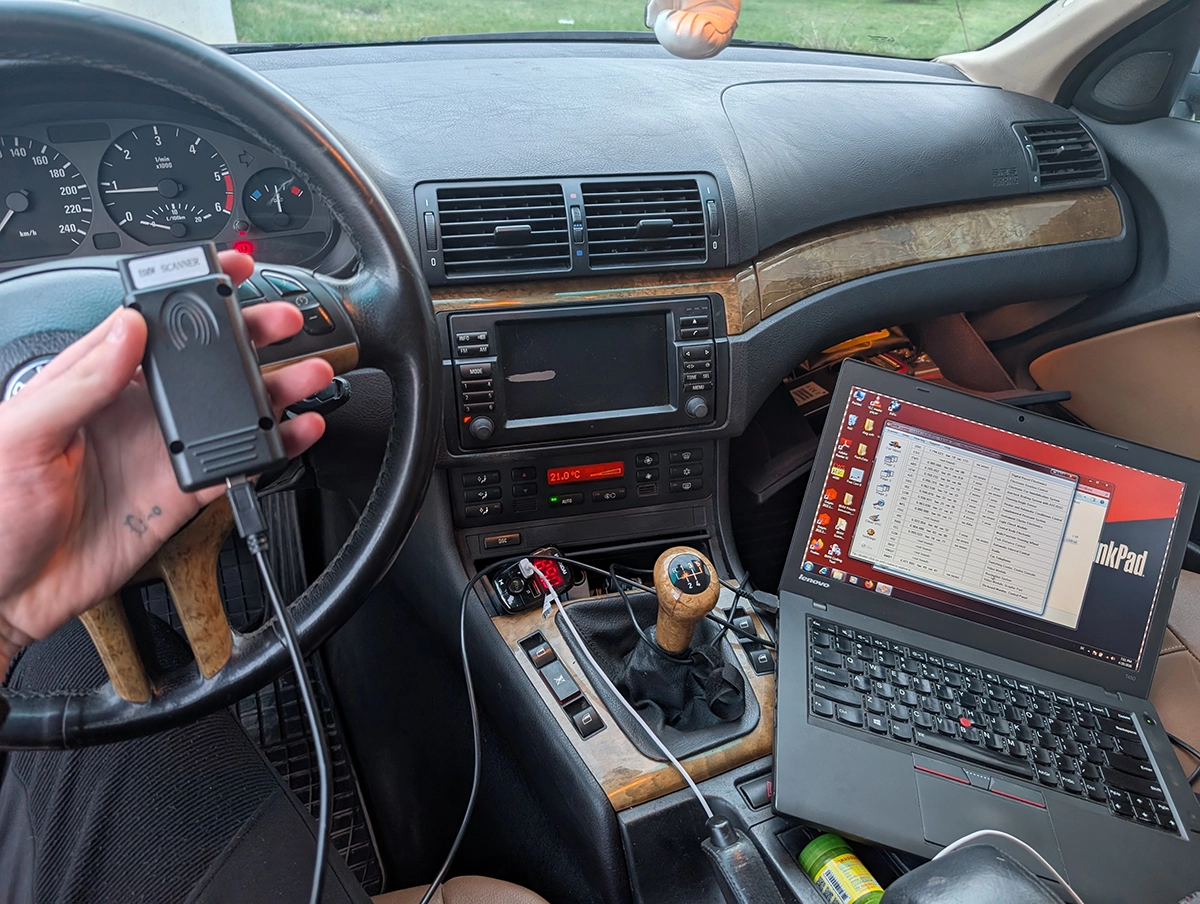
It’s also clone software showing its age. Sellers say Windows XP only, though it ran fine for me on Windows 7. On install I got a “hardware faulty” error, which turned out to mean you have to be connected to both the laptop and the car before launching the software, otherwise it won’t start.
The interface is dated and bare, and it’s BMW-only with no wireless, it’s a USB cable to a laptop. None of that is a dealbreaker at this price, but it’s not a plug-and-go modern tool.
Who should buy this
Yes, buy it if:
- You own an older BMW (E36 through E46, E53) and want to read EWS immobiliser data over OBD for key work without opening the module
- You want cheap fault-code, live-data and EEPROM reading on an old Bimmer and don’t mind old software
- You’re comfortable running it off a laptop on older Windows
No, look elsewhere if:
- You want to recode or program modules, this only reads, it doesn’t write coding
- You have a newer BMW, this is strictly for the older E-chassis cars
- You want something wireless or modern that just works without setup quirks
BMW Scanner 1.4
 BMW ISTA (clone)
BMW Scanner 1.4
BMW ISTA (clone)
BMW Scanner 1.4
 BMW INPA (clone)
BMW Scanner 1.4
BMW INPA (clone)
BMW Scanner 1.4
 Launch Creader BMW
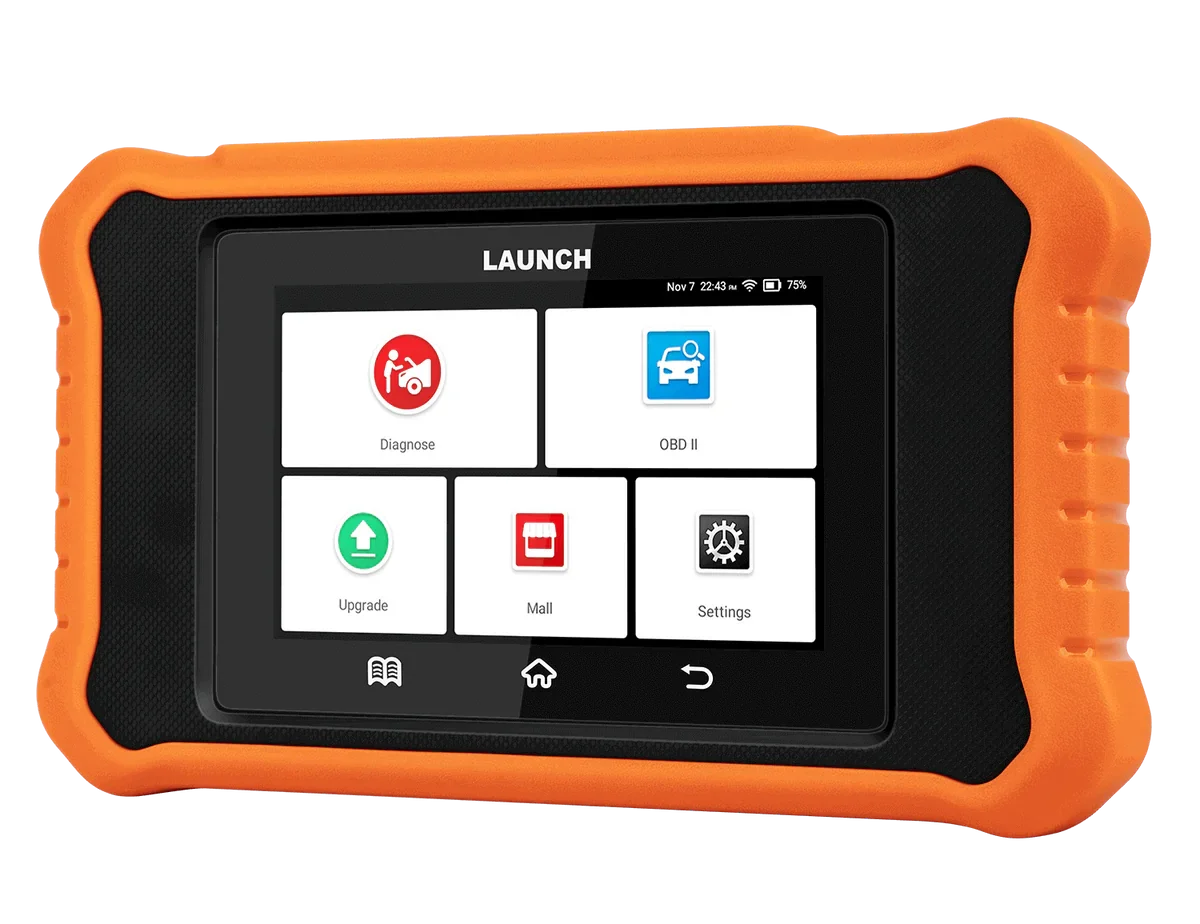
Still deciding rather than chasing a BMW Scanner 1.4 listing? I line up the BMW tools I’ve tested, cheap clones up to easy handhelds, in my [best OBD2 scanners for BMW] roundup. The short version: this one is a cheap specialist for reading old-BMW immobiliser and EEPROM data, but the roundup shows the easier routes if that’s not your specific need.
Final word
The BMW Scanner 1.4 is a cheap Windows cable that does one thing genuinely well: reading EWS immobiliser and EEPROM data over OBD on older BMWs, which is exactly why I bought it for a key job on my E46. It also handles fault codes and live data fine, with a clear present-versus-historic split. But it doesn’t code, the software is ancient, and it’s a laptop-only BMW specialist. If you’ve got an old Bimmer and a specific reading job like keys or EEPROM, it’s great value. For general use, an easier tool makes more sense.
Most popular OBD2 guides







I'm Juraj Lukacko and I work as an auto electrician. On this site I share what I learn from real work on real cars, to help you pick the right tools for diagnostics, programming and tuning and get the job done.
More about me →