
OBDeleven 3 vs OBDeleven 2: Is the New Adapter Worth Upgrading?

Published: December 5, 2025 · Last updated: June 3, 2026
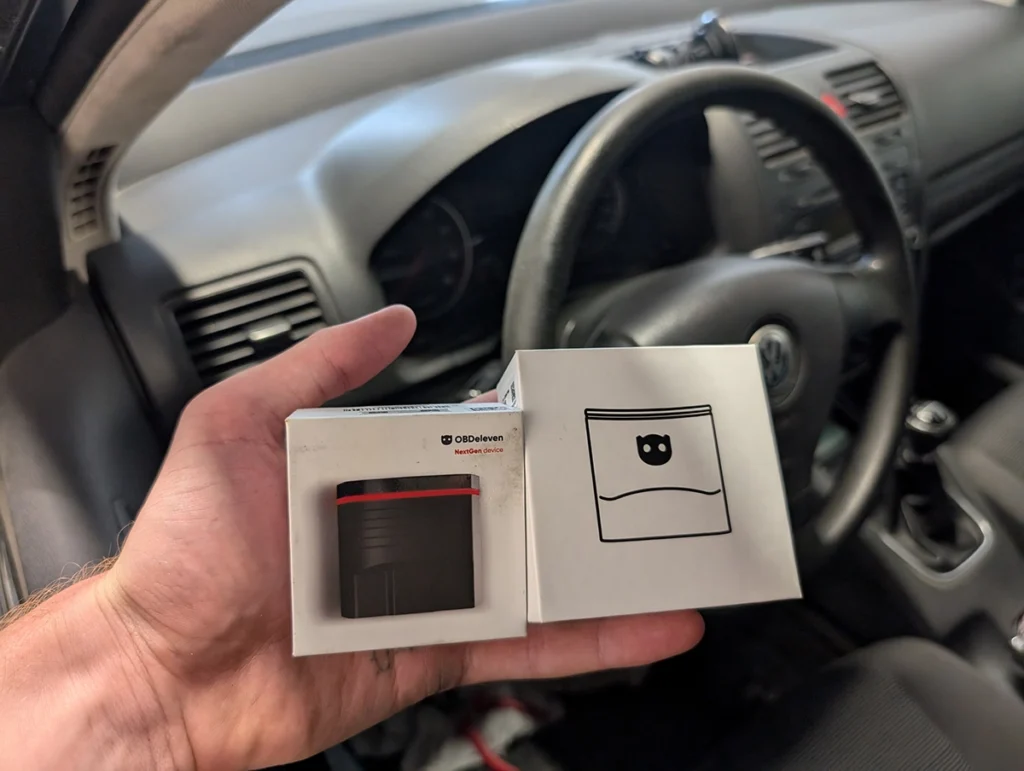
The OBDeleven 3 is the latest version of the smartphone VAG coding adapter, and it’s basically the OBDeleven 2 made faster and more future-proof. I tested it back-to-back against my old OBDeleven 2 on my Golf 5. The headline: if you’re buying one today, get the 3, because new CAN-FD hardware makes it noticeably quicker and it’s the version they’re adding BMW, Toyota and Ford support to. For VAG it works the same, just faster. Read on for the real speed numbers, what actually changed, and whether an upgrade is worth it.
I earn from qualifying purchases and sometimes get tools for free (full disclosure). It never affects my scoring.
OBDeleven 3 – first look and comparison with old adapter
OBDeleven 3
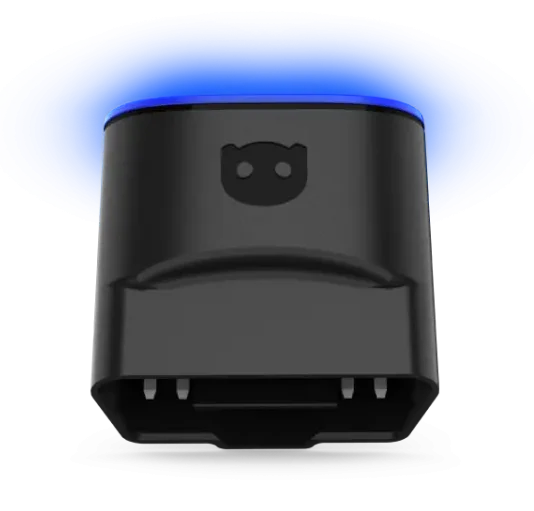
The OBDeleven 3 is latest generation OBDeleven adapter with improved hardware for VAG coding, adaptations and diagnostics via smartphone.

- Strong VAG coding and adaptations
- Improved hardware over previous versions
- Works with BMW Toyota Ford beyond VAG
- Credit system adds cost over time
- Subscription needed for advanced features
- Best for VAG vehicles only
Scores
Specs
| Tool type | Standalone device |
| User level | Advanced |
| Vehicle focus | vag, bmw, toyota, lexus, ford |
| Free updates | Not included |
| Subscription | Required ($70/yr) |
| Locked features | coding, adaptations |
Support & resources
| Need help with tool? | Open tool support page ↗ |
| Will this work for my car? | Open coverage check page ↗ |
Real-world procedures tested with this tool
 How to disable seatbelt chime on Mercedes C-Class W204 2008
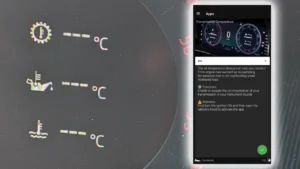 How to display gearbox, oil and coolant temperatures in the Virtual Cockpit on Skoda Octavia 4 (NX)
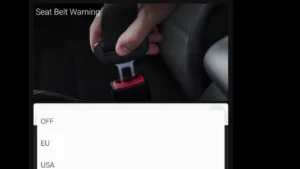 How to deactivate the seatbelt warning chime on Skoda Octavia 4 (NX)
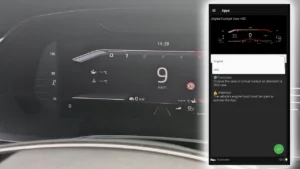 How to enable VRS sport display in the Virtual Cockpit on Skoda Octavia 4 (NX)
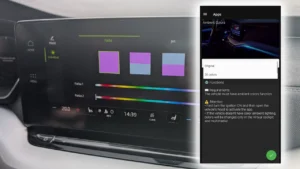 How to activate 30-color ambient lighting on Skoda Octavia 4 (NX)
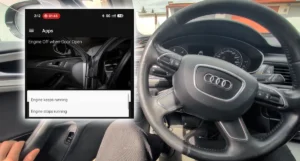 How to Change Engine Off When Door Open Behavior on Audi A6 2013 (C7)
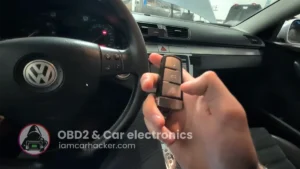 Acoustic confirmation (lock/unlock sound) – Passat B6 2.0 TDI (2008)
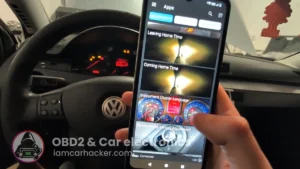 Instrument cluster language change – Passat B6 2.0 TDI (2008)
What it’s actually good at
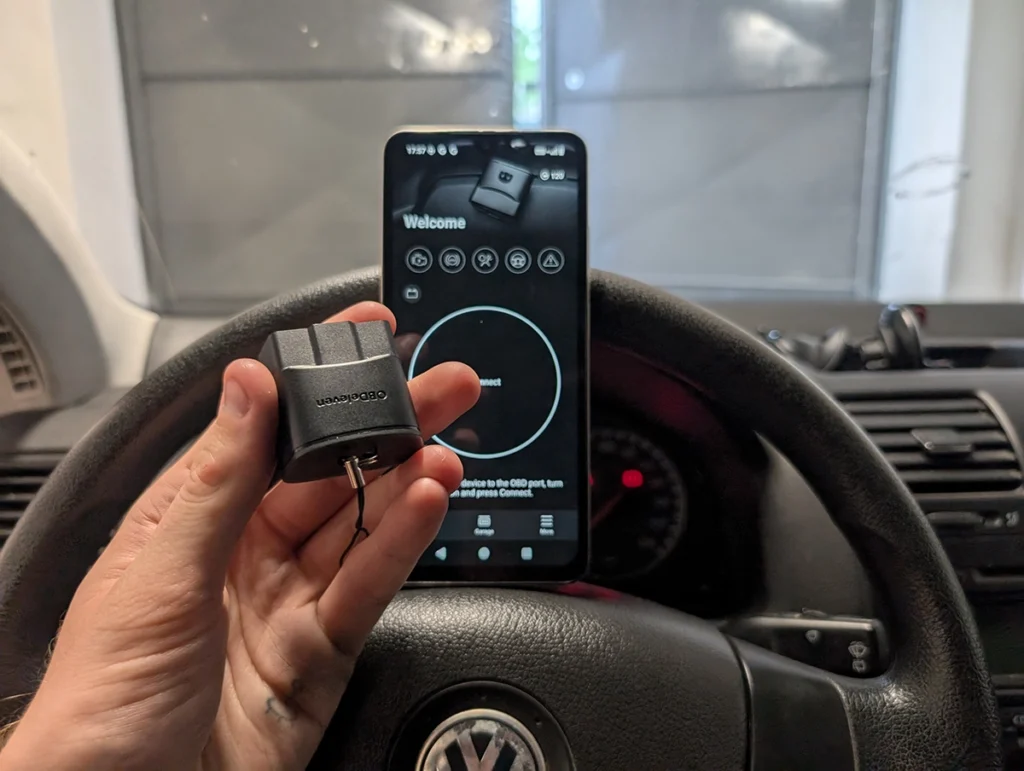
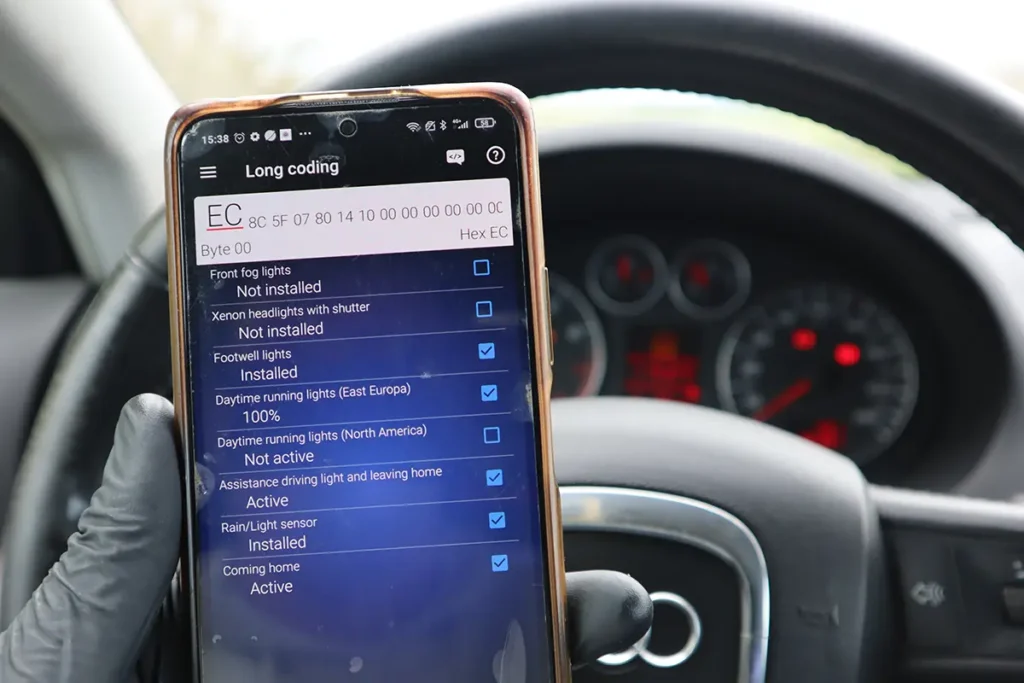
VAG coding and adaptations are the whole reason to own this, and OBDeleven is still the king of doing it from a phone. On my Golf 5 the one-click apps worked instantly, US DRL coding applied in seconds, and when a feature wasn’t supported (the footwell light app, because my Golf doesn’t have the hardware) it told me so instead of silently eating credits. That “not supported” warning is genuinely useful, it saves you money.
The new hardware is meaningfully faster. I ran a full scan three ways on the same Golf:
- Old adapter + old app: about 3:35
- New adapter + old app: about 2:40
- New adapter + new app: about 2:00
So roughly 30 to 45% quicker. Still not the fastest scanner I own, but a real improvement, and the CAN-FD hardware matters on newer cars.
The adapter itself is tiny, low power and safe to leave plugged in, and the Bluetooth connection stays stable. Coverage is now expanding beyond VAG to BMW, Toyota, Lexus and US Ford, so buying the 3 means you’re ready for those brands as support grows.
Where it falls short
It’s a VAG tool first, and the multi-brand stuff is a bonus, not a reason to buy. BMW, MINI, Toyota and Lexus support exists but it’s lighter, good for basic resets and simple features, not a replacement for a proper brand tool. The Toyota hybrid battery check is the only real standout outside VAG. Everything else non-VAG is just standard OBD2.
The credit and subscription model adds up over time. Manual coding needs the PRO plan, and one-click apps always cost credits. On VAG that’s manageable, but if you’re coding lots of features across other brands, the credits make it pricey.
A few practical annoyances too. The new app asked me to enter the VIN manually, and it’s more cloud-dependent than before, so you need internet for most things. Bad signal in your garage will be a problem. Also worth knowing: SFD cars work, but SFD2 (2024+) isn’t supported yet.
Who should buy this
Yes, buy it if:
- Your main car is VAG and you want the best phone-based coding and adaptations there is
- You’re buying your first OBDeleven and want the future-proof hardware as multi-brand support grows
- You value the clear “not supported” warnings that stop you wasting credits
No, look elsewhere if:
- You want deep coding on BMW, Toyota or other non-VAG brands, this is light there, get a proper brand tool
- You already own an OBDeleven 2 and only work VAG, the upgrade is mostly just speed
- You want a subscription-free tool, the credit and plan model adds ongoing cost
OBDeleven 3
 Carista APP
OBDeleven 3
Carista APP
OBDeleven 3
 Thinkdiag2
OBDeleven 3
Thinkdiag2
OBDeleven 3
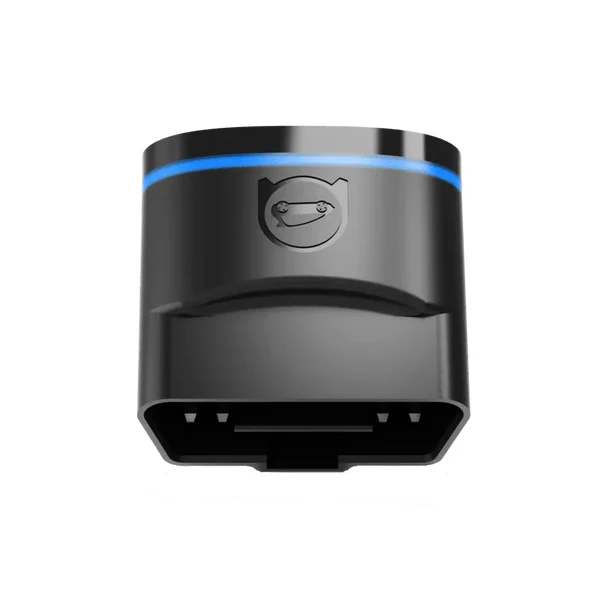 OBDeleven 2 nextgen
Still deciding rather than chasing an OBDeleven deal? I keep a dedicated [best VAG OBD2 scanners] list with the coding tools and tablets I’ve tested. The short version: OBDeleven 3 is the phone-based VAG coding pick, but the list shows where a tablet or VCDS makes more sense.
Final word
The OBDeleven 3 is the same great VAG coding adapter as before, now with faster CAN-FD hardware and growing BMW, Toyota and Ford support. If you’re buying your first one, get the 3, it’s future-proof and noticeably quicker. If you already own the 2 and only work VAG, the upgrade is mostly speed. It’s still a VAG tool at heart, and the best one there is for coding from a phone, just mind the credit costs and the internet dependence.
Most popular OBD2 guides









Responses