Published: November 23, 2026 · Last updated: November 23, 2026
Saab is a GM-era car, so the factory tool is a GM tool. For the 9-3 and the first 9-5 that is the Tech2 with the Saab software card. For the last 9-5 (from 2010) and the 9-4X it is GDS2 on a laptop. A GM MDI 2 clone runs both on one laptop as Tech2Win and GDS2, if you are ready for a hard install.
You only need those for keys, module pairing and the deep settings. For fault codes in all systems, live data and service resets, a Saab handheld or a good universal tablet is easier to live with. I have not put a Saab on my own bench yet, so this page is built from the makers' data and from what Saab owners use, and I say where something is not confirmed.
I earn from qualifying purchases and sometimes get tools for free (full disclosure). It never affects my scoring.
Best OBD2 scanners for Saab
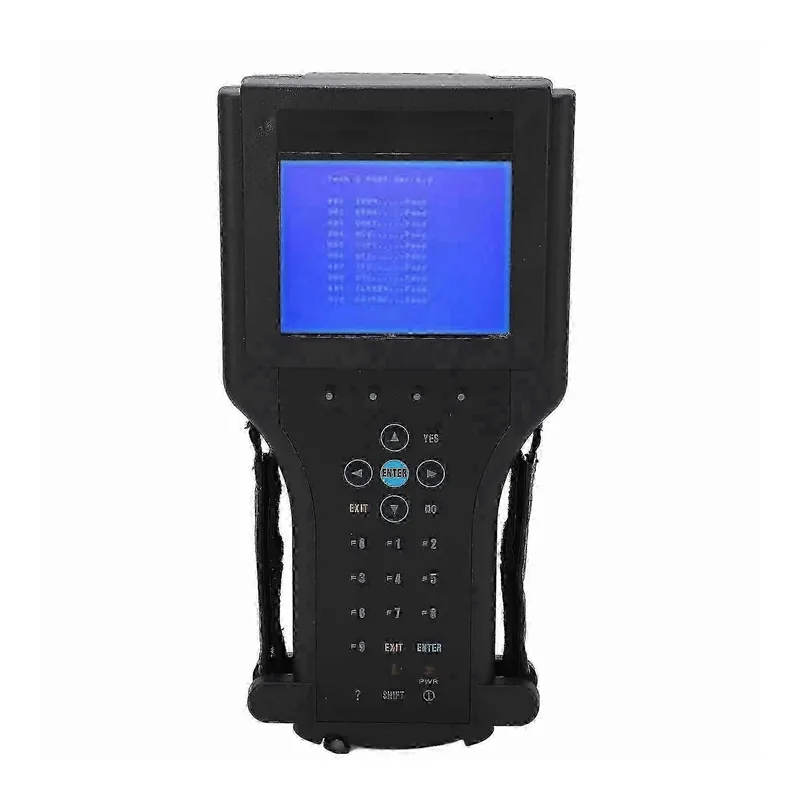
GM Tech2 (clone)
Clone of the GM factory handheld. With the Saab software card it is the dealer tool for the Saab 9-3 and 9-5, and it works standalone with no laptop for diagnostics.
- ✓Dealer-level access on Saab 9-3 and 9-5 with the 148.000 card
- ✓Standalone handheld with no software to install for diagnostics
- ✓One tool for other GM brands by swapping the software card
- ✕Clone quality varies a lot between sellers
- ✕Security access for keys and module pairing needs a laptop with TIS2000 or GlobalTIS
- ✕Needs the CANdi module on CAN cars
- ✕Does not cover the 9-5 from 2010 and the 9-4X
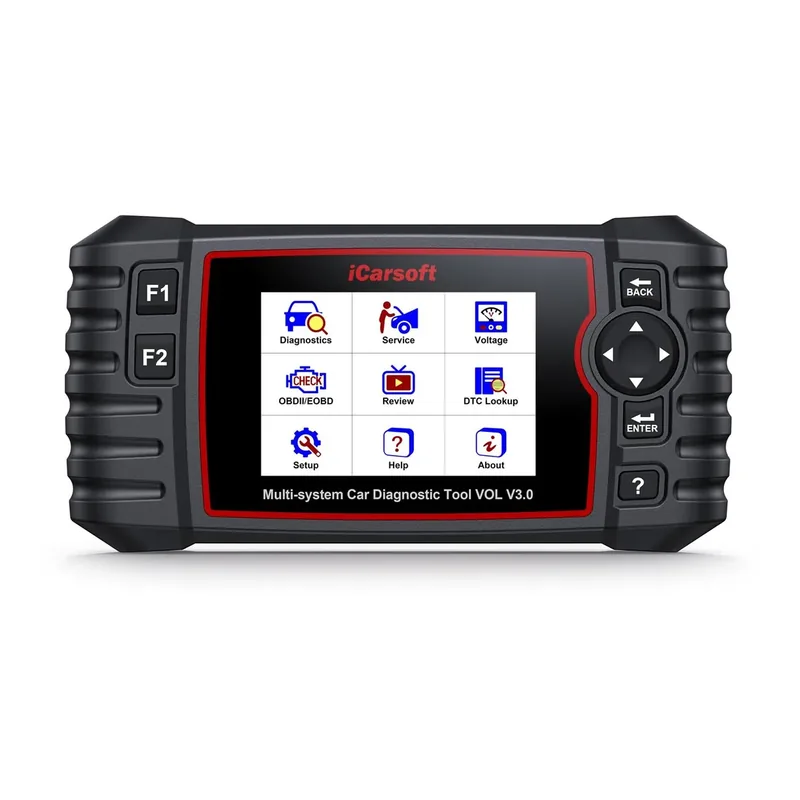
iCarsoft VOL V3.0
Handheld one-brand scanner for Saab and Volvo: all systems, live data, active tests and 28 service functions, with lifetime free updates and no laptop.
- ✓Made for Saab and Volvo
- ✓No laptop and no clone software
- ✓Lifetime free updates with no subscription
- ✓15 menu languages
- ✕No key programming and no module pairing (that stays with Tech2)
- ✕The maker does not publish which Saab models and years are covered
- ✕Small 4 inch screen with buttons
- ✕Updates need a Windows PC and the card reader
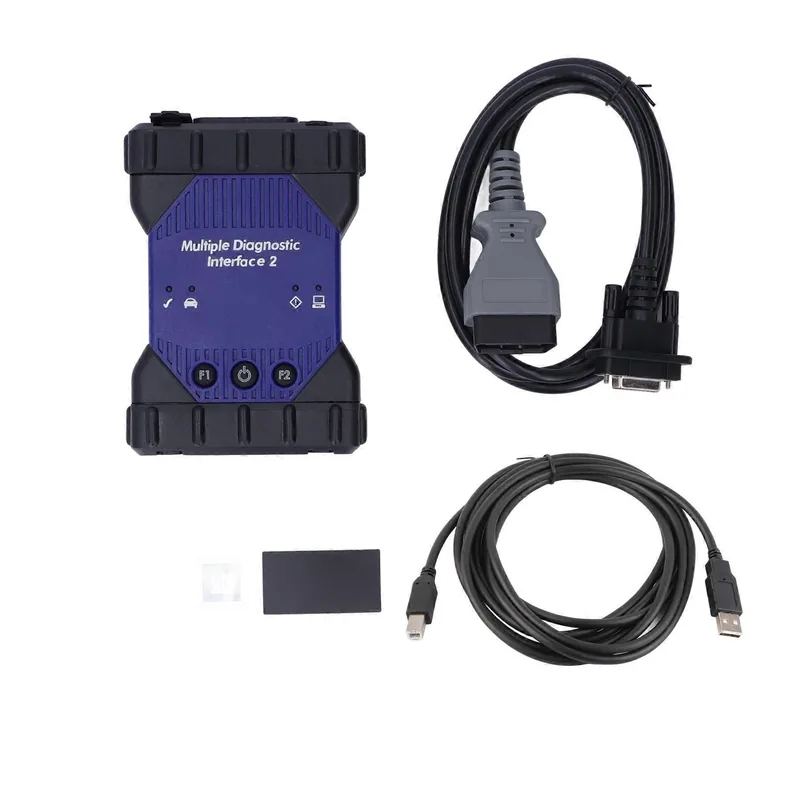
GM MDI 2 (clone)
Clone of the GM factory laptop interface. It runs Tech2Win and GDS2, so one interface covers the Saab 9-3 and 9-5 as well as the 9-5 from 2010 and the 9-4X, and the newer GM and Opel cars.
- ✓One interface for Tech2Win and GDS2
- ✓Saab owners report key programming and security access through GlobalTIS on the 9-3
- ✓Cheaper than a Tech2 kit
- ✓No software card or CANdi module to fail
- ✕Laptop only and the install is hard like every clone software
- ✕Saab needs a community-patched Tech2Win with the Saab software file (the stock one reports I-Bus missing on the 9-3 from 2003)
- ✕Clone quality varies between sellers
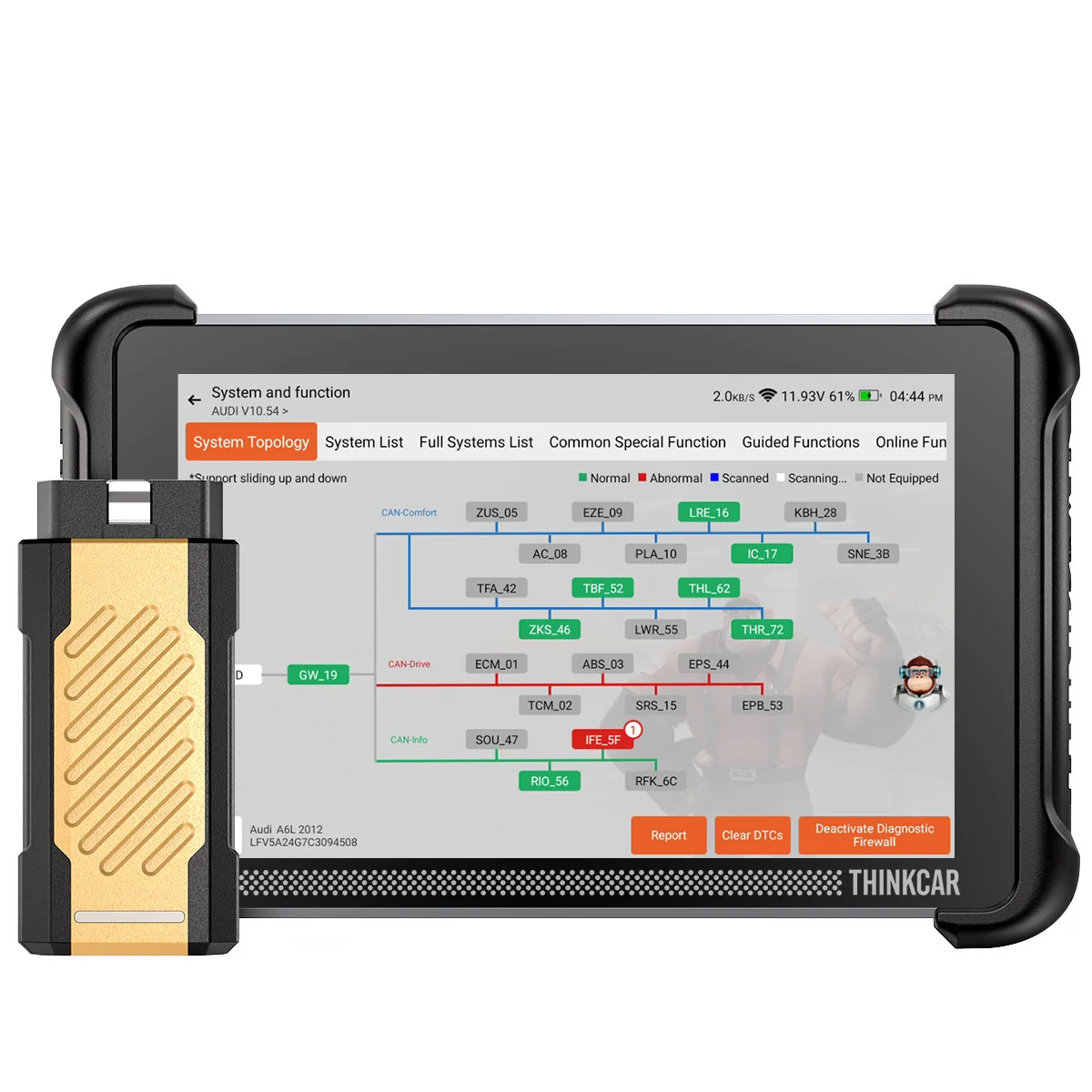
Thinkscan 689BT Pro 8.7 / 10
My personal favourite go-to scanner for diagnosing, checking used cars. service resets or even coding new features. Topology feature is also nice to have.
- ✓Best coding interface I've used
- ✓Good coding support for variety of brands
- ✓Choose to scan only the modules you need
- ✓Records any live data values with CSV export straight to email
- ✓Easiest UX of all my scan tools
- ✓Small and light so easy to carry
- ✓Magnetic dongle holder on the back
- ✓Topology scan
- ✓J2534 programming
- ✓Free lifetime updates
- ✓Custom background image
- ✕Odometer correction supports only around 10 brands
- ✕Key programming needs TKEY add-on and often a PIN that can't be read through OBD
- ✕High speed scan can be less stable than smart scan
- ✕Advanced resets require internet connection
- ✕Topology is more of a luxury so standard 689BT saves money
👍 Also worth a look
Good tools that did not make the table.
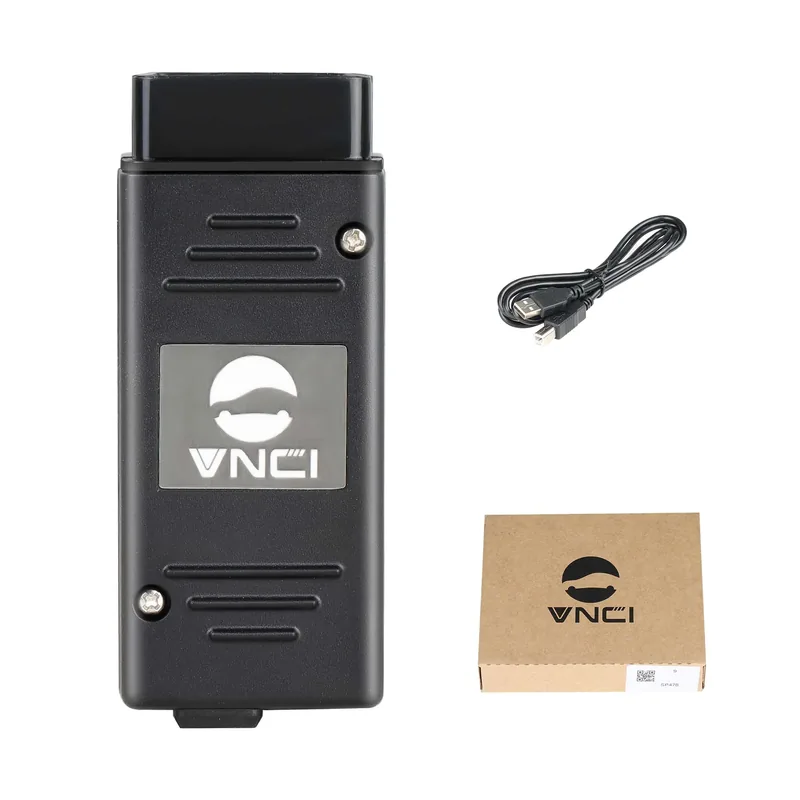
⚠️ Do not buy this one for a 9-3 or an older 9-5
Tested, returned, or regretted.
Which tool for which Saab
Tech2 with the Saab card 148.000, or the same software as Tech2Win on a laptop with an MDI 2 clone. The handheld needs the CANdi module on the 9-3 from 2003 and the 9-5 from model year 2006. The older 900 and 9000 use an older Saab card.
These moved to GDS2, the newer GM laptop software. Tech2 does not cover them. A GM MDI 2 clone with GDS2 is the way in.
Pairing a key or a used module needs security access. On Tech2 that means a laptop with TIS2000 or GlobalTIS next to the handheld, with the MDI 2 clone it is GlobalTIS on the same laptop. No universal scanner on this page replaces that step.
You do not need dealer software for this. The iCarsoft VOL V3.0 is the simple Saab handheld, a universal tablet makes more sense when you also work on other brands.
Tech2Win is the Tech2 software on a laptop. It works on a Saab with a GM MDI or MDI 2 clone and the patched version Saab owners share. It does not work on a Saab with the VXDIAG VCX Nano. If you do not want to fight an install, buy the Tech2 handheld.
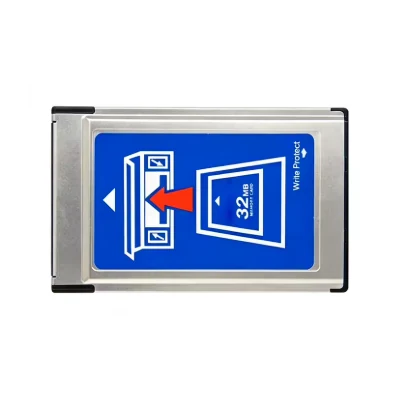
The Tech2 and its Saab card
GM Tech2 (clone)
The Tech2 itself knows no car brand. The software card in the top slot decides it, so a kit sold for GM or Opel will not open a Saab until you put the Saab card in. Many kits ship with another brand, which is why I list the Saab card separately. Ask the seller which card and which CANdi module are in the box before you pay.
If you own a Saab and one of these tools worked or failed on it, tell me the model, the year and the job. I add reader results to this page.




I'm Juraj Lukacko and I work as an auto electrician. On this site I share what I learn from real work on real cars, to help you pick the right tools for diagnostics, programming and tuning and get the job done.
More about me →