
Best OBD2 scanners for Fiat/Alfa Romeo/Lancia that actually WORK

Last Updated on March 23, 2026 by Juraj
Italian brands like Fiat, Alfa Romeo, and Lancia often hide quirks behind their ECUs and multiplex networks. A generic OBD2 scanner might read engine codes, but if you want deeper system access (ABS, airbags, body modules, adaptations, coding), you’ll need something more. The key is choosing tools that support their proprietary protocols (CAN, older K-lines, etc.) and work with software like MultiEcuScan or AlfaOBD.
Affiliate Disclosure: iamcarhacker.com is an Amazon and other affiliate programs Associate. As an Amazon Associate, I earn from qualifying purchases. Full Affiliate disclosure.
Quick recommendations for FAL cars
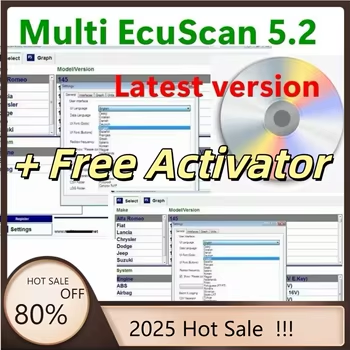
Multi ECU scan (clone)
The MultiEcuScan software is one of the best diagnostic programs for Fiat, Alfa Romeo, and Lancia vehicles. It provides dealer-level access to engine, ABS, airbag, steering, and body modules. Many AliExpress bundles include ELM327 cables and colored adapters for module access, but you can also get the official free version to try before buying.
Download official MultiEcuScan (Free Version)

Mucar 892BT
The Mucar 892BT is a fast, full-system bi-directional scanner that supports ECU coding, service resets, and comes with free lifetime updates. It’s one of the quickest tablets I’ve tested on Fiat and Alfa cars, ideal for DIYers who want professional functions without paying dealer prices.
(10% OFF with “CARHACKER” on official website)
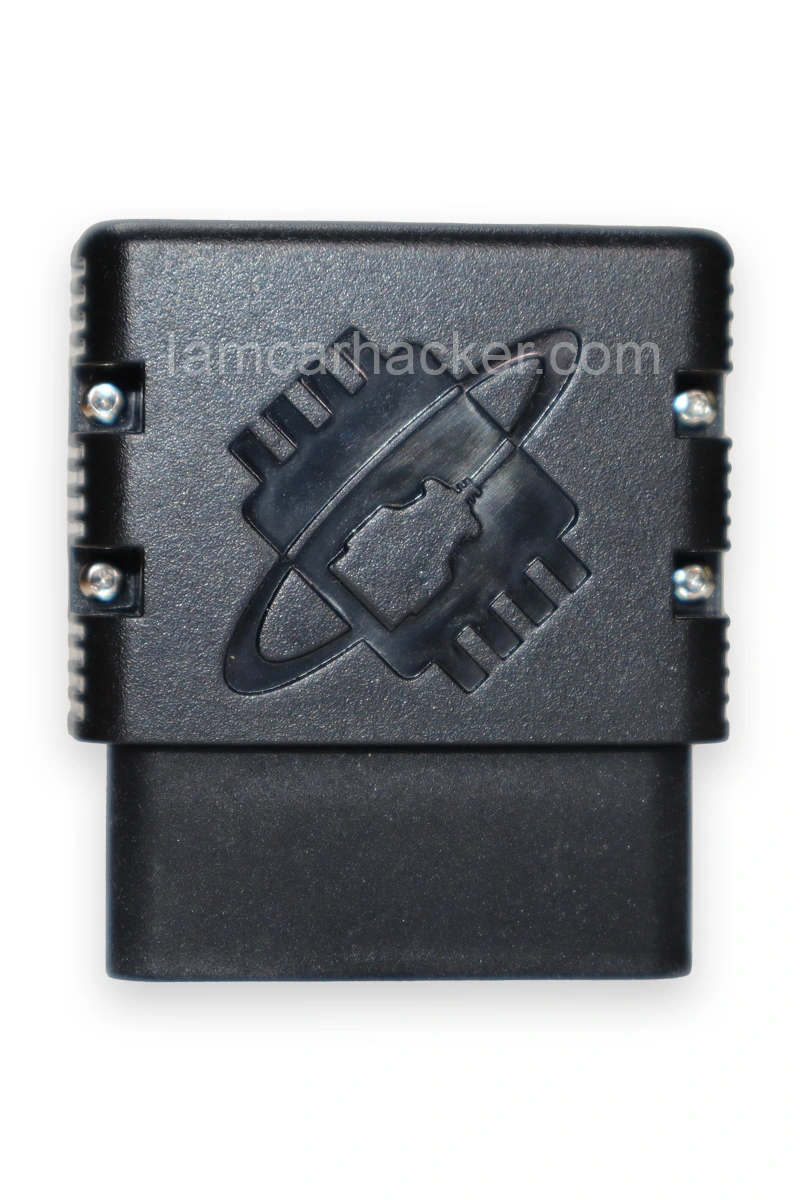
OBDlink Mx+ AlfaOBD
This combo is a top-tier mobile setup for Fiat, Alfa, and Lancia. The OBDLink MX+ adapter connects flawlessly with the AlfaOBD app, giving you full-system diagnostics, live data, actuator tests, proxi alignment, and even coding features – all from your phone.
Download AlfaOBD Official Site

XTool A30M
Xtool A30M is a semi-professional scanner for smartphones and tablets. It performs full-system diagnostics, live data viewing, bi-directional testing, and over 20 service resets. Perfect balance between portability and functionality.
(10% OFF with “CARHACKER” on official website)

Mucar 682
Mucar 682 is the most affordable bi-directional scan tool that still offers full-system diagnostics. It includes 20+ service functions, bi-directional tests, and free lifetime updates, making it the best budget option for Fiat and Alfa owners.
(10% OFF with “CARHACKER” on official website)
My insights after testing 100+ OBD2 tools

I’ve tested literally hundreds of OBD2 scanners, so let me tell you why I find these the best value for money.
First OBD2 scanner for Fiat / Alfa / Lancia – my simple guide
If you’re buying your first scanner for an Italian car, here’s the no-nonsense version.
What OBD2 actually gives you
✅ Basic readers: engine codes, live data, clear CEL
✅ Better tools: ABS, airbag, transmission, body computer, service resets
✅ With the right software: proxi alignment, adaptations, coding
Pick your route
➡️ Phone route (easy): AlfaOBD app + a quality Bluetooth dongle (OBDLink MX+ or vLinker MC/FS). Great for owners who want full access without a laptop.
➡️ Laptop route (deep): MultiEcuScan (MES) on Windows + USB interface (vLinker FS or OBDLink SX) + color adapters for specific modules.
What to check before you buy
✅ Your car’s year and protocol
Many Fiat/Alfa/Lancia still use older K-Line on some modules. Make sure your tool supports CAN + K-Line or uses MES color adapters (A1–A5).
✅ Quality interface
Go for OBDLink or vLinker. They are stable and fast.
❌ Skip €5 “ELM327 v2.1” clones. They drop connections and miss modules.
✅ SGW on newer cars
Some 2018+ Stellantis cars have a Security Gateway. You can read data normally, but to write changes (clear codes, adaptations, proxi) you’ll need a bypass. Search “FCA SGW bypass 12+8”.
✅ Updates and support
Look for tools with regular updates and decent docs. It saves you time when models change.
✅ Power and safety
For coding or proxi, keep the battery charged. A weak battery during a write is how you brick stuff.
Simple starter kits I recommend
?➡️ Budget, engine only: basic code reader to see what the CEL means. Fast and cheap, limited access.
?➡️ Owner setup (most people): AlfaOBD + OBDLink MX+. Full-system access from your phone, easy to carry.
?➡️ PC power user: MES + vLinker FS + adapter set. Best coverage across older K-Line and newer CAN modules.
Official downloads
- ✅ MultiEcuScan (free version available): https://www.multiecuscan.net/
- ✅ AlfaOBD: https://www.alfaobd.com/
Most popular OBD2 guides










Responses