
Published: June 14, 2023 · Last updated: March 26, 2026
I am a big fan of Bluetooth OBD2 scanners and have used them for a few years. There are literally hundreds of different apps, and most of them ask you to buy the pro version even to use basic functionality.
I combined my long-term experiences with a few days of testing these OBD apps one after another and came up with a list of the best free and best apps worth paying for.
VIDEO: Best OBD2 apps overview
What are the best OBD2 apps?
I tried to pick the best app in multiple categories and avoid spamming very similar apps in this list. There are apps for diagnosing and customization, but also ones that will ease you up working with your Bluetooth OBD scanner.
1. OBD Connector – OBD2 port location
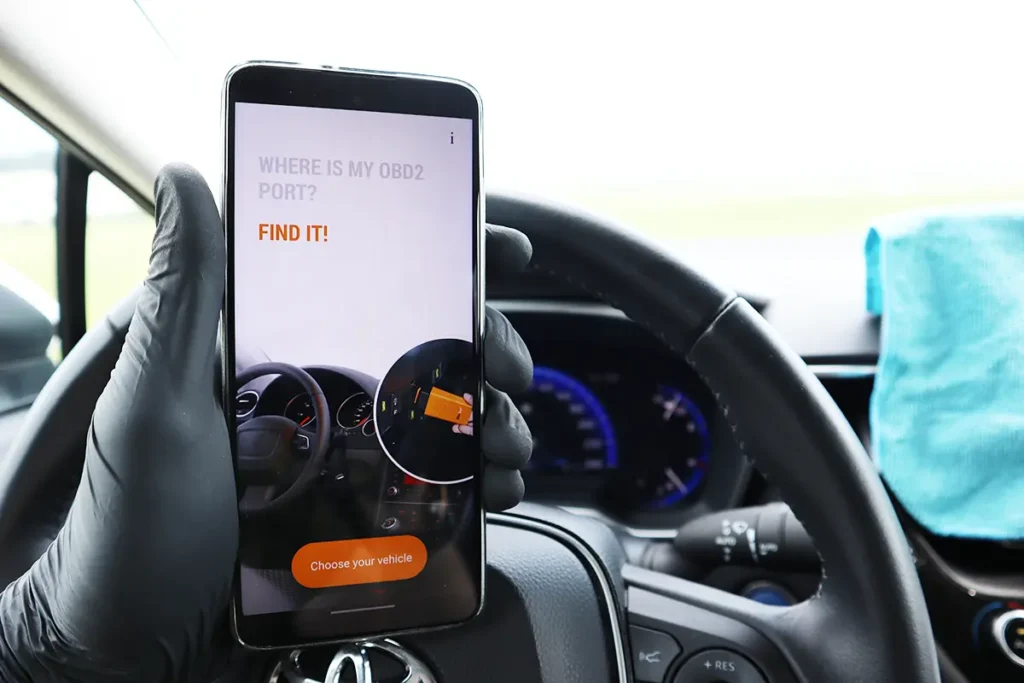
OBD connector is a database of OBD port locations in different car models. When you start using your Bluetooth scan tool, you might not know where to look for the DLC (data link connector).
It can also be useful for mechanics to locate the plug quickly. While the cars often share a common location under the dashboard on the driver’s side, this is not the case for all models. This connector app will save you some time when connecting the OBD adapter.
2. ELM scan identifier – OBD2 adapter info
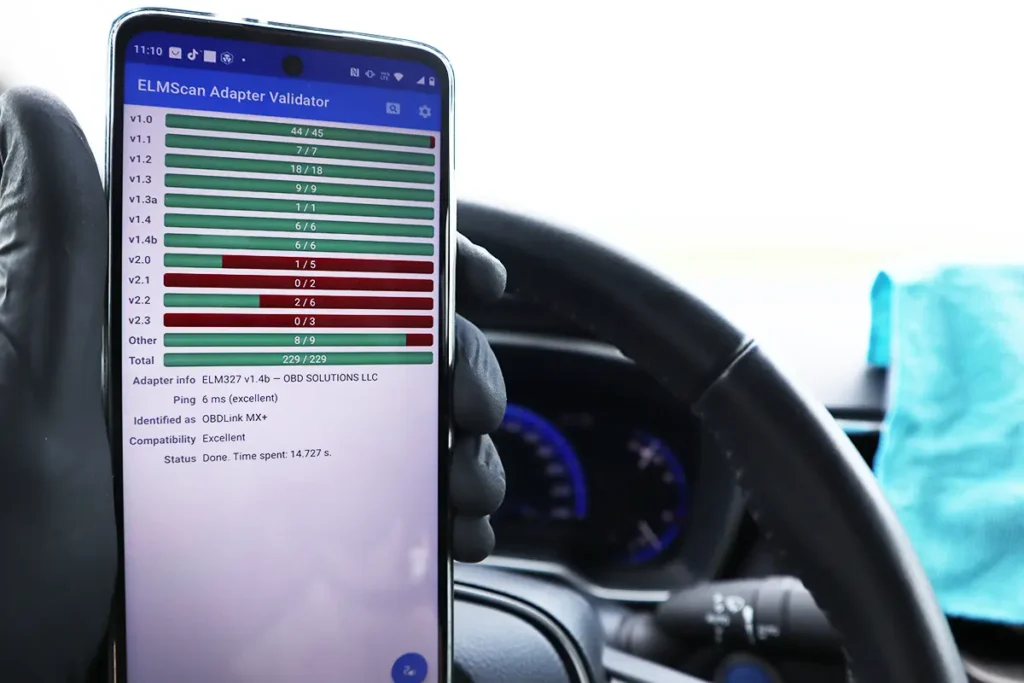
ELM scan identifier will tell you which version of ELM your adapter uses. There are many adapters, and many of them use clone ELM 327 chip. ELM identifier will tell you if your adapter has a genuine or clone chip in it and also which version it is.
Having a clone chip in a ELM327 adapter doesn’t have to be bad; some of them work without any trouble.
The Veepeak also uses a clone chip but supports all OBD protocols, and I was able to connect it with all these apps without any trouble. The app will also measure the adapter speed. OBDLink, for example, has a response speed of 5ms, while Veepeak’s speed is around 18ms.
3. Car Scanner ELM OBD2 – Diagnosing/Coding
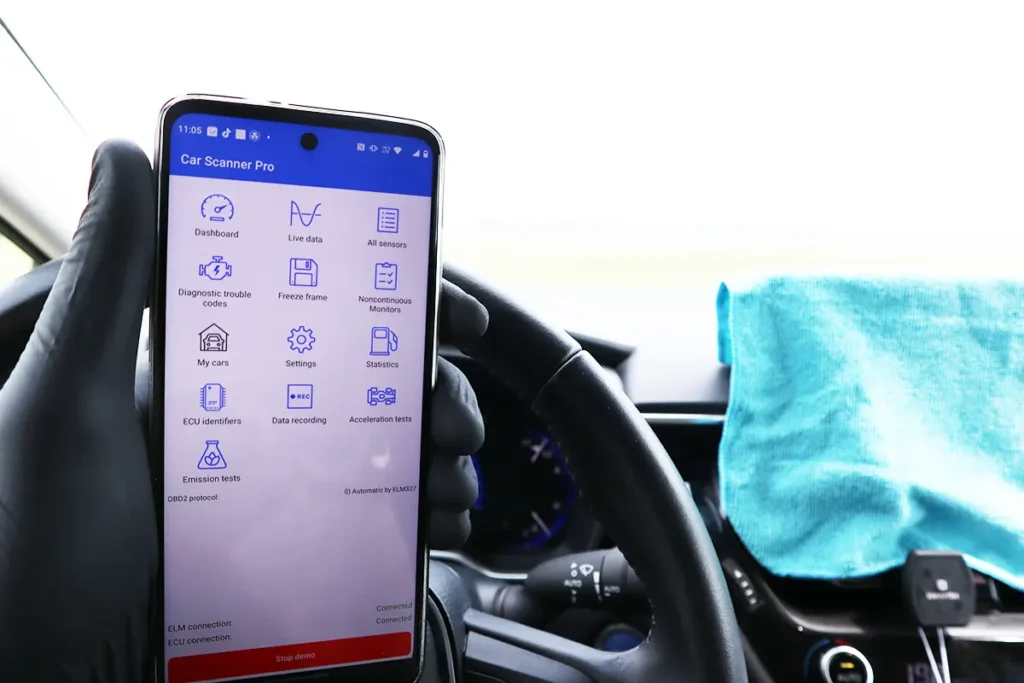
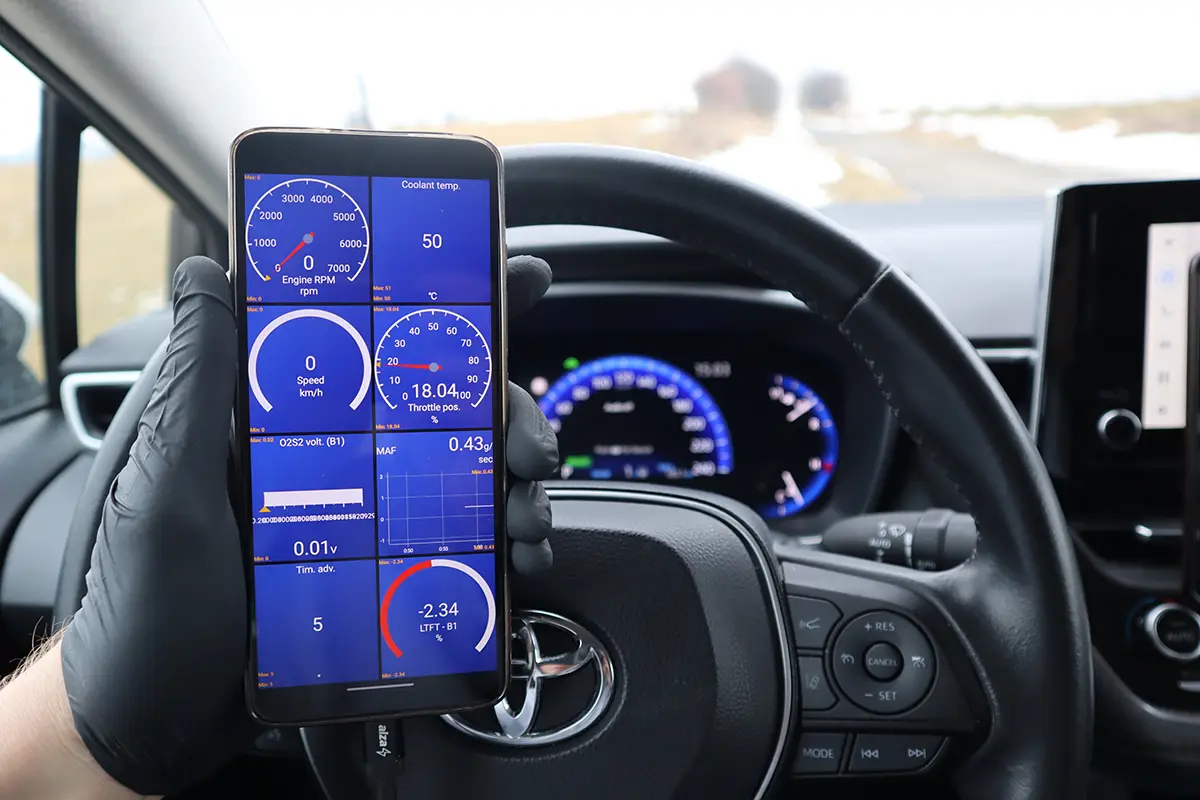
As I said in the intro, this article won’t show 10 similar apps like others on the internet, where the author scraps 10 similar apps to diagnose vehicles. There is no point in featuring other free/cheap OBD2 apps because the Car Scanner ELM OBD2 is the best of all. It even has a Demo version; you can download it now and try it without connecting to the car.
The app packs the functionality of a basic code reader, like a reading engine, and live data from the engine but expands it with several other functions. It can scan all other control modules for fault codes, display multiple live data graphs, and even do ECU coding (unlock hidden features) for certain models. And all that for $ 5-lifetime pro access or a little less functionality for free.
4. DTC Fix – OBD codes description
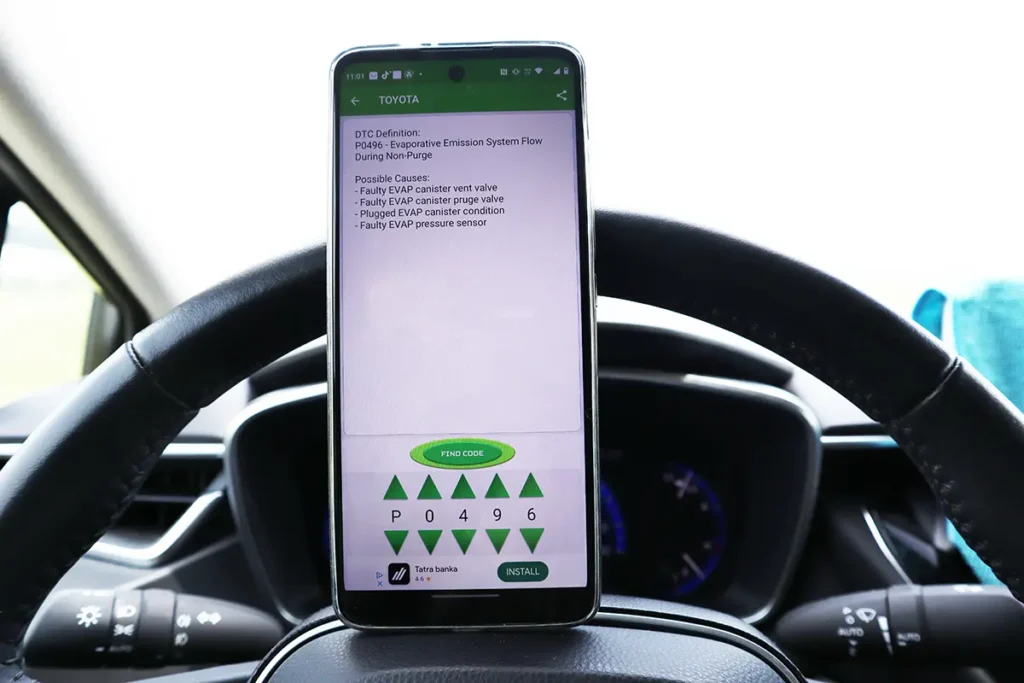
DTC fix will give you a description of OBD fault codes and add possible causes. While almost any scanner can show you the description, almost none will tell you possible parts causing this problem, so you have some starting points with your diagnostic process.
5. Carista – ECU coding
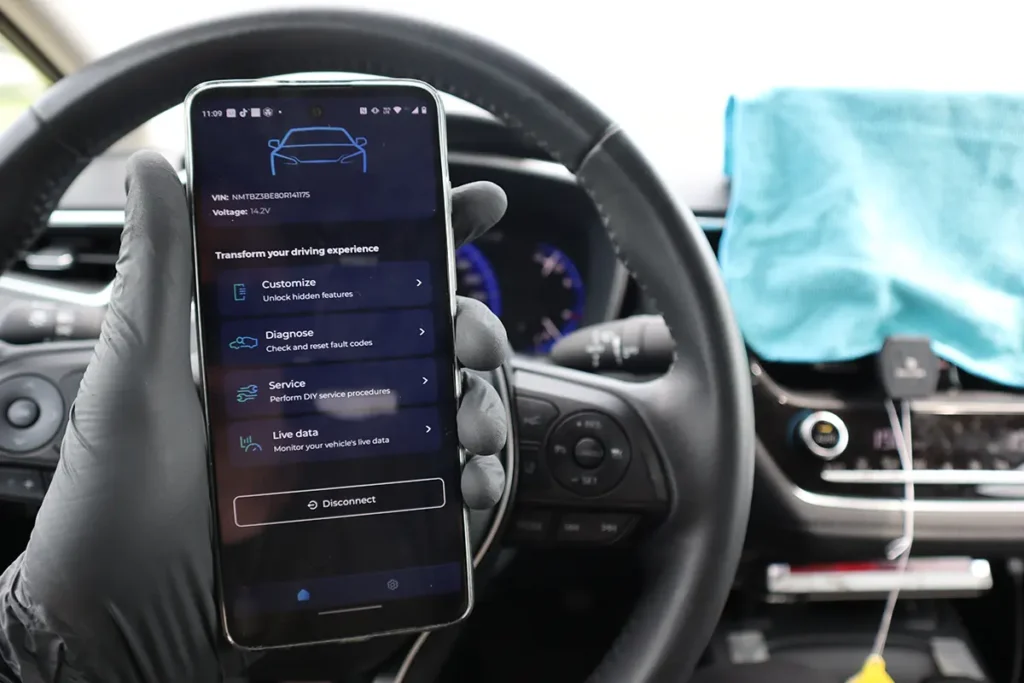
The Carista app offers both diagnostic and coding functionality for some car brands. The free version of Carista is pretty much useless since it only reads codes; you can do more with the Car Scanner app.
The premium version of Carista still isn’t the best diagnostic tool; it is also worse than the Car Scanner app in terms of live data. Reading faults is the same. The best use of the Carista app is to code vehicle features. You can buy 1 month for $10, code the features, cancel the subscription, and use other apps for diagnosing.
6. Dr. Hybrid – Hybrid battery data
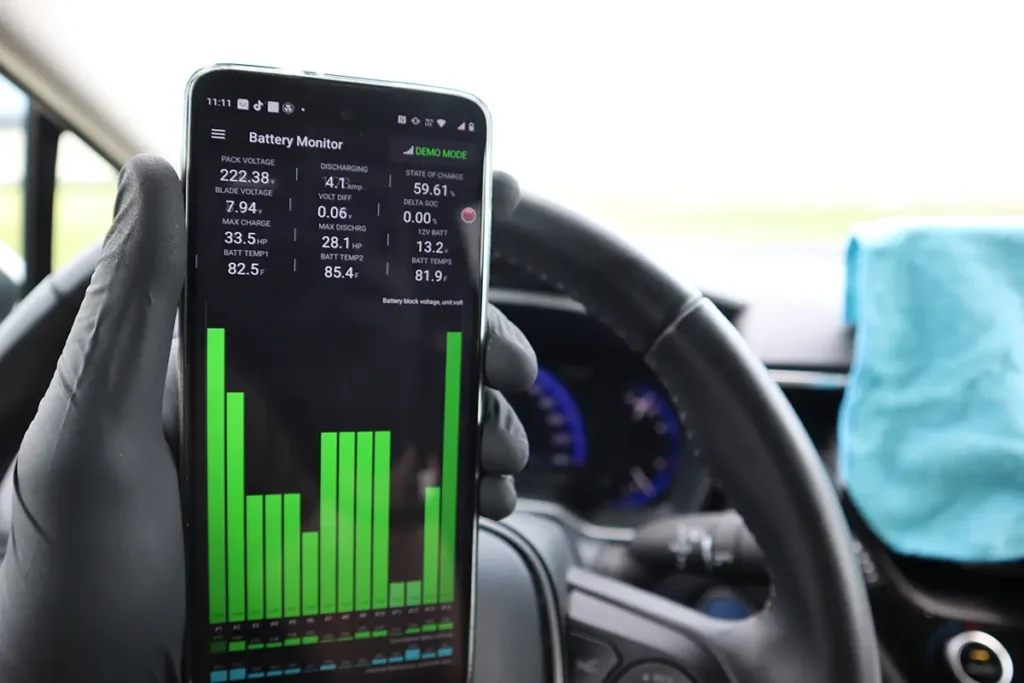
“Dr. Hybrid” or “Dr. Prius” is a mobile application designed to monitor and analyze data from hybrid vehicles, particularly those equipped with an OBD2 (On-Board Diagnostics) port. The OBD2 port is a standard diagnostic interface found in most modern vehicles, including hybrids.
They can display information such as fuel economy, battery usage, engine performance, hybrid system status, and other diagnostic details.
Most popular OBD2 guides







I'm Juraj Lukacko and I work as an auto electrician. On this site I share what I learn from real work on real cars, to help you pick the right tools for diagnostics, programming and tuning and get the job done.
More about me →
Hello,
I have a question, what do i need to fix kilometer, or fix any problem light.
I want to learn it to do and i want to know what i need for this.
I want to thank you
Hello I recommend becoming member of my FREE automotive diagnostics newsletter. You will get starter OBD-II course for free and then recieve tips weekly: https://iamcarhacker.com/newsletter/
I need a app fir elm327
Get car scanner pro from app store
Dont listen to this guy if you just need an app to read codes and watch pids torque pro is the best
No mention of torque pro or forscan torque pro is by far the best non bidirectional app out and forscan is by far the best ford app out which is bidirectional…you must be sponsored by the apps you promote cuz they all suck
Hi thanks for opinion I tried torque and didn’t like it as much as car scanner app. Forscan is for specific brand so it doesn’t belong in this comparison.