
Published: April 17, 2026 · Last updated: June 2, 2026
The Thinkcar Venu 90 is a dedicated TPMS tool that reads sensor IDs, activates new sensors, and relearns them into the car through the OBD port. It also doubles as a basic OBD2 code reader. I tested it on real wheel swaps, and the moment that sold me was when a $3 “orange box” couldn’t activate the old sensors on a Malibu and the Venu 90 got every one of them. For TPMS alone I think it earns its keep, and the code-reader side is a bonus. Read on for what it does and who needs it.
I earn from qualifying purchases and sometimes get tools for free (full disclosure). It never affects my scoring.
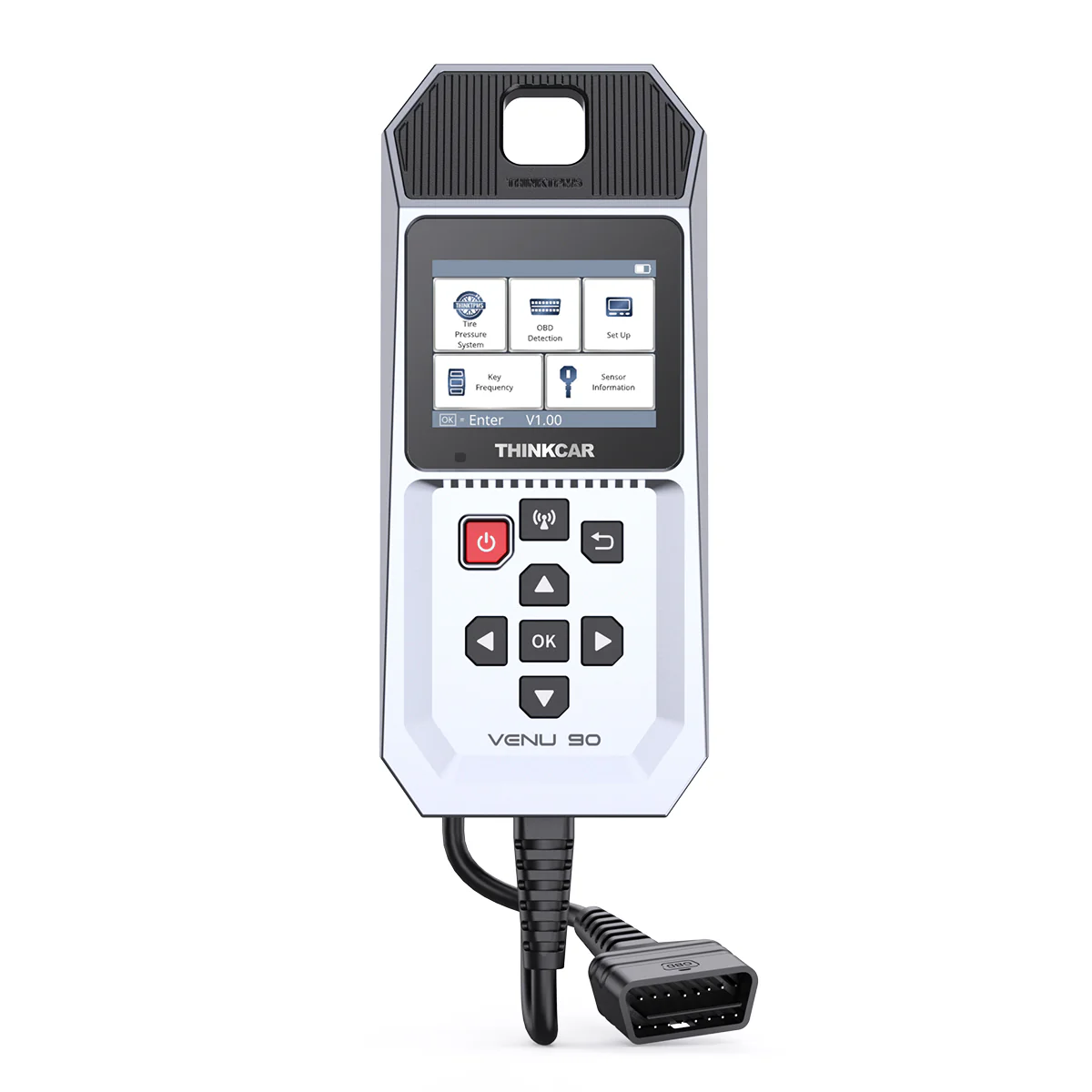
Thinkcar VENU 90
The Thinkcar VENU 90 is easy to use TPMS tool working with OEM & aftermarket TPMS sensors.

- Functions as good reader as well
- Easy to use
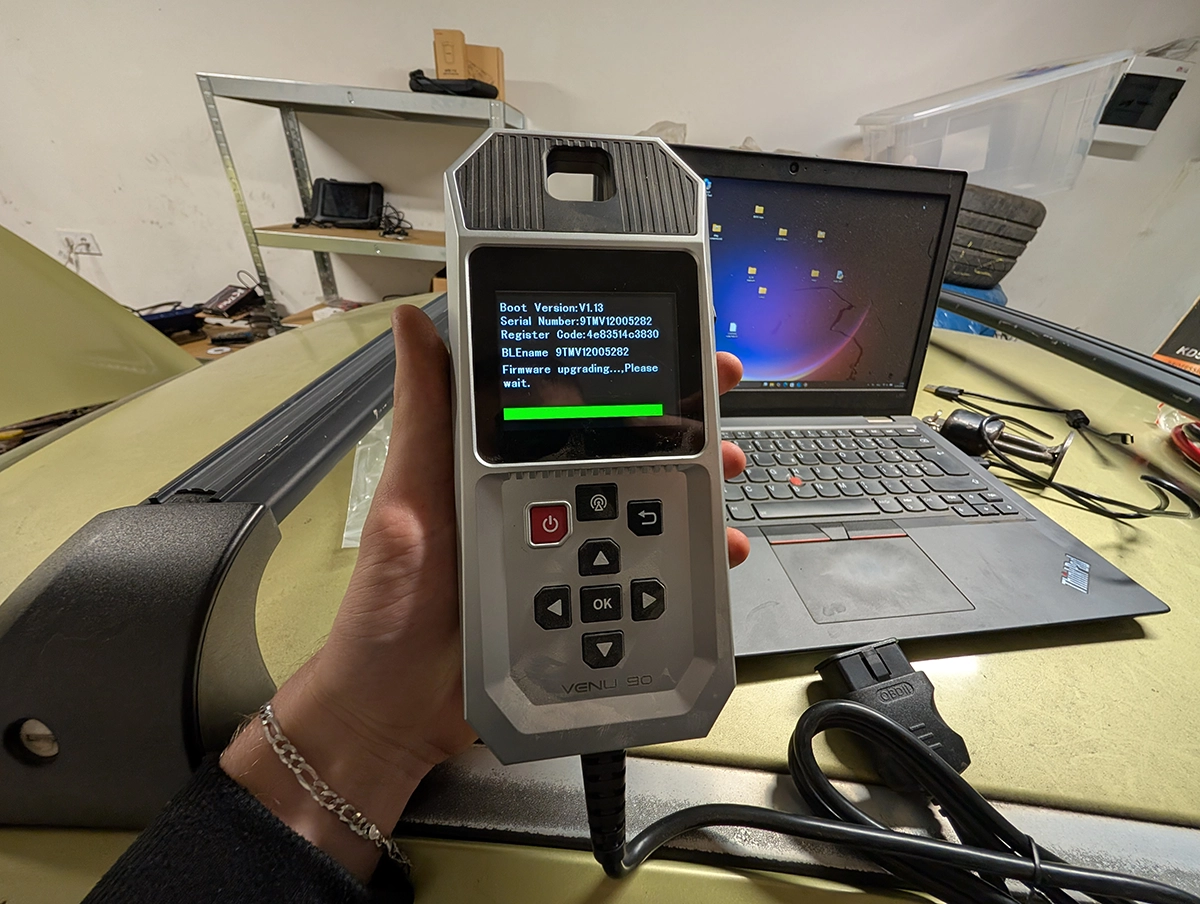
- Hard to update using Wi-Fi (had to do it manually)
Service functions (1+)
Scores
Specs
| Tool type | Standalone device |
| User level | Beginner friendly |
| Vehicle focus | All makes |
| System focus | tpms |
| Free updates | Lifetime |
| Subscription | Not required |
Photos
Support & resources
| Need help with tool? | Open tool support page ↗ |
| Will this work for my car? | Open coverage check page ↗ |
| Hardware specs |
|
| Supported languages |               |
| Guides |
Videos
Addons & accessories
TPMS Venu 90 tested in my YouTube review
What it’s actually good at
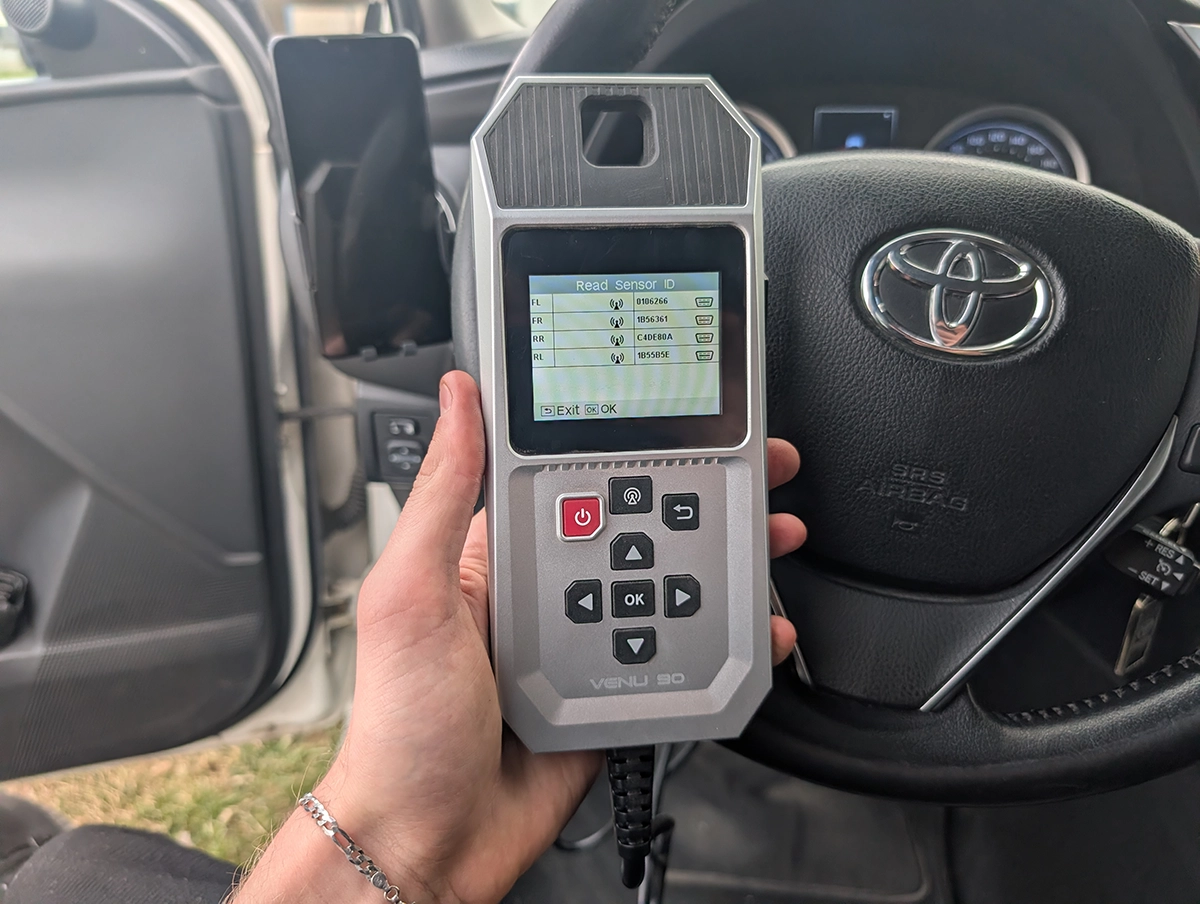
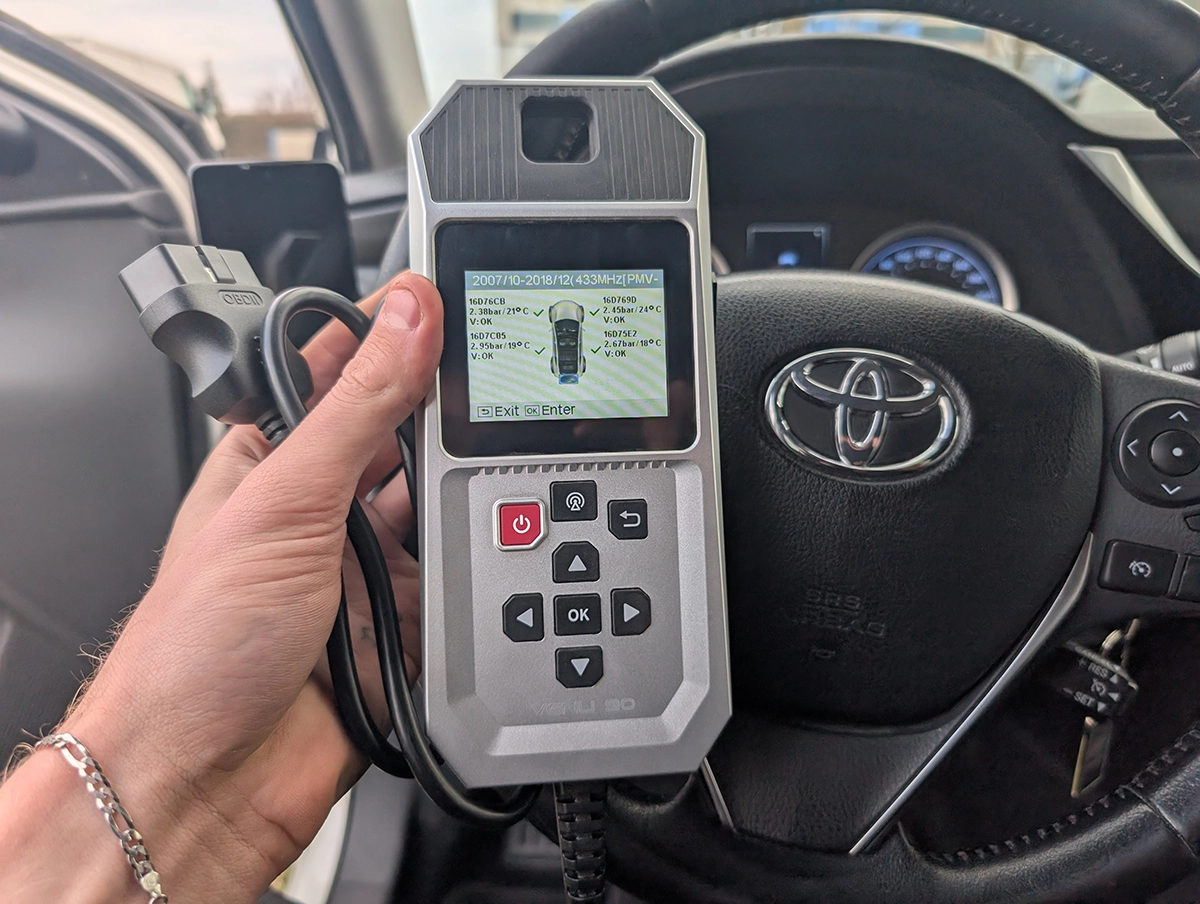
TPMS work is what this tool is for, and it makes it genuinely simple. My friend’s Corolla has two sets of wheels, and he never writes the sensor IDs down, so every swap I have to find them again and relearn them. With the Venu 90: scan the code off each wheel, the tool saves them on screen, plug into the OBD port, run the relearn, and it writes the IDs straight into the TPMS module. Light off, done.
The real test came on a Malibu with old sensors. A cheap $3 activation box simply couldn’t wake them, fair enough for the price. The Venu 90 dragged the IDs out of all four where the cheap tool gave up, and then wrote them over OBD. That’s the difference between a toy and a tool: it works on the awkward sensors, not just the easy ones.
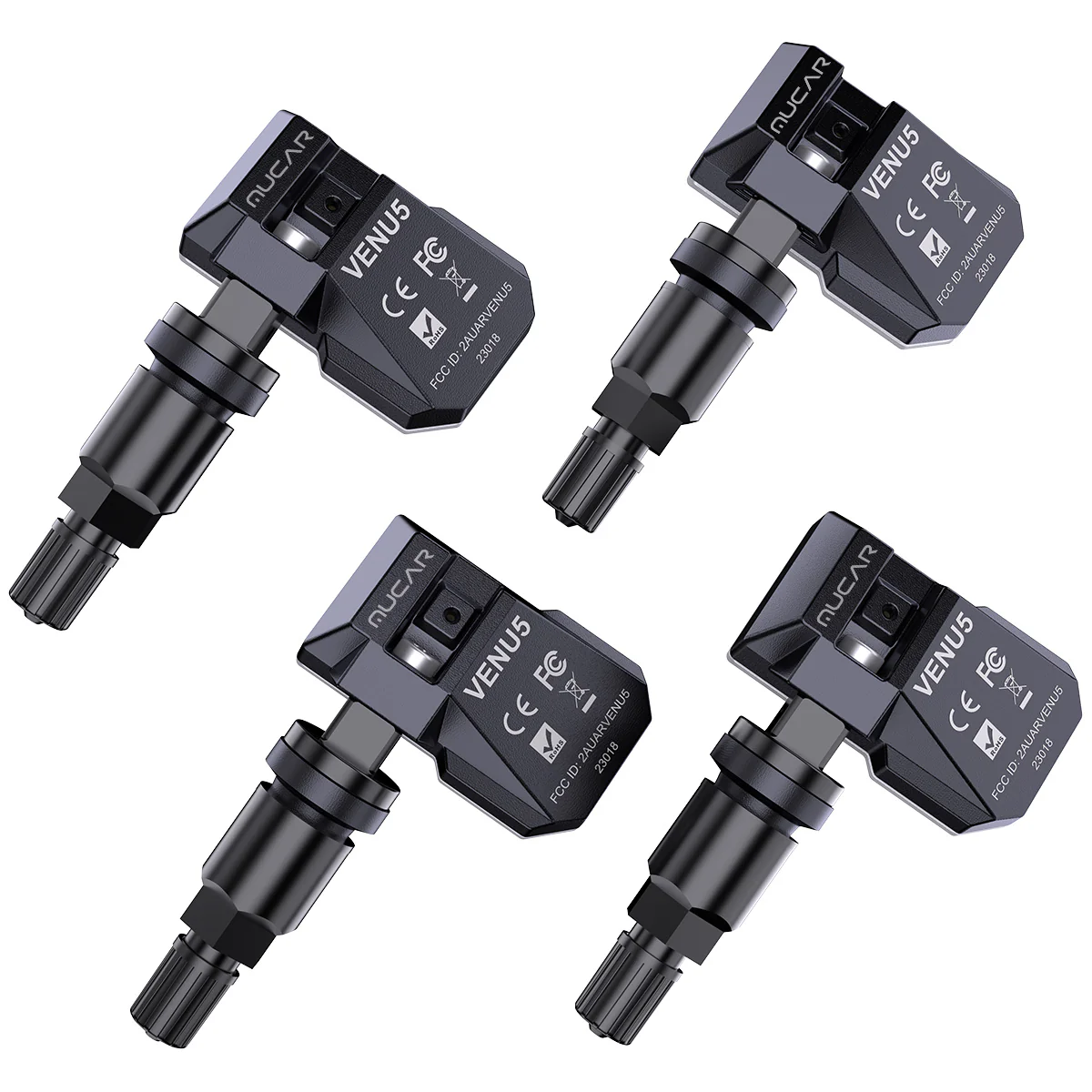
It also works with both OEM and aftermarket sensors, and you can buy Thinkcar replacement sensors to activate if your old ones die.
On top of TPMS it’s a basic OBD2 code reader. Read and clear engine codes, check readiness status, view live data, and even graph one or two parameters at once, I blipped the throttle and watched it move. Not a full-system tool, but a useful extra when the TPMS job is done.
Where it falls short
The updating is the one real frustration, and it’s a proper one. It’s advertised with WiFi update, but WiFi flat out failed for me, I couldn’t even connect to the network. The fix is to pull the SD card, update it on your computer, and put it back. It works, but it’s not what you expect from a “WiFi update” tool, and you’ll want a guide the first time.
Beyond that, set expectations on scope. As a code reader it’s basic: global OBD engine codes and live data only, no full-system access, no bidirectional, no coding. That’s fine, it’s a TPMS tool first, but don’t buy it expecting a diagnostic scanner.
Who should buy this
Yes, buy it if:
- You do your own wheel swaps or seasonal tyre changes and want to clear the TPMS light yourself instead of paying a shop every time
- You run a small tyre shop and need a reliable tool that handles awkward old sensors, not just fresh ones
- You’d value a basic engine code reader thrown in alongside the TPMS function
No, look elsewhere if:
- You want a full diagnostic scanner, this only does TPMS plus basic OBD codes
- You need a tool you can update painlessly over WiFi out of the box
- You already own a full-system tablet that handles your TPMS relearns
Thinkcar VENU 90
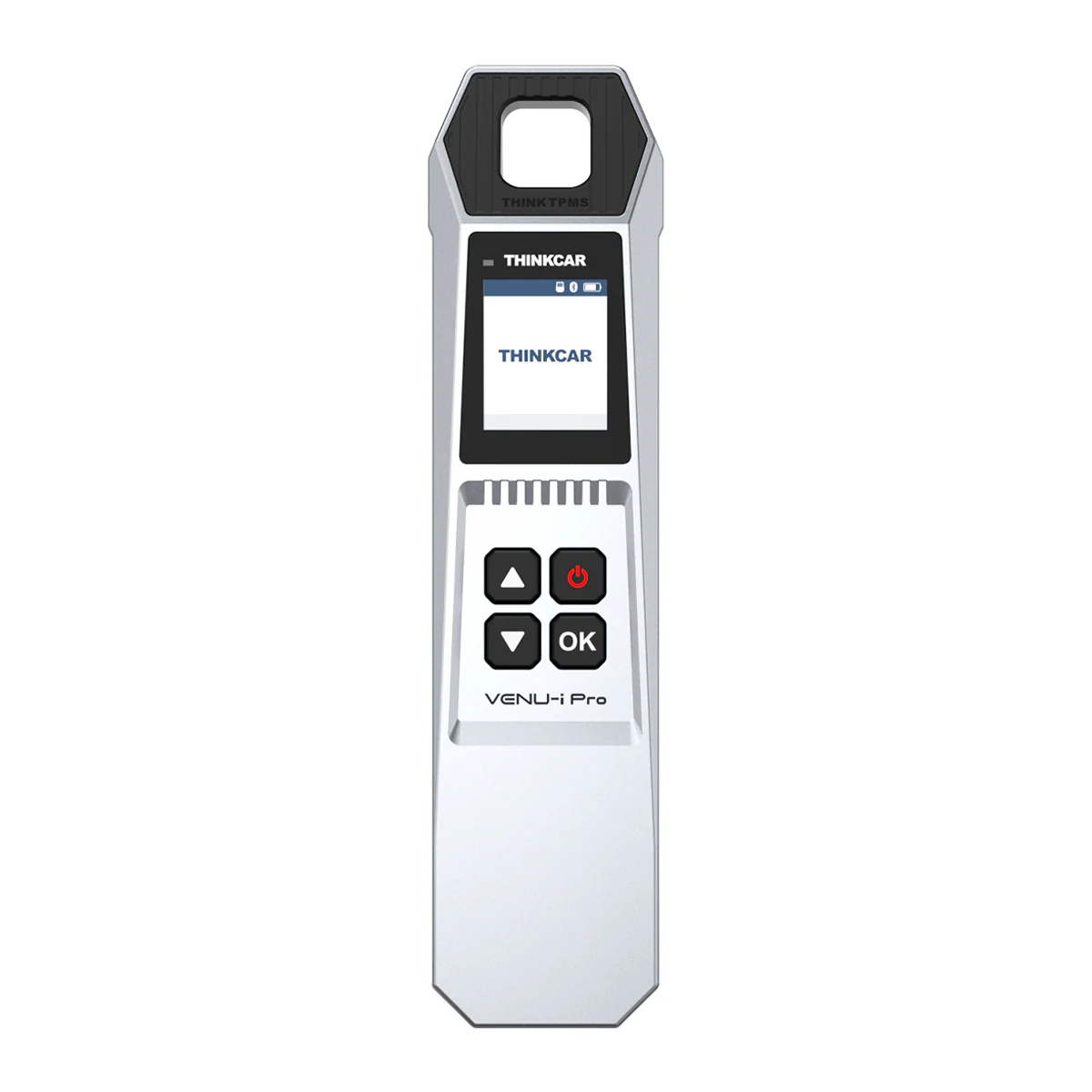 Thinkcar Venu-Ipro TPMS tool
Still deciding rather than chasing a Venu 90 deal? I line up the TPMS tools I’ve tested in my [best OBD2 scanners for TPMS] roundup. The short version: the Venu 90 is the standalone one that does the whole job on its own, but the roundup shows the cheaper routes if you already own a tablet.
Final word
The Thinkcar Venu 90 is a standalone TPMS tool that reads sensor IDs, activates sensors and relearns them over OBD, with a basic code reader thrown in. It proved itself dragging IDs out of stubborn old sensors a $3 box couldn’t touch, then writing them in cleanly. The WiFi update is a pain and you’ll fall back to the SD card. But for doing your own TPMS work without a tyre-shop trip every wheel swap, it’s an easy recommendation at around $130.
Most popular OBD2 guides







I'm Juraj Lukacko and I work as an auto electrician. On this site I share what I learn from real work on real cars, to help you pick the right tools for diagnostics, programming and tuning and get the job done.
More about me →