

Published: March 29, 2026 · Last updated: March 29, 2026
Disabling the automatic start/stop system with an OBD2 scanner is usually a quick process, especially if your scanner supports service functions.
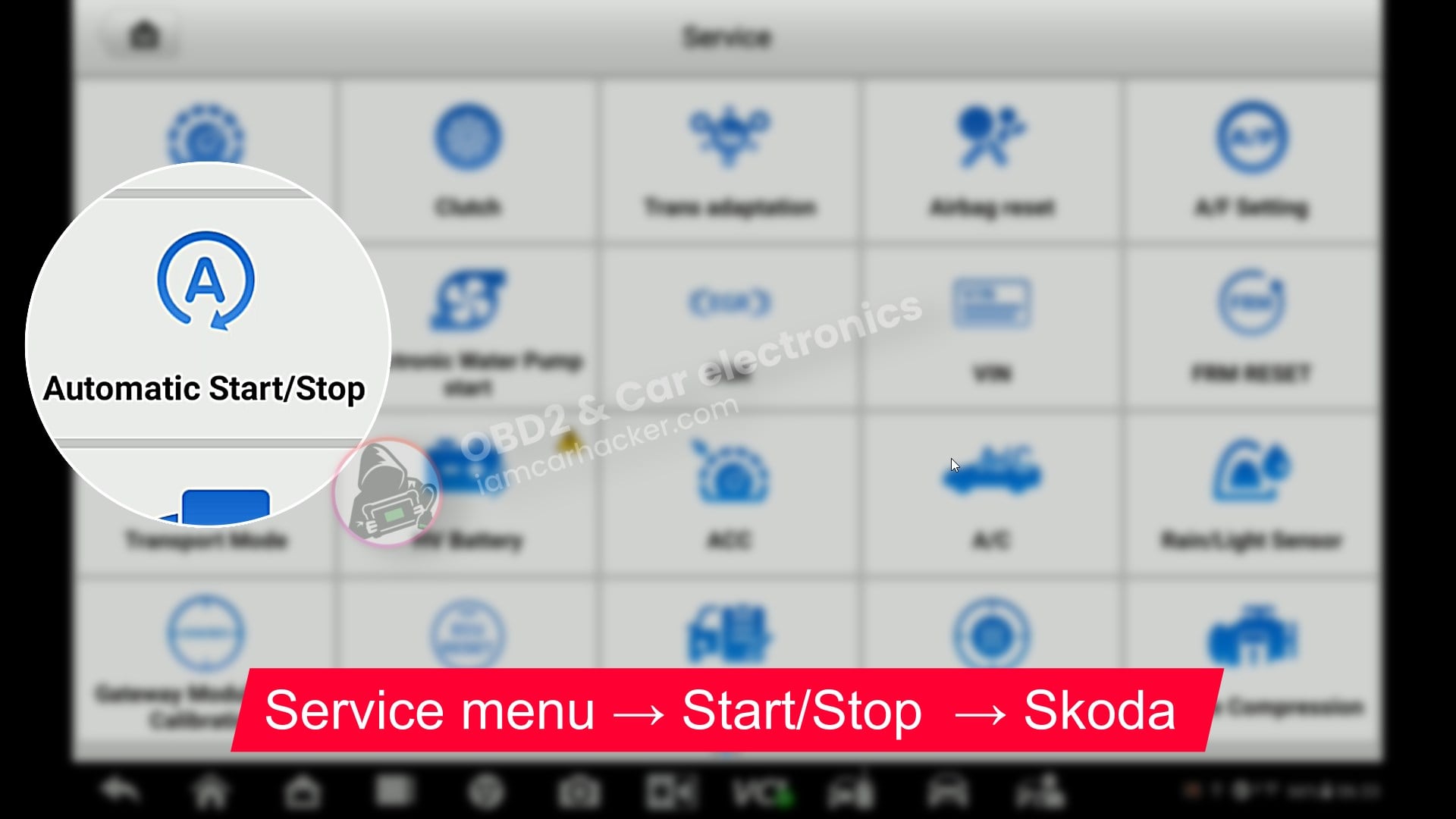
Most modern diagnostic tools include a dedicated Start/Stop service function, which allows you to disable the system without manual coding.
In general, the process looks like this:
- connect the scanner and turn ignition ON
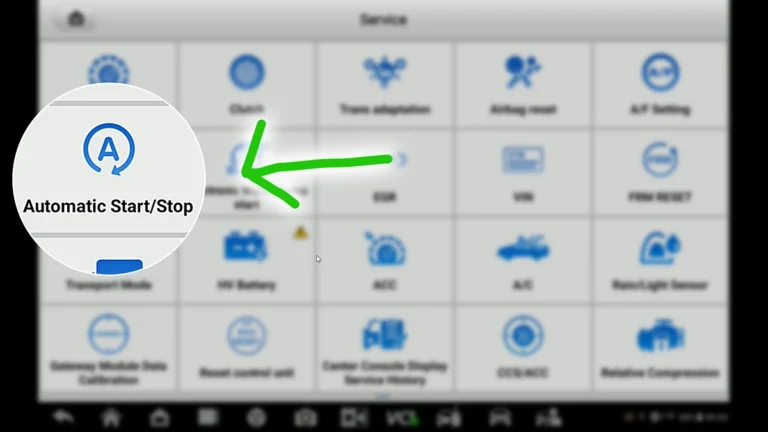
- open Service / Special functions
- select Start/Stop system
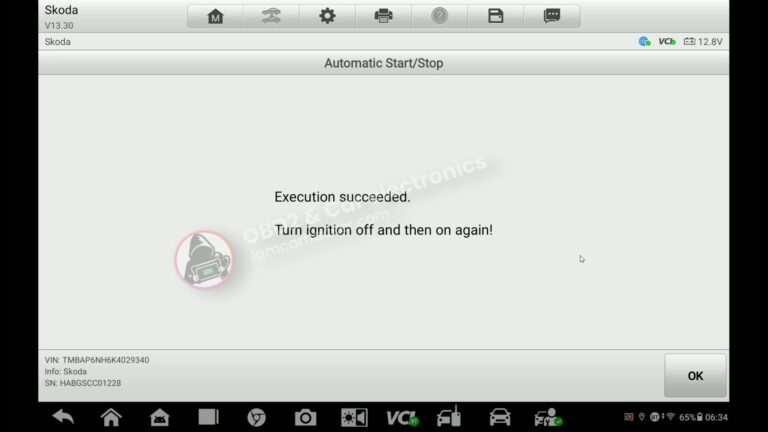
- follow the on-screen instructions
Best OBD2 scanners for start-stop OFF
In many cases, the scanner will apply the change automatically within a few seconds.
However, results can vary depending on the vehicle and control module. Some cars may require additional steps (such as adaptation changes) to prevent warning messages or fully disable the system.
If the function does not work or triggers an error, you’ll need a more advanced approach specific to your vehicle.
Below you’ll find detailed procedures for specific cars, including real-world examples and fixes.
Real procedures where I turned OFF start-stop
Most popular OBD2 guides








Hi, I am Juraj Lukacko. I got frustrated by unhelpful and scammy mechanics, so I decided to learn everything about car diagnostics myself. I test dozens of new car diagnostic tools every month along with learning new strategies to fix and customize cars.
