
Published: March 1, 2025 · Last updated: June 4, 2026
The ThinkScan 689BT is a full-system bidirectional tablet with ECU coding, online coding and a long service-reset list. I tested it on a Skoda Fabia like a normal workshop tool. What made it stand out when it launched: it was one of the first tablets with free lifetime updates, no yearly fees, paired with real OEM-style coding across many brands. It’s fast, easy, solidly built and small enough to carry. Read on for what it does and the one area it’s weaker.
I earn from qualifying purchases and sometimes get tools for free (full disclosure). It never affects my scoring.
What This Tool Actually Is

Thinkscan 689 BT
The Thinkscan 689 BT is one of first tablet scan tools that came wih free lifetime updates and is also fast and easy to use for beginnrs and itermediate users..

- Free lifetime updates
- Strong OEM ECU coding for many brands
- Full-system access
- Solid build quality
- Small enough to carry in car
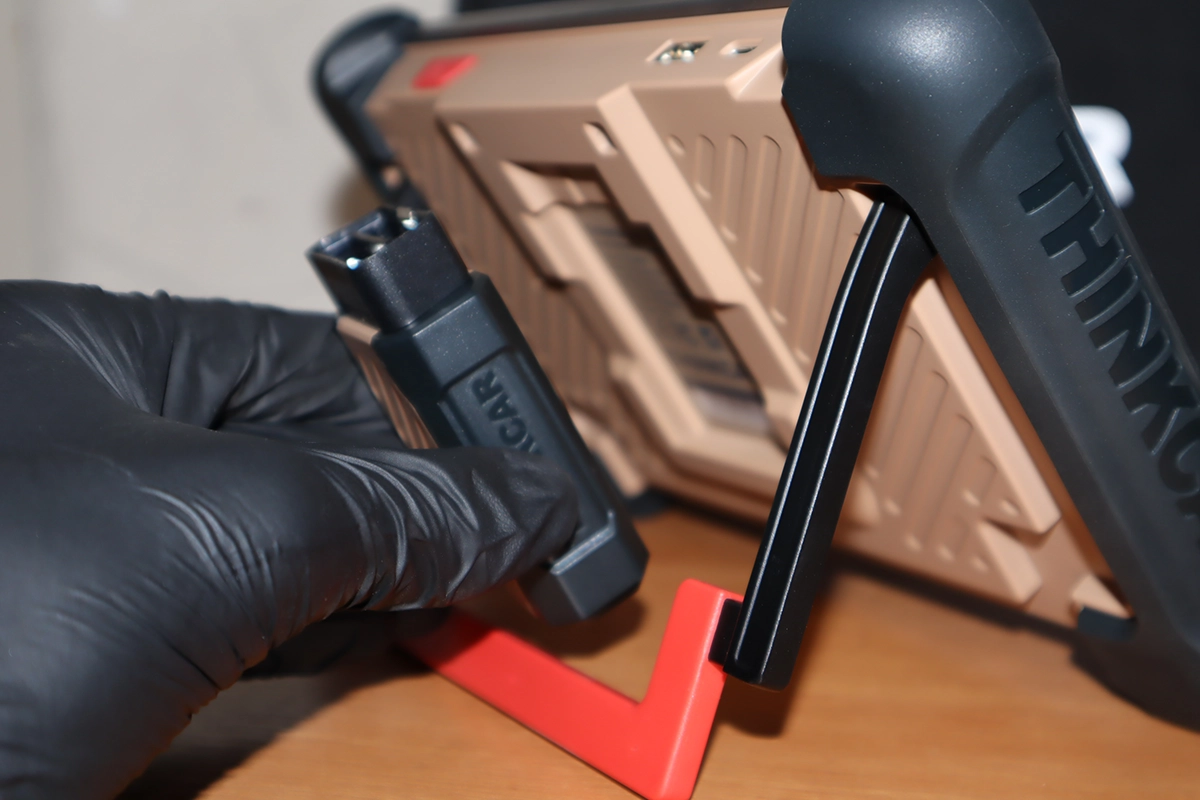
- Magnetic VCI holder on back of the tool (great to have so you don't have to look for VCI)
- Worse for complicated service resets like key/odo programming
Service functions (32+)
Scores
Specs
| Tool type | Standalone device |
| User level | Advanced |
| Vehicle focus | All makes |
| Free updates | Lifetime |
| Subscription | Not required |
Photos
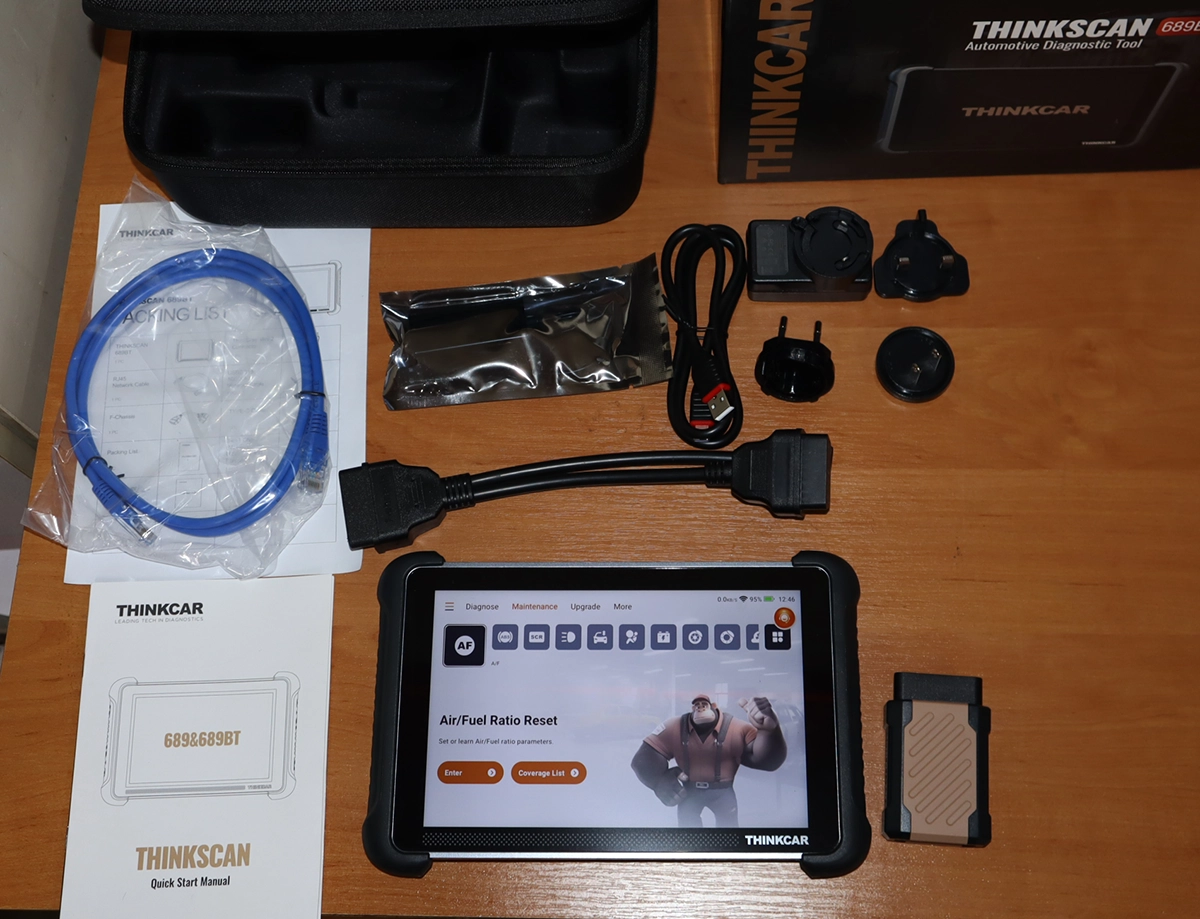


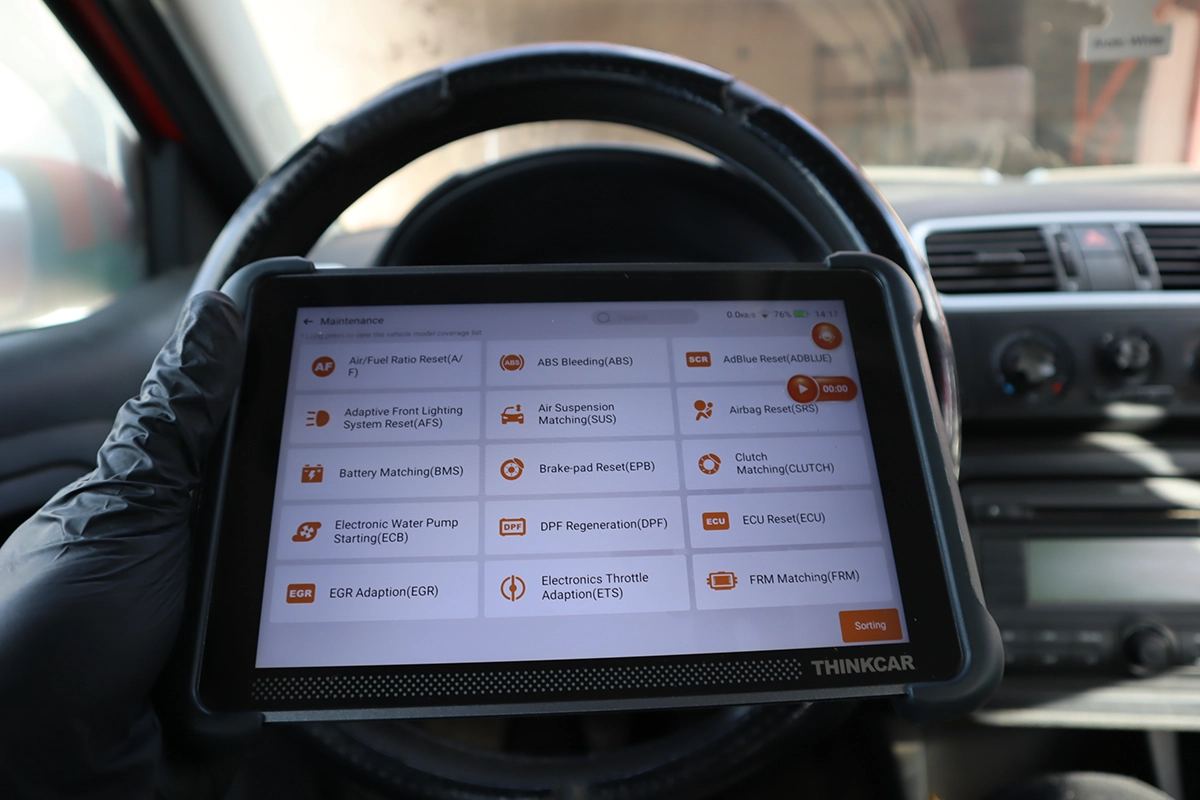
Support & resources
| Need help with tool? | Open tool support page ↗ |
| Will this work for my car? | Open coverage check page ↗ |
| Hardware specs |
|
| Supported languages |                            |
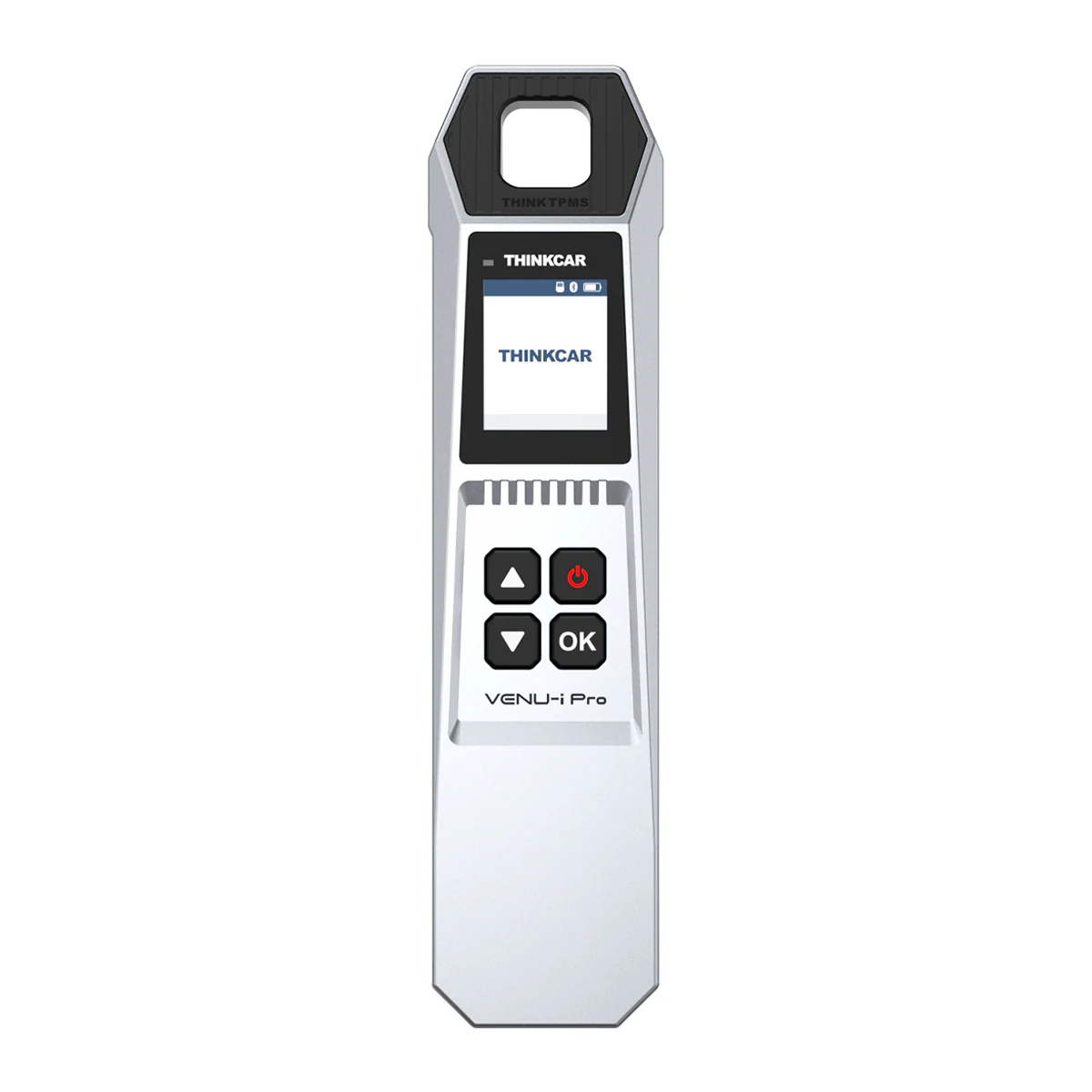
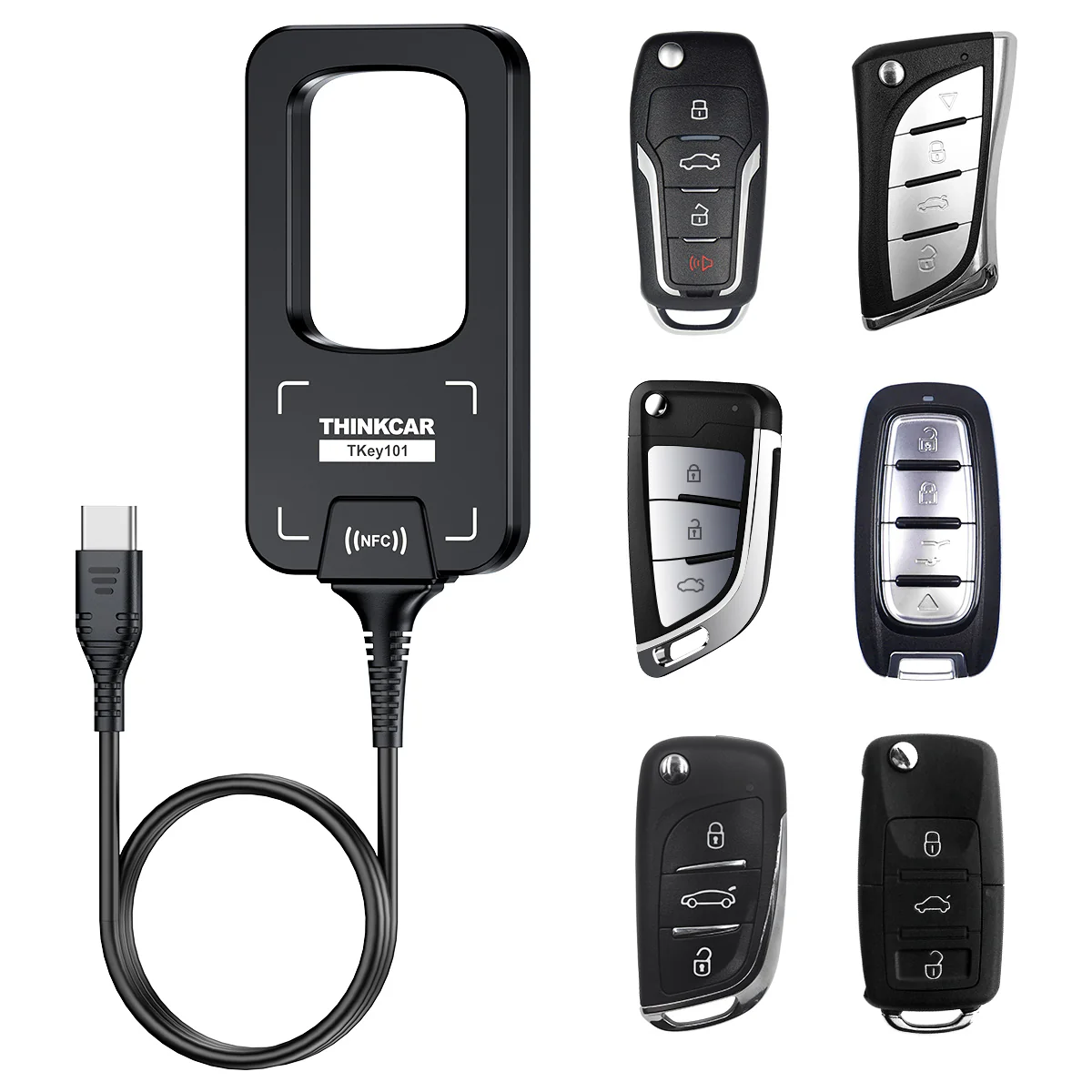
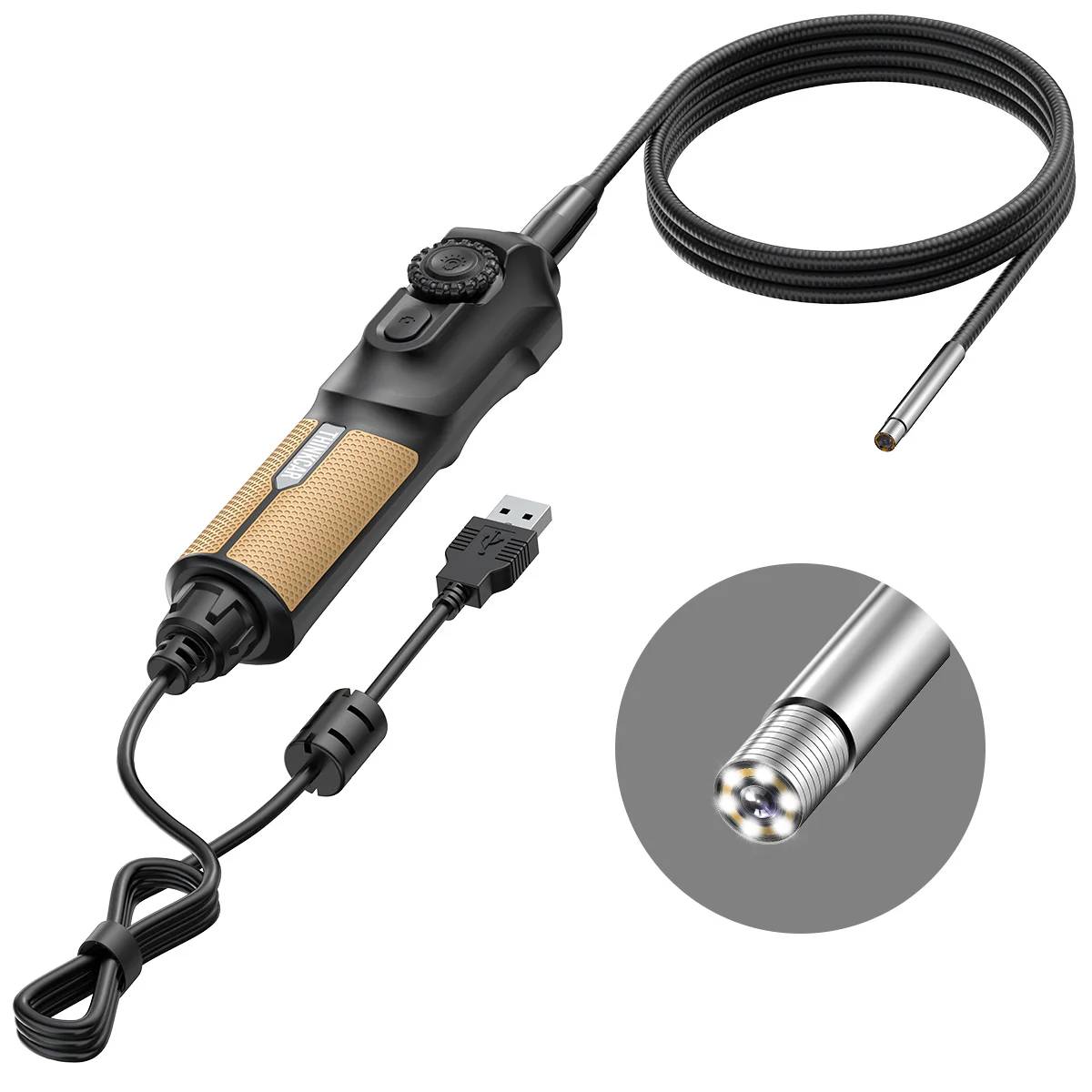
Addons & accessories
What it’s actually good at
Free lifetime updates are the headline, and they change the whole value equation. Most scanners give you one to three years then charge for new software. The 689BT was one of the first tablets to drop that entirely, you buy once and update for life. That also makes it hold its value: a used bidirectional scanner with lifetime updates sells fast, so you get most of your money back later. For a tool at this price, that’s a real long-term saving.
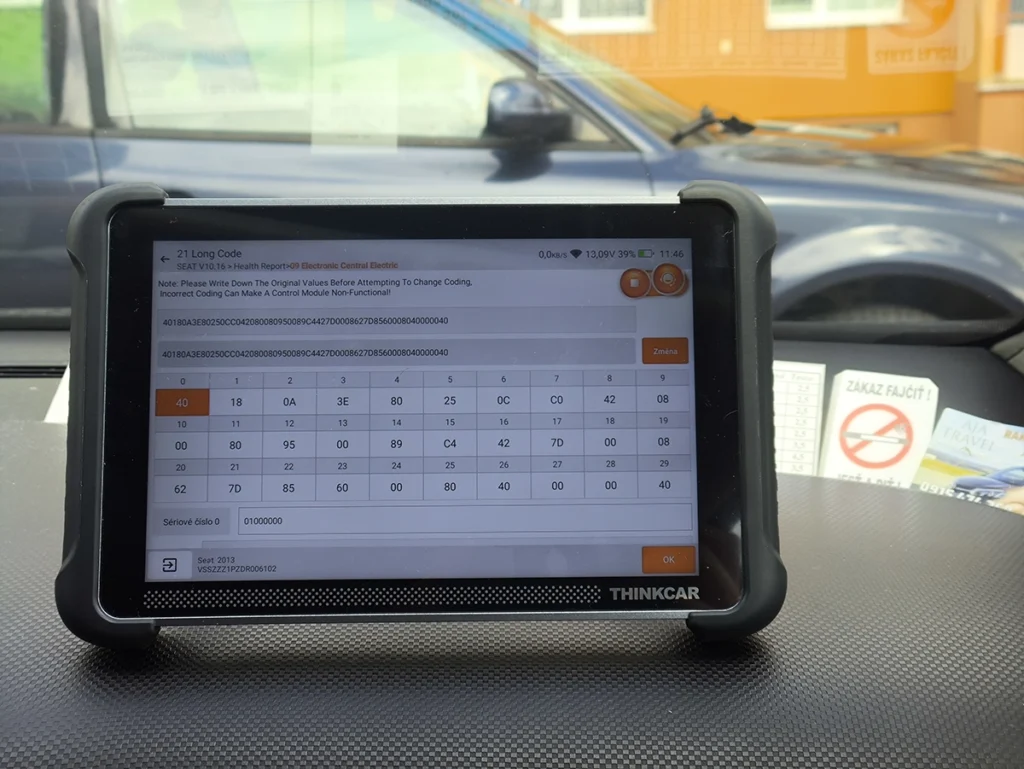
Real ECU coding across brands is the other big draw. Coding unlocks hidden features and adjusts module settings. I run a lot of VAG cars so I tested it on the Fabia, the coding and adaptation menus opened normally and I changed the comfort blink count successfully, but the point isn’t VAG. The interface shows coding menus for many brands, and the Fabia test just confirms it can perform genuine OEM-style operations wherever the ECU supports them. It even has online coding for replacing modules. There’s also a Maintain Information section that gives you channel numbers and explanations, which saves digging through forums when a car asks for one.
It’s a complete full-system tool otherwise. Full scan found around 40 modules on the Fabia with a clean structured report, per-module diagnostics, bidirectional tests, and strong live data with graphs, recording and a useful before/after sample comparison that highlights changed values in red. One small touch I love: the magnetic VCI holder on the back, so you’re never hunting for where the dongle went. It comes in Bluetooth and wired versions, Bluetooth is easier for live-data logging while driving.

Where it falls short
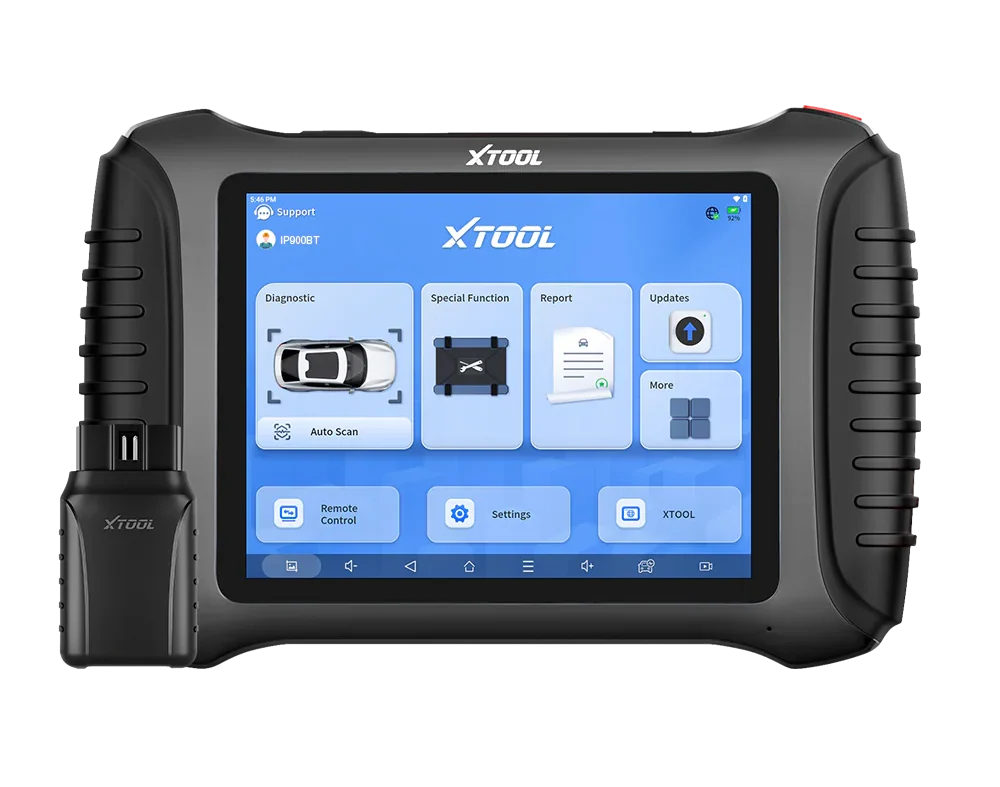
It’s weaker on complicated service jobs like key and odometer programming. On my Fabia the IMMO data read failed, there were too many system options to guess and I couldn’t complete key programming. For everyday coding, resets and diagnostics it’s excellent, but for heavy key/odo work a tool like the Xtool IP900BT lands those more reliably.
As always, advanced functions depend on the car, not just the tool. Auto-VIN didn’t work on the older K-line Fabia (normal for that era), and online-coding depth varies by each brand’s ECU. The build is also thinner than I expected, solid enough for garage life, but I wouldn’t treat it like a rugged toughbook.

Who should buy this
Yes, buy it if:
- You want a fast, easy all-brand tablet with full-system access, real ECU coding and no update fees ever
- You like that lifetime updates make it easy to resell later for most of your money back
- You want strong everyday diagnostics, coding and resets without paying pro-tool prices
No, look elsewhere if:
- Your main need is key or odometer programming, the IP900BT handles those better
- You want a rugged, heavy-duty build over a slim carryable tablet
- You need the broadest pro coverage or ECU programming, that’s a higher tier
Thinkscan 689 BT
 Mucar 892BT
Thinkscan 689 BT
Mucar 892BT
Thinkscan 689 BT
 XTool D8s
Thinkscan 689 BT
XTool D8s
Thinkscan 689 BT
 XTool IP900BT
Still deciding rather than chasing a 689BT deal? I line up the full-system tablets I’ve tested in my [best bidirectional OBD2 scanners] roundup. The short version: the 689BT is top-tier all-brand value with lifetime updates, but the roundup shows where a Mucar, an Xtool or a key-focused tool fits your work better.

Final word
The ThinkScan 689BT is a strong all-brand diagnostic tablet: full-system access, real OEM-style ECU coding, excellent live data, a magnetic dongle holder, and free lifetime updates that also make it easy to resell. The coding examples on my VAG car just confirm it does manufacturer-level operations wherever the ECU allows, across many brands. It’s weaker on key and odometer programming, but for everyday diagnostics, coding and service work with no update fees, it’s one of the best-value tablets out there.
Most popular OBD2 guides







I'm Juraj Lukacko and I work as an auto electrician. On this site I share what I learn from real work on real cars, to help you pick the right tools for diagnostics, programming and tuning and get the job done.
More about me →
Can this 689bt perform function of “ignition enable/start after crash” on mercedes cars
Hi if you are looking for specific feature, you can use these compatiblity online checkers. There is one for Thinkcar but also other brands
https://iamcarhacker.com/obd2-compatibility-check/
Can the scanner email reports?
Yes