Thinkdiag2 TESTED – Best Bluetooth Scanner (With a Catch)
I’ve used Thinkdiag2 for years on many different cars, next to cheap ELM adapters, OBDeleven, Carista, and even Launch/Thinkcar/Mucar tablet tools. It’s still the most powerful Bluetooth-style scanner I’ve tested, but the yearly subscription and new tablet options change how smart it is long-term.
Affiliate Disclosure: iamcarhacker.com is an Amazon and other affiliate programs Associate. As an Amazon Associate, I earn from qualifying purchases. Full Affiliate disclosure.
Thinkdiag2 – My Quick Rating
Thinkdiag2
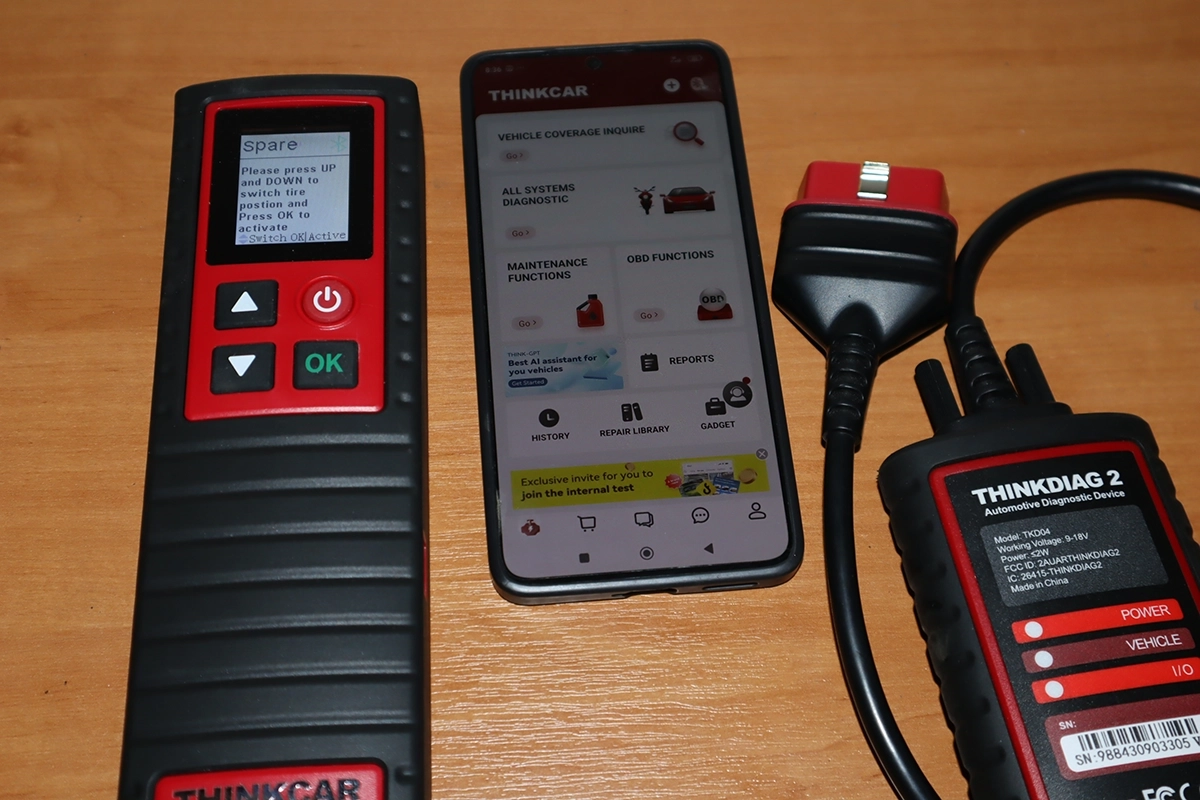
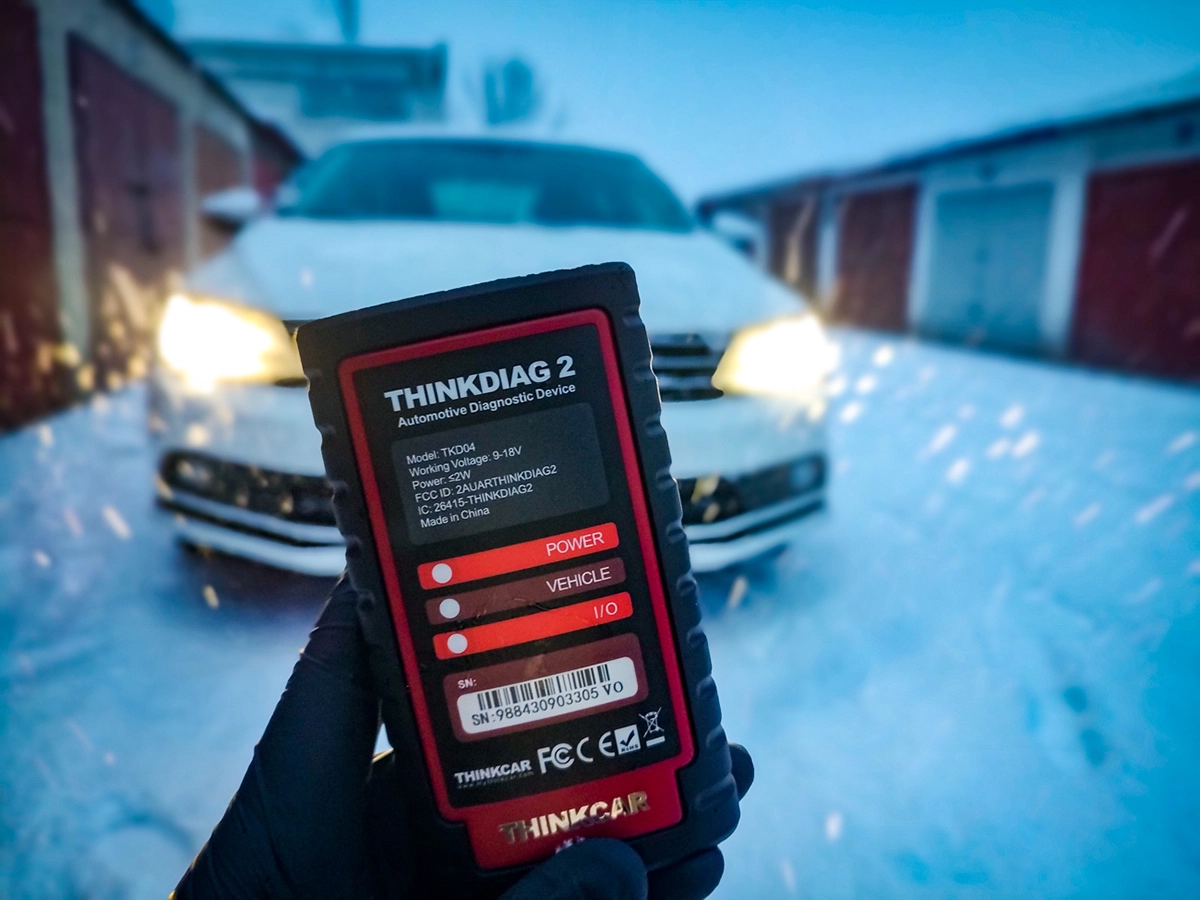
Thinkdiag2 is a Launch-made Bluetooth scanner that gives you almost the same software you get on their 500–1000 € tablets, but in a small dongle you control from your phone. It does full-system scans, bi-directional tests, ECU coding, service functions and even mileage checks on a huge range of cars.
You pay around 130–180 € for the adapter with 1 year of software included, then around 80–90 €/year for renewal. For that price, the functions are very strong: full-system coverage, 15+ service resets, basic IMMO, coding, and proper active tests. As a pure Bluetooth adapter, nothing else I tested beats it.
But: with Thinkcar and Mucar tablets now selling around 300–350 € with free lifetime updates or 3 years free, it can be smarter to buy a tablet once instead of paying Thinkdiag2 subscription every year.
Find the best price
(Think car Thinkdiag2 and Kingbolen Ediag are the same tools)
Who tested product & wrote this review?

Tester & Editor for this review: Juraj Lukacko
Hello, I am Juraj (Yuri) and I tested this product to help you decide if it is something you would want to buy, and if yes, show you how to use it.
I make honest reviews based on personal testing in my own garage and If I see the product is bad, I will make it very clear in review.
Read more about how I do reviews on Iamcarhacker.com in my review policy.
VIDEO: Thinkdiag2 Review
What This Tool Actually Is
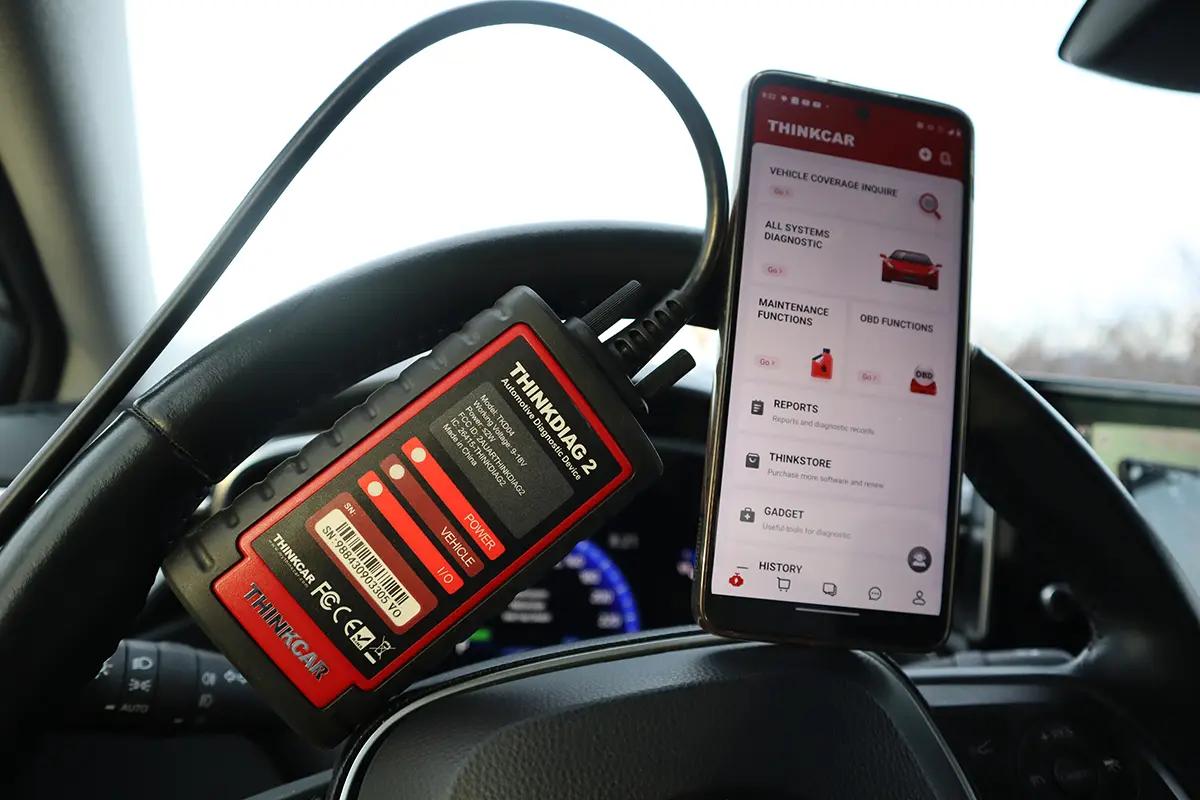
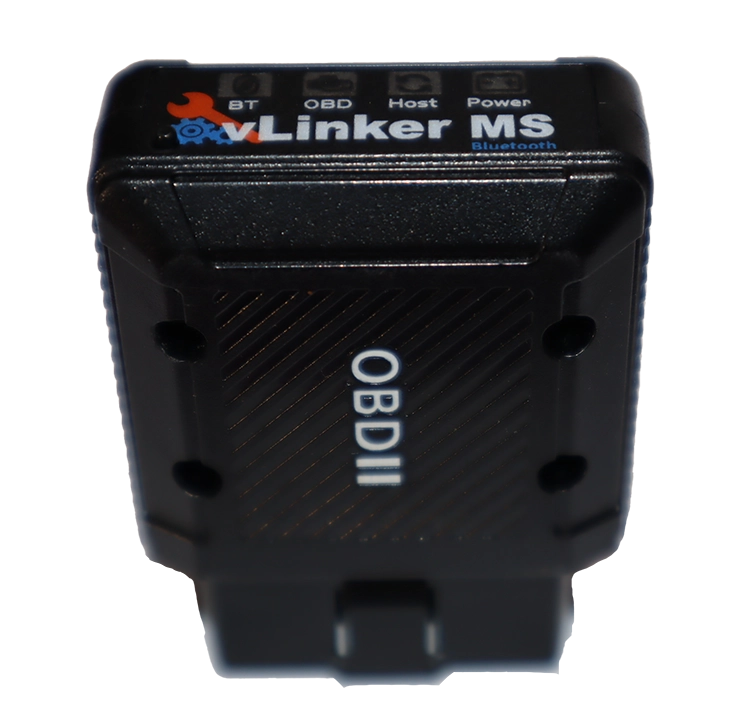
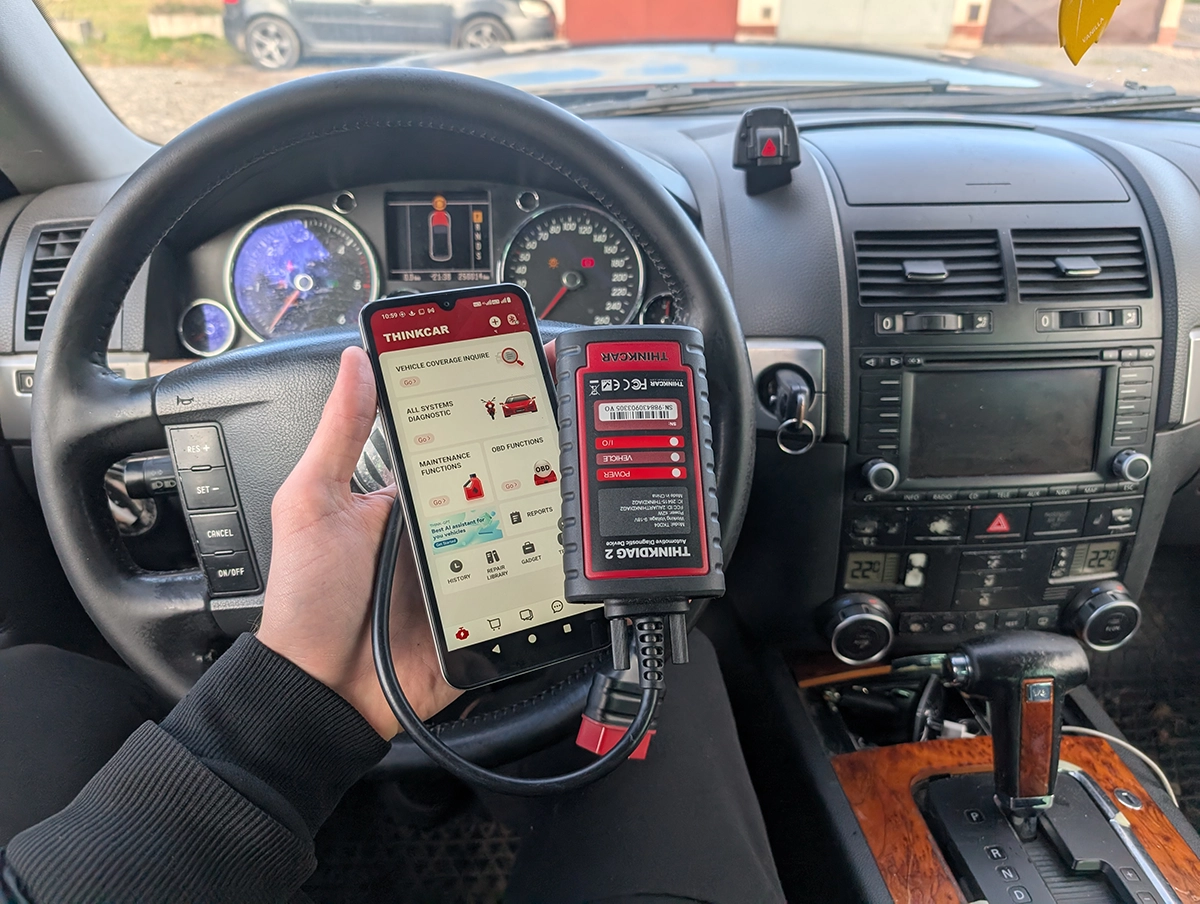
Thinkdiag2 is a Bluetooth OBD2 interface made by Launch/Thinkcar.
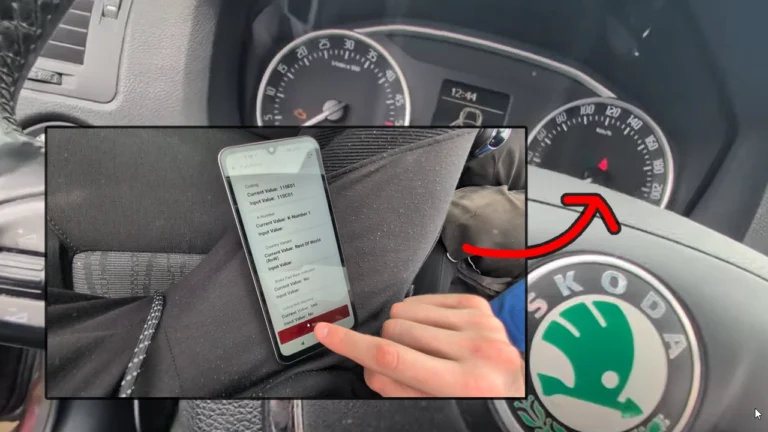
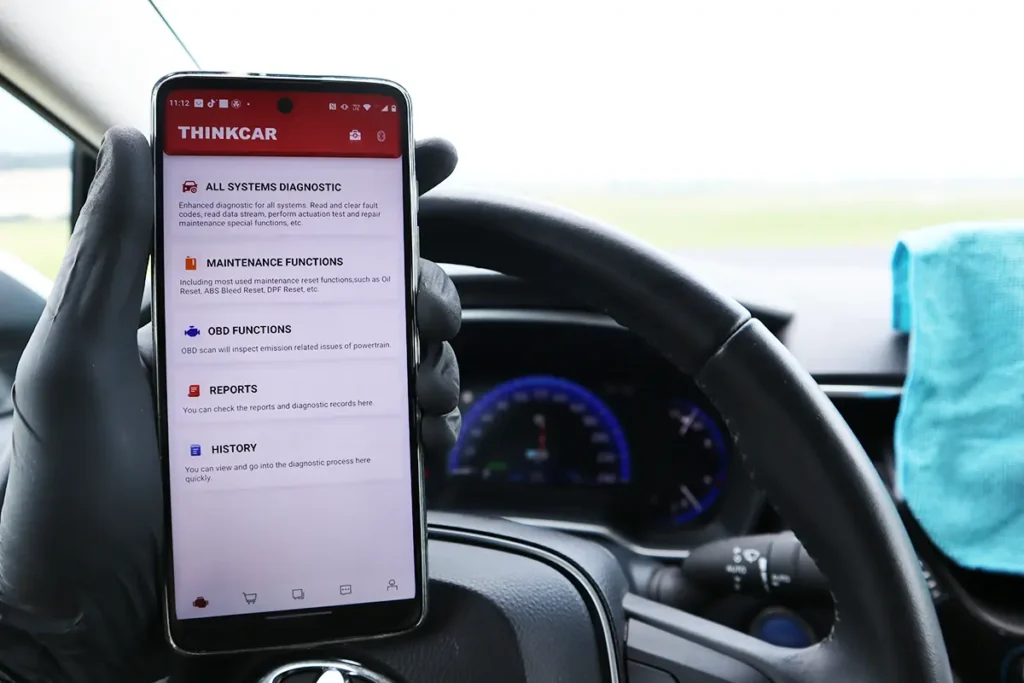
You plug the dongle into the OBD2 port, connect your phone via Bluetooth, and use the official Thinkdiag app.
From a software point of view, it’s like a compact Launch tablet:
• Full-system diagnostics (ABS, SRS, engine, gearbox, body, steering, etc.)
• Bi-directional tests (active tests)
• ECU coding and customisations
• Adaptations, basic settings, some IMMO functions
• Around 15 service/maintenance procedures
• Global OBD modes for simple engine work
Official specs say:
• Support for CAN-FD protocol (latest GM and newer platforms)
• ECU coding + bi-directional / active tests
• Full-system diagnostics + 15 maintenance functions
• Adaptation + IMMO key matching + Auto VIN
• “Covers 98% of car models available in the market”
• Support for 15+ languages
In practice, it’s a multi-brand professional-level scanner squeezed into a Bluetooth brick.
The software is the real value here, not the plastic box.

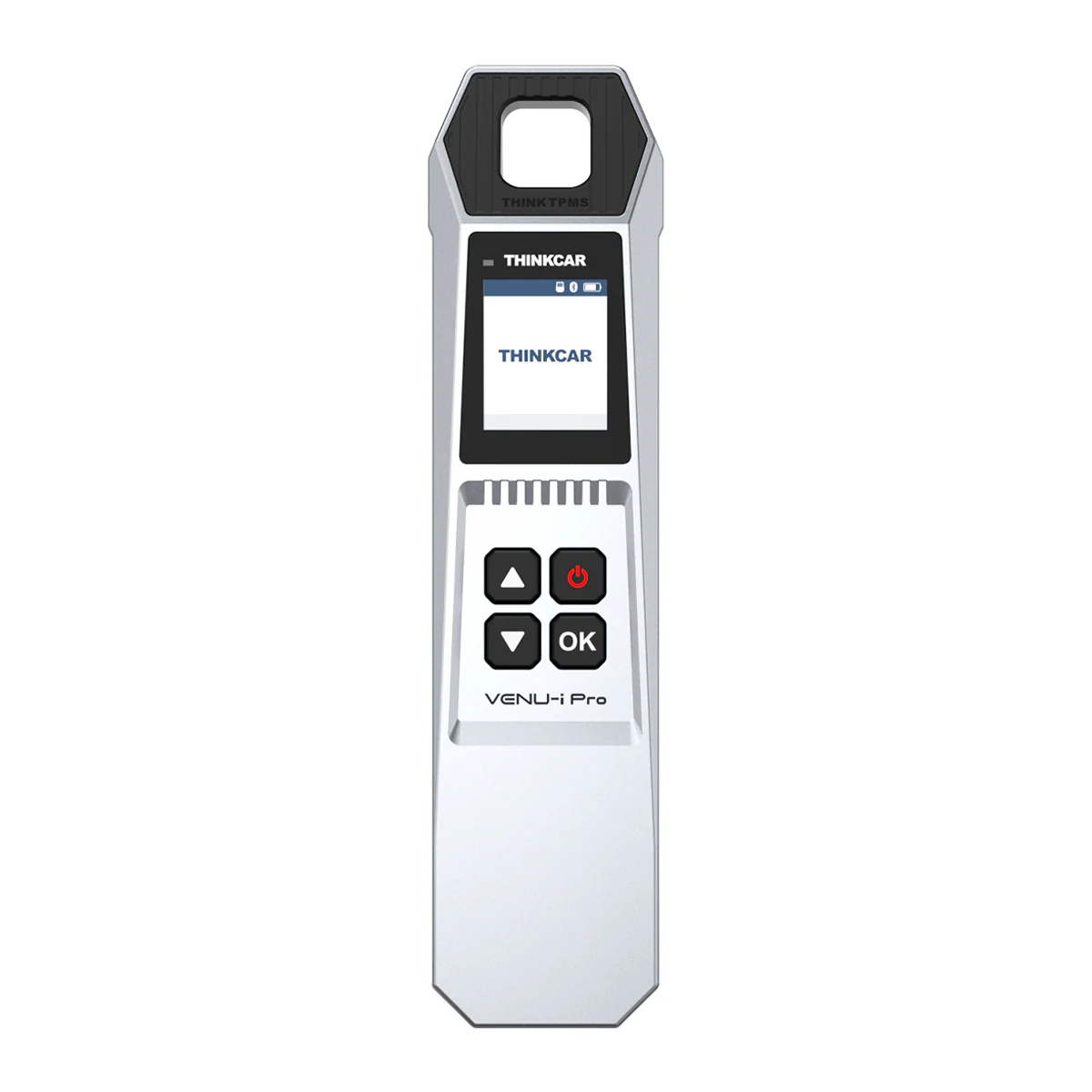
You also have a natural pairing with Thinkcar’s TPMS system (ThinkTPMS G2 / TPMS VENU etc.). If you work a lot with tyre pressure sensors, using Thinkdiag2 + ThinkTPMS together is a nice combo: Thinkdiag2 for full diagnostics, ThinkTPMS for sensors.
Test Results on Real Cars

I tested Thinkdiag2 on real cars I own or work on, and kept using it over several years.
Cars I used it on:
• Audi A3 8P (VAG, 15 modules)
• VW Touareg (2RX, many modules, difficult to scan)
• Fiat Punto
• Alfa Romeo test setup (6 modules)
• Nissan Micra (K12)
• High-mileage used car with rolled-back odometer
• Various other VAG cars for coding and service tests
Full-system diagnostics and scan speed

On Audi A3:
• Auto-VIN worked once ignition was ON.
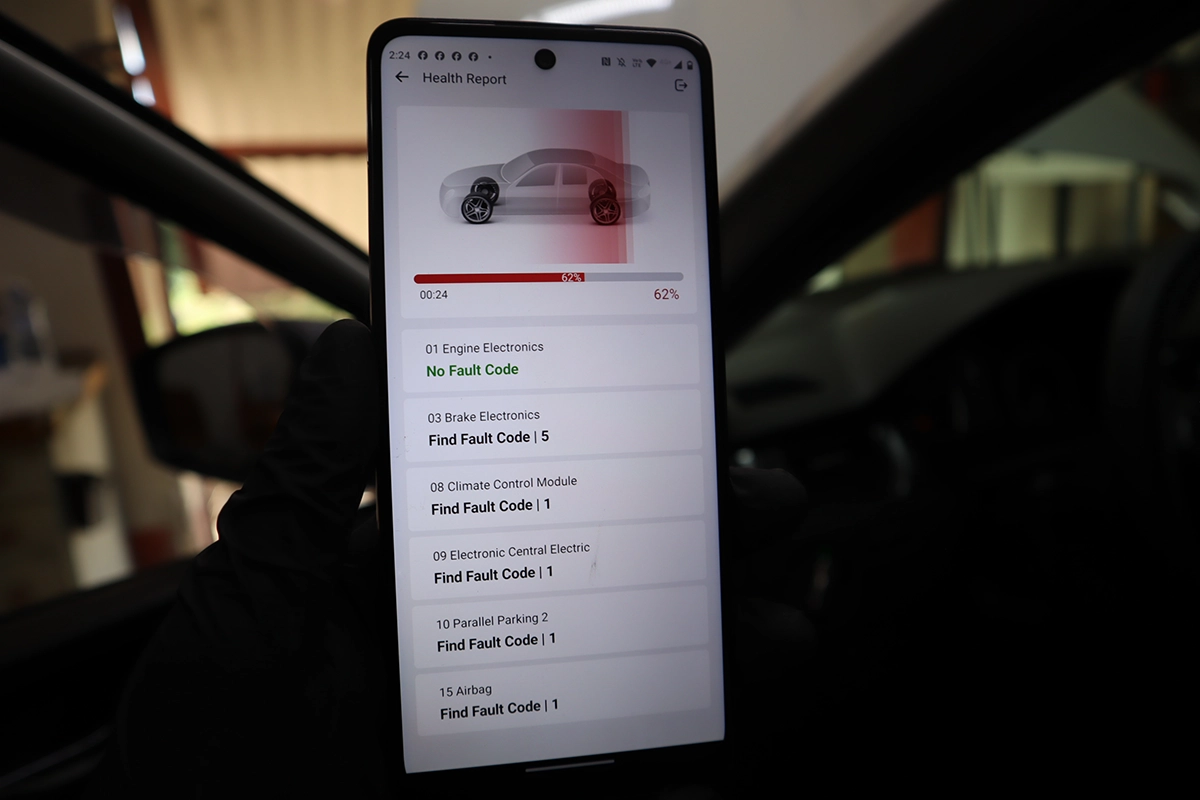
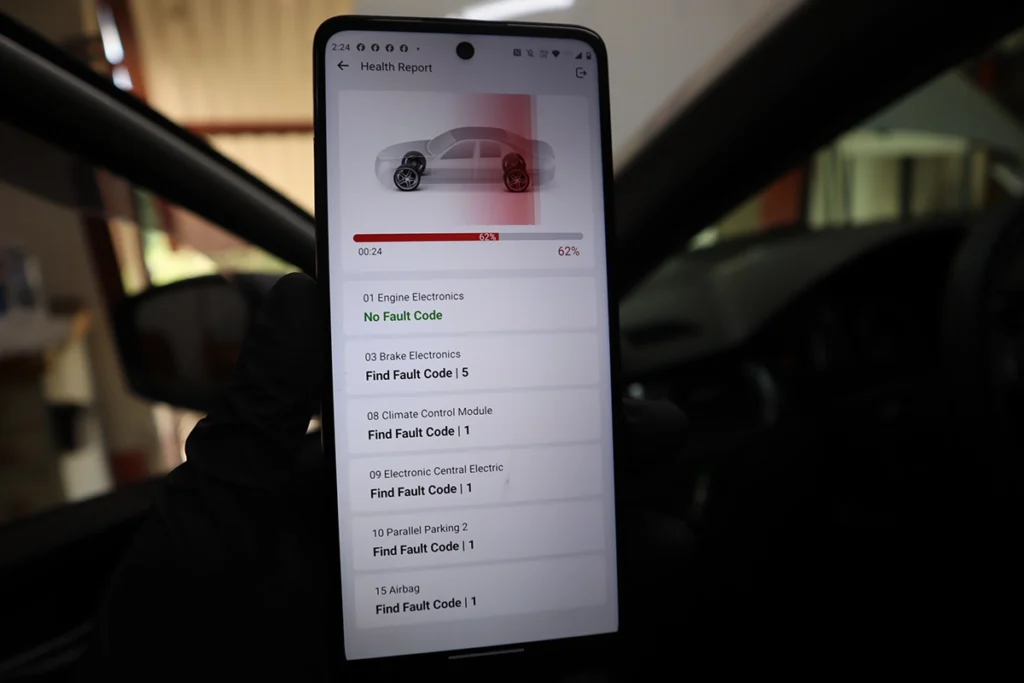
• Full-system Health Report scanned all 15 modules in under 1 minute on that car.
• Showed which modules had no faults, and which had DTCs.
• Report layout is clear and fast to read.
On VW Touareg:
• This car is hard to scan for any tool.
• Thinkdiag2 needed time (around 15 minutes), but it scanned all modules and produced a proper report.
• I could see 10 modules with faults, 8 without, and drill down into each system.
On Fiat Punto:
• Some more expensive bi-directional scanner I tested before could only see the engine module.
• Thinkdiag2 found 5 modules: engine, airbag, instrument cluster, body computer, and electric steering.
• For each module I could read info, codes, live data, bi-di tests, and sometimes special functions.
On Alfa Romeo test rig (with 6 modules):
• Other scanners often saw only the engine.
• Thinkdiag2 could talk to all 6 modules and run tests and special functions.
So full-system coverage and speed are very strong, especially for a Bluetooth tool.
Bi-directional tests (active tests)
On Audi A3:
• In engine module, I used actuation tests to trigger relays, intake flaps, fuel pump, cooling fan, etc.
• You can hear components click and spin, same as on a pro tablet.
• In body and transmission modules, it ran predefined sequences of tests (e.g. switches, lights, etc.).
• It’s not just “toy” tests – you get real control over components.
On Fiat Punto:
• In body module, I could toggle low beams, high beams, door lock/unlock and more.
• In engine module, I could fire each injector and test the fuel pump relay and cooling fan.
On Alfa test car:
• I used special functions in the instrument cluster to increase odometer value from 300,000 to 350,000 km (only upwards, not downwards).
• I also ran bi-di tests like turn signals and engine fan.
This is proper workshop-level bi-directional behaviour.
For a Bluetooth tool, it’s rare.
Live data
On Audi A3 and other VAG:
• Live data is available in every module, not just engine.
• You can read by list or by “channels” (0–255), similar to VCDS / OBDeleven.
• Channels like 30 for lambda control work as expected.
• You can display multiple PIDs in one graph (up to four per graph according to specs).
On other brands:
• Live data is still strong and detailed where coverage exists.
• For simple engine checks, you can switch to “OBD functions” and get classic Mode 01 PIDs like fuel trims, ready monitors, etc. with simple names.
I like that you can choose between:
• “Complicated but powerful live data per module”
• Or “simple global OBD live data” that feels like a cheap code reader.
Service functions and special procedures
Thinkdiag2 has a dedicated menu for “special functions” and also brand-specific service functions inside modules.
Examples from testing and official list:
• Oil maintenance reset
• Brake pad / EPB service
• DPF regeneration (on cars that actually have DPF)
• Battery matching / replacement
• Injector coding
• Steering angle sensor reset
• Gearbox relearn / adaptation
• EGR adaptation
• Throttle relearn
• Suspension and air level calibration (where supported)
• Some IMMO / key-related functions on supported models
On VW Touareg you also see “common special functions” for that generation, plus OEM-like functions like basic settings, long adaptations, and coding. Not every listed option will apply to every engine/trim, but the list is there.
On Nissan Micra:
• Maintenance reset menu mostly gave manual instructions (how to reset oil interval with dash buttons).
• It shows that service tools depend on each brand and age.
Coding and customisation

On VAG (Audi A3, VW cars):
• Long coding is available with a helper, similar to OBDeleven/VCDS.
• You can change DRL behaviour, turn signal comfort blinks, and lots of other options if you know the codes.
• Adaptations in the instrument cluster let you change language, comfort features, etc.
On other brands like Toyota, Fiat, etc.:
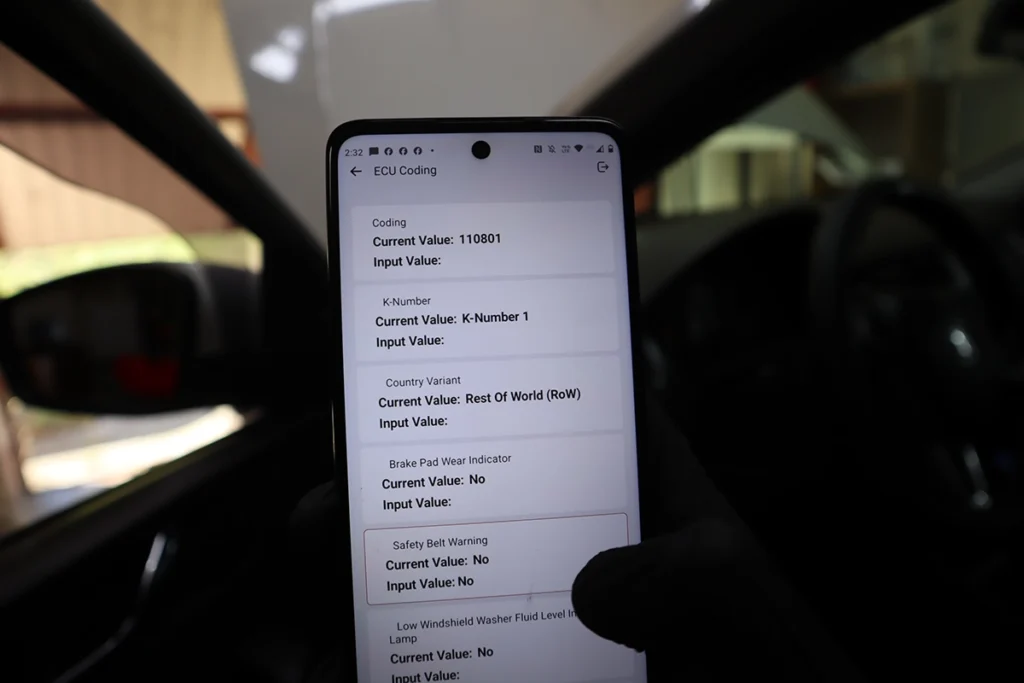
• You get ECU coding for things like comfort settings, power windows, key fob window operation, TPMS, warning sounds, etc.
• Example: I changed comfort turn signal count from 4 to 7 blinks, then later adjusted back to 3. Changes were permanent even after unplugging the dongle.
You do need instructions for deeper coding (forums, guides, etc.). This is not “one-click magic”; it’s real OEM-style coding access.
Always remember:
Wrong coding can brick modules.
That’s not Thinkdiag2’s fault – that’s how ECUs work.
Used car checks and mileage rollbacks

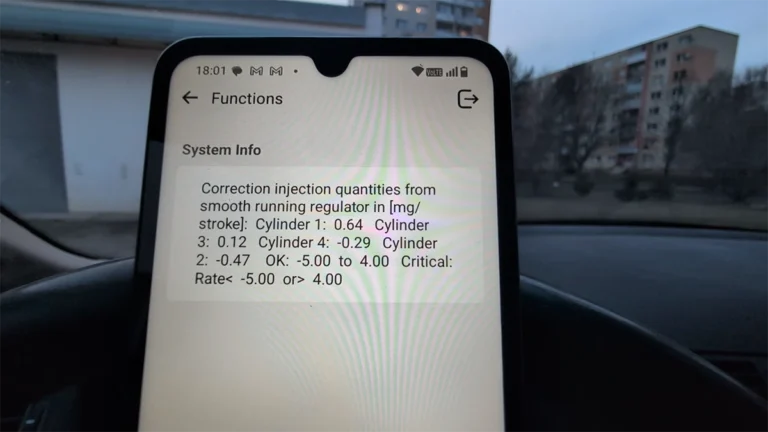
Thinkdiag2 is very good for used car checks because it can read live data from many modules, not only engine.
Method I use:
• Scan modules like engine, ABS, auto transmission, telematics, instrument cluster.
• Search live data for parameters like “vehicle distance”, “control module distance”, “total mileage”.
Example case:
• Car dash showed around 360,000 km.
• Engine control module distance = 360,000 km.
• Another mileage field in ECU live data showed 533,000 km.
That is clear proof of a rolled-back odometer.
I used Thinkdiag2 to catch this and I show the process in my videos.
If the engine module doesn’t show anything suspicious, you can check other modules one by one.
Manufacturer Specs vs Real Testing
| Area | Manufacturer Claim | What I Saw in Testing |
|---|---|---|
| Coverage | “Covers 98% of car models” | Very wide coverage. On tricky cars like Fiat/Alfa it still found more modules than some expensive tools. Older/rare models need manual selection. |
| Protocols | CAN-FD support | Works well on newer CAN cars, fast scans. CAN-FD I can’t fully verify on latest GM but no protocol issues so far. |
| Full system | OE-level on all systems | On most tested cars I got engine, ABS, SRS, body, steering, etc. Full list varies by brand, but it’s proper multi-module support. |
| ECU coding | Customize many functions | Confirmed on VAG and several other brands. Long coding and adaptations worked. Some IMMO options exist, but not on every car. |
| Active tests | “Best bi-directional scan tool” | Strong bi-di on engine and body. I could trigger injectors, fans, lights, door locks, etc. As powerful as mid/high-level tablets. |
| Service functions | 15+ special functions | I saw a wide range, but not every function on every car. Normal for multi-brand tools. DPF only where car actually has DPF. |
| Auto-VIN | Auto VIN scan | Works well on many newer cars. Failed on some older ones (Alfa, Micra) where I had to use manual selection. |
| Languages | 15+ languages | I stayed in English. Other languages not checked in detail, so I consider those not available in my testing. |
Hardware / Software / Plans / Internet Dependency

Hardware
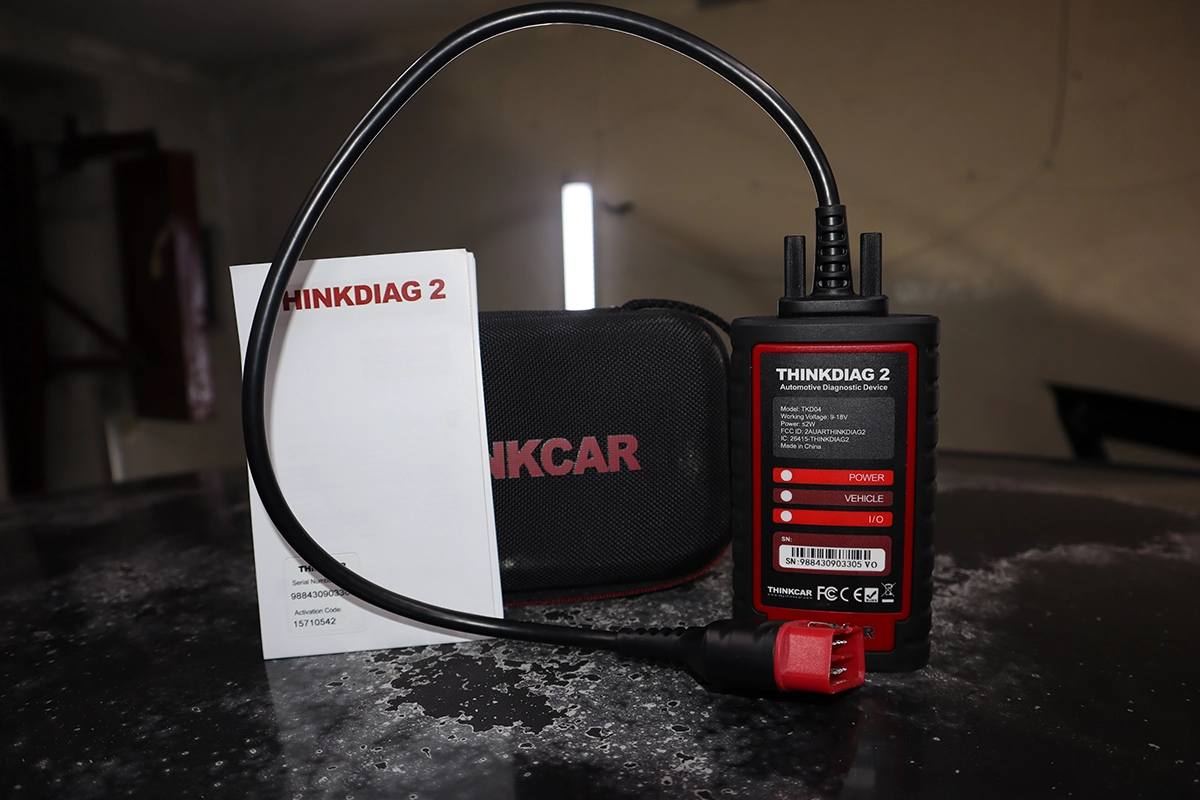
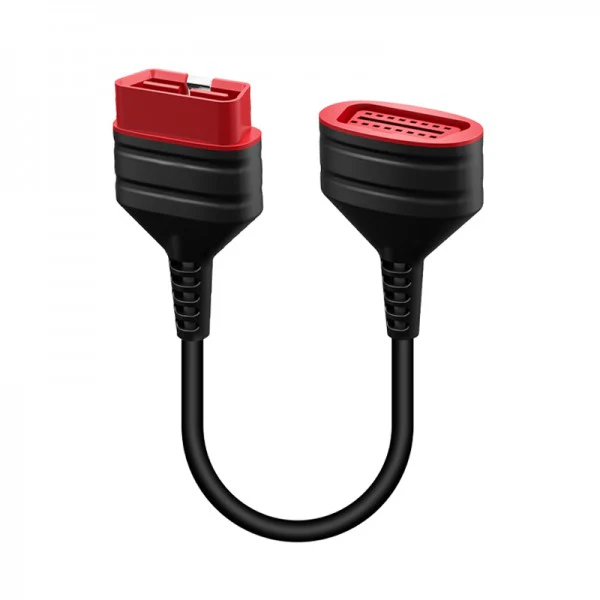
• Small OBD2 dongle with Bluetooth 5.0.
• Uses wired link from car to box, then Bluetooth from box to phone – this is why it feels faster than typical dongles.
• Didn’t overheat or disconnect in my tests.
• Suitable for regular use in a workshop or garage.
Software and app behaviour
• Thinkdiag app has “all system diagnostics”, OBD functions, special functions, coding, AI/ThinkGPT, and report features.
• Auto-VIN is handy but you must turn ignition ON, or it will fail.
• For tough cars like Touareg, scanning is slow but still works – which is more important than speed.
• AI features (ThinkGPT / AI analysis) can explain codes, give likely causes, and basic diagnostic steps. Nice helper, but you still need common sense.
Plans, subscriptions and cost
From my testing and official info:
• Adapter price ≈ 130–180 € (region and promos change it).
• First year of software is included.
• Renewal for all brands ≈90 €/year (around 87 € listed officially).
So:
• Year 1: Buy adapter + one year of all-brand software.
• Year 2+: Pay yearly fee if you want updates + new car coverage + online features.
As a pure Bluetooth tool, the subscription is worth it if you:
• Work on many different brands.
• Need advanced functions (coding, bi-di, service) daily or weekly.
But if you hate subscriptions, or plan to spend 3–4 years with a tool, it’s often smarter now to buy a Thinkcar/Mucar tablet with free lifetime updates or 3 years of free updates. Same or similar software, no renewal stress, easier resale.
Internet / cloud dependency
• Needs internet for most functions (online coding, AI, some brand data).
• Basic OBD functions and some local features still work offline, but think of it mostly as an online tool.
• If you work in a spot with bad data reception, plan around that.
Coding risks
Like I said before: coding and adaptations can damage modules if you don’t know what you are doing.
• Do not randomly change bytes or values you don’t understand.
• Always note original settings.
• Do not code on low battery voltage.
This applies to Thinkdiag2, OBDeleven, tablets, OEM tools – all of them.
Supported Service Resets
Officially it lists at least 15 maintenance functions, including:
• Oil maintenance reset
• EPB / brake reset
• DPF regeneration
• SAS (steering angle) reset
• ABS bleeding
• Battery matching / registration
• Gearbox relearn
• EGR adaptation
• Throttle body relearn
• Suspension reset / air level calibration
• Injector coding
• TPMS reset
• Sunroof reset
• Immobilizer reset on some cars
In testing:
• VAG and many modern cars: you see rich lists of service functions, especially for engine, brakes, steering, transmission.
• Diesels with DPF: regeneration functions show up if the car actually has a DPF.
• Nissan Micra (older): service menu fell back to manual procedures (dash button instructions).
So it’s strong, but still brand and model dependent.
That’s normal for multi-brand tools.
If you also use ThinkTPMS / TPMS G2 / ThinkTPMS VENU, you can handle tyre pressure sensors and TPMS programming while using Thinkdiag2 for the rest of the car. They are separate tools, but work well together as one ecosystem.
Supported Languages
Official spec says 15+ languages.
In my own use:
• I used English.
• I didn’t test other languages in detail.
So I treat language quality outside English as not available in my testing.
For coding, I always recommend English anyway. Translated labels can be confusing; most guides and forums use English names.
Comparison Section

Thinkdiag2 vs OBDeleven
OBDeleven focuses mainly on VAG, with some support for BMW/Toyota/Ford.
Thinkdiag2:
• Wider multi-brand coverage.
• Strong bi-directional tests on many brands.
• More service procedures on non-VAG cars.
OBDeleven:
• Still the best mobile tool for deep VAG coding, One-Click apps and SFD integration.
• Better if your whole life is VW/Audi/Škoda/SEAT and you don’t care about other brands.
| Feature | Thinkdiag2 | OBDeleven 3 |
|---|---|---|
| Main focus | Multi-brand | VAG first |
| Full-system on VAG | Yes | Yes (very strong) |
| Coding depth on VAG | High | Very high |
| Coverage outside VAG | Very strong | Lighter, extra only |
| Subscription | ≈ 80–90 €/year | PRO/ULTIMATE plans, Credits |
| Best for | Multi-brand garages, used car checks | VAG owners and enthusiasts |
If you mostly own VAG, I would lean OBDeleven.
If you deal with many brands, Thinkdiag2 is more flexible.
Thinkdiag2 vs ELM327 adapters
Cheap ELM327 adapter + free/cheap app:
• Great for engine-only work.
• Read/clear codes, show live data, basic logs.
• No real bi-di, no OEM coding, no deep service functions.
Thinkdiag2:
• Full systems, full live data, bi-di tests, ECU coding, service procedures, used car checks.
• Much more expensive upfront and every year.
| Feature | Thinkdiag2 | ELM327 + app |
|---|---|---|
| Price | High + subscription | Very cheap, one time |
| Modules | All systems | Engine only (usually) |
| Bi-directional | Yes | No |
| Service resets | Many | Almost none |
| Coding | Yes | Almost none |
If you just want to read a check engine light and clear it sometimes, ELM327 is fine.
If you want real diagnostic depth, Thinkdiag2 is in a different league.
Thinkdiag2 vs multi-brand coding tablets (Kingbolen K7 / Mucar VO7 / Thinkcar tablets)
This is the big decision now.
• Best Bluetooth tool I know.
• Compact, works with your phone.
• Powerful software, but subscription-based.
Kingbolen K7 / Mucar VO7 / Thinkcar tablets:
• Similar or same Launch/Thinkcar-style software.
• Standalone devices, bigger screens, easier workflow in a garage.
• Usually 3 years free updates or even lifetime updates on some models.
• After a few years, end up cheaper than paying Bluetooth subscriptions.
| Feature | Thinkdiag2 | K7 / VO7 / Thinkcar tablet |
|---|---|---|
| Type | Phone + dongle | Dedicated tablet |
| Updates | Pay yearly | Often free for years or lifetime |
| Functions | Very strong | Same or more |
| Long-term cost | High | Often lower |
| Resale | Dongle only | Full tablet, easier to sell |
If you are serious about diagnostics and plan to keep a tool for 3–5 years, a tablet with free updates will usually be smarter than Thinkdiag2 subscription.
Thinkdiag2 vs Carista
Carista is mostly a simple coding app.
Thinkdiag2 is a full diagnostic platform.
Carista:
• Great for quick coding and light customisation.
• Limited diagnostics and live data.
• Service functions are basic.
Thinkdiag2:
• Full-system diagnostics, bi-di tests, ECU coding, and service functions across many brands.
| Feature | Thinkdiag2 | Carista |
|---|---|---|
| Diagnostics | Full systems | Basic |
| Live data | Strong, graphs | Weak, no graphs |
| Bi-directional | Yes | No |
| Coding | Deep OEM style | Simple presets |
| Service tools | Many | Limited |
| Best for | Serious diagnostics | Quick, easy coding |
If you only want to change seatbelt beeps and a few comfort features, Carista + 1 month sub is enough.
If you actually want to diagnose and repair cars, Thinkdiag2 is the better tool.
Thinkdiag2 vs Carly

Short version: there is no real competition here.
Carly:
• Weak diagnostics, very limited live data.
• Almost no service functions.
• Coding works only on some cars.
• Subscription is hidden and expensive.
Thinkdiag2:
• Real full-system diagnostics.
• Strong bi-directional tests and coding.
• Transparent subscription logic (expensive but clear).
If you are even considering Carly, don’t.
If you have Carly already, Thinkdiag2 is a massive upgrade in every way.
Final Verdict
Thinkdiag2 is the strongest Bluetooth OBD2 scanner I’ve tested.
Full-system scans, fast speed, rich live data, bi-di tests, ECU coding, and solid service functions – all inside one little dongle.
If you work on many brands and like using your phone, it’s a fantastic tool for serious DIYers and small garages. For used car checks and catching mileage rollbacks, it’s also one of my favourites.
But the yearly subscription is the catch.
After 2–4 years, you can easily pay the price of a good tablet scanner just in renewals.
So my recommendation:
• Buy Thinkdiag2 if you want the best Bluetooth scanner and you accept subscription cost.
• If you hate subscriptions or plan to use a tool for many years, look at Thinkcar / Mucar / Kingbolen tablets with free lifetime or 3-year updates instead. They use similar-level software and are often cheaper in the long run.
How to save money:
• Buy Thinkdiag2 only from official or trusted sources, avoid grey-market clones.
• Activate and manage your subscription thoughtfully – don’t renew if you’re not using it.
• If you do a lot of TPMS work, pair it with a ThinkTPMS / TPMS G2 system so you keep everything in the same ecosystem.
• If you decide you want no subscriptions at all, go straight to a tablet scanner with free lifetime updates instead of spending years on app subscriptions.
Popular OBD2 guides
See all guidesBest OBD2 scanners in 2025
I constantly test new OBD-II scanners to give you the best options possible. Here is a full list of the best tools in all categories currently.


Can it be used by a mechanic to work on various cars
Yes, it is perfect as budget scanner for mechanic. Of course the $1000 scan tool would be better but the Thinkdiag2 does the same, except it might take little longer with scan and other functions than scan tool. But for starting mechanic/car shop is great to save money.