
Published: February 17, 2025 · Last updated: April 11, 2026
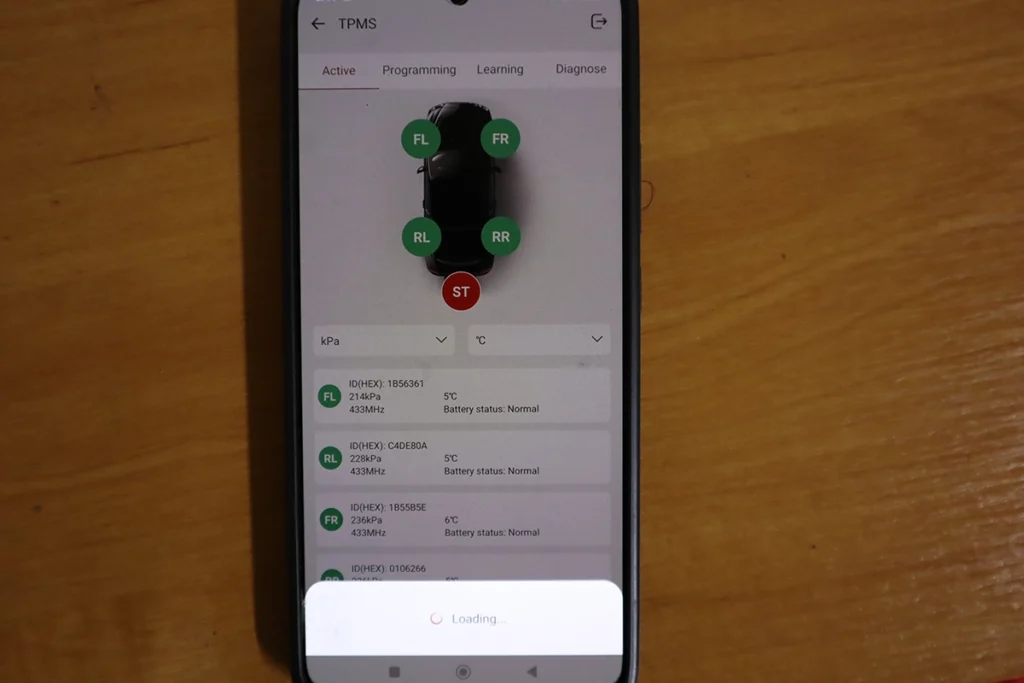
G2 is tpms dedicated tools for your thinkcar/mucar scanner. It works either with smartphone only – for reading TPMS ID numbers. For writting them into OBD2 you can use different Thinkcar/Mucar scanners like thinkdiag2, thinkscan 689BT, etc…
I earn from qualifying purchases and sometimes get tools for free (full disclosure). It never affects my scoring.
Thinkcar TPMS tool G2
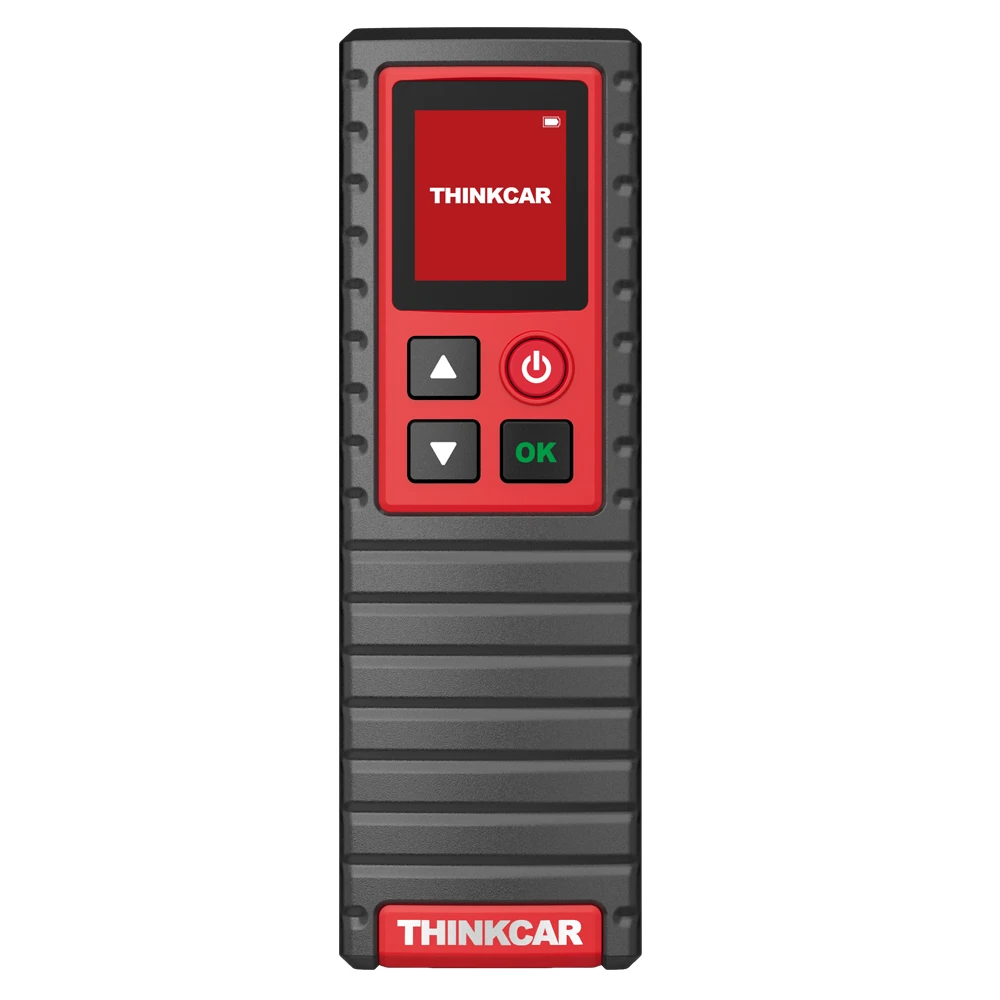
Thinkcar TPMS G2
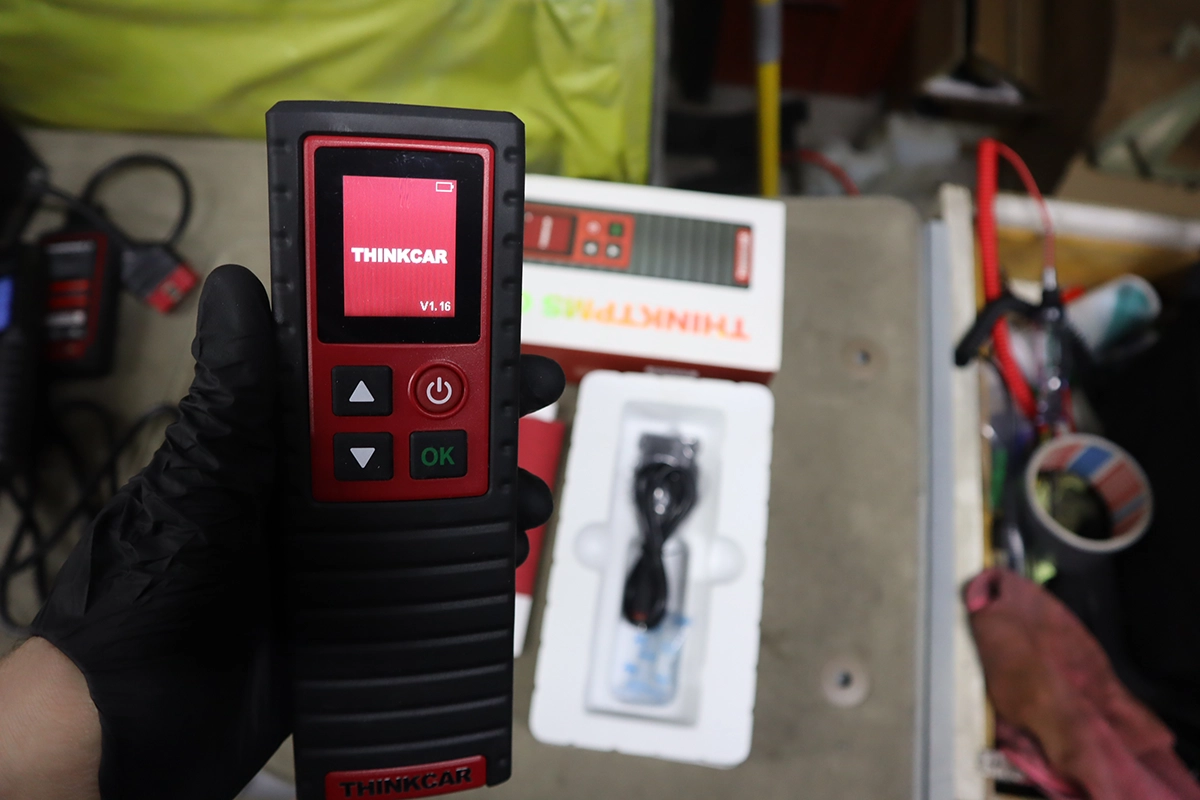
The Thinkcar TPMS G2 is dedicated TPMS tool for detecting and resetting tire pressure sensors within the thinkcar ecosystem.

- Wireless TPMS sensor detection
- Intended to pair with ThinkDiag/ThinkCar ecosystem
- There is already new version TPMS-venu.
Service functions (1+)
Scores
Specs
| Tool type | Standalone device |
| User level | Beginner friendly |
| Vehicle focus | All makes |
| System focus | tpms |
| Free updates | Lifetime |
| Subscription | Not required |
Support & resources
| Will this work for my car? | Open coverage check page ↗ |
Unboxing Thinktpms G2
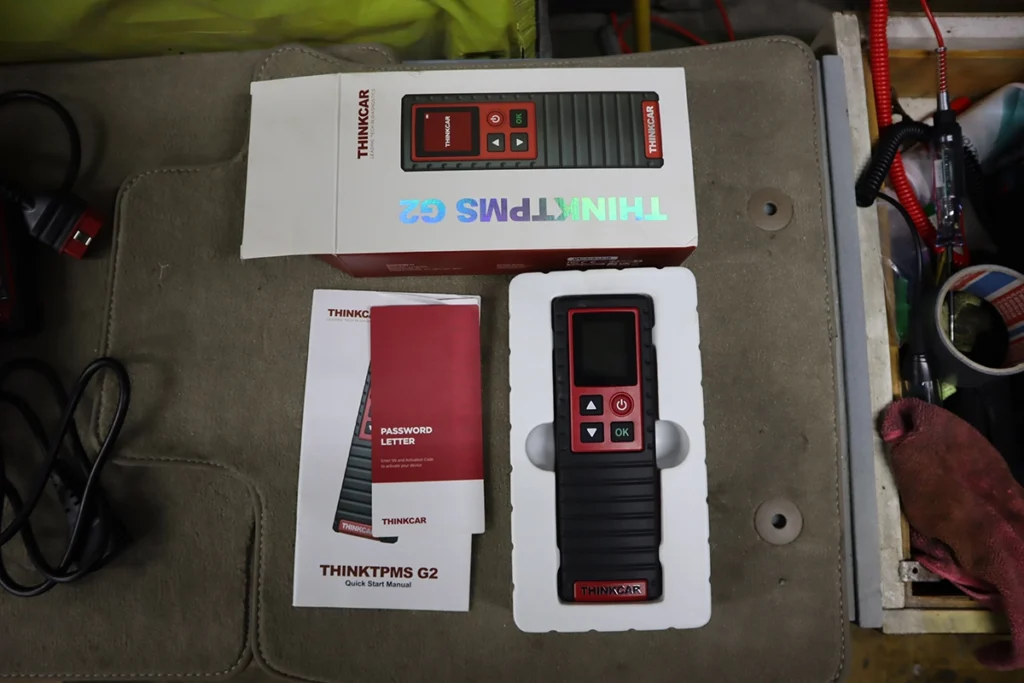
Here is my thinktpms unboxed, very simple and works straight out of the box.
Connecting to scanner was easy as well, I paired it to my Mucar V07.
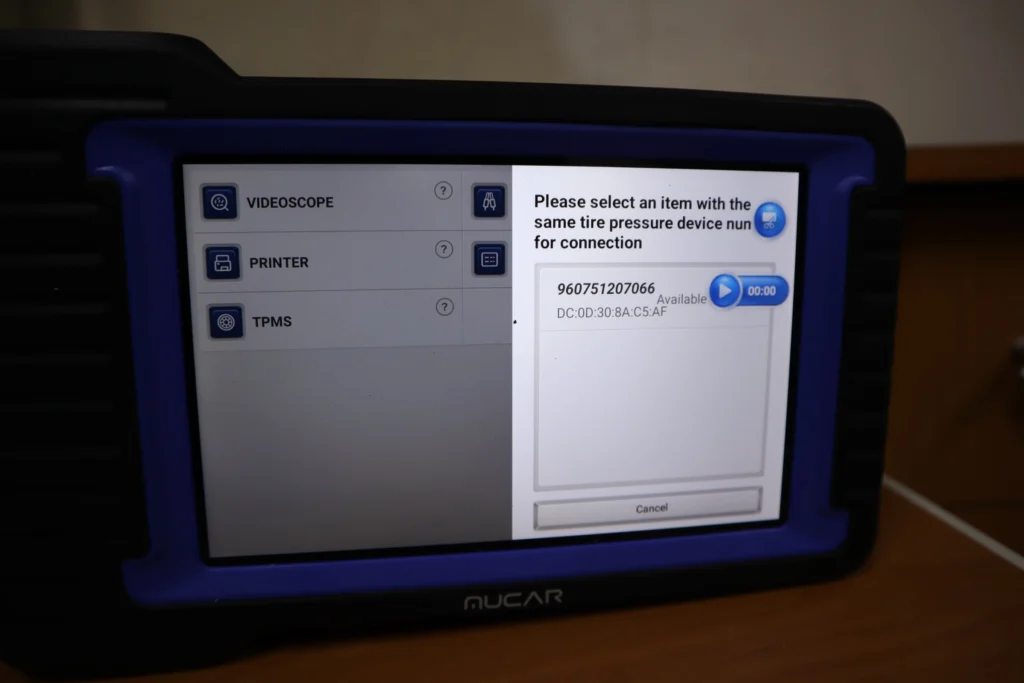
Just like that scanner was connected and everytime I scanned data from TPMS sensor, they displayed automatically on my tablet scanner.
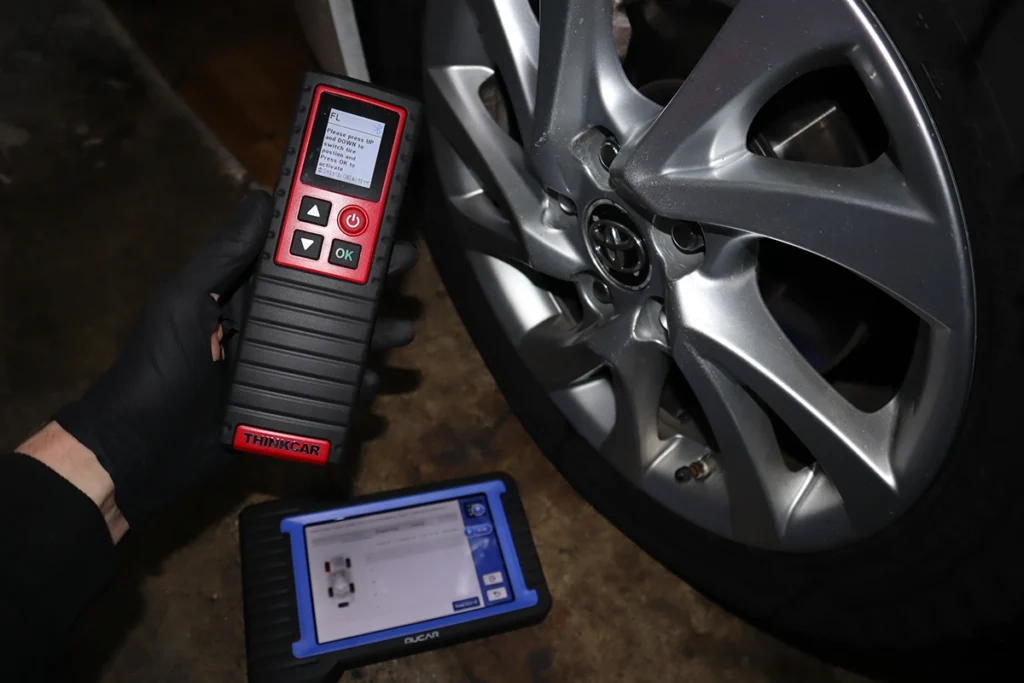
To scan sensor information just put tool close to wheel and press OK button.
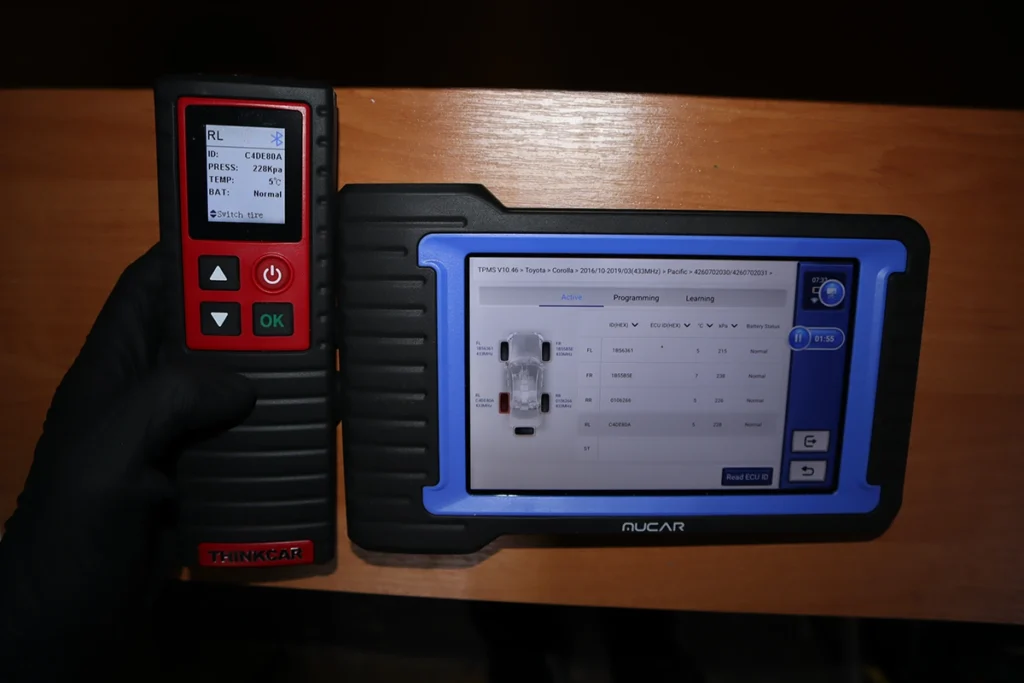
Now I have all 4 sensors scanned and I could proceed to writting this info to TPMS module. You can even do 5th spare wheel.

You can also use it with Thinkdiag2 to still be able to do programming and learning, or just stick to Thinkdiag app with thinktpms alone.
Most popular OBD2 guides







I'm Juraj Lukacko and I work as an auto electrician. On this site I share what I learn from real work on real cars, to help you pick the right tools for diagnostics, programming and tuning and get the job done.
More about me →