
Published: November 13, 2025 · Last updated: June 3, 2026
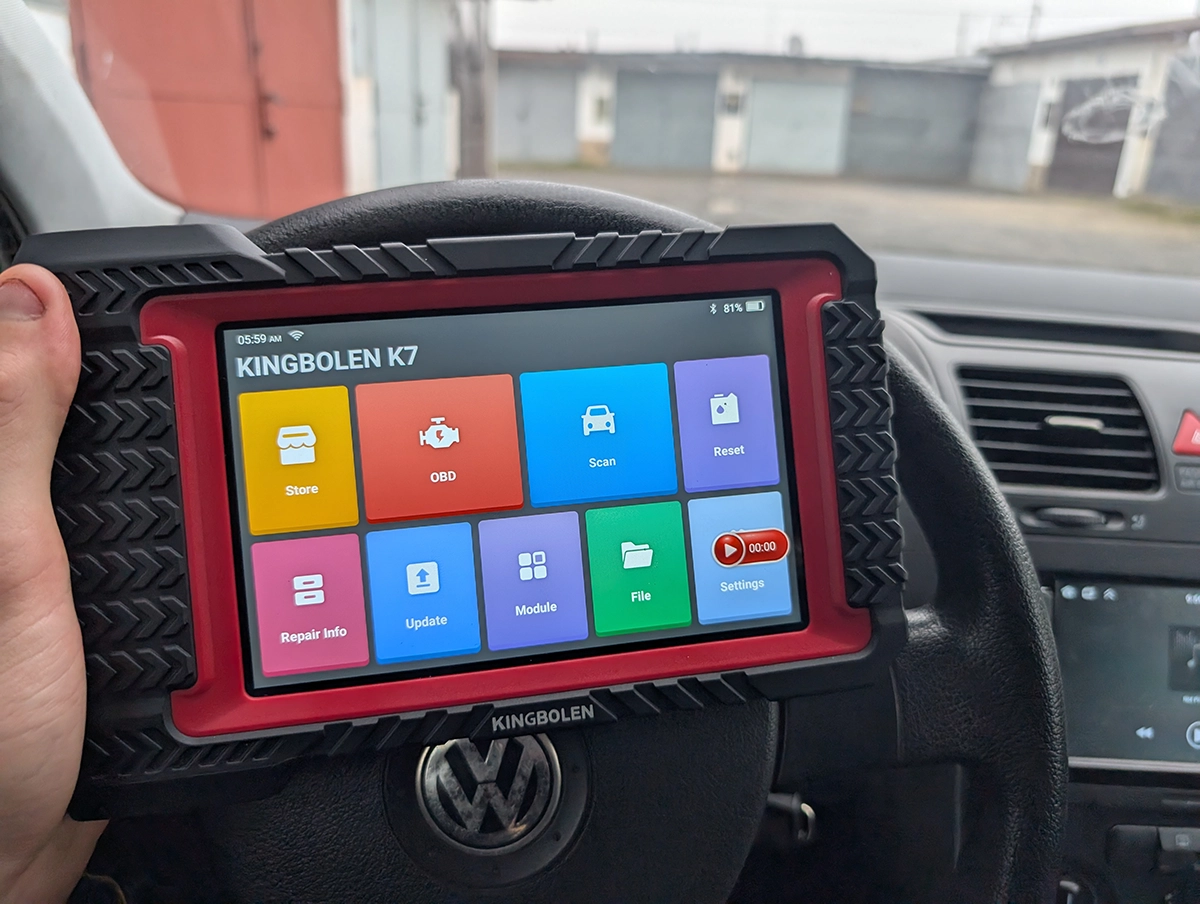
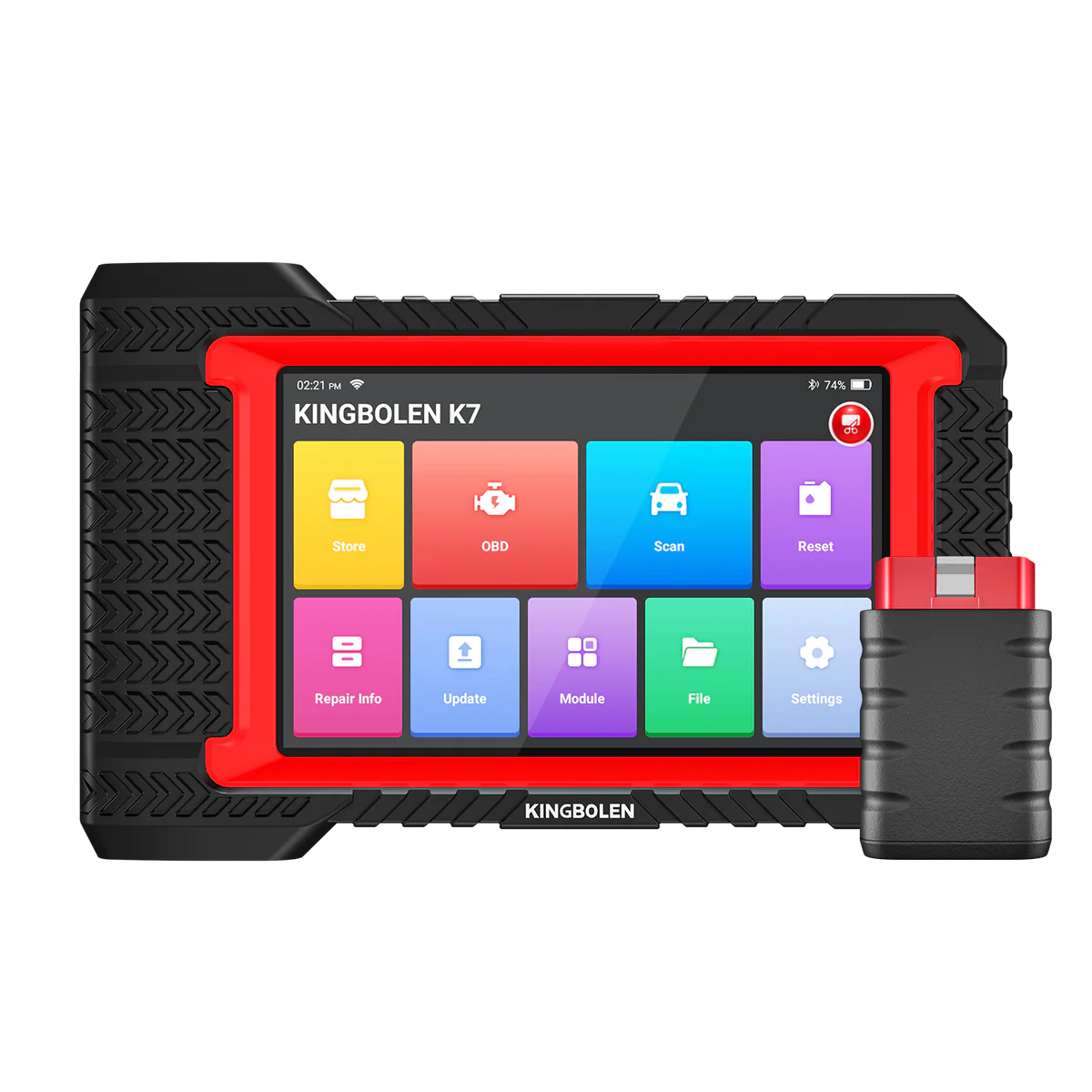
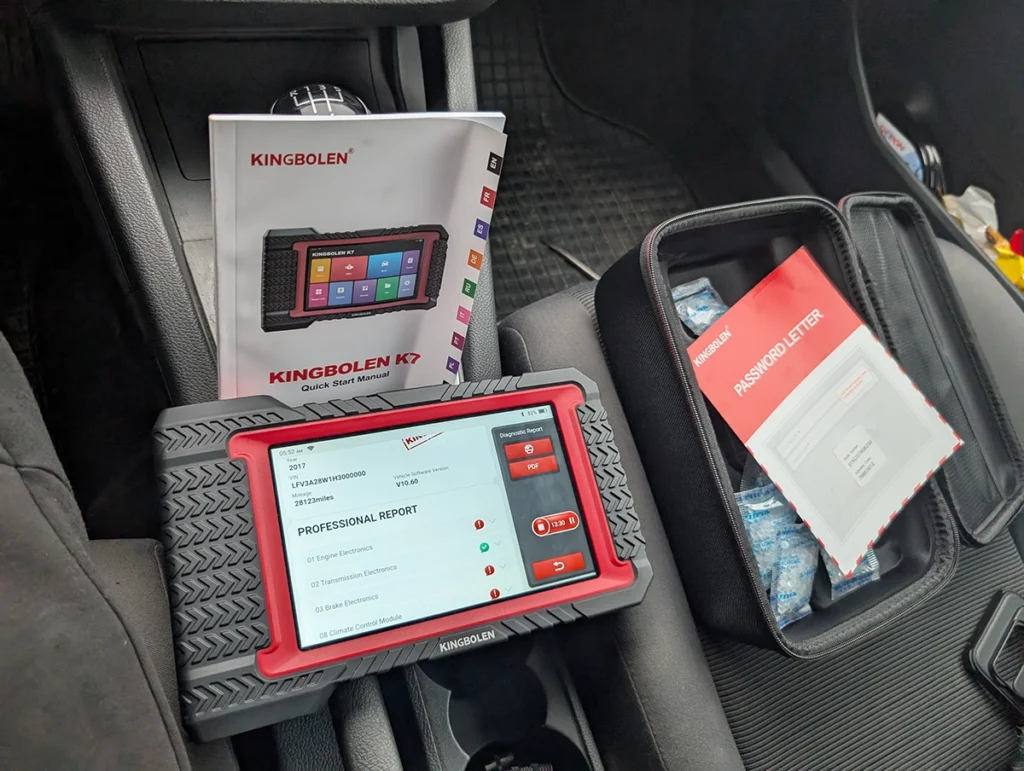
The Kingbolen K7 is a wireless full-system scanner with ECU coding, bidirectional tests, 28 service resets and free lifetime updates, for around $350, roughly half what those features usually cost. It’s effectively the Mucar V07’s twin, but with lifetime updates thrown in, which is what tips the long-term value in its favour. I tested it on a VW Golf 5, where it scanned the whole car faster than even VAG-only tools and handled real long coding. Read on for what it does well and the few rough edges.
I earn from qualifying purchases and sometimes get tools for free (full disclosure). It never affects my scoring.
Quick overview for Kingbolen K7
Kingbolen K7
The Kingbolen K7 is full-system tablet with real bidirectional, strong VAG coding and lifetime updates making it better long-term value than Mucar VO7.

- Full-system diagnostics with fast scanning
- Real bidirectional active tests
- ECU coding and long coding --- particularly strong on VAG
- Auto VIN detection failed on your tested VW Golf 5 (manual selection required)
- Bluetooth VCI sometimes needs a few seconds to sync after plugging in
- Menu translations occasionally imperfect
Service functions (25+)
Scores
Specs
| Tool type | Standalone device |
| User level | Advanced |
| Vehicle focus | All makes |
| Free updates | Lifetime |
| Subscription | Not required |
What it’s actually good at
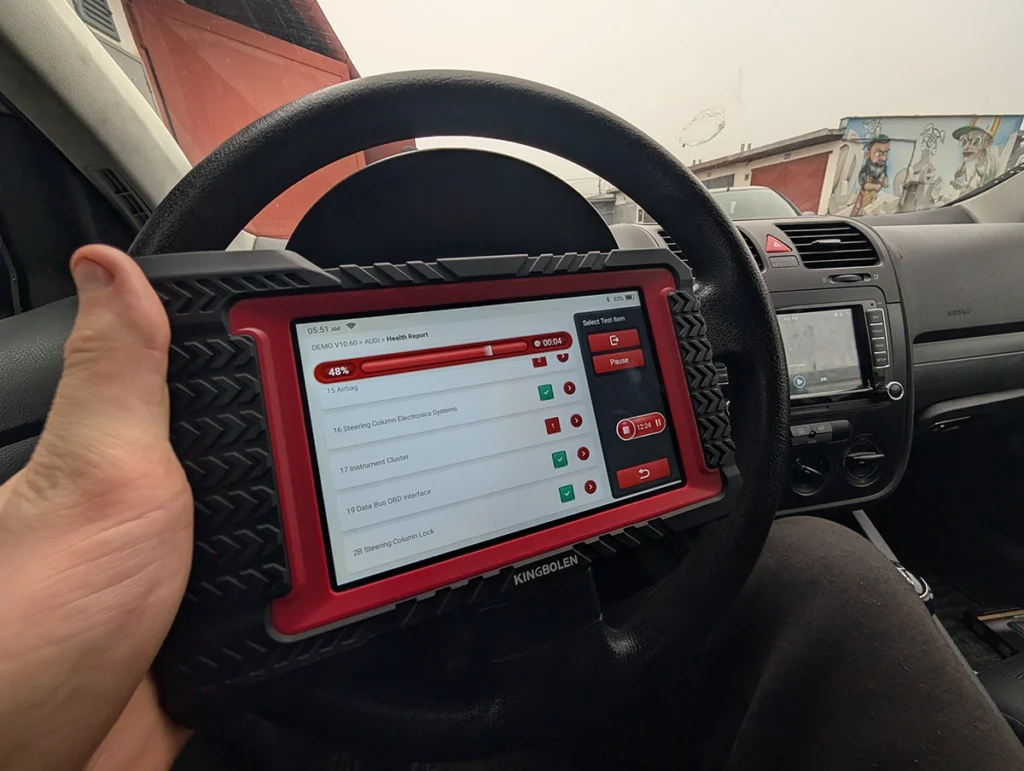
The scan speed surprised me: a full Golf 5 scan in 1 minute 30 seconds. That’s faster than most scanners in this class, and notably quicker than even a VAG-only specialist like OBDeleven, which usually takes over two minutes on the same car. For a generic all-brand tool to beat a brand-specific one on speed is impressive.
VAG coding is the real standout, and it reaches dealer-level territory. On the Golf I went into the long coding helper, found Byte 2 for comfort turn signals, ticked it and saved, and the comfort blinker came back to life. It also includes long coding, online secure login, guided functions and adaptation, the kind of thing usually reserved for dealer tools. There’s even built-in OEM service info and VAG channel guidance.
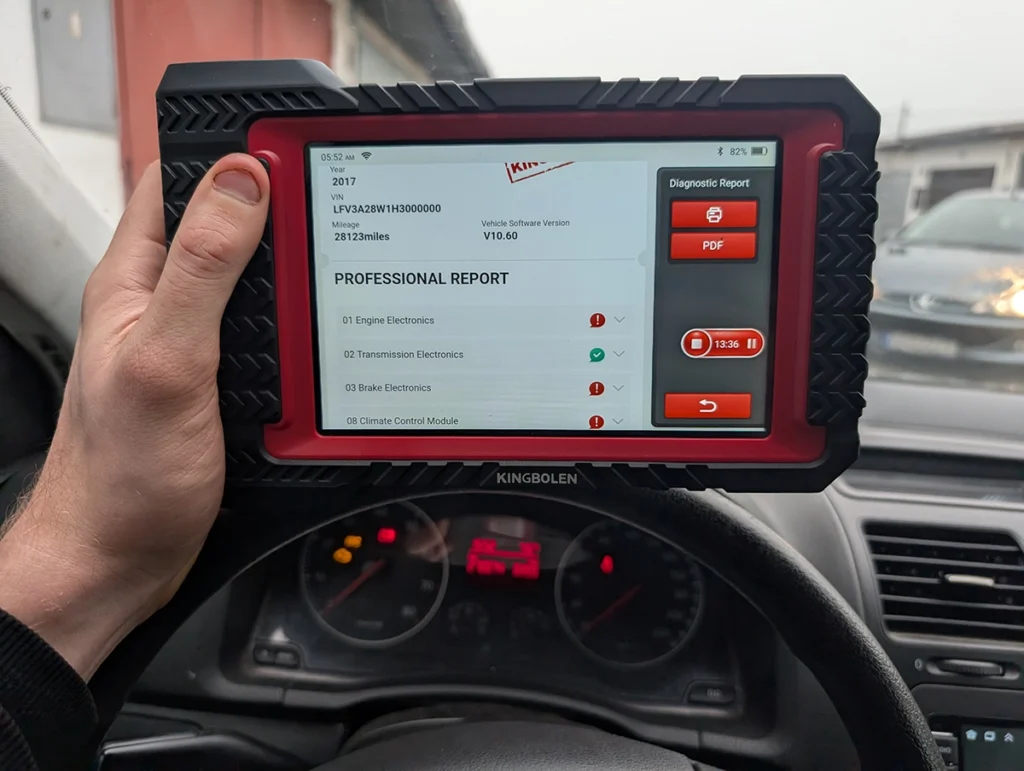
Bidirectional control works like a far pricier tool. From the body module I fired the windshield wipers, fuel pump relay, door locks and headlights, each responding instantly with a clear relay click.
The live data is among the best in this price range: one or two column lists, up to four graphs at once, recording and before/after sample comparison. Pair that with AI now, export a live-data log and let ChatGPT help read it. It also builds clean PDF reports for used-car checks and customer printouts.
Where it falls short
Auto VIN detection failed on my Golf 5, so I had to select Volkswagen manually. Not a dealbreaker, manual selection connected fine, but worth knowing if you work older cars where auto-detect is hit and miss.
A couple of smaller things. The Bluetooth VCI sometimes needs a few seconds to sync after you plug it in, and the menu translations are occasionally imperfect. Neither stops the job, they’re just rough edges.
The adaptation menu also isn’t the deepest. For most DIY coding it’s plenty, but if you want extensive adaptation channels you’ll feel the limit. For the price, though, there’s very little to genuinely complain about.
Who should buy this
Yes, buy it if:
- You want full-system diagnostics with real VAG coding and lifetime updates without paying pro-tool money
- You work VAG cars and want long coding, online login and guided functions close to dealer level
- You’d take lifetime updates over the Mucar V07’s ecosystem for better long-term value
No, look elsewhere if:
- You prefer the Mucar ecosystem and slightly smoother day-to-day use, the V07 is the pick
- You need the deepest adaptation menus or flawless auto VIN on older cars
- You mainly do used-car checks rather than deep diagnostics, an iCarsoft CR Max suits that better
Kingbolen K7
 Mucar V07
Kingbolen K7
Mucar V07
Kingbolen K7
 ICARSOFT CR max
Kingbolen K7
ICARSOFT CR max
Kingbolen K7
 XTool D7
Still deciding rather than chasing a K7 deal? I line up the mid-range full-system tablets I’ve tested in my [best bidirectional OBD2 scanners] roundup. The short version: the K7 is strong VAG-coding value with lifetime updates, but the roundup shows where a Mucar, an Xtool or an iCarsoft fits your work better.
Final word
The Kingbolen K7 packs full-system diagnostics, real VAG coding, bidirectional tests and lifetime updates into a wireless tool around $300, roughly half the usual price for this capability. It’s essentially the Mucar V07 with lifetime updates, and it scanned my Golf faster than even VAG-only tools. Auto VIN can miss on older cars and the adaptation menu isn’t the deepest, but for a powerful all-system scanner without subscriptions, it’s an easy recommendation.
Most popular OBD2 guides







I'm Juraj Lukacko and I work as an auto electrician. On this site I share what I learn from real work on real cars, to help you pick the right tools for diagnostics, programming and tuning and get the job done.
More about me →