
Delphi DS150 Clone Review: A Cheap Laptop Scanner That Still Delivers


Published: February 10, 2024 · Last updated: June 4, 2026
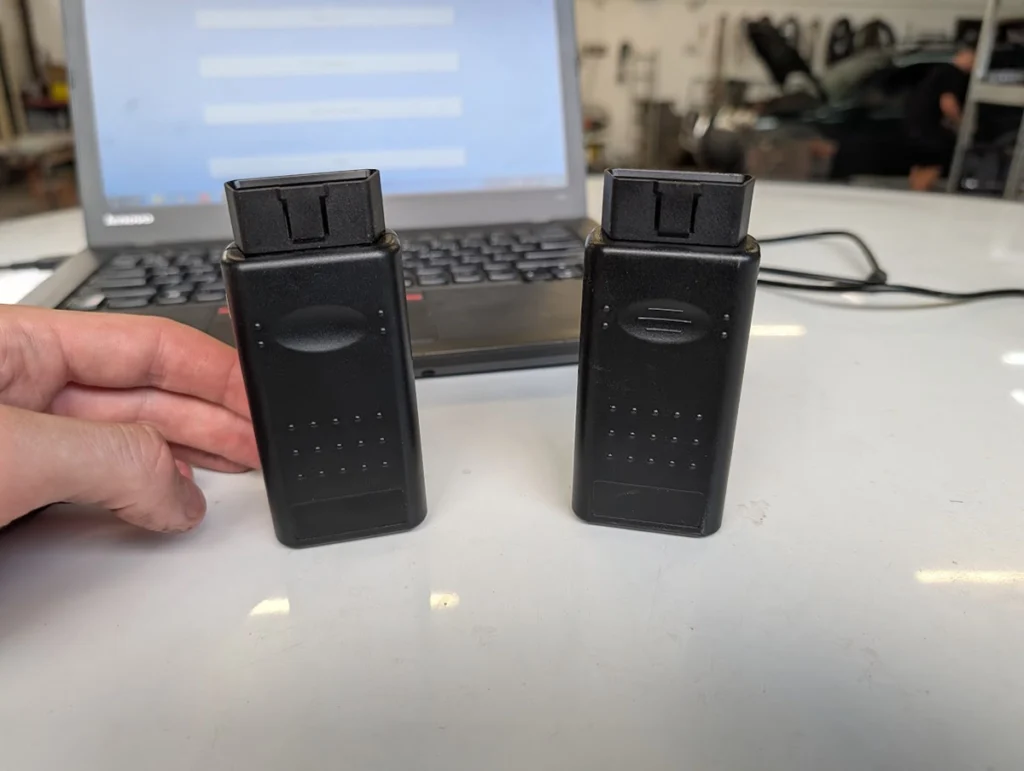
The Delphi DS150 Multidiag clone is a laptop-based scanner I bought for $50 and tested on several cars. It runs Delphi/AutoCom software and gives far more functions than a cheap code reader: full-system access, bidirectional tests and even key programming on some cars. For the price it’s remarkable value, but it needs a laptop, the software setup is fiddly, and on newer cars it misses a lot of modules. It’s a clone, so quality varies. Read on for what you really get.
I earn from qualifying purchases and sometimes get tools for free (full disclosure). It never affects my scoring.
Quick overview
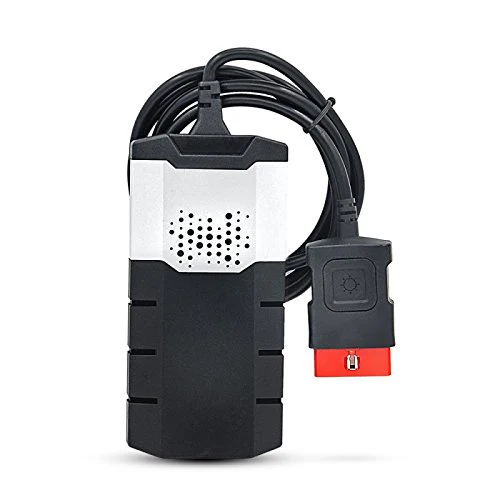
Delphi DS150 (clone)
The Delphi DS150 (clone) is pC-based laptop scanner that offers dealer-like functionality for a fraction of the cost of professional tools.

- Extremely cheap for the functionality
- Works with Delphi and AutoCom software
- Bluetooth and USB connection options
- Built-in flashlight
- Requires laptop
- Software installation can be tricky
- Clone quality varies
Service functions (9+)
Scores
Specs
| Tool type | Standalone device |
| User level | Advanced |
| Vehicle focus | All makes |
| Free updates | Not included |
| Subscription | Not required |
What it’s actually good at
For $50 it delivers functions that normally cost hundreds, and on older cars it really works. On a Fiat Punto 2004 it scanned engine, body, airbag and more, with full live data and graphs, bidirectional tests (lights, locks, indicators, injectors, cooling fan), EVAP test, freeze frame and reliable global OBD. I even programmed a key through the Fiat body module. Scan speed was good, live data updated smoothly, and active tests responded instantly. For European and Asian cars, the coverage is genuinely useful.
It’s a real bidirectional tool with per-module testing. Each control module gives its own set of active tests, and on the Punto I could fire indicators, locks (even on a car without remote locking), lights, engine fan, AC compressor and individual fuel injectors. That’s professional-style functionality from a $50 box, wired or over Bluetooth, with a built-in flashlight as a bonus.
Where it falls short
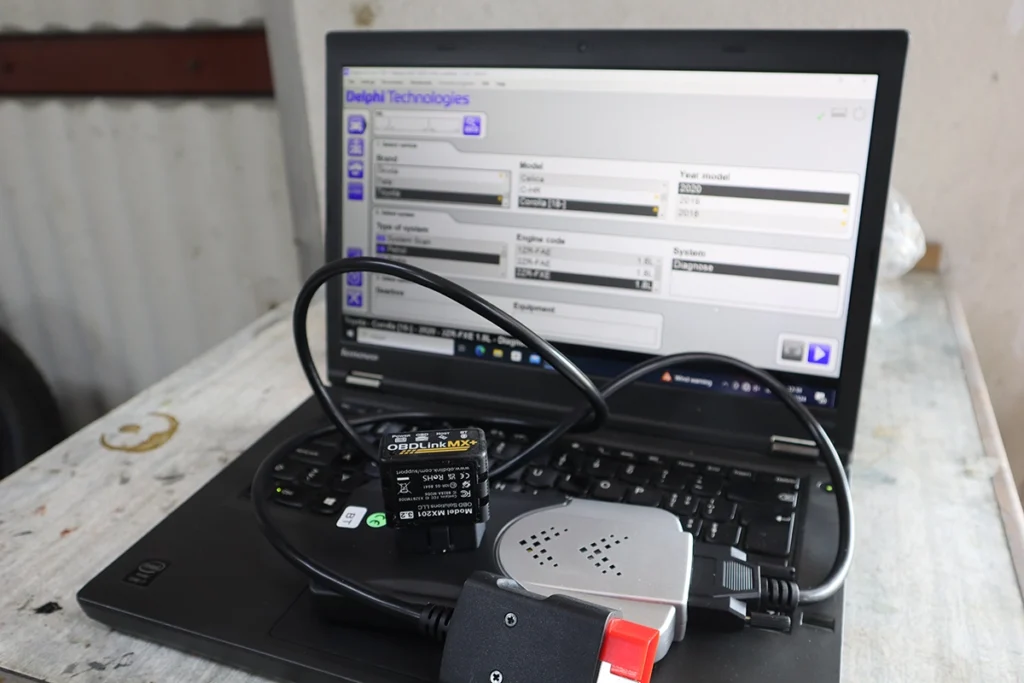
The setup is fiddly, and that’s the main barrier. The software looks old and installation can be tricky, the AutoCom CD wouldn’t install for me at all, only the Delphi software worked. It also needs ignition ON every time or you get a communication error. For an advanced user it’s manageable, but it’s not plug-and-play like a tablet.
On newer cars, coverage drops off. On a Corolla 2022 many modules were missing, US models are limited, and some DTC descriptions don’t show. It’s strong on older European and Asian cars, weak on modern ones.
And the honest reality of clones: quality varies and there’s no real coding. Clone hardware quality is inconsistent unit to unit, updates aren’t included, and in my testing there was no ECU coding, only service adjustments and key programming on some modules. As a reader pointed out, the car list is more complete for European and Asian cars and weaker for American ones.
Who should buy this
Yes, buy it if:
- You want maximum dealer-like functions for $50 and are comfortable with fiddly laptop software
- You work mostly older European or Asian cars where its coverage is strong
- You already have a laptop and want bidirectional plus key programming on a tight budget
No, look elsewhere if:
- You want plug-and-play simplicity, a standalone tablet like the Mucar 682 needs no laptop or software setup
- You work newer cars, module coverage drops off badly on modern models
- You want guaranteed quality and updates, clone hardware varies and updates aren’t included
Delphi DS150 (clone)
 Mucar 682
Delphi DS150 (clone)
Mucar 682
Delphi DS150 (clone)
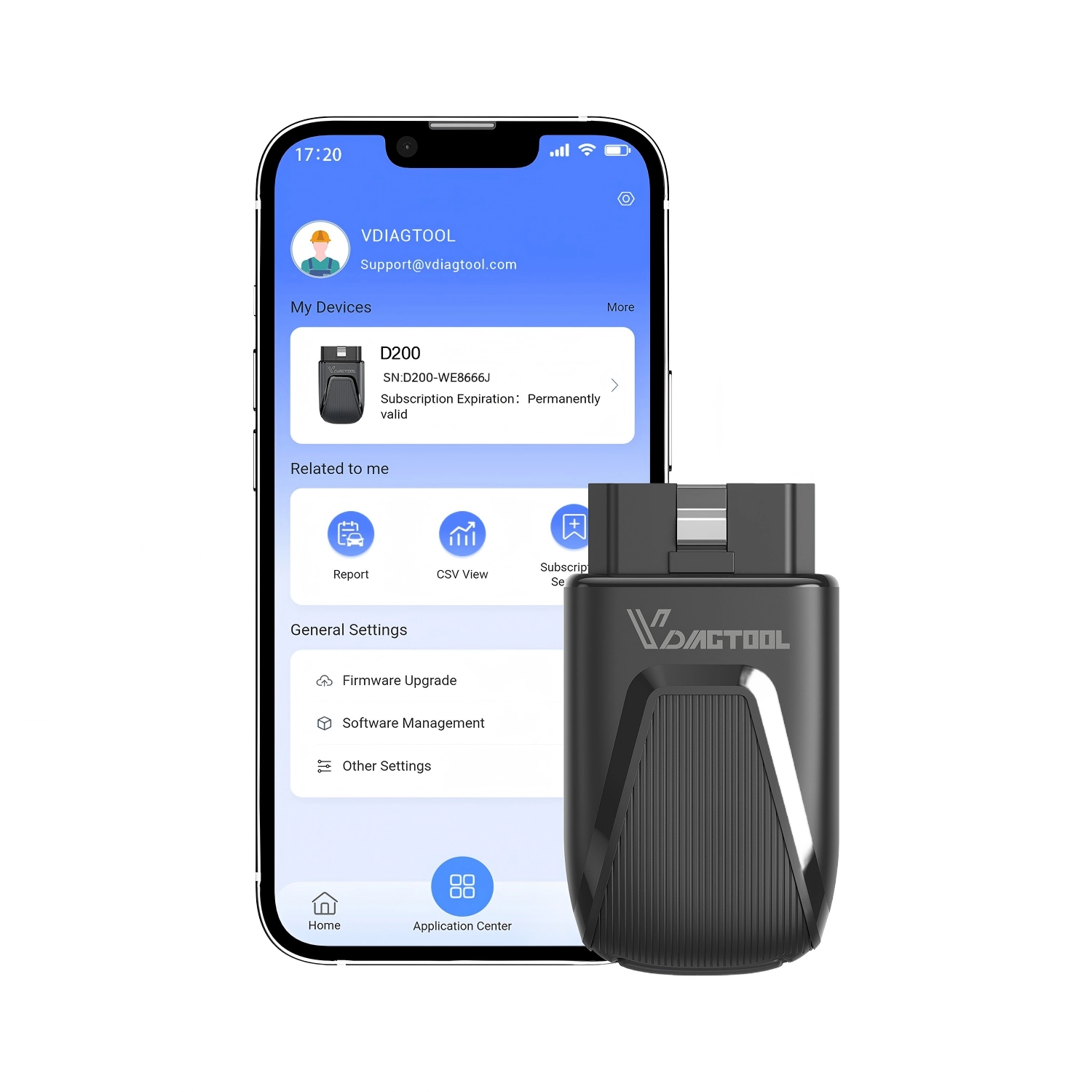 Vdiagtool D200
Delphi DS150 (clone)
Vdiagtool D200
Delphi DS150 (clone)
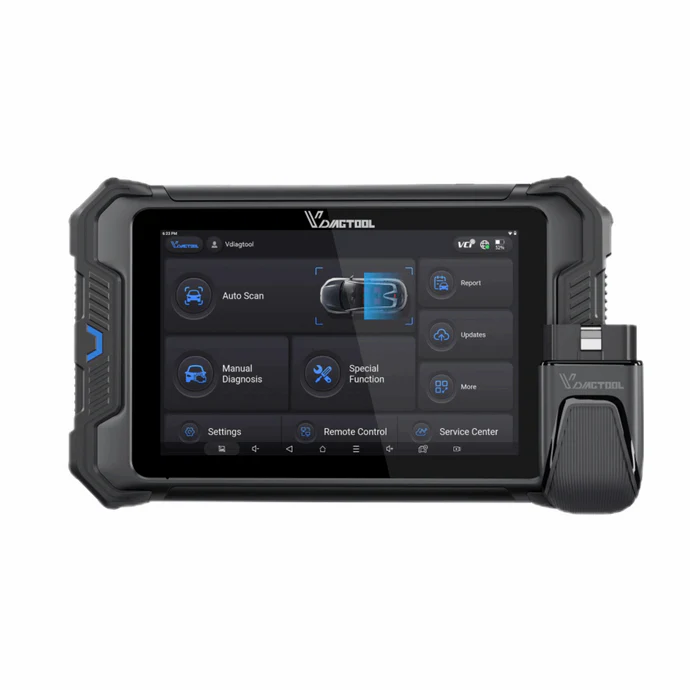 Vdiagtool VD80BT lite
Final word
The Delphi DS150 clone is remarkable value: for $50 you get full-system access, bidirectional tests and even key programming on some cars, functions that normally cost hundreds. The catches are real, though: it needs a laptop, the software setup is fiddly (AutoCom wouldn’t install), clone quality varies, and newer cars lose a lot of module coverage. If you work older European or Asian cars, are comfortable with old software, and want maximum function for minimum money, it’s a genuine bargain. If you want simplicity or modern-car coverage, a standalone tablet is the better path.
Most popular OBD2 guides










I got one of these. Great value, and I recommend it for shops to use as a “spare” scanner with very good functionality.
The list of cars is more complete for European and Asian cars.
Much less complete for American cars, but still works good.
Good to know I wasn’t aware of that because I tried it on Europian/Asian only.
Hi can this read Citroen C4 Picasso 2016 Diesel model? 1.6 BlueHDi
Basically read PSA group vehicles.
It should, I used it for bunch of Europian cars and it worked.
are you only able to read and delete codes? i need to change additive on my diesel volvo and the scanner i have now can only read and delete errors but i need a scanner that can tell the car the additive is refilled
HI it has some service resets but depdnds on model. I would rather go with bi-directional scanner (confirm compatiblity of adblue reset with your car model with seller before buying)
Hello, would this one be able to run injector and cylinder contribution tests on early 2000’s Dodge Cummins diesel vehicles?
Hi I have no idea but if other scanners can do it than probably yes. Depends most on car if supports this test function.
Hi Juraj, I have a Volvo V70 T5 model year 2001, and the car has a problem with the throttle body sensor. Do you think this Delphi D150 will work with the Volvo and get data from the throttle position sensor?
Hi it should work it works well for old euro cars.